

Waterfox
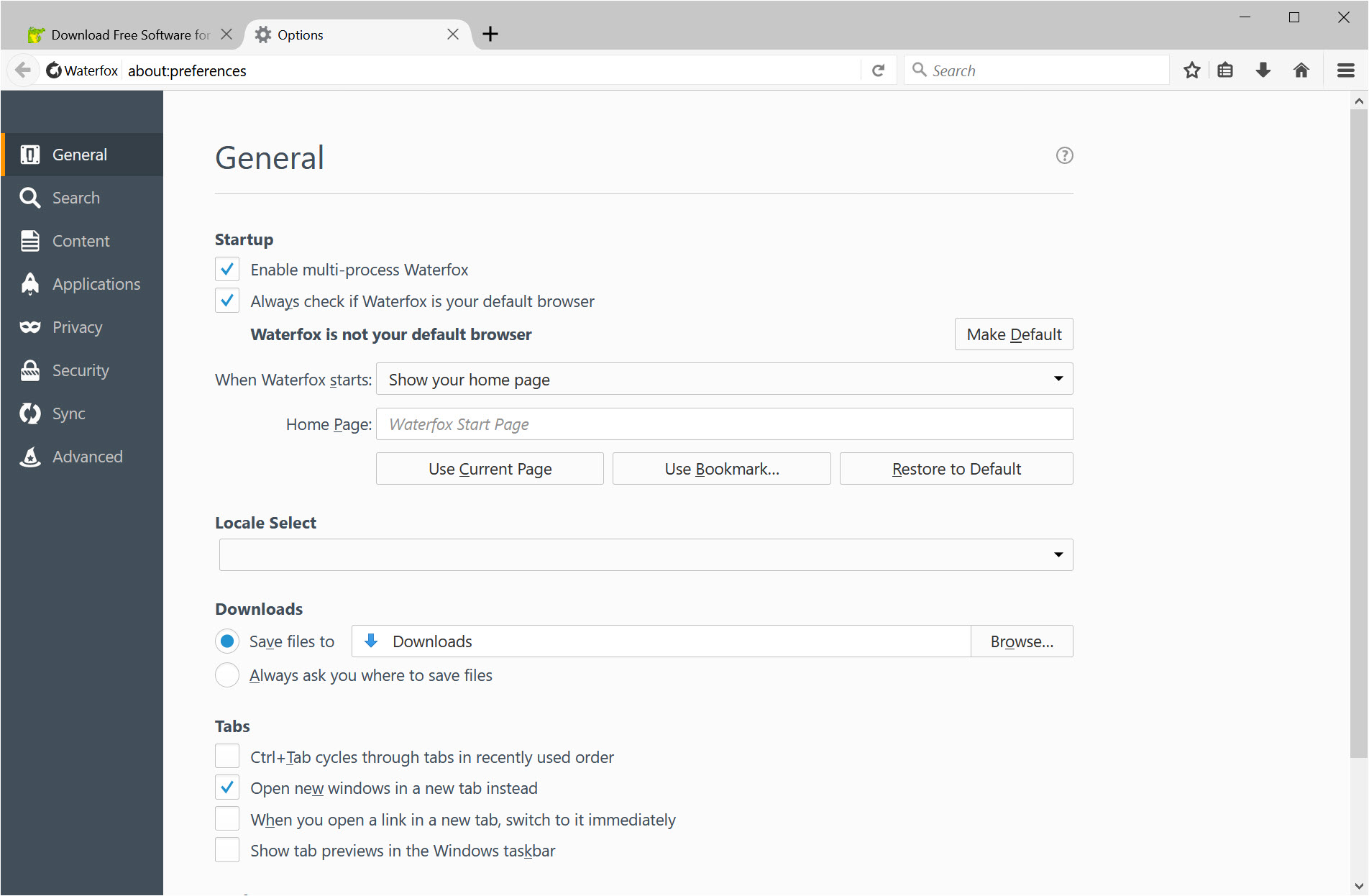
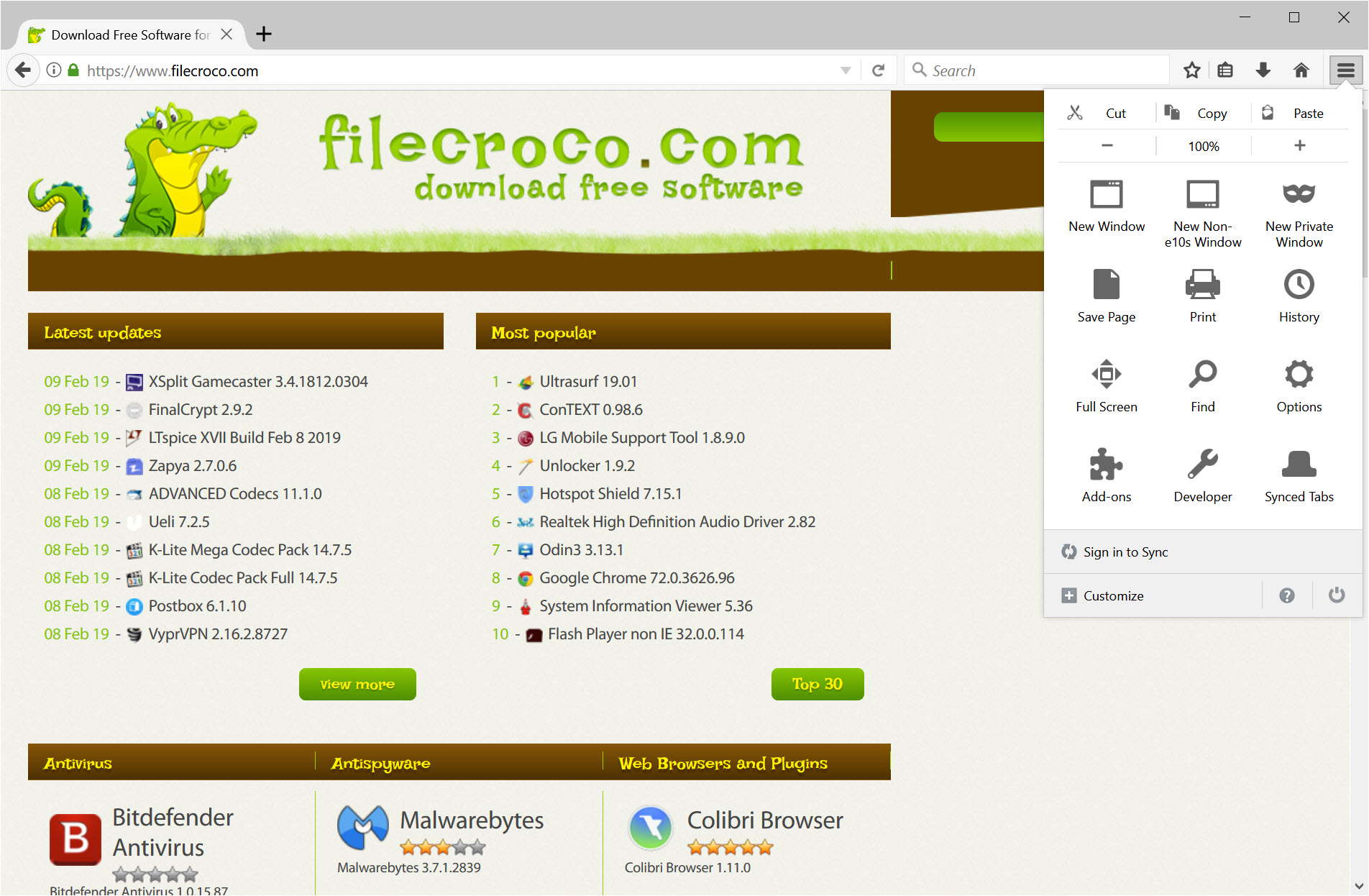
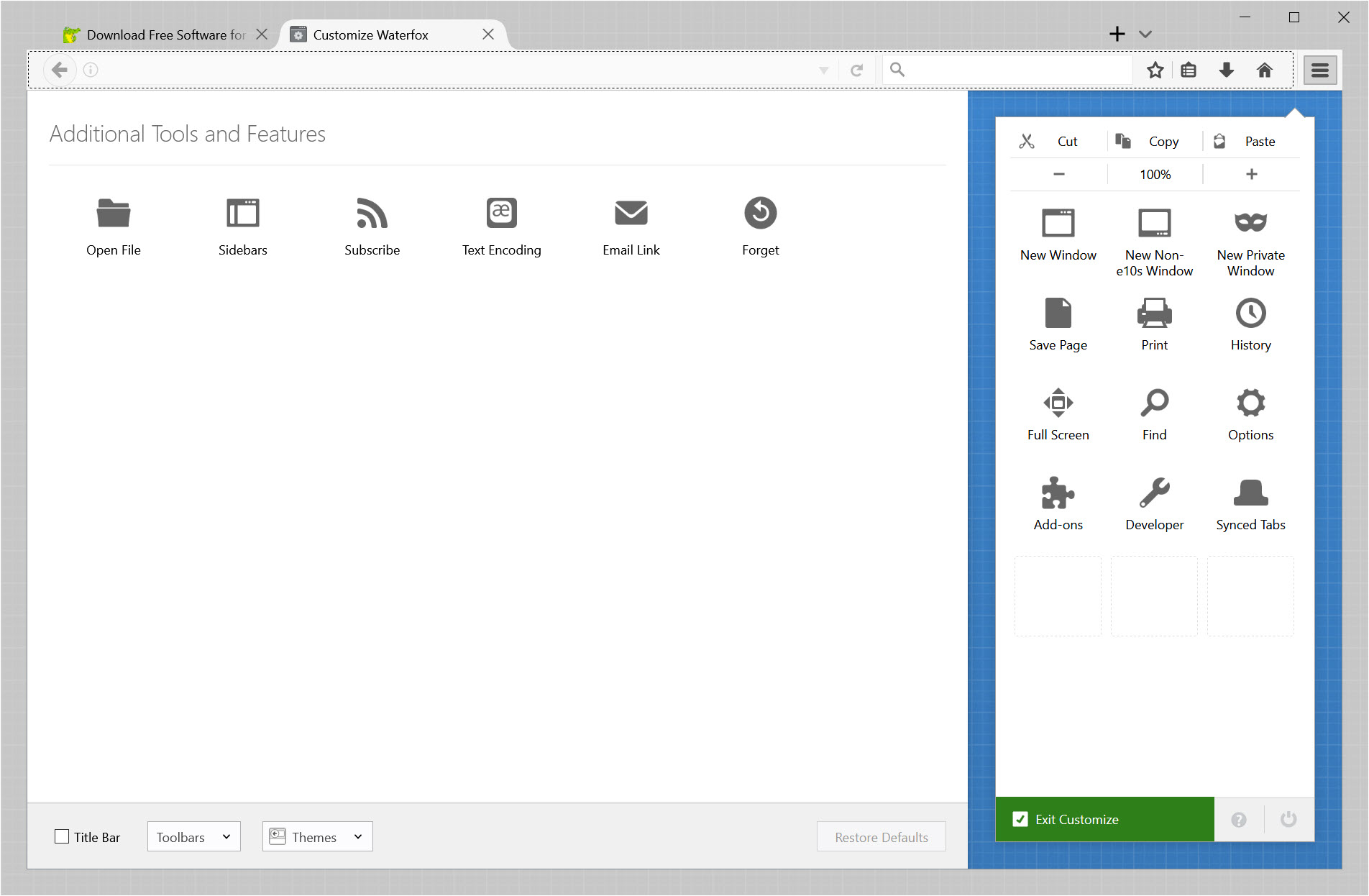
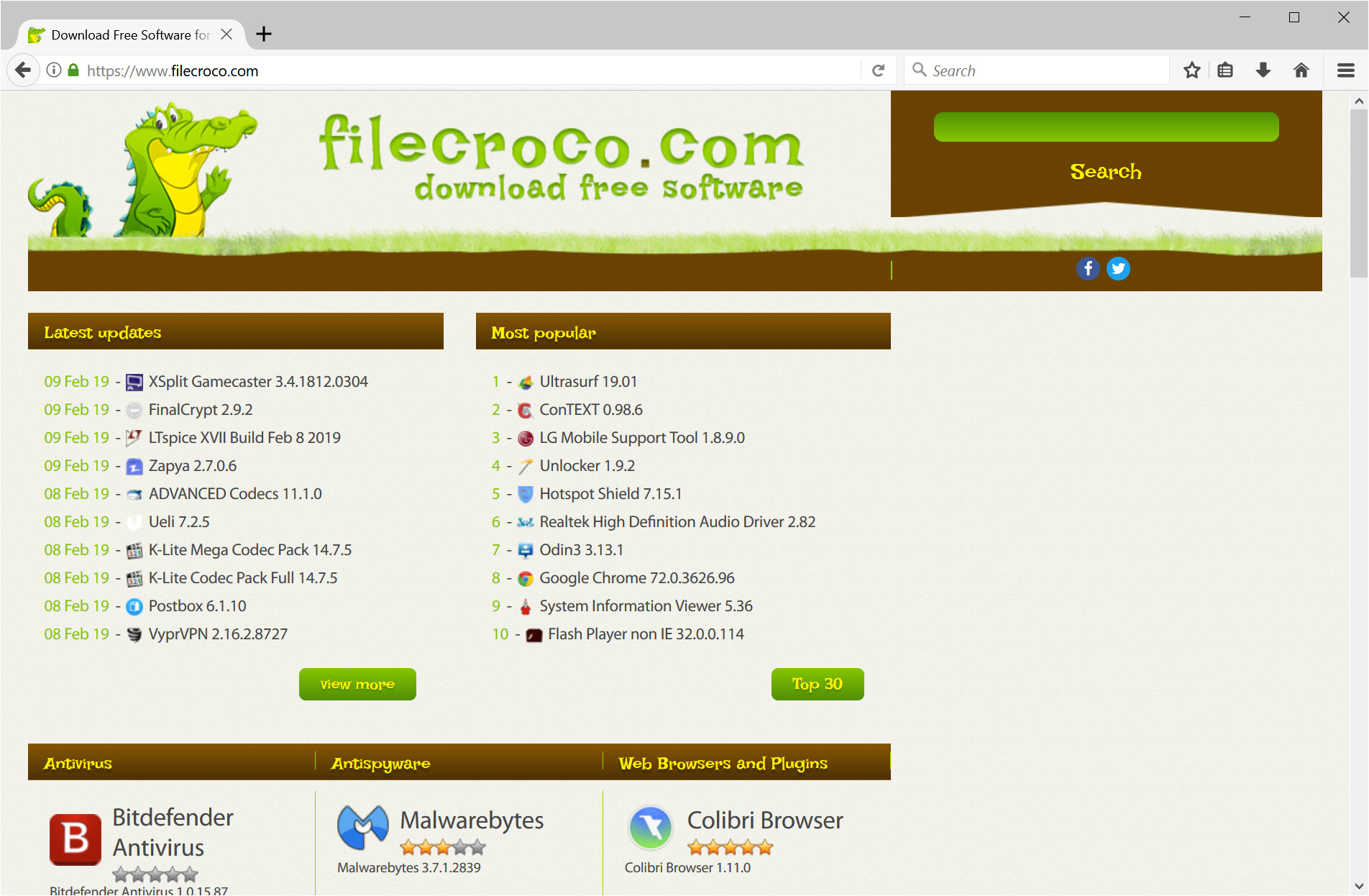
About Waterfox
Waterfox is Firefox with the reporting removed and a handful of long-requested features put back. It runs the same Gecko engine, opens the same add-ons and renders pages identically, but the telemetry, the remote experiments, the sponsored tiles and the Pocket button are gone at source rather than switched off in a settings page. In their place come a built-in content blocker, DNS that hides who is asking as well as what, private tabs that sit beside normal ones, and tree-style vertical tabs that need no extension.
It belongs to the small family of Firefox forks that includes LibreWolf and Pale Moon, and it sits between them. LibreWolf hardens harder and breaks more sites. Pale Moon kept the ancient extension model and diverged from modern web support.
This one tracks the extended-support Firefox line closely, adds features rather than removing them, and is the one of the three that a person who simply wants Firefox to stop phoning home will find least disruptive.
What was taken out, and what that costs
Nothing leaves the browser for analytics. There are no usage pings, no A/B experiments switched on from a server, no personalised recommendations on the new tab page and no suggested content in the address bar. The only machine learning present is the on-device page translation, and the maintainers have said in plain words that no chatbot sidebar or page summariser will be added. For anyone who has watched mainstream browsers grow an AI panel a month, that refusal is a feature in itself.
The trade sits on the update side. Because Waterfox is built from the extended-support branch and then patched by a small team, security fixes arrive days after Firefox ships them rather than the same hour. For most people that is an acceptable gap.
For anyone whose threat model includes being targeted through a browser exploit within a week of disclosure, it is the reason to run the original instead.
Oblivious DNS and the built-in blocker
DNS over HTTPS is standard now, but it still tells the resolver who you are. Waterfox enables Oblivious DNS over HTTP by default, which sends each encrypted lookup through a relay. The relay sees your address and an encrypted blob. The resolver sees the query and the relay’s address. Neither sees both. It is the sort of thing you would otherwise set up by hand in about:config after reading a forum thread, and here it is simply on.
The content blocker is built into the browser rather than installed as an add-on, with filter lists selectable in settings, so a fresh profile blocks the usual advertising and tracking domains before you have installed anything.
It is not as configurable as a dedicated blocker with element picking and custom rules, and power users will add one anyway, but it changes what a first launch looks like.
Private tabs beside your normal tabs
Firefox gives you a private window, a whole separate frame to alt-tab to. Waterfox adds private tabs, which open inside your normal window, share one private container between themselves, and have their site data wiped when the last of them is closed while your ordinary session carries on. It is the right design for looking up a gift or checking a price without logging out of everything else, and once you have it, the separate window feels clumsy.
Container tabs, which Firefox only offers through an extension, are built in as well, so a work account and a personal account for the same site can live in different coloured tabs permanently. A setting turns every new tab private for people who want that as the default.
Tree tabs, tab groups and the status bar
Vertical tabs are available in the modern Firefox too, but the tree layout here does something it does not. Every page opened from a link nests under the page that opened it, so an afternoon’s research forms a hierarchy you can collapse, promote, demote or close as a branch with keyboard shortcuts.
Combined with tab groups and a manual unload command that drops a tab from memory without closing it, it handles a hundred tabs better than any horizontal strip.
Smaller restorations matter to the people who missed them. The status bar is back at the bottom, so hovering a link shows the full address in a fixed place rather than a floating overlay, and the loading progress lives there too. Interface density, tab layout and colour palette are all exposed in settings rather than hidden behind userChrome.css.
Extensions from three catalogues, and the old ones too
Every current Firefox add-on installs unchanged. Beyond that, Waterfox can load simpler extensions written for Chrome and for Opera, with compatibility described honestly as partial, and it allows unsigned extensions, which matters if you keep a private one you wrote yourself. More unusually, support for legacy overlay-style extensions has been brought back, so a few classics such as Tab Mix Plus run again.
That last point is where the comparison with a fork that never abandoned the old extension model becomes relevant. Pale Moon runs the whole legacy catalogue but on an engine that has drifted from the modern web. Waterfox runs a growing subset on an engine that is current. Which trade you prefer depends on whether the extension or the websites matter more.
Conclusion
Waterfox is for the Firefox user who likes the engine and the add-ons but has run out of patience with telemetry toggles, sponsored tiles and the steady arrival of features nobody asked for. Researchers who live in a hundred tabs will take to the tree layout in a day, and anyone who wants encrypted, anonymised DNS without touching a config file gets it on first launch.
It is not for the person who needs a patch the hour it ships, or who depends on Chrome-only extensions. Accept a few days of lag on fixes, and it is the most comfortable of the Firefox forks to actually live in.
Pros & Cons
- Telemetry, experiments and sponsored content removed from the code, not just disabled
- Oblivious DNS on by default hides the query from the relay and the asker from the resolver
- Private tabs and container tabs built in, no extension needed
- Native tree-style vertical tabs with collapse and branch operations
- Runs Firefox add-ons unchanged plus a subset of Chrome, Opera and legacy extensions
- Security patches arrive days after Firefox releases them
- Built-in blocker lacks element picking and custom rules
- Chrome and Opera extension compatibility is partial and unpredictable
- Extended-support base means new web platform features arrive later
- Small team, so a broken release can take time to fix
Frequently asked questions
Yes. Anything published for current Firefox installs and runs without changes. Extensions from Chrome and Opera may work if they are simple, and some legacy overlay extensions run again, but neither group is guaranteed.
Yes. Waterfox supports the same sync service, so signing in with your existing Firefox account brings bookmarks, history, passwords and open tabs across. Sync is opt-in and off until you sign in.
A private tab opens in your normal window and shares a private container with any other private tabs. When you close the last one, their cookies and site data are cleared while your regular tabs are untouched. A private window is the whole separate frame Firefox uses.
No. It is rebuilt from the extended-support branch after each Firefox release, so fixes typically land a few days later. Sensitive users should factor that gap in.


