

USB Disk Security
About USB Disk Security
The USB flash drive remains one of the most reliable ways to move malware between machines that should never share files. Anyone who’s worked in mixed-environment IT, school computer labs, print shops, internet cafes, or just shared a thumb drive with a relative whose PC has seen better days, knows how quickly an autorun-based infection can hop between systems. USB Disk Security is a Windows shield built specifically around blocking that vector, sitting alongside whatever general antivirus you already run and focusing exclusively on the removable-media attack surface.
The application’s design philosophy differs from a typical antivirus scanner. Rather than maintaining a signature database and matching against known malware, it blocks unknown executables and autorun chains on USB drives by default.
The assumption baked in is that legitimate software almost never lives on the root of a flash drive trying to launch itself the moment the drive is inserted. Anything that does is presumed hostile until proven otherwise, and the user is asked before the OS gets to execute it.
The block-by-default shield model
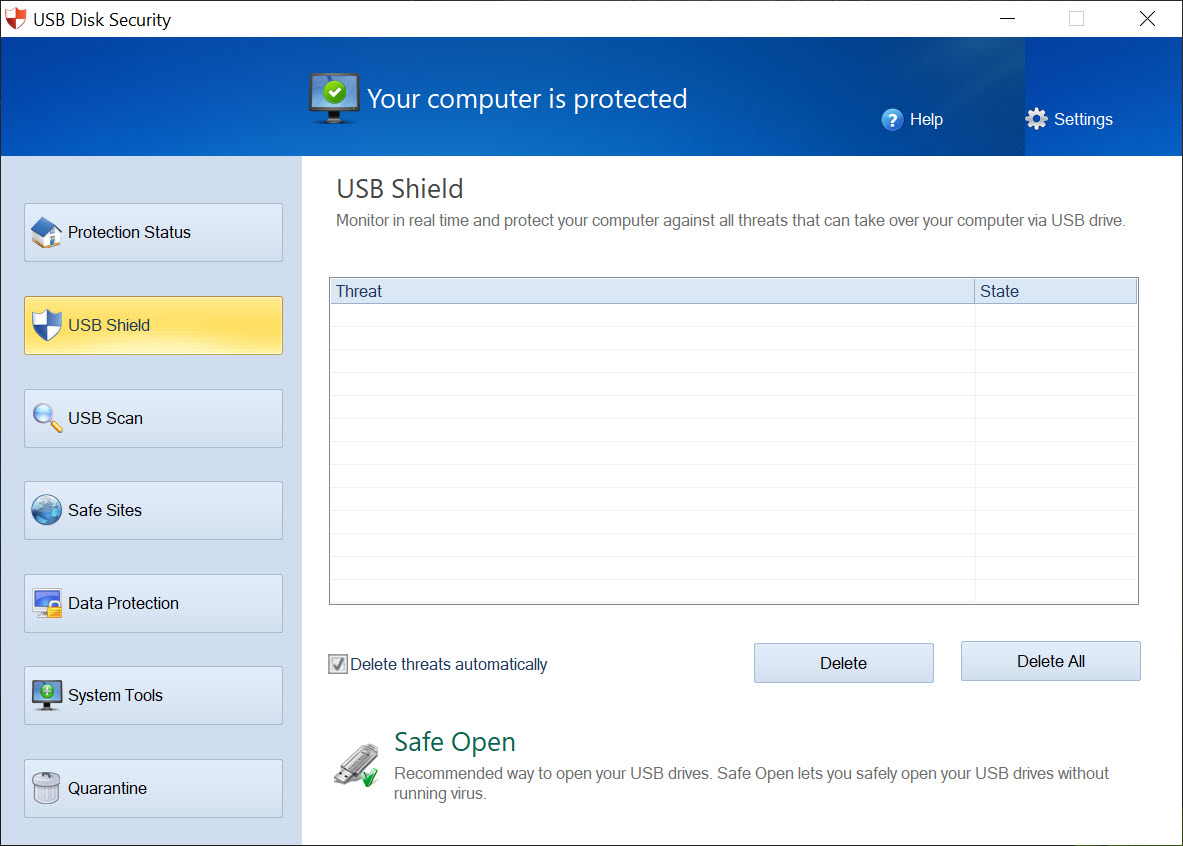
Real-time protection works by intercepting USB drive mounts at the moment they happen, examining what’s on the root of the drive, and blocking execution of anything that looks like it wants to auto-launch. Autorun.inf entries pointing at executables get neutralized. Suspicious files in the root (executables, scripts, shortcut files with unusual targets) trigger a prompt asking the user whether to allow, block, or quarantine.
That prompt-driven model is the practical difference from signature-based scanning. A scanner asks “is this file in my known-bad list,” and if it isn’t, the file passes. The shield model asks “should this thing be allowed to run from a USB drive at all,” which is a different question with a more conservative default. Novel autorun-based threats that haven’t made it into signature databases yet get blocked because they fit the suspicious-behavior pattern, regardless of whether they’re recognized as specific known malware.
The flip side is that legitimate self-launching content on USB drives (some game CD images that ship with autorun installers, legitimate vendor utilities that run from removable media) also get blocked initially. The user can whitelist specific drives or specific files after reviewing them, but the friction is real for users who genuinely use removable media as a software delivery vector.
USB access policy enforcement
Beyond the autorun shield, the application includes a USB access control module that goes further than scanning. You can configure the system to only allow read access from USB drives (blocking writes that could carry data out), to only allow specific identified drives by serial number (blocking unknown drives entirely), or to disable USB storage devices completely while leaving USB peripherals like keyboards and mice functional.
That control set is meaningful in environments where data exfiltration is a concern. Corporate workstations handling sensitive content, kiosk machines that shouldn’t accept any external storage, shared PCs in libraries or schools where you want to allow content but block uploads. The granularity isn’t enterprise-grade (no Active Directory integration, no centralized policy management), but for single-machine or small-deployment use it covers the access-control angle that pure scanners don’t address.
For users specifically wanting the encryption side of removable media security, USB Flash Security handles password protection and data encryption rather than threat blocking.
The access policies are configurable per-user account, which matters on shared PCs where different users need different restrictions. Admin accounts can override blocks, standard accounts can’t.
The Immunization module
The application’s Immunization tool writes a protective structure to the root of each USB drive you connect, occupying the autorun.inf namespace with a folder rather than a file. Since file systems can’t have a file and folder with the same name in the same location, malware that later tries to drop its own autorun.inf onto the drive fails at the file system level.
The immunization survives the drive being plugged into other machines, which is what makes it useful. A vaccinated drive that gets plugged into an infected PC doesn’t pick up the infection’s autorun payload, since the slot for that file is already taken by the protective folder. The drive can still carry infected files in other locations, but the auto-execution vector is closed off.
The protection is removable by anyone with administrative access on a connected machine. The protective folder can be deleted and replaced with an autorun.inf file by a sufficiently privileged process. So the immunization is best understood as friction rather than guarantee, raising the cost of opportunistic worm spread without claiming to defeat determined attackers.
Bundled cleanup and browser-side modules
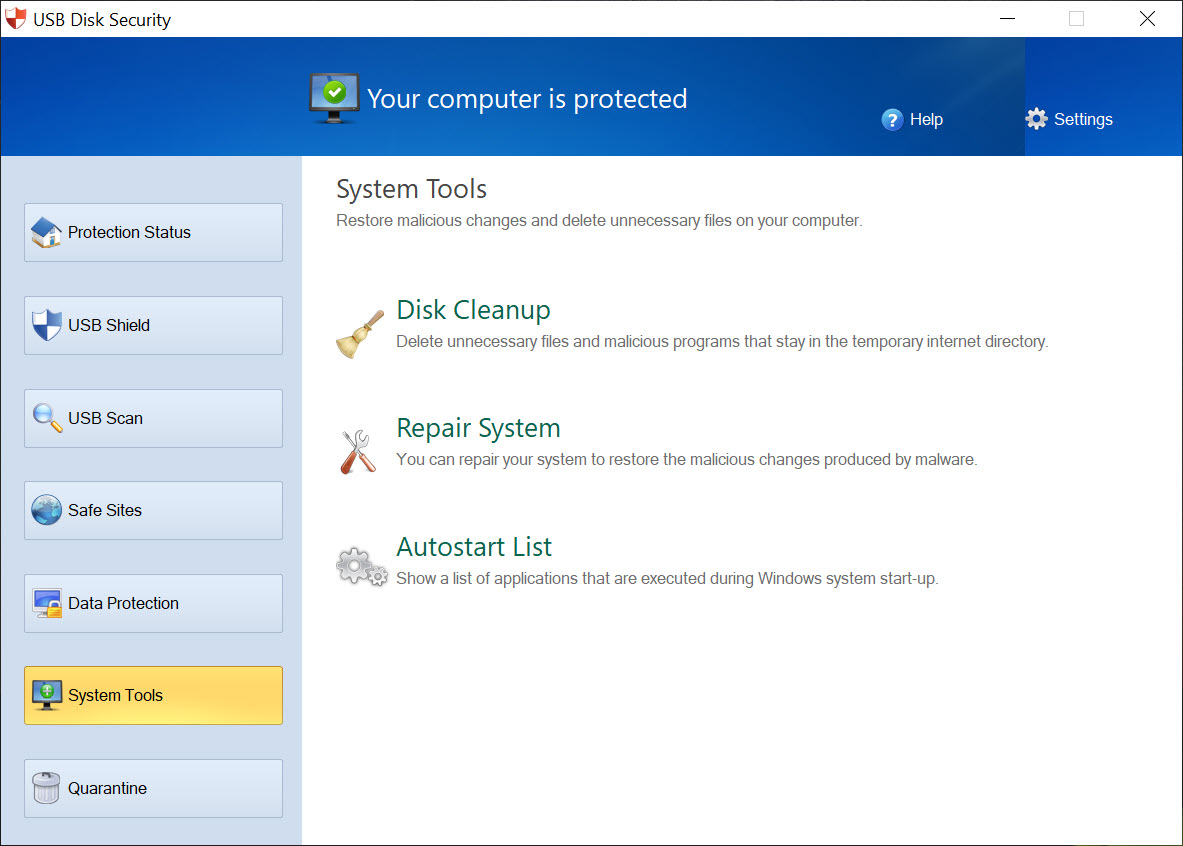
The application ships with additional modules beyond the core USB shield. The USB Drive Cleaner scans removable drives on demand for the residual junk that accumulates from various Windows interactions, including Recycle Bin metadata, autorun residue, and system-generated files. The cleaner is useful for prepping a drive for use on a different machine, particularly when transferring files between environments where you’d rather not carry Windows-specific clutter along.
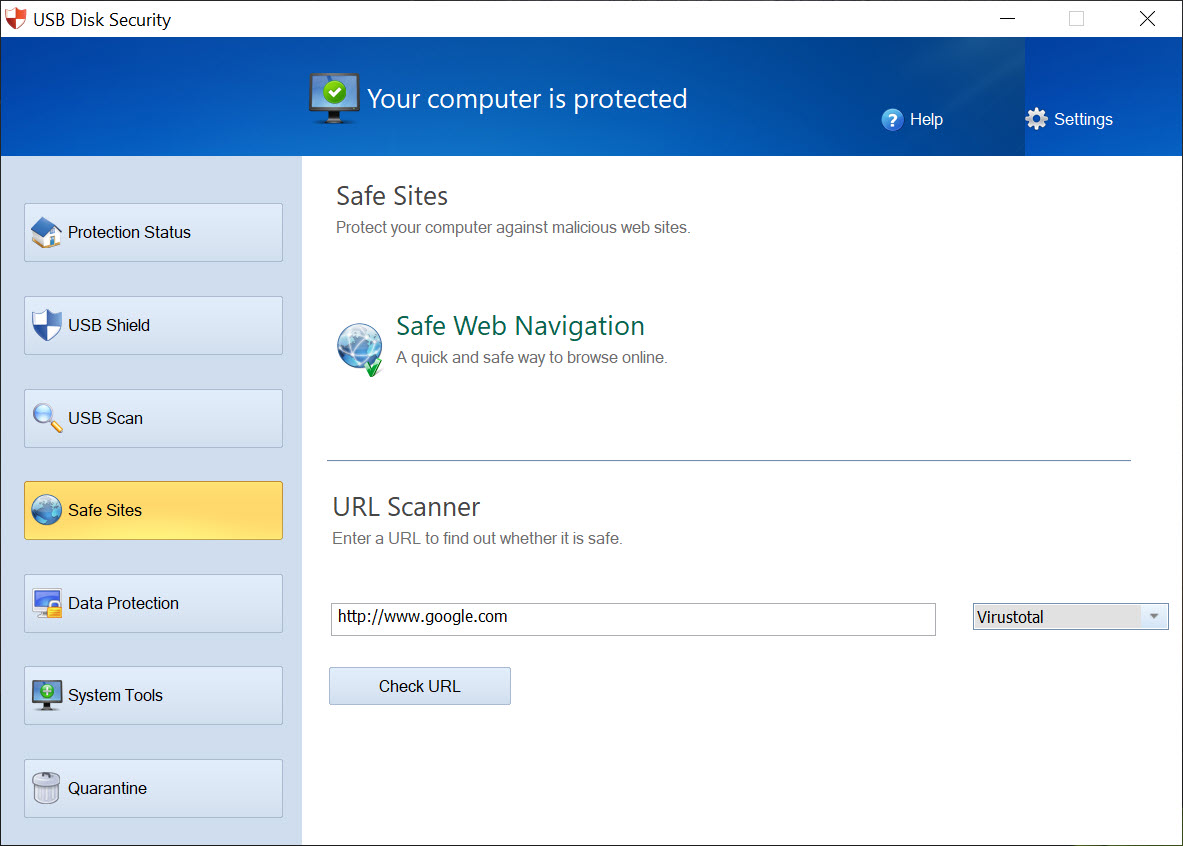
A web filtering component watches DNS lookups and blocks connections to URLs on the application’s malicious-site list. This overlaps significantly with what general antivirus engines and browser extensions already provide, and the value-add for users running a current antivirus is limited. The list itself is updated through the application’s signature update channel, separately from any USB-related updates.
Data backup is another bundled function, scheduling regular backups of specified folders to a designated location. The feature works but is rudimentary compared to dedicated backup tools, and most users with serious backup needs already have a more capable solution in place.
Where the application adds value alongside general antivirus
The honest framing is that the application complements rather than replaces a general antivirus. General AV engines like Bitdefender scan files for known malware signatures and behavior patterns across the entire system, including USB drives when they’re accessed. Where the application adds value is in the specific autorun-blocking-by-default policy on removable media, which most general AV engines don’t enforce at the same strictness.
For users handling lots of unknown USB drives (technicians, IT support, anyone working with shared media), the conservative blocking default is the right model even if the underlying threats are also covered by their general AV.
The double-layer reduces the window between “drive is plugged in” and “any potential threat is contained.” For more capability-focused scanners that run as portable on-demand tools rather than real-time shields, Emsisoft Emergency Kit and Dr.Web CureIt! cover the post-infection cleanup angle when something has already happened.
Where the application falls short
The threat model is narrow. The application is built around autorun-based infections and basic USB-borne malware, which are well-understood threats with established mitigation patterns. Modern USB attacks (BadUSB firmware exploits, HID injection attacks, USB Killer hardware sabotage, sophisticated drive impersonation) operate at levels below the file system where any scanner-or-blocker that reads files is invisible to the attack. The application doesn’t claim to address these, but the marketing doesn’t always make the limitation as clear as it should.
The signature database for the browser filtering and the malicious-URL component lags well behind dedicated security suites. The component is functional but not really competitive with what current consumer antivirus suites include. Treating it as a backup layer rather than a primary defense is the appropriate framing.
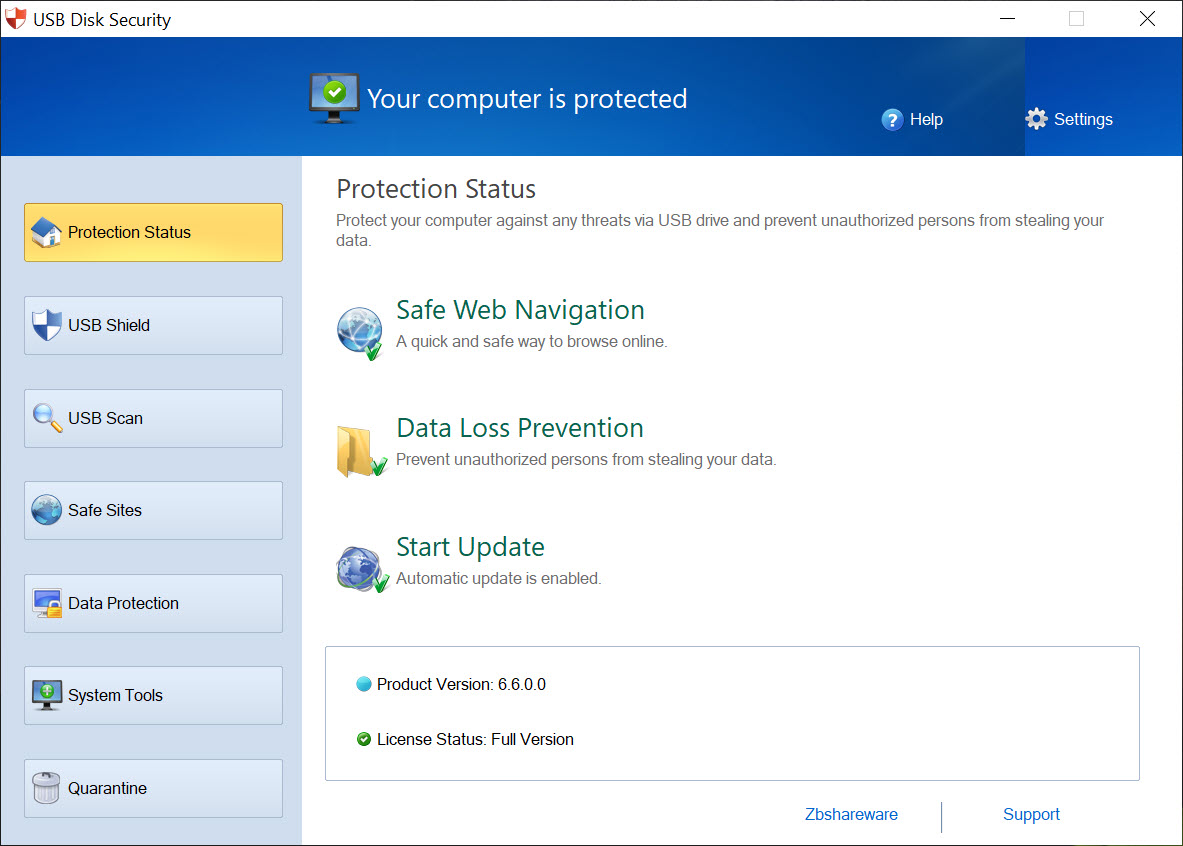
The interface design is dated. Tabs across the top, modules organized into separate panels, and a tray icon for everyday interaction. Functional, but not what current security software looks like. Users coming from modern consumer antivirus suites with polished dashboard-style interfaces will find the experience visually jarring.
The licensing model also produces friction. The free edition exists but with feature limitations that nudge users toward the paid tier. Several of the bundled modules (data backup, deeper access control, scheduled scans) live behind payment, with the free tier covering the core shield function but feeling stripped-down.
Conclusion
USB Disk Security occupies a specific position in the security software category, which is “narrow-focus shield for the removable-media attack vector.” The application doesn’t try to be a general antivirus and doesn’t claim to address advanced USB threats. What it does well is enforce a conservative default policy on removable media that catches a class of threats general antivirus tools have historically been inconsistent about blocking.
The audience that benefits most is users who regularly handle USB drives from untrusted sources: IT support and field technicians, school and library staff managing shared workstations, anyone whose work involves examining flash drives whose provenance is unclear. For users who never share drives with anyone and use the same two USB sticks in the same two machines forever, the value proposition is much weaker since the threat exposure is correspondingly lower.
As a complement to a general antivirus in environments where USB traffic is real, the application earns its place. As a standalone security solution, it would be the wrong choice, which the application itself doesn’t quite acknowledge as clearly as it could.
Pros & Cons
- Block-by-default model catches novel autorun threats that signature scanners miss
- USB access control allows read-only enforcement or whitelisted-drive policies
- Immunization writes protective folder structures that survive drive transfers
- Per-user account configurations work on shared PCs
- Bundled USB drive cleaner removes residual system clutter
- Complements general antivirus rather than competing with it
- Narrow threat model focused on autorun-based attacks, no firmware-level protection
- Legitimate self-launching USB content gets blocked initially, requiring whitelist friction
- Browser-side URL filtering lags behind dedicated security suites in coverage
- Free tier limits several bundled modules behind paid upgrade
- Interface design is dated relative to modern security software
- Bundled data backup is rudimentary compared to dedicated backup tools
Frequently asked questions
It's a real-time shield that blocks autorun-based execution and suspicious file launches from USB drives by default. The model is conservative blocking rather than signature-based scanning, which catches novel threats that haven't made it into antivirus databases yet.
No, the application is built to complement a general antivirus rather than replace it. A general antivirus covers a much broader threat surface across the entire system, while this application focuses specifically on the removable-media attack vector with a more conservative default policy.
Yes, the access control module supports several policies including read-only enforcement, whitelisted-drive-only mode, and complete USB storage disablement. The policies are configurable per user account on shared PCs, while USB peripherals like keyboards and mice remain functional under storage-blocking policies.
It writes a protected folder named autorun.inf to the root of a USB drive, occupying the namespace that malware would use to deploy its own autorun.inf file. The protection follows the drive across machines, blocking auto-execution payloads from being added when the drive is plugged into infected systems.
Sometimes, on first connection. Legitimate self-launching content (some installation media, vendor utility drives) gets blocked by default and requires whitelisting after review. This is the trade-off of the conservative blocking model. Once a drive is whitelisted, future connections work without prompts.
No. Firmware-level USB attacks operate below the file system layer where any file-reading or file-blocking application is invisible to the attack. The threat model the application addresses is classic autorun and removable-storage malware, not hardware-level exploits.
The shield function works regardless of whether the drive is writable. Read-only drives are scanned and policy-checked at mount the same way writable drives are. The Immunization feature requires write access since it creates a folder on the drive, so it can't immunize read-only media.


