

Unshuffle
About Unshuffle
Anybody who has collected sample packs for a few years has the same problem. Thousands of audio files spread across drives, half of them in folders named after whoever made the pack, the rest downloaded and never opened. Unshuffle scans that mess and proposes an order for it.
The word proposes is doing the work in that sentence. Nothing on your disk changes when it scans. What it produces is a library that exists only inside the application, describing where every file would go, which you then examine before deciding whether to make it real.
That separation between deciding and doing is the whole design, and it is the reason to trust this more than the automatic organisers that move your files first and let you discover the results afterwards.
How it decides what a file is
Unshuffle classifies two ways at once, and combining them is what makes the guesses reasonable.
The first reads structure. File names, folder names and pack names carry a great deal of information, because whoever assembled the pack usually labelled things, however inconsistently.
The second listens. Length, tempo indications, key markings, the characteristics of the audio itself all feed into deciding whether something is a loop, a single hit, a utility file, or a duplicate of something already seen.
Neither approach alone is reliable and together they are usually right. A file called kick_03 in a folder called drums is easy, and a file called bounce_final_v2 needs the audio examined before anything sensible can be said about it.
Confidence is a field you can filter on
This is the feature that separates careful software from optimistic software.
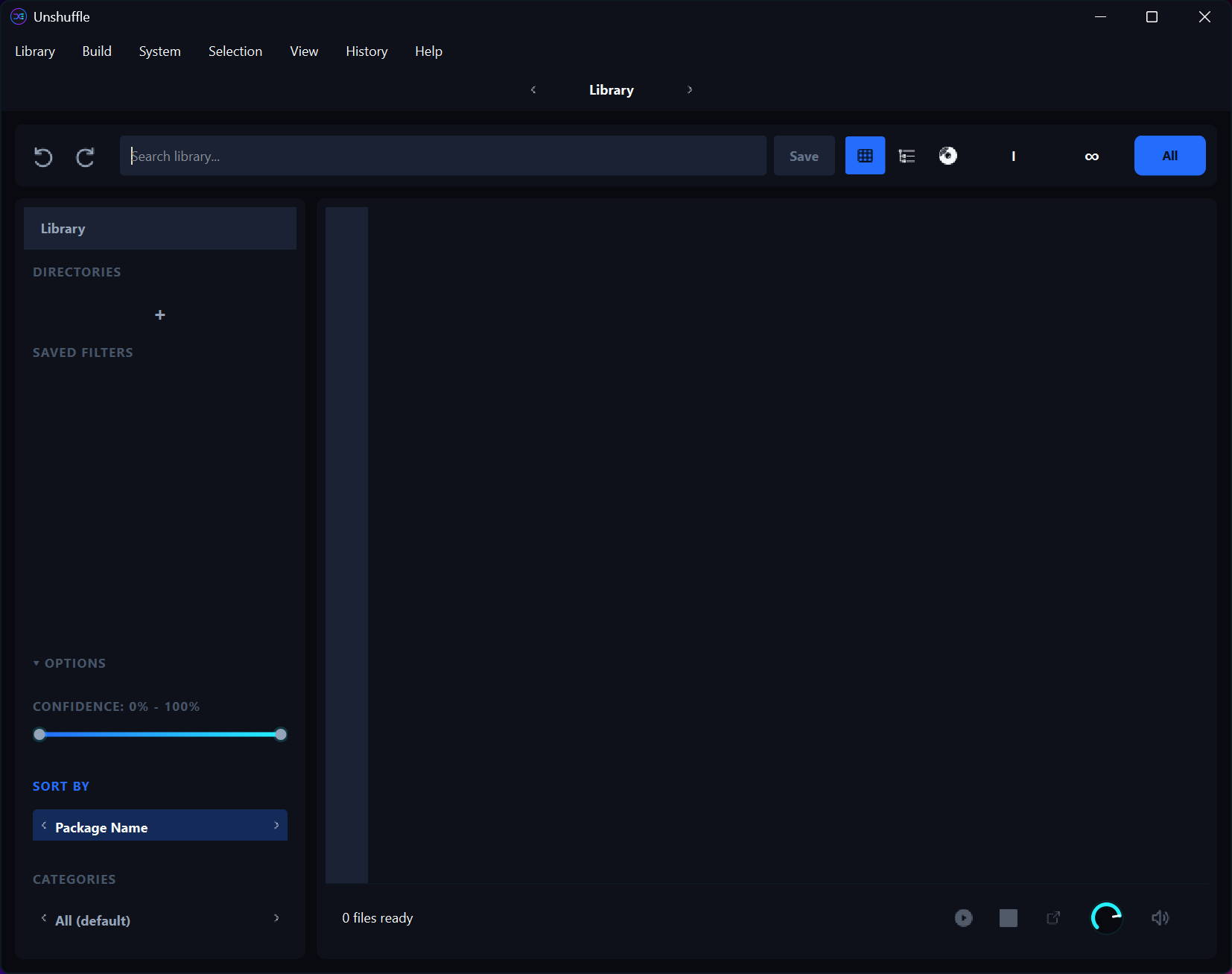
Every Unshuffle classification carries a confidence value, and you can filter the library by it. That means the hundred files the program is unsure about can be reviewed as a group, while the eight thousand it is confident about are left alone.
Working that way turns an impossible review into a manageable one. Nobody is going to check every file in a large library, and checking only the uncertain ones is both realistic and where the errors actually are.
Searching supports the same thinking, covering text along with specific fields for category, type, pack, tag, source, path, so finding every warm bass one-shot or everything from one pack is a query rather than a hunt.
Three ways to look at the same library
The Unshuffle library appears as a table, as a tree, and as a map, and each answers a different question.
The table suits sorting and bulk selection. The tree shows the structure you would end up with, which is how you notice that a category has collected far more than expected. The map arranges files by acoustic similarity, so things that sound alike sit together regardless of where they came from or what anybody named them.
That last view is the one people underestimate. Finding a snare similar to one you already like is a search that filenames cannot answer, and grouping by sound rather than by label frequently reveals duplicates that no text comparison would catch.
Duplicates, silence, unusable files
Unshuffle surfaces three categories of problem while it scans.
Possible duplicates are files that resemble each other, offered for your judgement. Confirmed duplicates are identical. And corrupt or silent files are the ones that will waste your time later, when you audition something and hear nothing.
Clearing those before building is the sensible order, since organising a library and then discovering a tenth of it is unusable defeats the exercise.
For duplicate detection across a drive generally, rather than within an audio library, dupeGuru compares contents and handles the broader case.
Building, and getting back
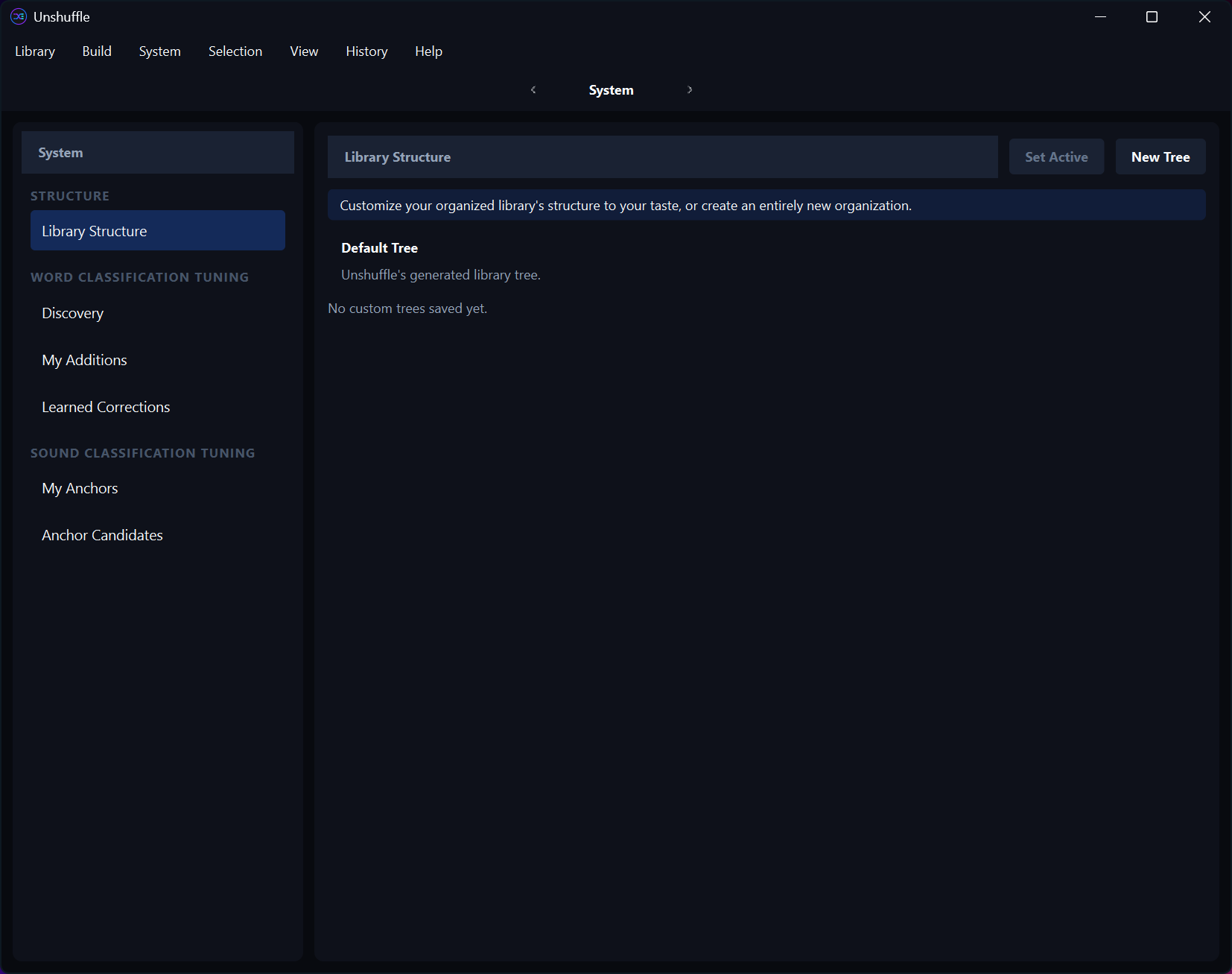
When the proposed library looks right, Unshuffle compares your current folders against the planned result, side by side, before anything happens.
Then you choose copy or move. Copying leaves the originals untouched and doubles the disk space involved, which suits anybody nervous about a first attempt. Moving does not, which suits anybody short of space and confident in the plan.
Either way the operation is recorded, and moves can be undone from the history. That safety net is what makes the move option reasonable rather than reckless.
Before starting, knowing how much space the library actually occupies is worth thirty seconds, and WizTree reads the file table and maps a large drive almost immediately.
What it does not do
Being clear about the scope. Unshuffle organises files and does not process audio. Nothing is edited, converted, trimmed, normalised, and it is not a plugin for a music application.
Editing the samples themselves is a separate job, and Audacity handles trimming, fading, format conversion once the library is in order.
Nor does it write tags into the files. The organisation lives in the folder structure it builds and in its own library, so a tool like a dedicated tagger for writing metadata across a whole folder covers the case where you want the information embedded in the files themselves.
Conclusion
Unshuffle solves a problem most producers have and few tools address honestly. Combining filename structure with actual audio analysis produces classifications good enough to be useful, and attaching a confidence value to each one is the detail that makes reviewing them practical rather than theoretical.
The design decision that matters most is refusing to touch anything until you say so. A virtual library, a comparison of before against after, a choice between copying and moving, and an undo for what was moved add up to software that expects to be wrong occasionally and gives you the means to catch it. For a library built over years, that caution is worth more than any classification accuracy claim.
Pros & Cons
- Classification combines filename structure with actual audio analysis
- Nothing on disk changes until you approve a plan and run the build
- Confidence values are filterable, so review concentrates where errors are
- Table, tree, similarity map views each answer a different question about the library
- Surfaces duplicates, silent files and corrupt files before you organise around them
- Build compares current folders against the planned result before executing
- Moves are recorded and can be undone from the history
- Automatic classification is imperfect, so the review step is work rather than optional
- Copying to build doubles the disk space the library occupies
- Does not process audio in any way, being an organiser rather than an editor
- Writes no tags into the files themselves
- New enough that it lacks the track record established tools have
Frequently asked questions
No, and this is its central design decision. Scanning produces a library inside the application describing where files would go, and nothing on disk changes until you review the plan and run the build.
By combining structure with sound. Filenames, folder names and pack names supply one set of clues, while length, tempo, key markings and audio characteristics supply another, and the two together identify loops, single hits, utility files and duplicates.
Filtering the review. Files the program is unsure about can be examined as a group while confident classifications are left alone, which turns checking a large library from impossible into a manageable hour.
Copy for a first attempt, since the originals stay put and only disk space is at stake. Move once the plan looks right, remembering that moves are recorded and can be undone from the history.
No. It organises files and leaves their contents untouched, so trimming, converting and any other processing belongs in an audio editor afterwards.


