

Splash


 (9 votes, average: 3.44 out of 5)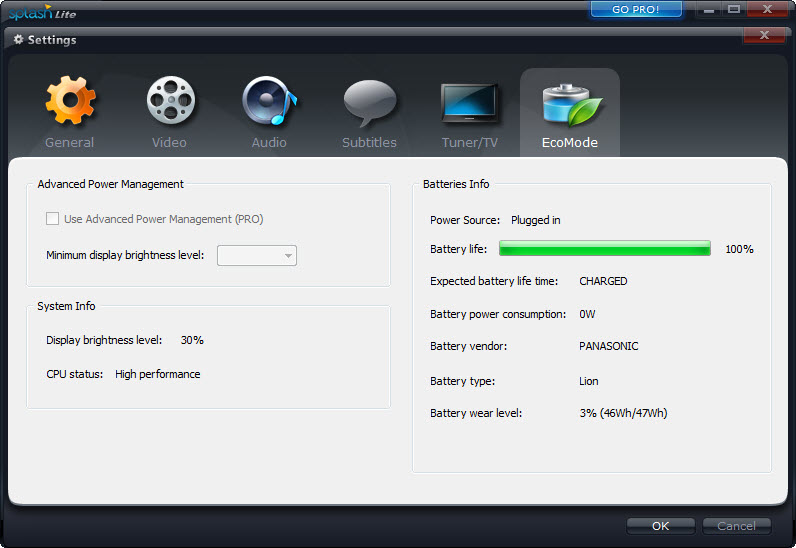
About Splash
Splash is a media player designed to provide an outstanding experience when watching HD video content. The software targets users who value crisp visuals, immediate startup, and easy operation.
It excels at playing high-definition files with impressive clarity and performance.
Fast Startup, Built-In Codecs, and Intuitive Controls
One of the most appealing features of Splash is its near-instant launch. You can open the program and begin watching your video in seconds. The interface is simple and modern, offering clearly labeled playback controls that are accessible for all users, regardless of their experience level.
This player focuses on high-definition video, especially formats such as MPEG-2 and H.264. With built-in codecs for these formats, you do not need to worry about installing extra codec packs or troubleshooting compatibility issues.
You simply open your video file and enjoy smooth, reliable playback.
Vivid Color, Smooth Playback, and Eco-Mode
Splash goes beyond just sharp images. It uses advanced Mirillis post-processing technology and GPU acceleration to deliver vibrant colors, crisp details, and fluid motion for every video.
The player is particularly well-suited for HD camcorder clips and digital television broadcasts, making it a strong choice for users with a large collection of modern video files.
Eco-mode is available to help conserve energy, which is especially useful for laptop users who want to maximize battery life without losing out on video quality.
Versatile Format Support and Enhanced User Experience
Splash is compatible with a wide range of video file types, including AVI, MKV, MOV, and MP4. In addition to common formats, it is optimized for HD camcorder files and digital television content.
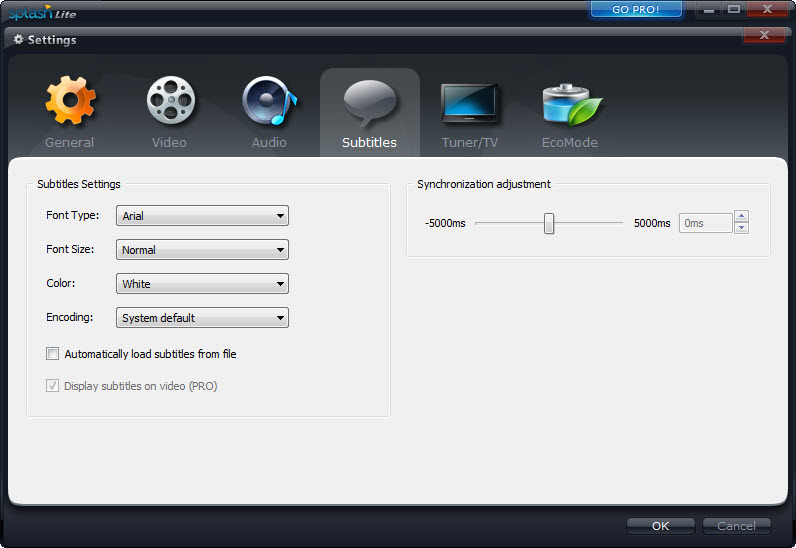
You can take advantage of playlist support, automatic resume functionality, and clear subtitle rendering. Subtitles are fully customizable, allowing you to change the font, size, and positioning to your liking.
The software remembers where you left off in your last session, so you can easily resume watching without searching for your place. Frame-by-frame playback and screenshot capture further enhance your viewing experience.
Conclusion
Splash is an outstanding choice for anyone looking for a fast, visually impressive media player that excels with HD video. With its built-in codecs, modern interface, energy-efficient performance, and robust subtitle support, it is well-suited for everyday use.
If you need a media player that highlights your HD collection and keeps playback smooth and simple, Splash provides an enjoyable and hassle-free experience.
Features & benefits
Pros & Cons
- Delivers smooth and vivid HD video playback without complicated setup.
- Built-in codecs for MPEG-2 and H.264 make external codec packs unnecessary.
- Eco-mode and GPU acceleration provide efficient performance with reduced power consumption.
- Supports a wide range of video formats, including those from HD camcorders.
- Modern interface with intuitive controls for quick and easy use.
- Remembers playback positions and supports playlists for added convenience.
- Subtitle support is robust and easy to customize.
- Streaming and online video playback features are not included in the free version.
- Some advanced customization options and features require upgrading to the Pro version.
- Focus remains primarily on video playback, so audio-only features are minimal.
- Personalizing the interface with skins or advanced visual themes is not supported.
- Support for certain rare formats may be limited.
Frequently asked questions
The player is optimized for both, offering smooth and high-quality playback for these formats.
Eco-mode and GPU acceleration help save power, especially on laptops.
Subtitle support is strong, and customization options for font and positioning are available.
You can resume watching from where you left off, thanks to automatic bookmarking.


