

SharedScreen
About SharedScreen
In today’s digital workspace, seamless screen sharing is essential for effective collaboration. SharedScreen offers a straightforward solution, enabling users to share their screens effortlessly with colleagues, clients, or friends.
Designed for simplicity and efficiency, this tool facilitates real-time collaboration without the need for complex setups or installations.
Instant connection through unique IDs
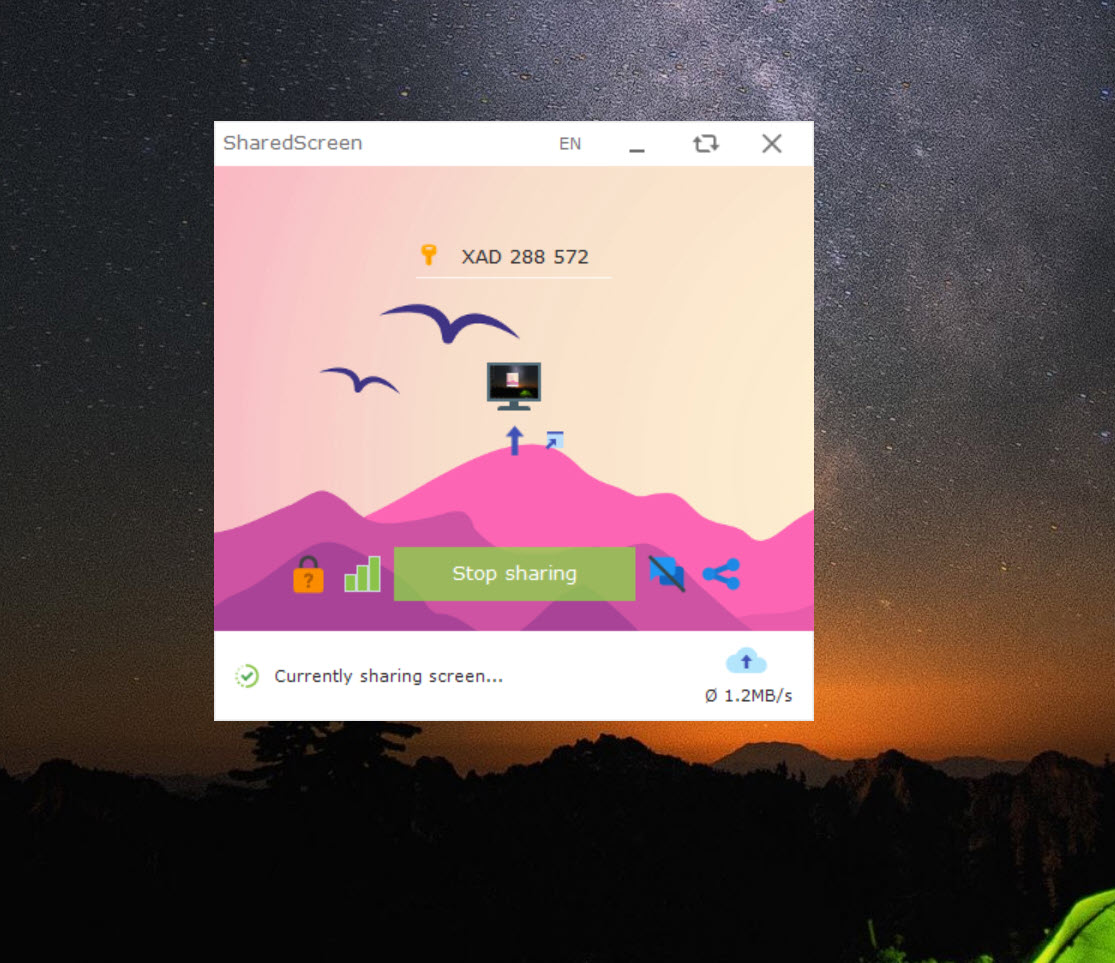
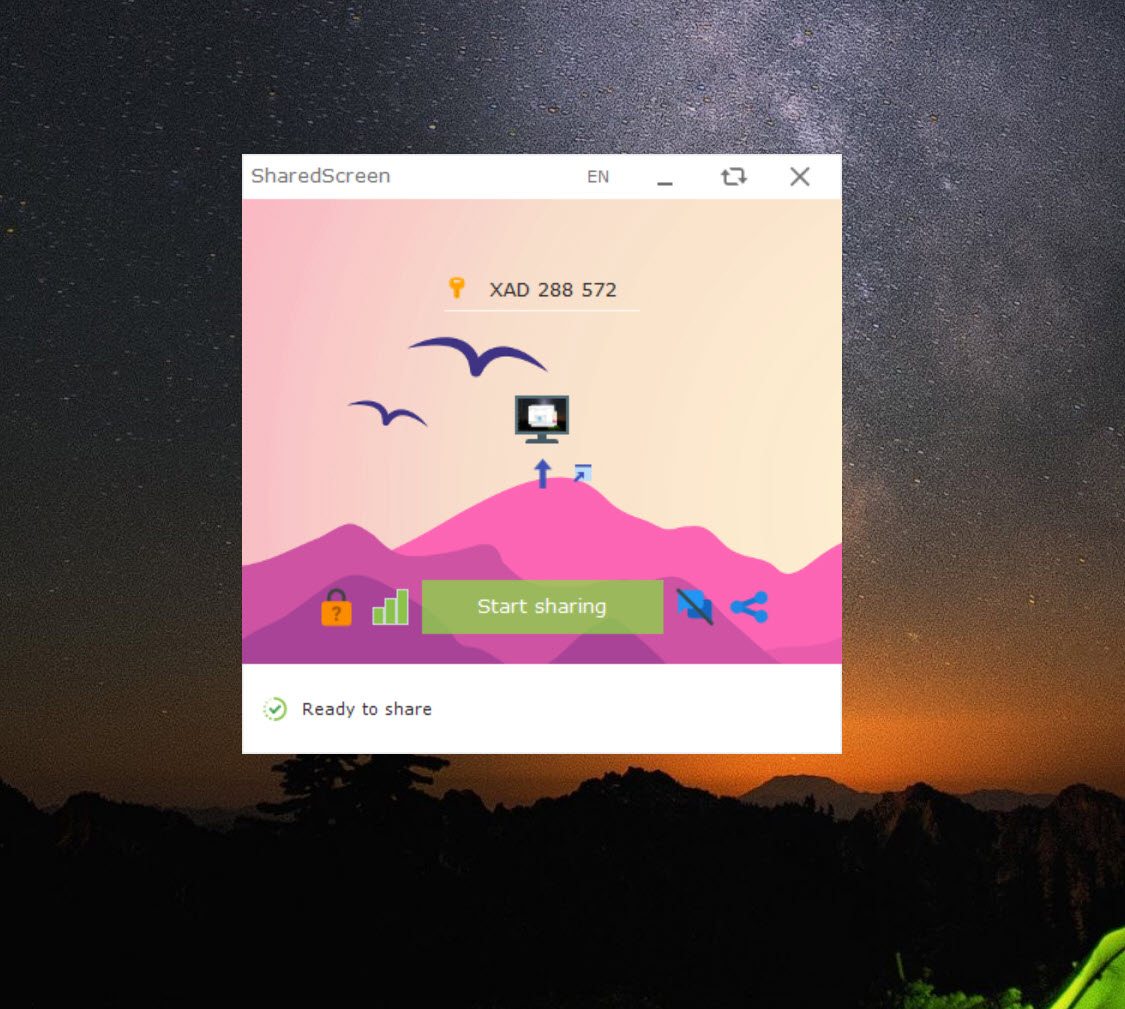
SharedScreen simplifies the screen sharing process by allowing users to connect using a unique ID and password. By sharing these credentials, users can grant access to their screens instantly, eliminating the need for lengthy setup procedures.
This feature is particularly useful for quick meetings, troubleshooting sessions, or spontaneous collaborations.
Integrated communication tools
Beyond screen sharing, SharedScreen incorporates instant messaging and voice call functionalities. Users can send and receive chat messages or initiate voice calls directly within the application.
Incoming communication requests can be accepted or declined, providing users with control over their interactions and ensuring a secure collaboration environment.
Personalized access for frequent collaborators
To enhance user convenience, SharedScreen offers a feature that allows users to add frequent collaborators to a friend list. Once added, these contacts can connect without the need to re-enter IDs and passwords for each session.
This streamlined access is ideal for teams or individuals who collaborate regularly, saving time and reducing repetitive tasks.
Simultaneous multi-user interaction
A standout feature of SharedScreen is its support for multiple users interacting on the same screen simultaneously. Each participant is provided with a distinct pointer, enabling them to work independently without interfering with others.
This functionality is particularly beneficial for collaborative tasks such as pair programming, joint presentations, or co-editing documents.
Conclusion
SharedScreen presents a practical solution for individuals and teams seeking an efficient and user-friendly screen sharing tool. With its instant connection capabilities, integrated communication features, and support for simultaneous multi-user interaction, it streamlines the collaboration process.
While it may lack some advanced features, its ease of use and focus on essential functionalities make it a valuable asset for remote collaboration needs.
Pros & Cons
- Facilitates instant screen sharing through unique ID and password
- Integrates chat and voice call features for seamless communication
- Allows personalized access for frequent collaborators
- Supports simultaneous multi-user interaction with distinct pointers
- User-friendly interface requiring minimal setup
- Requires a premium subscription for continued use
- Lacks advanced features such as file transfer capabilities
- Dependent on stable internet connections for optimal performance
- Limited customization options for user permissions


