

RemoveAny
About RemoveAny
RemoveAny hunts spyware, adware, keyloggers, rootkits and Trojans by watching what programs do rather than comparing them against a database of known threats. It keeps an eye on the executables, drivers, modules and processes loaded on the machine, flags the ones that behave suspiciously, and lets you remove them. There is no definition file to download and nothing to update before a scan, which is both its main strength and the reason it needs careful handling.
It is not an antivirus and does not pretend to be one. Think of it as a second opinion that runs alongside whatever protection you already have, catching the sort of quiet, persistent program that slips past signature scanners because nobody has catalogued it yet.
How the scan works
A full scan finishes in under a minute on most machines. The results arrive in a list on the left side of the window, with each suspicious item named and its path shown. Select one and the right side fills with details about the file and the process behind it, including where it lives on disk and what it has been doing.
Beside each entry sits a search shortcut that looks the file name up online. That button matters more than any other in the interface, because a behaviour-based scanner produces a different kind of result than a signature scanner.
It says “this acts like something unwanted”, not “this is a known threat called X”, so the final call is yours.
Simple mode and expert mode
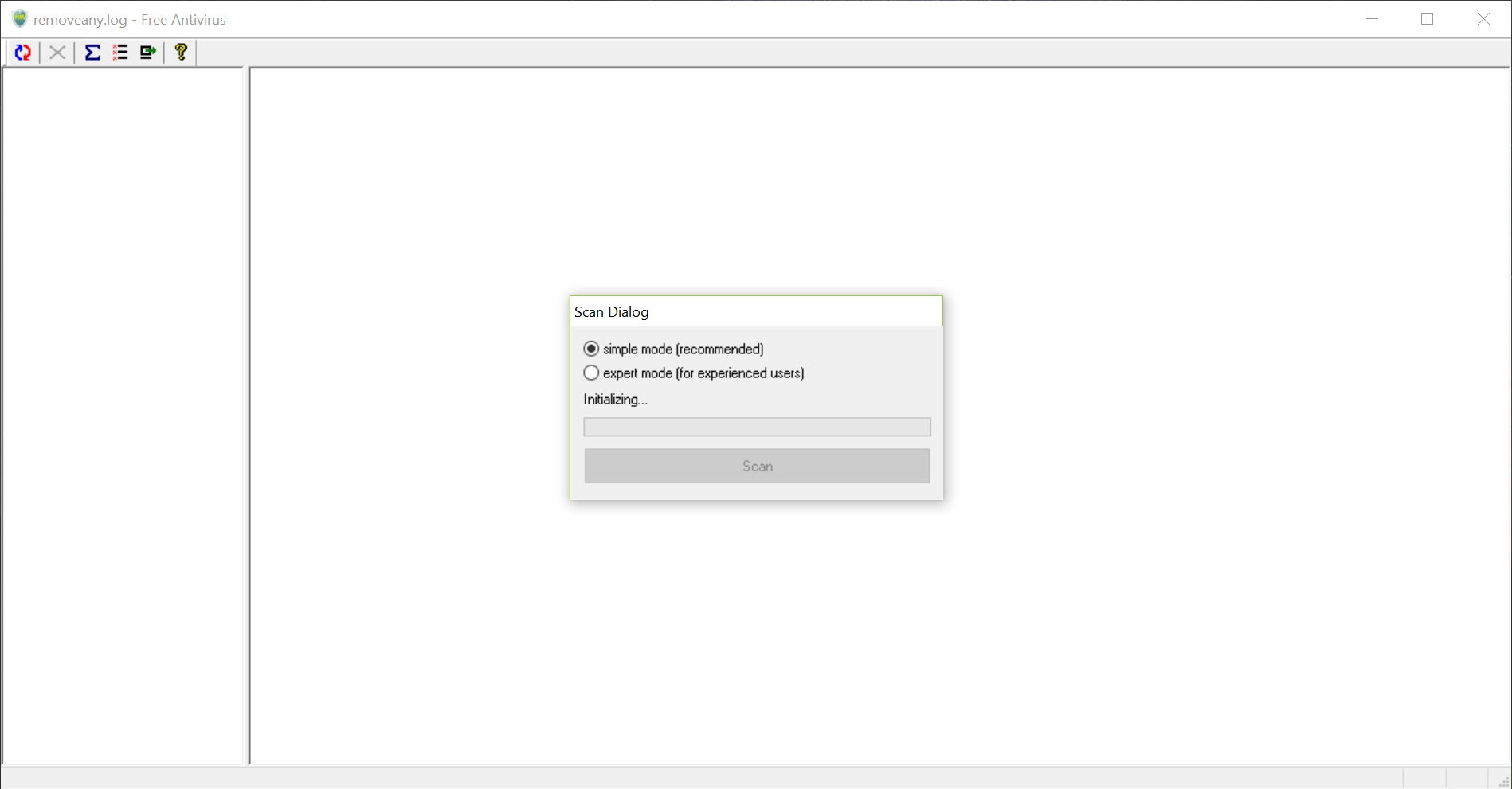
At first launch the application asks which mode you want. Simple mode keeps the window tidy and is fine for a quick check. Expert mode exposes a little more detail about each process. The difference between the two is smaller than the names suggest, so there is no need to agonise over the choice.
Whichever you pick, the tool can also start with the system and keep monitoring in the background, reporting new drivers and processes as they load. It stays light on resources while doing so, which suits older machines where a second full security suite would drag everything down.
When an infection has dug into startup entries, HiJackThis+ logs every hook for a closer look.
False positives, and why caution matters
This is the part to read twice. Because detection is based on behaviour, legitimate software sometimes lands on the suspicious list, particularly system utilities, driver helpers and anything that hooks into other processes. Delete one of those and you can break a program or destabilise the system.
The rule is simple. Never remove an item just because it appears on the list. Look it up with the search shortcut, check where the file lives, and only delete it when you are confident it does not belong.
For a closer look at what a suspicious process is doing, Process Hacker shows its handles, network connections and loaded modules in depth.
Where it fits alongside other tools
RemoveAny is best treated as one layer in a stack, not the whole stack. Pair it with a regular antivirus for known threats and a signature-based malware cleaner for broad removal, and use this for the unusual process that neither of them flags.
Conclusion
RemoveAny suits a user who already has an antivirus and wants a fast, behaviour-based check for the odd process that signature scanners let through. People who are comfortable researching a file name before deleting it will get real use from the quick scan and the details panel.
It is a poor choice as someone’s only protection, and a risky one for anyone who deletes on reflex. False positives come with not relying on a database. Treat every flagged item as a lead to investigate rather than a verdict, and it earns its small place in the toolbox.
Pros & Cons
- Behaviour-based detection needs no definition updates
- Full scan completes in under a minute
- Details panel and search shortcut for every flagged item
- Background monitoring of new drivers and processes at startup
- Very light on system resources
- Legitimate programs can be flagged as suspicious
- No threat names or classifications like a signature scanner gives
- Simple and expert modes differ only slightly
- Not a replacement for a full antivirus
Frequently asked questions
No. It works from behaviour rather than a database of known threats, so there is nothing to download before scanning.
No. Look each item up with the search shortcut and check its location first. Legitimate utilities sometimes behave like unwanted software and end up on the list.
Yes. It is designed as a supplemental layer and does not conflict with a regular antivirus running at the same time.
Expert mode shows slightly more detail about each process. The core scan and removal work the same in both.


