

Protegent Antivirus
About Protegent Antivirus
Protegent Antivirus pairs a conventional malware scanner with something no other antivirus bundles, a data recovery module that works before anything goes wrong. The security half runs real-time protection, scheduled scans and cloud lookups for new threats.
The recovery half, called Crash Proof, keeps track of where files live on the disk so that after a crash, an accidental format or a deletion, the data can be brought back from inside the same program.
That combination defines who it is for. The antivirus side is ordinary and has never been through the major independent testing labs, so there are no public detection figures to lean on.
The recovery side is the reason to consider it over the many scanners with better documented track records.
Real-time protection and hourly definitions
The scanner in Protegent Antivirus uses a two-tier design, pairing signature detection with heuristics that look for suspicious behaviour in files that have no signature yet. Virus definitions arrive hourly rather than daily, and a cloud protection layer checks unknown files against current threat data so that a brand-new sample can be blocked before a definition ships.
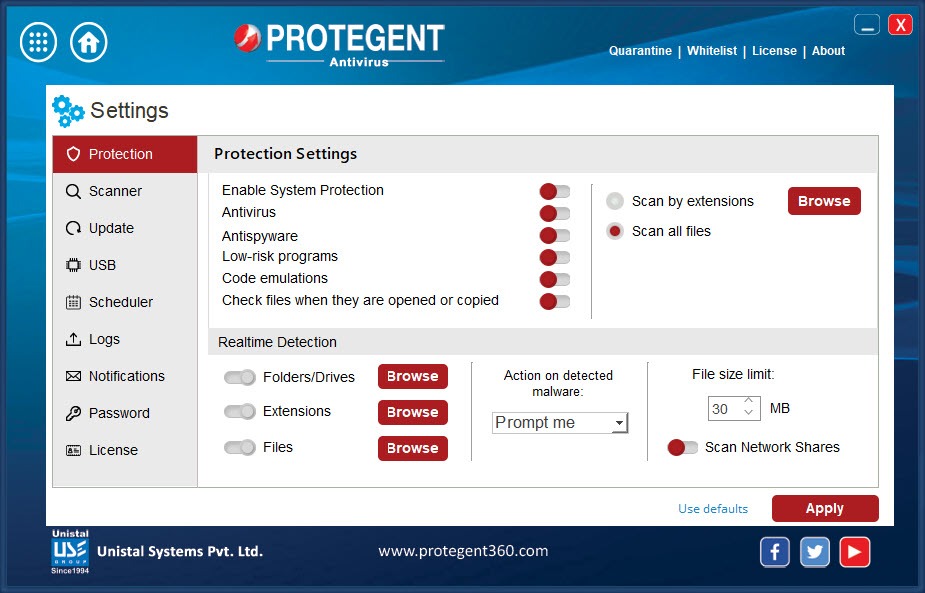
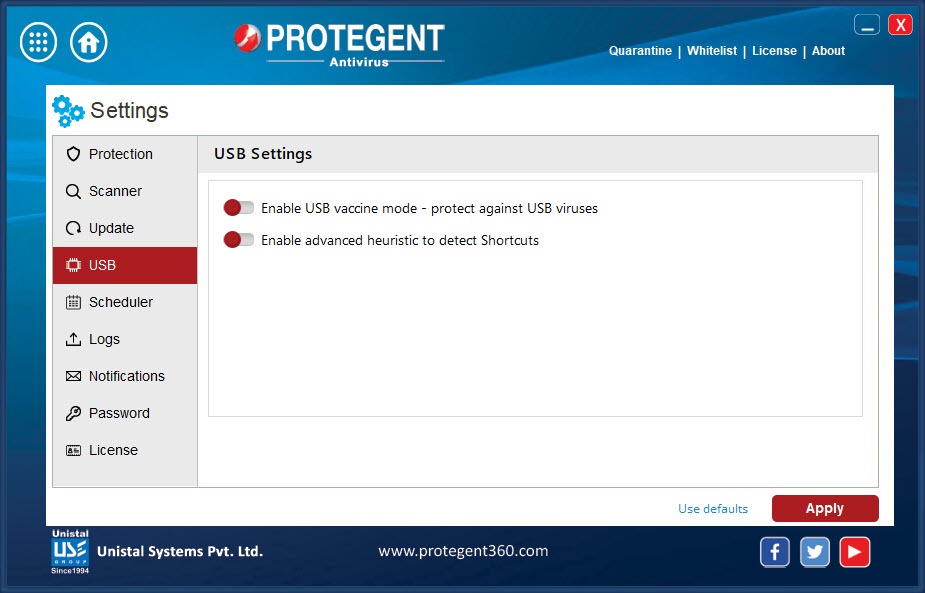
Real-time scanning covers files as they are opened or saved, downloads as they arrive and USB drives as they are plugged in, which matters in offices where memory sticks pass from machine to machine. Scheduled scans run quick or full passes at set times.
Ransomware protection and anti-phishing round out the list, though both are described in general terms and, without lab results, their strength is hard to judge from the outside.
Crash Proof is the unusual part
Most recovery tools are installed after disaster, when they have to guess at where deleted files used to be. Crash Proof in Protegent Antivirus takes the opposite approach. It records the file system layout while everything is still healthy. When a drive is formatted, a partition disappears or files are deleted, the program already knows where the pieces were and can restore them far more reliably than a blind scan.
The module recovers deleted files and folders, unformats entire drives and brings back lost partitions. For a home user it means a slip in the file manager or a failed system update does not wipe out the photo archive.
For a small office it is a safety net against the logical crashes that happen far more often than disk failures. If you need to rescue files from a machine where nothing was installed beforehand, Recuva does the after-the-fact job.
Everyday use
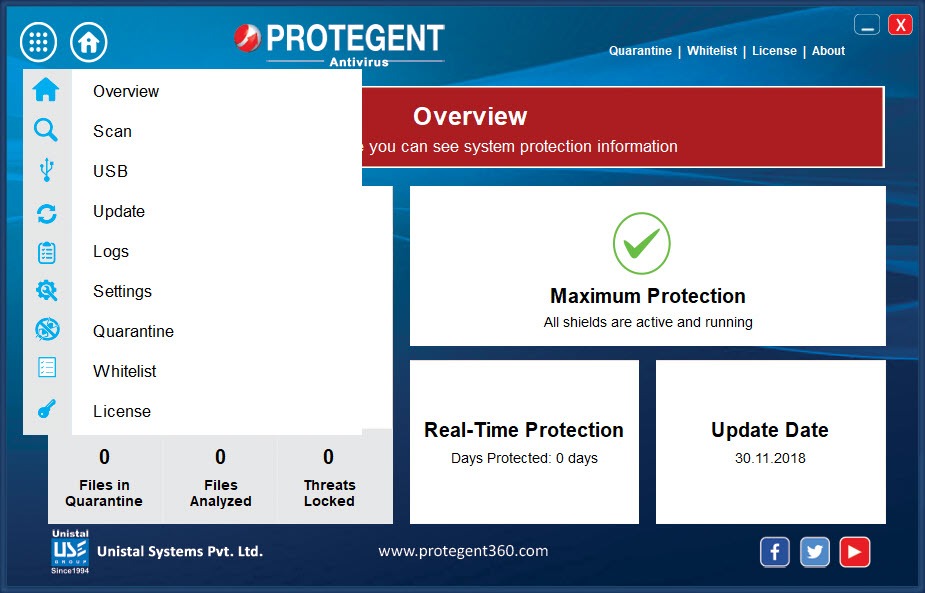
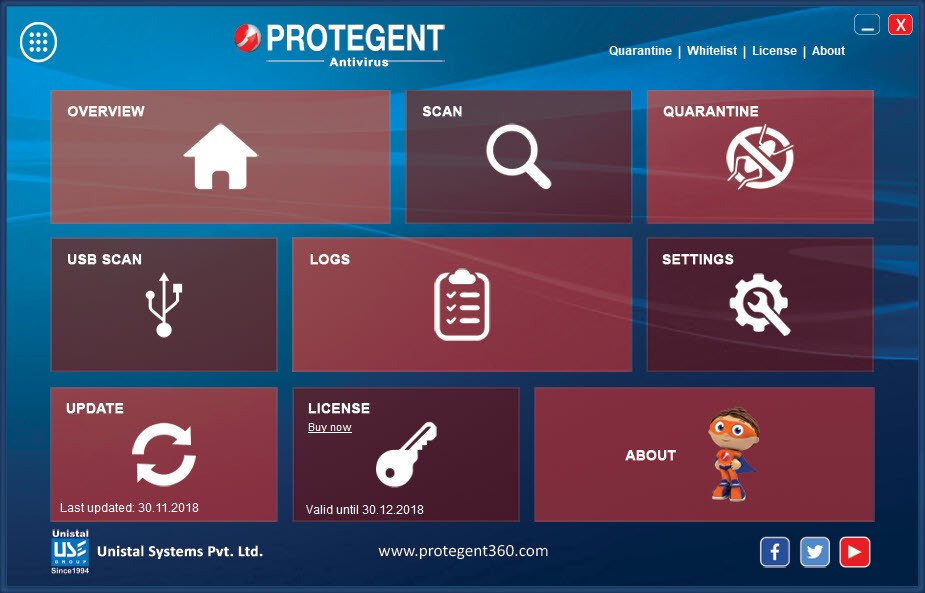
The interface of Protegent Antivirus is simple, with large buttons for scanning, updates and the recovery module, and the program stays light on resources. It installs quickly, updates itself without attention and does not interrupt with upgrade pitches the way larger suites do.
Users describe it as easy and unobtrusive, and the recovery module as the feature that justifies it. A periodic second opinion from Malwarebytes is still a good habit, given the lack of published test results.
The simplicity cuts both ways. There is no firewall, no password manager, no VPN and no detailed configuration, so anyone who wants a full security suite will find it thin. It also lacks the public lab certifications that let you compare it with the established names, which means its protection is taken on trust rather than on evidence.
How to judge it
Treat Protegent Antivirus as a basic scanner with a strong recovery bonus. If data loss worries you more than exotic malware, the Crash Proof module is a real reason to install it, because no other antivirus offers anything comparable. If protection quality is the priority, a lab-tested antivirus such as Kaspersky gives you published detection rates to rely on.
A sensible middle path pairs it with an on-demand scanner. Keep an on-demand scanner for a periodic second opinion, and let this program handle real-time duty and the recovery insurance.
Conclusion
Protegent Antivirus suits home users and small offices who want a light antivirus and, above all, insurance against losing files to a crash or a mistaken format. The Crash Proof module is unique and does what it promises.
Its scanner is unproven by independent testing and the suite offers little beyond the basics, so it should not be anyone’s only line of defence on a sensitive machine. As a simple guard with a recovery parachute attached, it fills a niche nothing else covers.
Pros & Cons
- Built-in Crash Proof recovery restores deleted files, formatted drives and lost partitions
- Hourly definition updates with a cloud lookup layer
- Real-time scanning of files, downloads and USB drives
- Light on system resources, with no upgrade nagging
- Simple interface that non-technical users manage easily
- No results from the major independent testing labs
- No firewall, password manager or other suite features
- Few configuration options for advanced users
Frequently asked questions
It records the disk's file layout while the system is healthy, so after a format, a lost partition or a deletion, files can be restored from that record rather than by guessing.
Not by the major ones. There are no published detection scores, so its protection quality cannot be compared directly with established products.
Yes. External drives are scanned when connected, and files on them are checked in real time when opened.


