

PDF Candy

 (2 votes, average: 4.00 out of 5)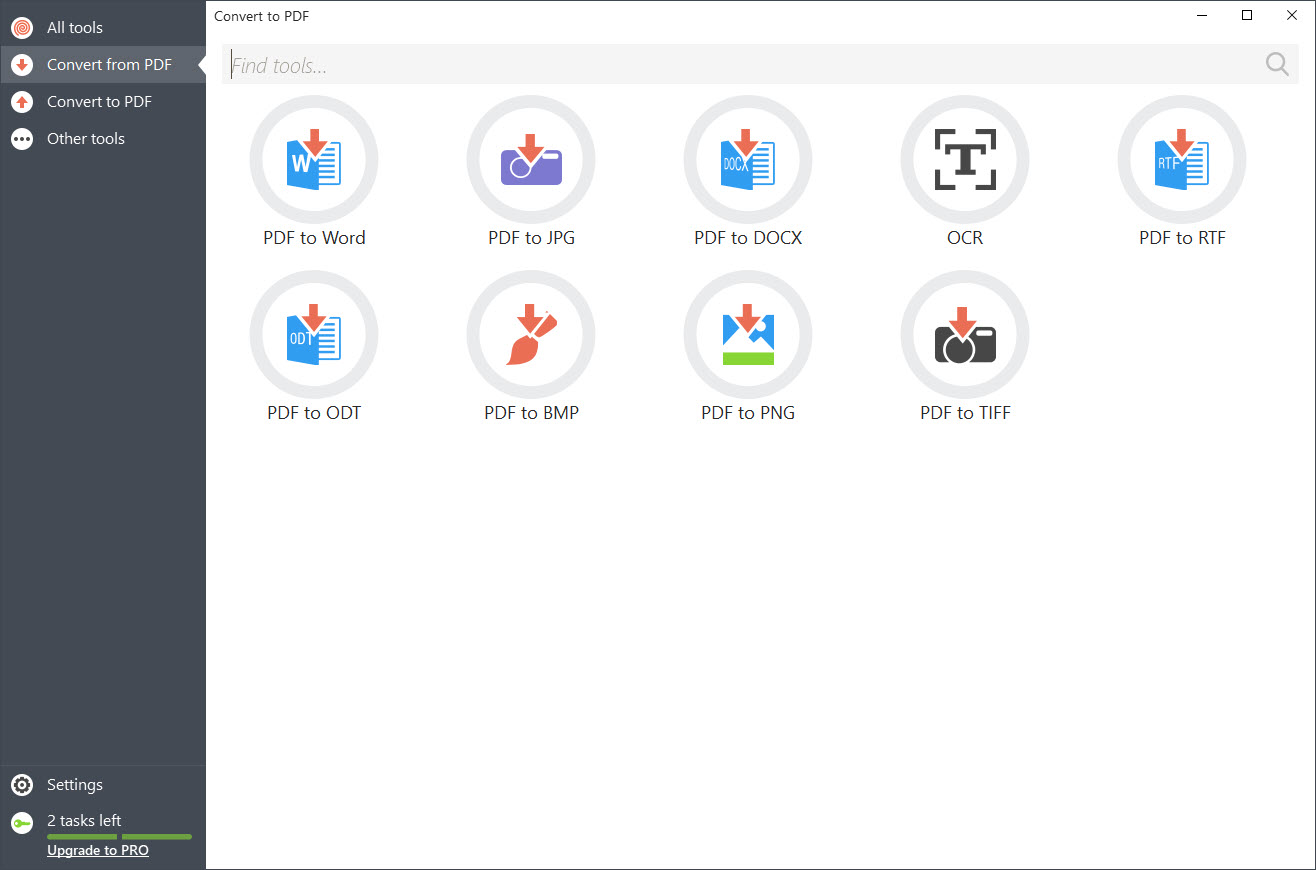
About PDF Candy
PDF Candy is a versatile platform that covers everything from simple edits to advanced conversions, giving users a flexible solution for handling PDF files.
Whether you just need to merge two documents or want to extract text with OCR, this software combines a wide range of features into a clean and approachable interface.
A vast toolbox for everyday document needs
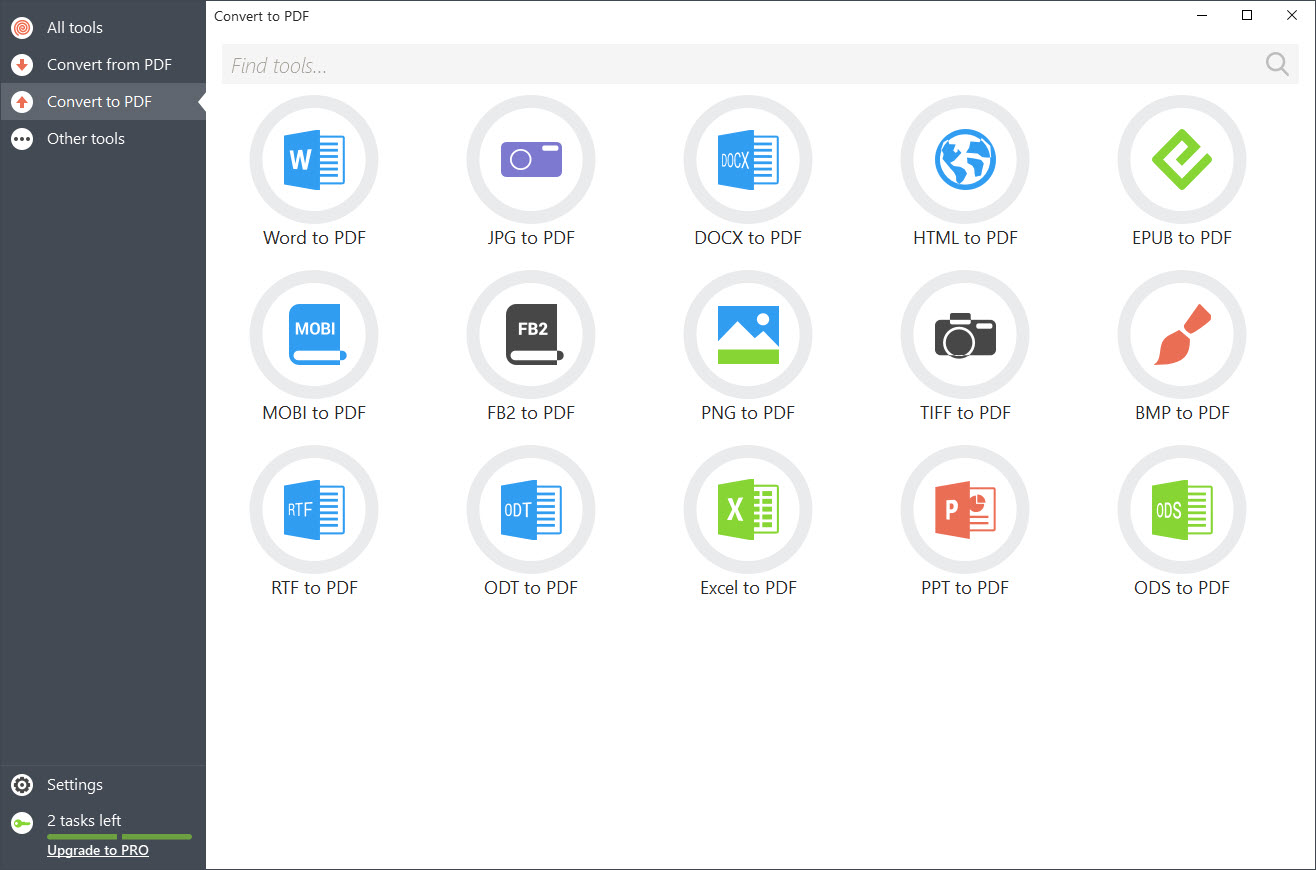
The tool includes more than forty different features that help with all common PDF tasks. You can merge or split documents, compress large files, or convert PDFs to and from formats like Word, Excel, JPG, or PNG. Editing is supported as well, with options to add text, insert images, highlight passages, or apply watermarks. For scanned files, an OCR function extracts text and makes it editable.
The web version is fast and easy to use. Simply drag and drop a file, then choose the action you need. For heavier workloads, the desktop edition supports batch processing without requiring an internet connection.
This makes it suitable both for occasional use and for managing more complex document libraries.
Intuitive interface that welcomes all users
One of the strongest points of PDF Candy is its simplicity. The interface relies on clear icons and minimal menus, so finding the right feature does not take long. Tasks like signing a document, extracting images, or converting to another format can be completed in just a few steps.
The free web version does come with a limitation of one task per hour. Upgrading to a paid plan removes that restriction, raises file size limits, and speeds up processing. A one-time license can also unlock both web and desktop features together.
Strengths and limitations
PDF Candy is particularly attractive for casual users who only need to work with PDFs occasionally. The wide range of functions, including OCR and editing tools, makes it stand out among free solutions. Its workflow is intuitive, and its performance is smooth.
On the downside, frequent users may quickly run into the one-task-per-hour limit unless they upgrade. While its design is clean and effective, it lacks some of the advanced polish and professional tools of premium PDF editors.
Conclusion
PDF Candy is a practical and accessible solution for managing PDFs. Its broad selection of tools covers everything from editing and conversion to OCR and signing, making it useful for both personal and professional needs.
It may not replace premium editors for advanced work, but it remains one of the most approachable and versatile PDF utilities available.
Pros & Cons
- Extensive toolset for editing, conversion, compression, and OCR
- Simple and intuitive interface suitable for all users
- Supports batch processing in the desktop edition
- Free version is limited to one task per hour
- Not as advanced as professional PDF software
Frequently asked questions
Yes. It supports conversions between PDFs and formats such as Word, Excel, JPG, PNG, and EPUB.
Yes. It includes OCR to turn scanned files or images into editable text.
Yes. The interface is designed to be straightforward with clear labels and drag-and-drop support.


