

KingRoot PC
About KingRoot PC
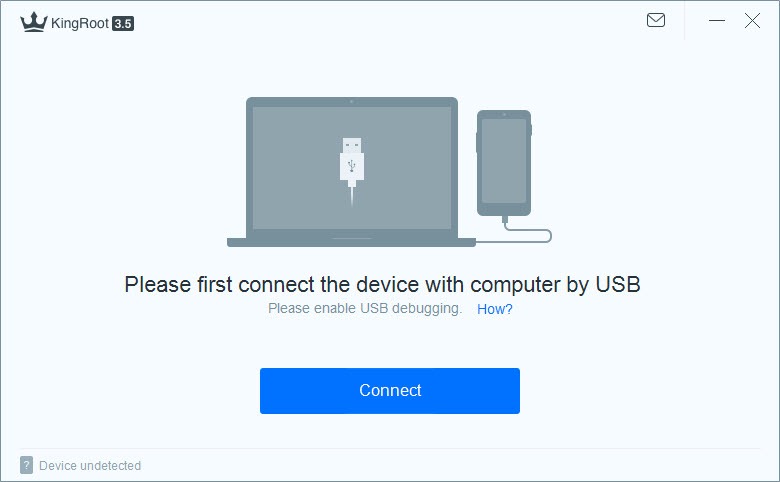
KingRoot PC attempts to root an Android phone from the computer over a USB cable, without unlocking the bootloader or flashing a custom recovery. That last part is its whole appeal. Traditional rooting wipes the phone and voids the warranty in an obvious way, while this uses a software exploit to gain administrator access while leaving the phone’s data in place. Connect the handset, click one button, and the tool tries to root it.
Rooting means gaining superuser access, the administrator level that Android normally keeps locked. With it you can remove the apps a maker preinstalls and cannot otherwise be deleted, run tools that need deep system access, block ads across the whole phone, and back up app data properly.
KingRoot PC is the desktop counterpart to the phone app, and it exists for the cases where the app alone cannot manage the job.
How the one-click attempt works
Enable USB debugging on the phone before starting KingRoot PC, in the hidden debugging menu, then connect it and let the driver load. The tool identifies the exact model and Android build, sends that to its servers, and pulls back a matching exploit tailored to that firmware.
The root attempt then runs, and a progress bar creeps toward a percentage that either completes or stalls. Anyone comfortable at a command line can confirm the result afterwards with the standard Android debug bridge.
Because the exploit is fetched fresh each time, the tool needs an internet connection throughout. It also means results vary by the minute. The same phone can fail one day and succeed after a retry, since the server side is doing the real work.
When it succeeds it installs KingUser, its own permission manager, which is the app that grants or denies root to everything that asks afterwards.
What it installs alongside root
Two extra apps arrive with a successful root, and knowing what they are saves confusion. KingUser is the one to keep, since it manages root permissions and removing it unroots the phone. Purify is a battery and notification manager that hibernates background apps. It is optional, and many people uninstall it immediately.
If removing preinstalled maker apps was the whole reason you came, Debloater disables them over the same USB connection with no root at all.
The language and the ads
The interface and these bundled apps are partly in Chinese depending on the build, which is the first thing longtime users warn newcomers about. It is workable, but it is not polished, and the ad-supported nature of the phone app has drawn complaints over the years.
The honest warnings
This is the section to read before doing anything. Rooting voids the warranty on most phones, and some banking and streaming apps refuse to run on a rooted device because they check system integrity. On modern Android that checking has tightened to the point where a rooted phone is often locked out of exactly the apps people use daily.
The tool works best on older phones, roughly Android 4 through 6, and largely fails on anything newer. It has also not seen meaningful development in years, so a recent handset is unlikely to be supported at all. And because the exploit runs from a server you do not control, this belongs on a spare or old device you own, not on your main phone. Purists prefer a rooting method whose code they can inspect, which this is not.
If all you wanted was to back up app data, a no-root Android backup tool does that without rooting at all.
Conclusion
KingRoot PC suits a tinkerer with an old Android phone who wants root without unlocking the bootloader, and who understands they are running a server-supplied exploit on a device they can afford to lose. On the older handsets it was built for, it is one of the simpler ways in.
It is the wrong tool for a current daily phone. The warranty loss, the app lockouts on modern Android and the years without development all point the same way. If your actual goal is backing up data or removing bloatware, tools exist that do those jobs without touching root at all, and they are the safer place to start.
Pros & Cons
- Attempts root over USB without unlocking the bootloader or wiping the phone
- Fetches an exploit matched to the exact phone model and firmware
- Succeeds on some phones the app version cannot root alone
- KingUser manages which apps get root afterwards
- Includes an unroot option that reverses the change
- Works mainly on older Android and fails on recent phones
- Needs a constant internet connection during rooting
- Interface and bundled apps are partly in Chinese
- Rooting voids the warranty and blocks integrity-checking apps
- Exploit runs from a server rather than code you can inspect
Frequently asked questions
No. It uses a software exploit that leaves your data in place, unlike bootloader-unlock methods that erase the device.
Most likely the phone is too new. It works best on older Android versions and largely fails on recent firmware, and results also vary because the exploit comes from a server.
KingUser manages root permissions and should be kept. Purify is an optional battery manager you can uninstall.
Open KingUser, find the remove root option in its settings, and confirm. A factory reset also clears root.


