GNS3
About GNS3
Learning network engineering used to require a rack of equipment in a spare room. GNS3 replaces that with a canvas where devices are dragged into place and cabled together, and the important distinction is what those devices actually are.
They are not approximations. The software emulates hardware and runs the genuine operating system images from network equipment, which means the commands you type are the real command set, the output is the real output, and a configuration that works in the lab works on the equipment.
That single design decision produces both the reason to use it and the requirement that catches everybody on the first attempt.
You supply the device images
GNS3 includes the emulation and not the operating systems. Device images are yours to provide, and the reason is licensing rather than oversight, since the systems running on commercial network equipment are licensed products belonging to whoever makes that equipment.
Obtaining them legitimately means holding an appropriate licence or support arrangement with the manufacturer, or using the images that manufacturers publish for evaluation and training. Several do, which is how a good many people build a working lab without a contract.
Anybody expecting to install this and immediately have a room full of routers is going to be disappointed at the first step, and understanding that before starting saves an evening of confusion.
The two halves of the architecture
Something newcomers find properly confusing deserves explaining, because it is the second obstacle after the images.
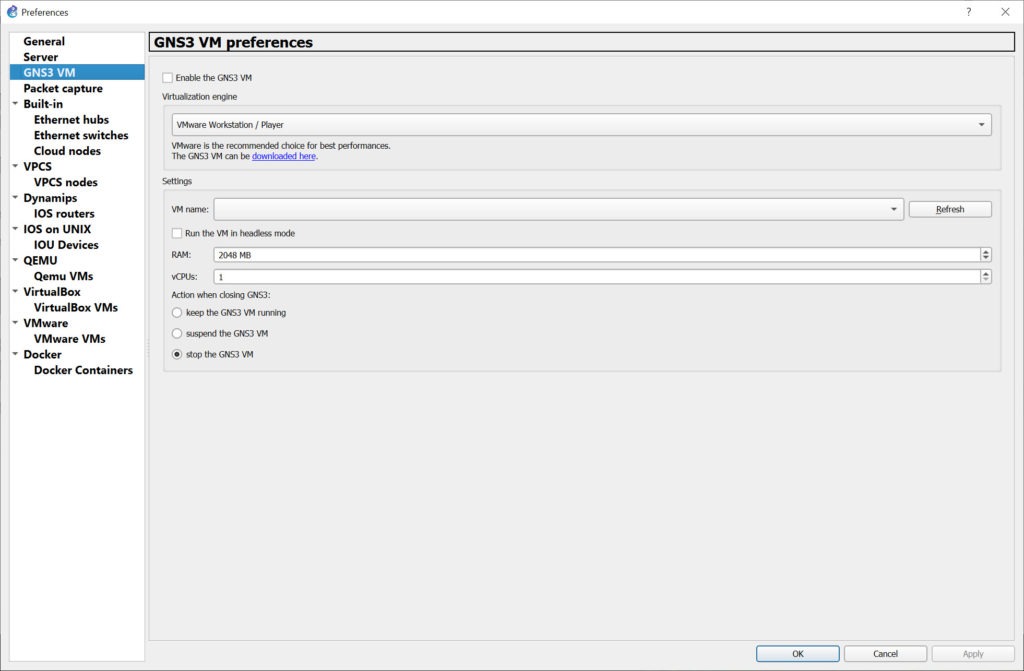
GNS3 has an interface where you build topologies and a backend that runs the emulated devices. Those can be the same machine, or the backend can run inside a virtual machine appliance, which is the arrangement the project recommends for most people.
The reason is isolation and compatibility. Emulating network hardware involves components that behave differently across systems, and putting the backend in a controlled environment removes a class of problem that is otherwise difficult to diagnose.
The consequence is that a working installation involves virtualisation, and VirtualBox is the usual host for that appliance.
Several emulation engines, for different devices
Not everything is emulated the same way, and GNS3 brings separate approaches together under one interface.
Router hardware from the dominant manufacturer is emulated at the hardware level, running its operating system as though the chips were present. Other appliances run as full virtual machines. Simple endpoints run as containers, which is how a topology can include twenty client machines without twenty operating systems.
Mixing them freely is the point. A single topology can hold emulated routers, a virtualised firewall appliance and a handful of containerised clients, all cabled together and all behaving as their real counterparts would.
Packet capture on any link
The GNS3 feature that turns a lab from a configuration exercise into a teaching tool is capture, attached to any connection in the topology.
Clicking a link and watching the traffic on it answers questions that configuration alone cannot. Why a routing protocol is not forming an adjacency, what a device is actually sending during negotiation, and whether a packet is being dropped or never sent are all visible rather than inferred.
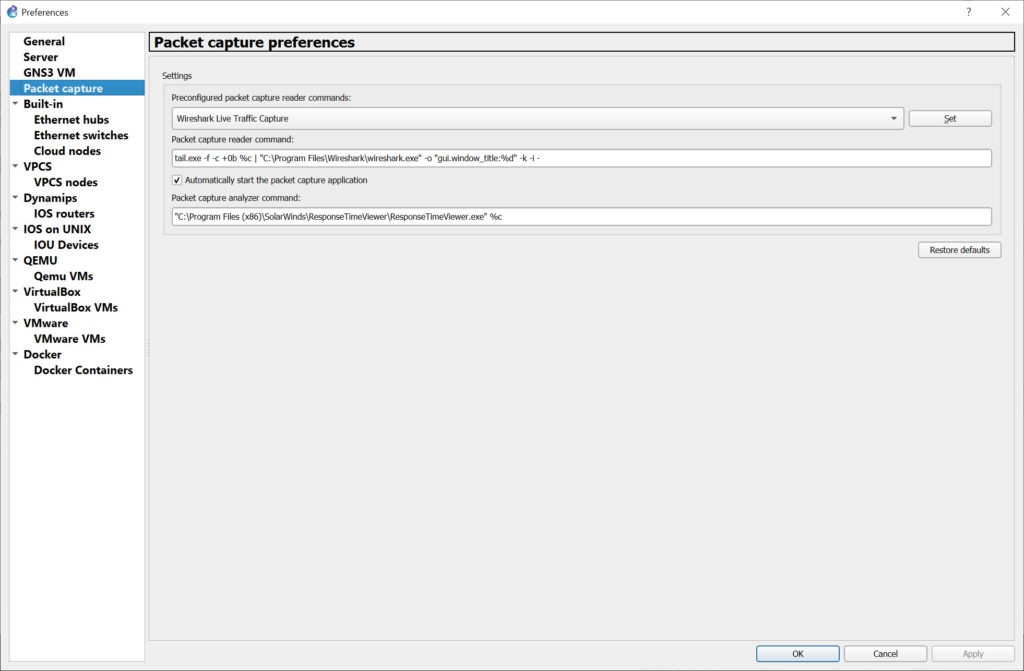
The capture opens in Wireshark, which is the analysis tool this integrates with rather than reimplementing.
The resource question
Being clear about this prevents the commonest GNS3 disappointment. Each emulated device is a running system consuming memory and processor time, so a topology’s cost scales with the number of devices rather than with the complexity of the configuration.
A handful of routers is comfortable on an ordinary machine. Twenty devices with a mixture of full appliances is not, and people regularly discover this halfway through building the topology their study guide describes.
Planning around it is straightforward once expected. Use containers for endpoints rather than full systems, keep the memory allocation per device to what the image actually needs rather than the default, and build the topology in stages rather than all at once.
Where it fits in study
Certification study is the largest GNS3 use, and the honest comparison is with the simulators manufacturers provide for that purpose.
Those simulators are simpler, bundle everything, and model the command set rather than running it. That makes them a gentler start and means anything outside the modelled behaviour does not exist. This platform runs the real thing, so unusual commands, obscure output and genuine bugs all appear, which is closer to the equipment and considerably less forgiving.
Connecting to the devices happens through a terminal, and a terminal client that handles console and network sessions is what most people use for that rather than the built-in console.
Installation Tutorial
Conclusion
GNS3 is the closest thing to a rack of equipment that fits on a desk, and the reason is that it does not pretend. Real device software, real command sets, real output and packet capture on any link add up to a lab where what you learn transfers directly to the equipment.
The two obstacles are both at the beginning. Device images are yours to obtain, legitimately, and the interface and backend arrangement needs settling before anything runs. Past those, plan the topology around the memory you actually have, use containers for endpoints, and it becomes the study environment that nothing bundled and simplified can match.
Pros & Cons
- Runs genuine device operating systems, so commands and output are the real ones
- Topologies are built by dragging and cabling rather than by configuration files
- Combines hardware emulation, full virtual machines and containers in one topology
- Packet capture attaches to any link and opens in a proper analyser
- Configurations transfer to real equipment, because the software is the same
- Free and open, with a large community supplying topologies and guidance
- Device images are not included and must be obtained legitimately by you
- The interface and backend split confuses newcomers before anything works
- Each device consumes real memory, so large topologies need serious hardware
- Setup involves virtualisation, which is another layer to get right first
- Manufacturer simulators are gentler for a complete beginner
Frequently asked questions
No. It provides the emulation and you supply the images, because those systems are licensed products belonging to the equipment manufacturers. Some publish images for evaluation and training, which is how many people build a lab legitimately.
Because the backend running the emulated devices behaves more predictably in a controlled environment. The interface can talk to a local backend instead, and the virtual appliance removes a class of problem that is otherwise hard to diagnose.
As many as your memory allows, since each is a running system. A handful is comfortable on an ordinary machine, and a large topology mixing full appliances needs considerably more than most desktops have.
More realistic and less forgiving. A simulator models the command set, while this runs the actual software, so real behaviour including its oddities appears. For a complete beginner the simulator is a gentler start.
Yes, because the software producing them is the same software the equipment runs. That is the central argument for emulation over simulation.