

Easy Cut Studio
About Easy Cut Studio
Easy Cut Studio drives a vinyl cutter. You design a decal, a sign, a sticker or a set of iron-on letters, or you import a design somebody else made, and the program sends the outlines to the cutting machine as blade movements.
Between the design and the cut sit the tools that make the cut work. A tracer turns a logo into a cuttable outline and a weld fuses overlapping letters into one shape. A print-and-cut mode cuts around a printed image, and a nesting function packs the shapes onto the vinyl to waste as little as possible.
It is a design program and a machine driver in one window, aimed at the small sign shop and the home crafter alike.
The category is defined by which machines the software talks to. Inkscape designs beautifully and cuts through an add-on for a few machines. Easy Cut Studio designs adequately and cuts to hundreds of them, from the hobby craft machines to the professional Roland, Graphtec and Summa plotters.
That breadth is the reason to choose it, and the one machine family it no longer supports is the reason to check the list before buying.
The drawing tools
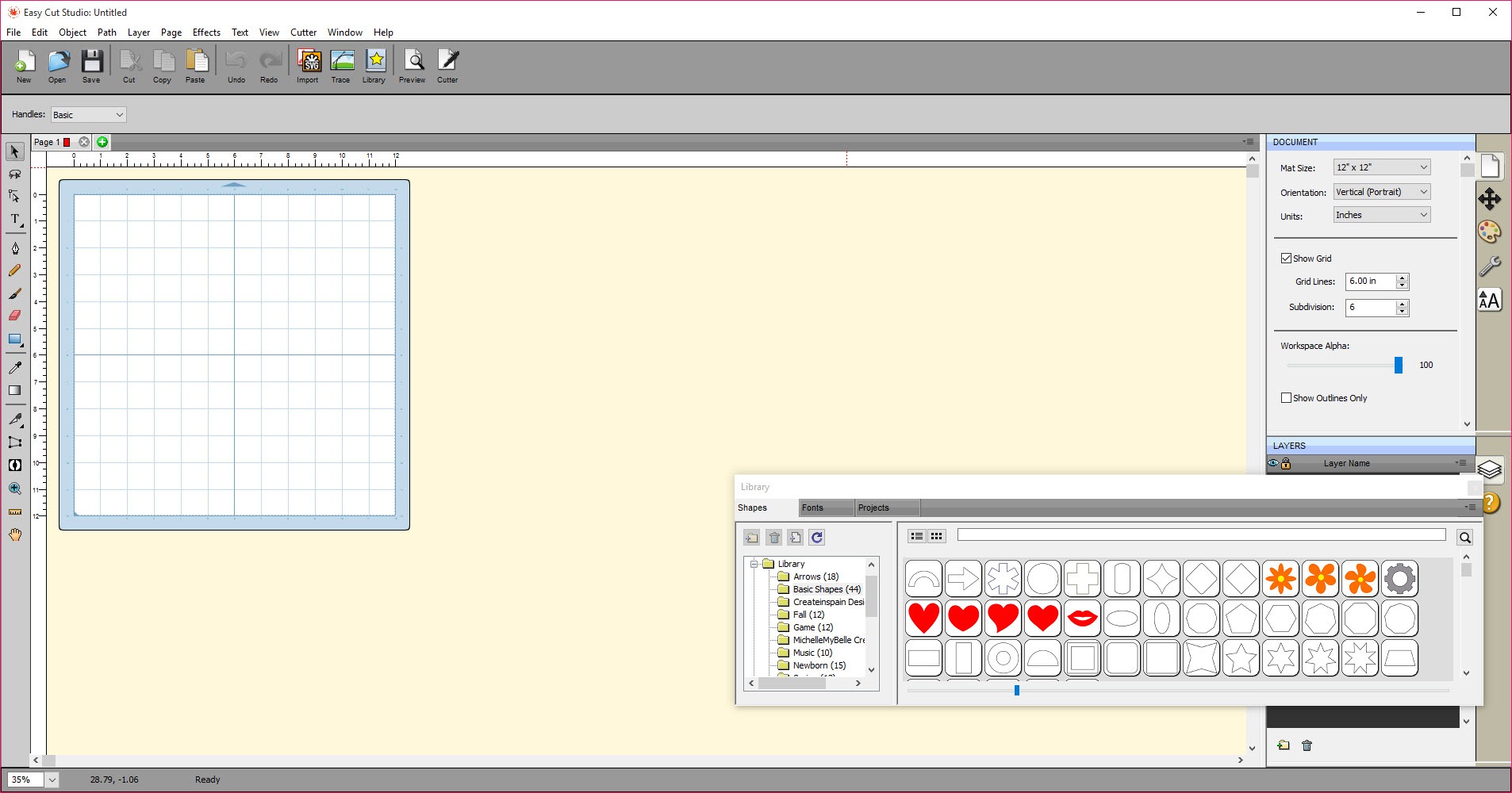
The Easy Cut Studio drawing side has the tools a sign needs. Rectangles and ellipses, polygons and freehand curves, text laid out in any font installed on the machine, and node editing that lets you drag the individual points of a curve until the shape is right. Text can be set on a path so it curves along an arc, or welded so touching letters cut as one piece rather than overlapping.
A shadow or an outline layer turns it into a two-colour sign. A simplify tool cuts the number of nodes in a traced shape, which matters because a cutter follows every node and a path with too many stutters.
Importing and tracing artwork
Most people arrive with a design already, and the import list is long. SVG, AI, EPS, PDF, DXF, PLT and the project formats of the rival craft programs all open, so a file bought from a design marketplace cuts here whatever it was made in.
The tracer handles the rest. Feed it a JPG, PNG or scanned logo and it draws vector outlines around the shapes, with controls for threshold and smoothing, ready to cut or to edit further.
Tools that save vinyl on the bench
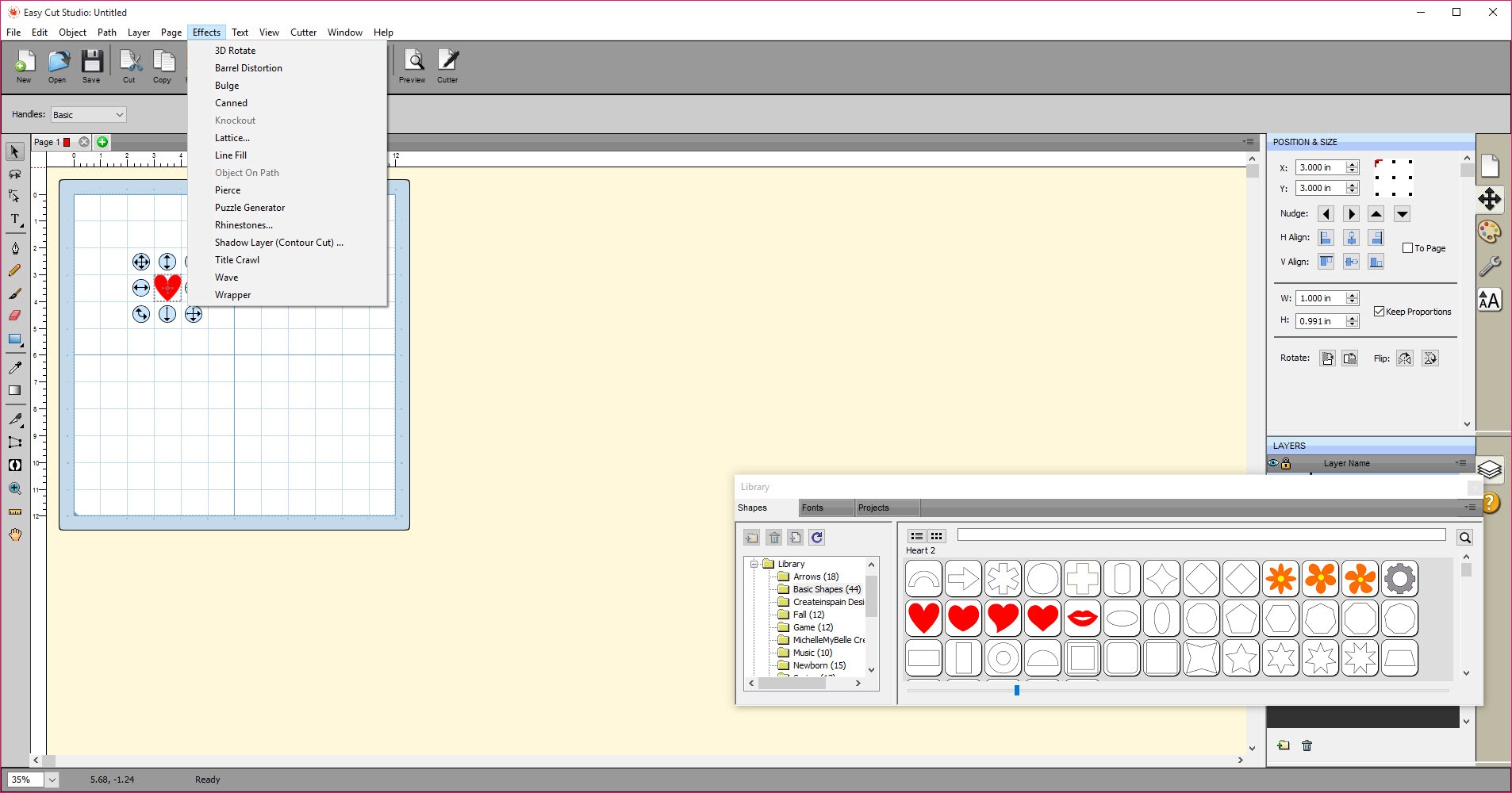
The tools between design and cut are where Easy Cut Studio earns its place on a working bench. Weld fuses overlapping shapes so a script word cuts as one connected piece. A weeding border draws a rectangle around a design and adds internal weeding lines, so pulling the waste vinyl away after the cut is a matter of lifting sections rather than picking at every letter. Stencil bridges add little gaps that hold the centre of an O or an A in place on a stencil. Lattice turns a solid shape into a grid pattern.
Auto nesting saves material. Give it the shapes and the width of the vinyl roll, and it arranges them to fit the most into the least length. On a shop that cuts all day, that is vinyl saved on every job.
None of these are unique to this program, but having them all in the same window as the cut controls is what a one-person shop wants.
Print and cut
Print and cut is the workflow for stickers and decals with a printed picture. You lay out the design and add a contour path a small distance outside the printed edge, and Easy Cut Studio places registration marks at the corners. Print the sheet on an ordinary printer, load it into the cutter, and the machine reads the marks to line itself up and cuts the contour exactly around the print.
The registration mark size and thickness and offset are adjustable so a particular cutter’s optical eye finds them reliably. That is the setting that separates a clean cut from one that drifts off the edge.
The contour itself is generated from the design automatically, and the offset controls how far outside the artwork the cut falls, the white border a sticker usually has. It is described by the maker as among the more accurate print-and-cut implementations, and for sticker sellers it is the feature that matters most.
Cutter control
Easy Cut Studio exposes the controls a plotter offers in its cut dialog. Speed and blade pressure, the number of passes for thick material, and an overcut to close the ends of a shape cleanly. A blade offset compensates for the blade sitting slightly behind the holder’s centre, and a Mirror option flips heat-transfer vinyl, which goes down reversed. Cut by layer sends only the layer you choose, so a multi-colour job is cut one colour at a time. A preview shows the blade path before anything moves.
Support runs to several hundred cutter makes and models, with tuned profiles for the major professional brands and the popular craft machines. New drivers arrive with updates.
The important caveat is that current versions no longer drive one popular craft-machine family, whose maker moved to its own closed software. Anyone with that brand must check compatibility before relying on it.
A rhinestone module, which lays out circles for a rhinestone template and drives the cutter to make it, rounds out the specialist tools.
Conclusion
Easy Cut Studio is for the sign maker, the sticker seller and the home crafter who wants one program to design a cut, import a bought file, trace a logo and drive the machine. It comes without a subscription or a tie to one hardware brand. The wide cutter support, the print-and-cut accuracy and the vinyl-saving tools are what carry it.
Designers who want a real vector editor will draw elsewhere and import, and owners of the one unsupported craft brand will have to look at that maker’s own software. For everyone driving a plotter it talks to, this is a complete and affordable bench tool.
Pros & Cons
- Cuts to several hundred plotter and craft-cutter models with tuned profiles
- Imports SVG, AI, PDF, DXF and rival project formats, plus a tracer for raster art
- Weld, weeding borders, stencil bridges and node editing for clean cuts
- Accurate print-and-cut with adjustable registration marks and contour offset
- Auto nesting packs shapes to save vinyl
- Rhinestone template tools
- Current versions no longer support one major craft-machine brand
- Design tools are capable but below a dedicated vector editor
- Interface is functional rather than modern
- Learning the cutter settings takes a few test cuts
Frequently asked questions
It supports several hundred models, including the major professional brands and most craft machines, but current versions no longer drive one popular craft-machine family. Check the supported list for your exact model before buying.
Yes. It opens SVG, AI, EPS, PDF, DXF and the project formats of the main rival programs, so a purchased design cuts whatever it was created in.
Add a contour path and registration marks to the design, print it on a normal printer, then load the print into the cutter. The machine reads the marks to align itself and cuts around the printed image.
The blade offset or overcut is wrong for the blade. Set the blade offset to the value for your blade and add a small overcut so the ends of each shape close cleanly.


