

Dragonframe
About Dragonframe
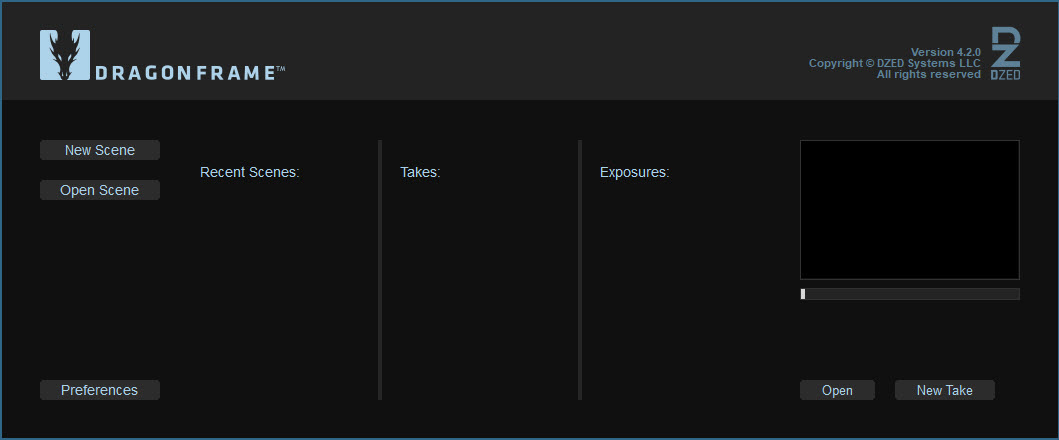
Dragonframe is the industry-standard stop-motion animation software, the application behind feature films from Laika, Aardman, and the major studios that release theatrical stop-motion productions.
It captures frames from a connected camera one at a time, displays them in an editing timeline with onion-skinning to compare against previous frames, controls motion-control rigs and DMX-driven lighting, and handles every part of the on-set workflow that turns hundreds of slightly-different photos into seconds of smooth animated footage.
The tool exists specifically because stop motion is fundamentally different from other animation. You’re not drawing frames or rendering them from 3D models. You’re physically moving puppets, props, or clay between exposures, and you need to see exactly what changed from the last frame to plan the next one.
Every feature in Dragonframe is built around that workflow, which is why generic video software can’t really substitute for it.
Live view and capture as the core workflow
The center of the application is the live view from a connected camera, showing exactly what the camera will capture for the next frame. Most professional DSLR and mirrorless cameras work through tethered USB connection, with Canon, Nikon, and Sony being the most thoroughly supported manufacturers. Webcams and machine vision cameras work too, though feature films almost always use full-frame or APS-C interchangeable-lens cameras for image quality.
The live view shows the current scene with multiple overlay options. Onion skin displays previous captured frames as semi-transparent overlays so you can see exactly how much your puppet has moved between exposures. The amount of skin blend is adjustable, you can compare against any number of previous frames, and the skin can be configured to show only the difference between frames rather than the full image.
For animators arcing a puppet’s movement smoothly, this is the visual feedback that makes precise frame-to-frame control possible.
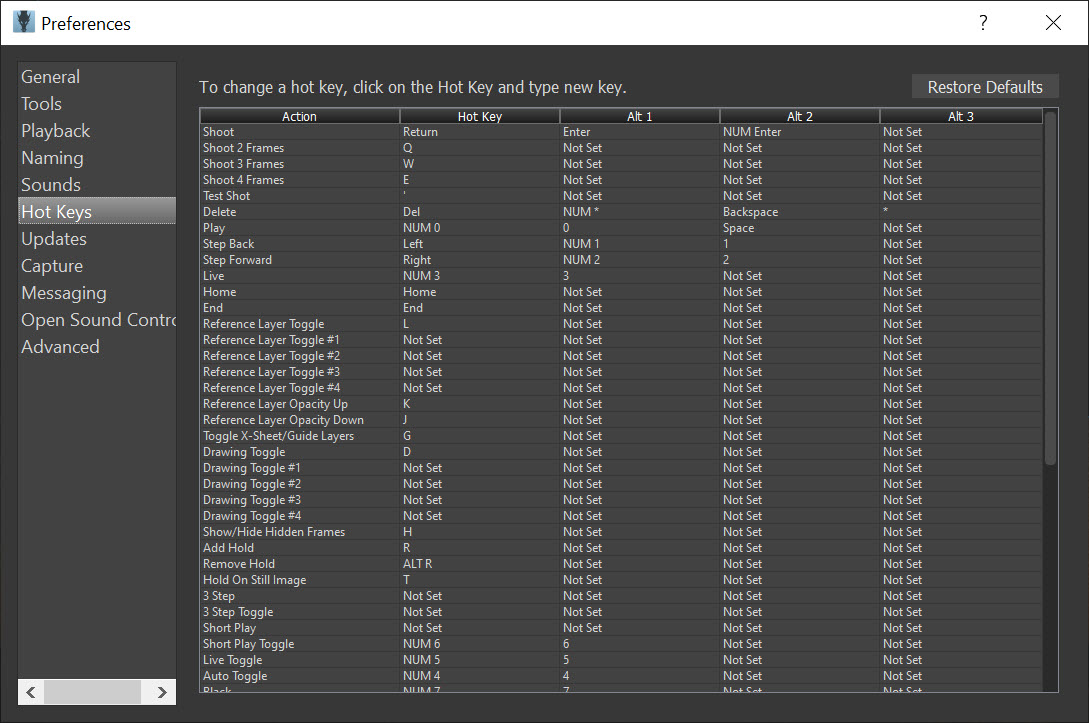
Capturing a frame is one button press or one keyboard shortcut. The camera fires, the image transfers to the application, the timeline advances by one frame, and the live view returns showing your next moment to animate. The cycle is fast enough that experienced animators can shoot at the pace they think.
The X-Sheet and dope sheet workflow
Stop motion uses an exposure sheet (X-Sheet or dope sheet) that lays out frame-by-frame what should happen on each frame. Dialogue tracks, action notes, camera movements, lighting changes, all aligned to specific frame numbers. Dragonframe includes a digital X-Sheet that ties directly to the timeline, so reading down a column of frames you can see exactly what was planned for each one.
For dialogue work, audio waveforms can be loaded into the X-Sheet and broken down phonetically by frame. The animator sees which mouth shape should be on which frame, can mark significant accents and beats for emphasis, and animates the puppet’s mouth to match. This lip-sync workflow is the same one traditional animators have used for decades, now integrated into the digital capture pipeline.
The X-Sheet also handles cycle animations (walks, runs, repeating actions) by letting you define a cycle once and reuse it across the production. For productions with many similar shots, this consistency is genuinely important to the final quality.
Motion control and rigged camera moves
Real motion-control rigs (programmable robotic camera mounts that move in repeatable patterns between frames) integrate directly with Dragonframe through DMC (Dragonframe Motion Control) hardware or through plug-in support for various commercial motion-control systems. The animator programs a camera move (pan, tilt, dolly, zoom) across a specified frame range, and the rig executes one increment of the move between each captured frame.
For productions that need camera moves through static scenes, this is what makes them possible. Without a motion-control rig synchronized to the capture workflow, smooth camera moves in stop motion would require either luck or hand-cranking, both of which are inadequate for professional work. The integration with Dragonframe means the animator works the same way whether the camera is locked off or making a complex move through the scene.
The DMC controllers also handle motorized focus pulls, programmable rack focus changes that happen between frames, and synchronized control of multiple motors for complex multi-axis moves. For productions reproducing live-action cinematography techniques in stop motion, this control is the bridge between what’s possible on a film set and what’s possible in stop motion.
DMX lighting control
Dragonframe also speaks DMX, the protocol that controls theatrical and film lighting fixtures. Connected through a DMX interface, the application controls light intensity, color (for color-mixing fixtures), and other parameters on a per-frame basis. This means lighting changes can be programmed to happen smoothly across a sequence, including effects that would be impossible to execute by hand consistently.
A sunrise effect across thirty seconds of finished animation (which is 720 frames at 24 fps) requires gradually shifting light color and intensity across 720 captured frames.
Doing this by hand would mean adjusting fixtures 720 times with manual precision that humans don’t have. The DMX integration handles it programmatically, with the animator setting start and end values for each light and the application interpolating across the frames.
For productions doing day-for-night, magic hour, dramatic mood changes, or any effect that involves gradual lighting transitions, this capability is essentially mandatory at the professional level. Without it, the lighting limitations would constrain what stop motion can do compared to live-action filmmaking.
Capture quality and the role of professional cameras
The application supports capture from cameras at their full sensor resolution, which for current DSLRs and mirrorless cameras means 24, 36, 45, or even 60 megapixel still images per frame. This is far beyond what’s needed for final video output, but it gives the production options that lower-resolution capture wouldn’t.
Working with very high resolution captures means you can reframe shots in post-production without losing quality, zoom into details for close-ups that weren’t planned, and apply digital camera moves to footage that was captured locked-off.
The flexibility this provides during editing is one of the reasons productions invest in proper camera bodies for stop motion rather than using lower-resolution alternatives.
RAW capture is supported, which preserves the full color information from the sensor rather than the camera’s processed JPEG. For productions that will do color grading in post-production, RAW captures give the colorist far more latitude to push the look in any direction.
The trade is file size (RAW files are 25 MB or more per frame), which adds up quickly across a production.
Test shots and the iterative workflow
Stop motion is iterative. You shoot test sequences, review them, make adjustments, and reshoot. Dragonframe includes test shot functionality that captures frames without committing them to the timeline, lets you review them as moving footage, and either adopts the test as the real shot or discards it and tries again.
This loops the planning and capture phases tightly. An animator can capture a short test of a difficult movement, immediately review it played back at full speed, identify problems, adjust the puppet positioning approach, and reshoot. Compared to doing this without integrated playback (which would require offloading frames to other software and re-importing), the iteration speed is dramatically faster.
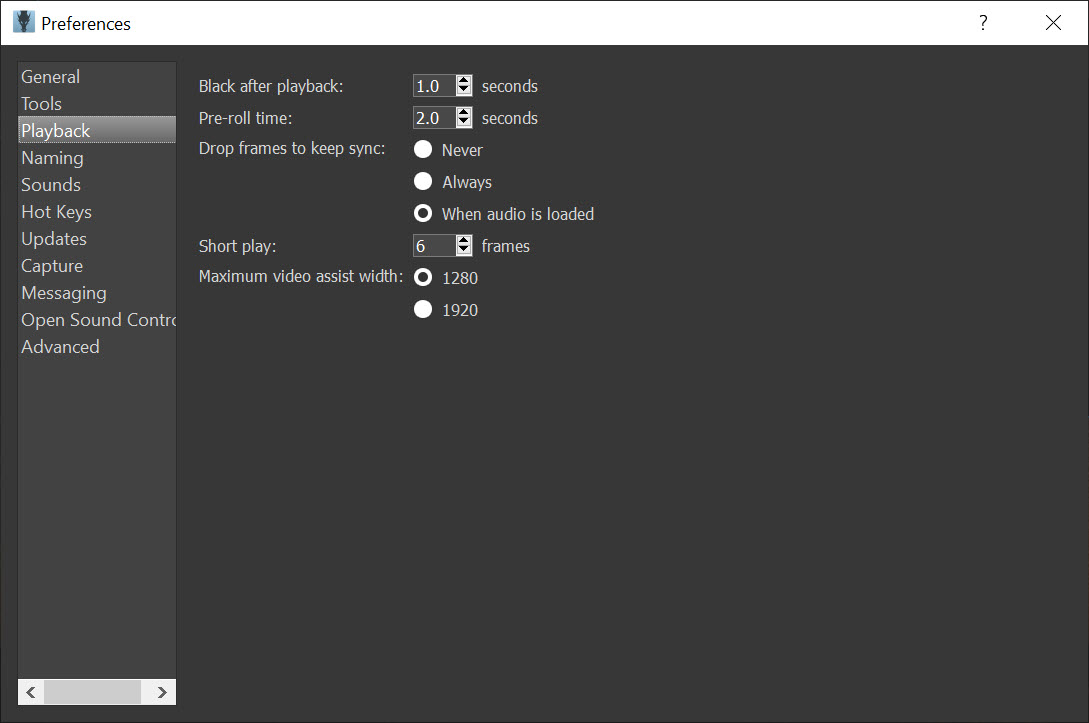
The same playback system handles full sequence review as the production progresses. Daily playback of everything shot lets directors and animators check that the work in progress is matching the planned vision, and catches problems early when they’re cheaper to fix.
Productions that use it
For users who want to know the credibility of Dragonframe for serious work, the answer is at the top of the industry. Laika productions (Coraline, Paranorman, Boxtrolls, Kubo and the Two Strings, Missing Link) used it. Aardman productions (Shaun the Sheep movies, Early Man) used it. Wes Anderson’s stop-motion features (Fantastic Mr. Fox, Isle of Dogs) used it. Major commercial and music video stop-motion work uses it routinely.
The application is also used at smaller scales for independent productions, student films, hobbyist work, and educational settings. The licensing structure includes versions appropriate for different production scales, with educational pricing for schools and indie pricing for solo productions that doesn’t require the full commercial license.
For users who want a free alternative to start learning stop motion before committing to professional tooling, Stykz handles basic frame-based animation though it’s specifically for stick-figure animation rather than full stop motion.
For digital animation that doesn’t involve physical sets, Blender covers 3D animation including pseudo-stop-motion looks created through render styling. Neither replaces what Dragonframe does for actual stop motion with physical materials, but they cover adjacent use cases.
Audio integration for performance
For shots where animators are performing to dialogue, music, or sound effects, Dragonframe can play audio tracks during capture and timeline review. The audio loads from standard formats, syncs to the timeline by frame, and plays back at the project frame rate so animators can hear exactly what their puppet should be performing to.
The breakdown tools that map audio waveforms to specific frames are particularly important for dialogue. The animator hears the recorded dialogue, sees the waveform on the timeline with frame markers, and can identify which sounds happen on which frames to plan mouth shapes accordingly. This level of audio integration is what makes lip-sync work practical at frame rates as low as 12 or 24 fps.
For post-production audio work after the animation is captured, the application doesn’t compete with dedicated DAWs. Once the picture is locked, sound design, music, and final mixing happen in other tools. The audio role here is specifically about on-set reference for animator performance.
Project management and organization
Productions often involve dozens or hundreds of shots, each with multiple takes, captured over weeks or months. Dragonframe organizes everything by scene and shot, with each shot containing its own X-Sheet, timeline, captured frames, audio references, and metadata. Switching between shots is straightforward, and the consistent organization means productions don’t lose track of what’s been shot, what needs reshooting, and what’s queued for upcoming work.
Export options include image sequences for handoff to compositing or editing, complete project archives for backup, and direct video output for review purposes. The image sequence export is the most important for production workflows, since the captured frames go into post-production where they’re color-graded, composited, and edited in dedicated software for those tasks.
Conclusion
Dragonframe is the right tool for anyone working seriously in stop-motion animation, from professional productions down to ambitious indie projects that need real production tooling rather than improvisation. The integrated workflow covering live view, capture, X-Sheet planning, motion-control rigging, DMX lighting, and audio breakdown is what professional stop motion actually requires.
The application’s adoption by Laika, Aardman, and the major studios isn’t accidental. It exists because the workflow problems stop-motion production faces are specific enough that generic tools can’t solve them adequately.
For users new to stop motion, the application is also the right learning tool despite the commercial pricing, because the workflow it enforces (onion-skinning, X-Sheet planning, careful frame-to-frame thinking) builds the habits that produce good animation regardless of the tool.
Starting with simpler free alternatives is reasonable for understanding basic frame-based animation, but anyone committed to stop motion as a serious pursuit ends up here. The investment in the software and the supporting hardware is meaningful, but the productions that result demonstrate why the category exists.
Pros & Cons
- Industry-standard for professional stop-motion productions including major theatrical releases
- Real-time live view with sophisticated onion-skinning supports precise frame-to-frame animation
- Integrated motion-control rig support enables programmable camera moves through scenes
- DMX lighting control allows per-frame programmable lighting changes
- Tethered camera capture from Canon, Nikon, Sony, and other professional camera bodies
- RAW capture support preserves full sensor data for post-production color work
- X-Sheet workflow with audio breakdown matches traditional animation production planning
- Test shot functionality with immediate playback supports iterative animator work
- Commercial pricing reflects professional production tooling, with the cost being substantial for hobbyists
- Hardware requirements include a properly supported camera with USB tethering capability
- Motion-control and DMX features require additional hardware investment to fully use
- Learning curve is meaningful for users new to stop-motion concepts
- The workflow assumes physical animation rather than digital, so it's specific to the stop-motion category
Frequently asked questions
The application is professional stop-motion animation software that captures frames from a tethered camera, displays them in a timeline with onion-skinning for animator reference, integrates motion-control rigs and DMX lighting, and provides the complete on-set production workflow for stop-motion films.
The application supports tethered capture from most current Canon, Nikon, and Sony DSLR and mirrorless cameras, along with various machine vision cameras and webcams. The exact list of supported models is maintained by the manufacturer and includes both current and many older bodies.
Onion-skinning displays previous captured frames as semi-transparent overlays on the live view, so the animator can see exactly how much a puppet has moved between exposures. This visual reference is fundamental to creating smooth frame-to-frame movement in stop motion.
Yes. The application supports both first-party DMC motion-control hardware and various commercial motion-control systems through plug-ins. Camera moves can be programmed across frame ranges with the rig executing one increment between each captured frame.
DMX is the protocol that controls theatrical and film lighting fixtures. The application can change light intensity, color, and other parameters on a per-frame basis, which enables effects like sunrises, day-for-night transitions, and dramatic lighting changes that would be impossible to execute by hand consistently across hundreds of frames.
Major stop-motion features including the Laika films (Coraline, Paranorman, Boxtrolls, Kubo and the Two Strings, Missing Link), Aardman productions, and Wes Anderson's stop-motion features have all used the application. It's the industry standard for professional theatrical stop-motion work.
The application exports captured frames as image sequences (the standard handoff to post-production), complete project archives for backup, and direct video output for review purposes. Final video editing and compositing happen in dedicated post-production software using the exported image sequences as source material.


