

WinRAR

 (230 votes, average: 4.01 out of 5)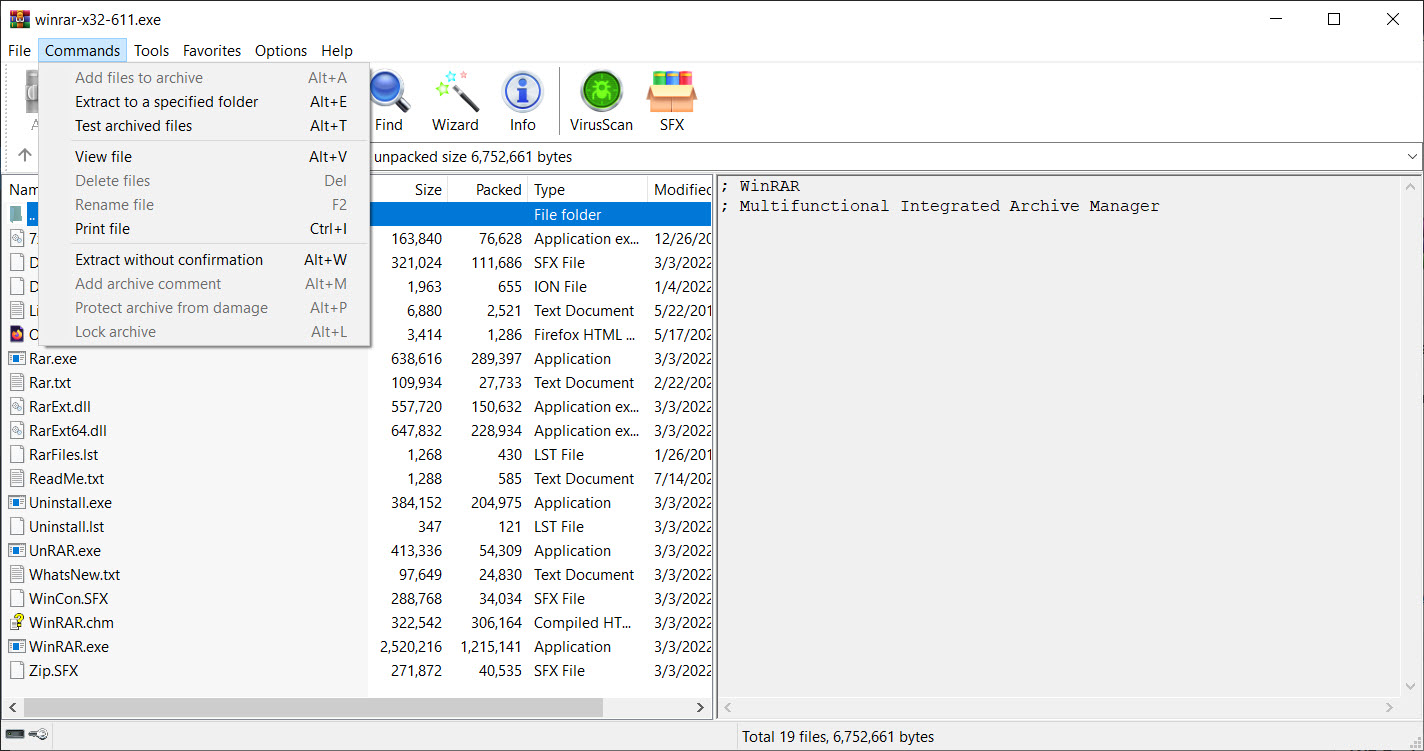
About WinRAR
WinRAR is the archiving tool that everyone has had on their machine at some point, the one with the famous “trial” that never actually expires and the dialog asking you to buy a license that nobody clicks. Behind the lasting cultural meme is genuinely capable software, originally written by Eugene Roshal in 1995, that handles compression and decompression for an enormous range of archive formats and produces RAR archives that consistently outperform ZIP on compression ratio.
Version 7 brought the most substantial changes in years, including a redesigned interface, native dark mode, support for the modern Zstandard compression algorithm in the new RAR7 format, and a doubling of the dictionary size limit for higher-ratio compression on larger files.
For an application that some users still think of as legacy software, the active development is more substantial than the reputation suggests.
The compression engine that justifies its existence
Most archivers in 2026 can read just about any archive format. The differentiator is what they create when you compress something, and on that metric WinRAR still has a real advantage on certain file types. The RAR format uses a proprietary algorithm optimized for compressing executable files, multimedia data, and mixed-content archives, and it consistently produces smaller output than ZIP for the same input.
The difference is rarely dramatic (typically 5-15% smaller archives) but it adds up for users who routinely archive large amounts of data.
The new RAR7 format, introduced with version 7 and now the default in newer installations, raises the maximum dictionary size to 64 GB. The dictionary size matters because it determines how much previously-seen data the compressor can reference when looking for repeating patterns.
Bigger dictionaries mean better compression on large archives with redundancy spread across many gigabytes. For users compressing virtual machine images, large datasets, or media libraries, RAR7 with its expanded dictionary produces archives noticeably smaller than RAR5 or any ZIP variant.
The trade is that only WinRAR version 7 and recent compatible tools can read RAR7 archives. If you’re sending the file to someone whose archiver might be older, RAR5 or ZIP is the safer choice. This is the kind of decision the application asks you to make consciously rather than hiding behind a default.
Format support that covers basically everything
For extraction, WinRAR handles practically every archive format you’ll encounter. RAR (all versions including RAR7), ZIP, 7Z, TAR, GZ, BZ2, XZ, ISO, ARJ, LZH, CAB, UUE, JAR, ACE, and many others all open cleanly.
The CAB support is genuinely useful for users dealing with Windows installation files. The ISO support means you can browse inside disc images without mounting them, which is handy when you only need to extract a specific file rather than mount the whole image.
Creation is more limited. You can create RAR, RAR7, and ZIP archives natively. For other output formats you’ll want a different tool. 7-Zip creates 7Z archives that often compress as well as RAR for similar use cases, and it’s free and open-source for users who want both archive creation and extraction without the licensing dialog.
For batch extraction or specialized format work, PeaZip covers more formats on the creation side and has a stronger batch interface. Bandizip is the newer Korean archiver that has built a following based on its modern UI and good performance.
The category is crowded, but WinRAR is the one most users default to even when alternatives exist.
The famous trial that never expires
Here’s the part of the reputation that needs explaining honestly. WinRAR has been “trial software” since the beginning, and the trial period is technically 40 days. After 40 days, the application shows a license-purchase reminder dialog when it starts. The dialog is dismissible with a click and the application continues working with no feature limitations.
This has been the case for nearly thirty years. The trial enforcement has never been tightened, the unlicensed version has never been crippled, and the company has effectively built a global user base on the strength of letting individuals use the product indefinitely while expecting businesses to license it.
The licensing terms technically require payment for any use after 40 days, including personal use, but the enforcement model has been honor-based throughout the product’s history.
For business and commercial use, paying for the license is the right call legally. RARLAB sells per-seat and volume licenses through its commercial channel, and the prices are reasonable for what the software does. For individuals using it occasionally on a personal machine, the practical situation is that you’ll see the reminder dialog and the rest of your interaction with the software will be exactly the same as a licensed user’s. Make of that what you want.
Security and the parsing vulnerability history
This needs to be discussed because it’s specific to archivers in general and WinRAR has had its share of CVEs over the years. Archive parsers are complex pieces of code that handle untrusted input (the contents of archives you download from the internet), and they’ve historically been a source of remote code execution vulnerabilities across every major archiver, not just this one.
The most notable recent example is CVE-2023-38831, a vulnerability in WinRAR versions before 6.23 that allowed crafted archives to execute arbitrary code when extracted. It was actively exploited in the wild before being patched, including by state-level threat actors. The lesson isn’t that the application is unsafe, since similar vulnerabilities have been found in 7-Zip, PeaZip, and other archivers. The lesson is that keeping your archiver updated matters more than people realize.
The current version 7.x line has had its own security updates and the development pace on security fixes is now faster than it was historically. If you’re running an old WinRAR version because the application has always seemed to work, update to the current release. The same advice applies to any archiver you use.
The right-click integration that drives adoption
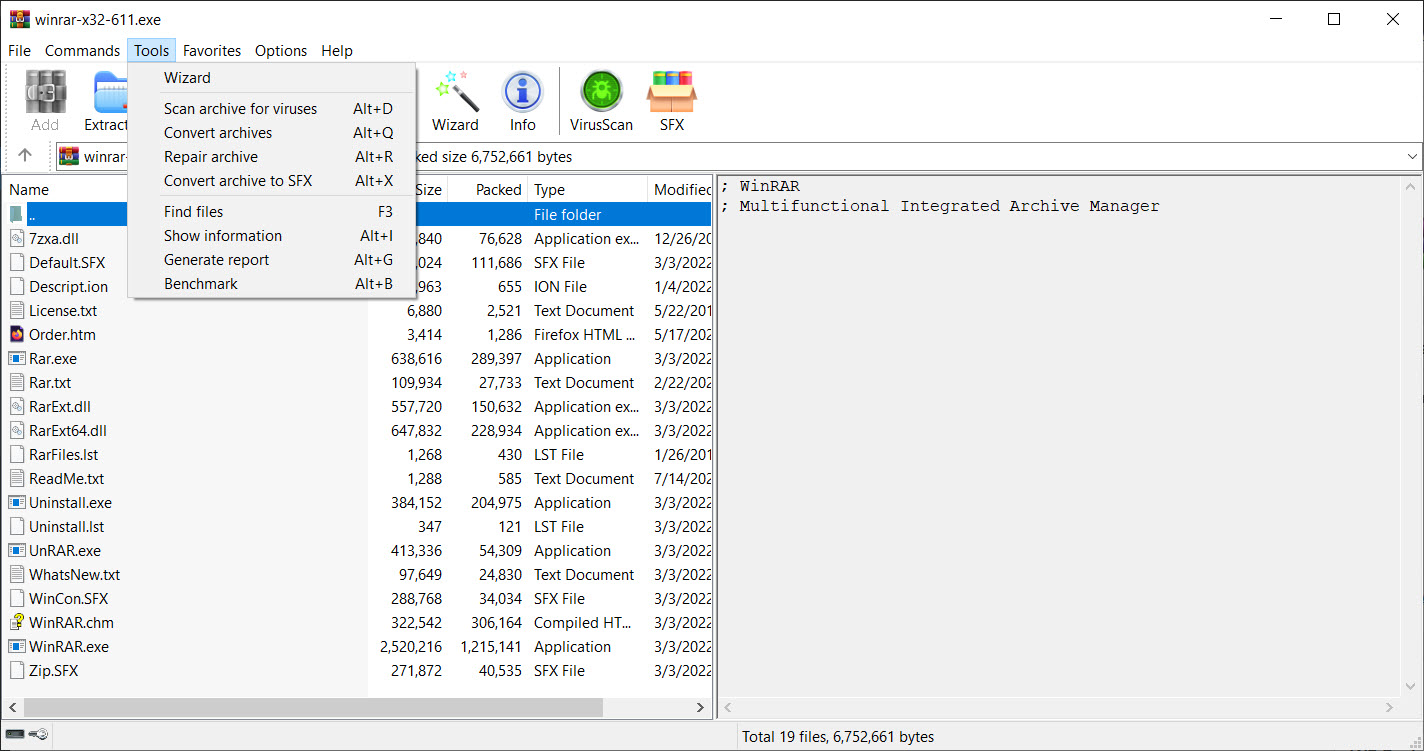
Beyond the compression engine and format support, the practical reason most users default to this archiver is Windows Explorer integration. Right-click any file or folder, get options for adding to archive, adding to a specific archive name, extracting here, extracting to a specific folder. The integration is unobtrusive in the right-click menu but immediate when you need it.
The “Add to archive” dialog opens with sensible defaults but exposes every option that matters. Compression level (Store, Fastest, Fast, Normal, Good, Best), archive format (RAR, RAR7, ZIP), volume splitting for large archives, password protection with AES-256, recovery records for damaged archive resilience, comments embedded in the archive header. The advanced tabs add solid archive mode for higher compression ratios on many small files, hash algorithm selection, and Unicode handling for international filename support.
The extraction side is equally polished. Right-click an archive and you get one-click extraction options, or open the archive in WinRAR for browsing and selective extraction. The integration works through standard Windows shell extensions and survives Windows updates well.
Password protection and encryption
For users who need to send sensitive files in compressed form, the AES-256 encryption with the RAR and RAR7 formats is genuinely useful. The encryption applies to both file contents and (optionally) the file list within the archive, so an attacker without the password can’t even see which files are in the archive without breaking the encryption.
This is one of the practical use cases that keeps WinRAR relevant even for users who don’t care about compression ratios. Sending a sensitive document via email or shared cloud storage with the file wrapped in a password-protected encrypted archive is one of the simplest ways to add a meaningful security layer without setting up dedicated encryption tools.
The password is shared out-of-band (a different channel from the archive), and the encryption is strong enough that brute-forcing a reasonable password is impractical.
For users specifically wanting an encryption-focused archiver, AZip is built around the encryption use case. For broader encryption needs beyond archives, dedicated tools like VeraCrypt apply, but for the “lock this file and email it” use case, the built-in archive encryption is usually enough.
Volume splitting for large files
Another practical feature that other archivers handle inconsistently is splitting an archive into multiple smaller volumes. Need to send a 12 GB file through a service that limits attachments to 2 GB? Tell WinRAR to create an archive with 2 GB volumes and it produces six numbered files that can be reassembled on the other end.
Volume splitting works for any output format the application creates, with each volume being independently extractable up to the chosen size. Recovery records can be added per-volume so that a damaged volume can sometimes be reconstructed from the surrounding ones.
This is a legacy feature from the era of CD-ROMs and floppy disks but it still has real-world uses for transferring large files through size-limited channels.
What version 7 changed
The recent version 7 release deserves specific attention because it represents the biggest update WinRAR has had in years. The new RAR7 format with its 64 GB dictionary, the redesigned interface with a properly modern look, the native dark mode that respects Windows theme settings, and support for the Zstandard algorithm alongside the proprietary RAR codec are all genuine improvements.
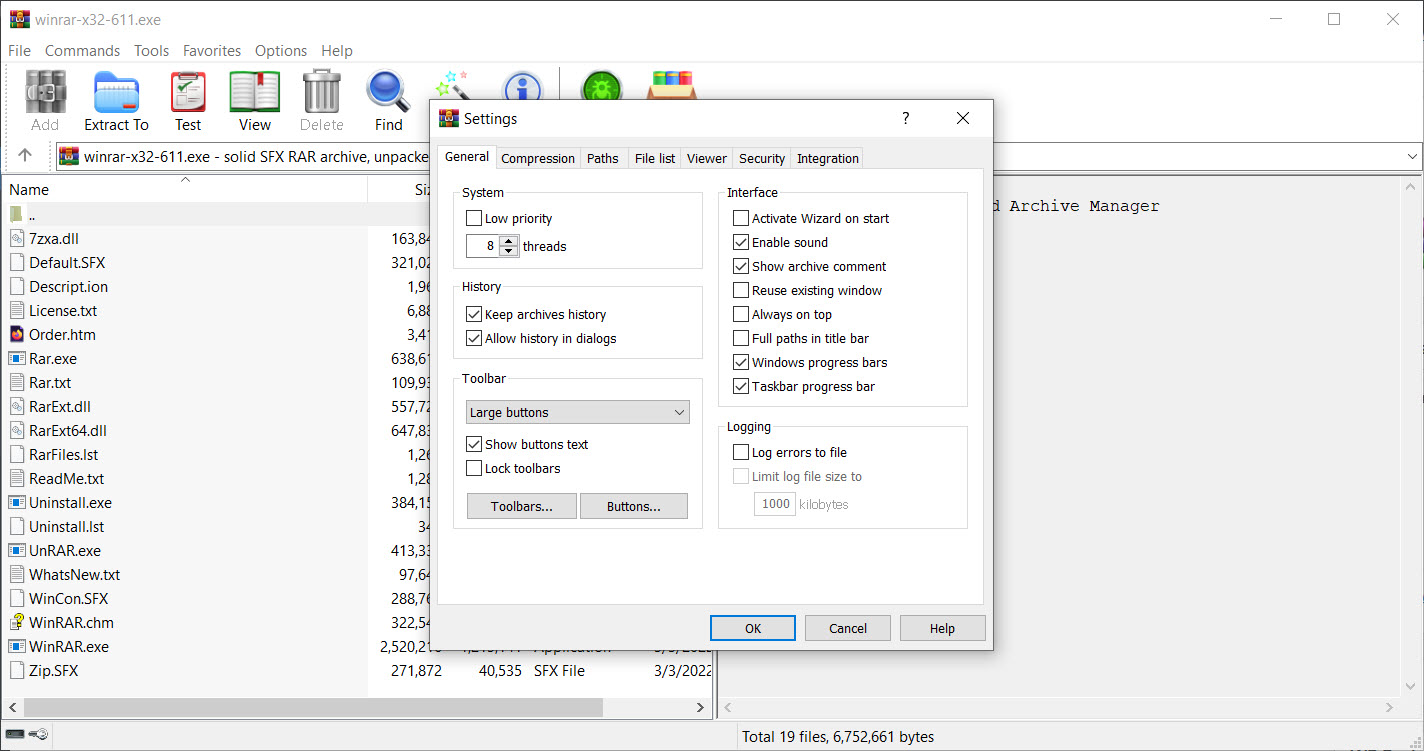
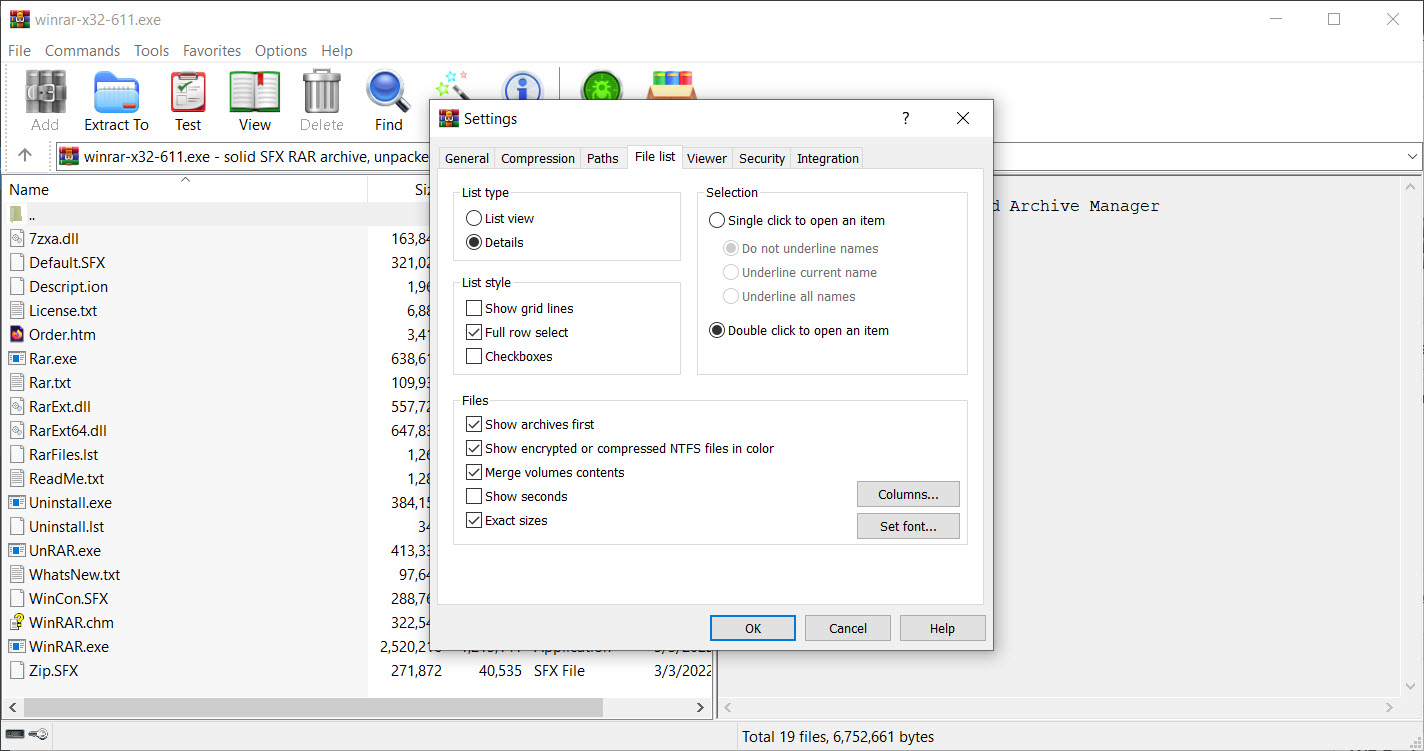
The interface modernization is the most visible change for most users. The old toolbar-heavy look has been replaced with a cleaner design that fits Windows 11 conventions while keeping the dense information layout power users rely on. The dialogs have been refreshed without losing the options that experienced users know by reflex.
It’s the kind of update that feels overdue but executed well when it finally landed.
Conclusion
WinRAR is one of those Windows utilities that has earned its market position through three decades of consistent capability rather than through aggressive updates or trendy redesigns. The compression engine is genuinely good, the format support is exhaustive on extraction, the Windows integration is fast and unobtrusive, and the recent version 7 release shows the development team is still actively investing in the product. For users who value compression ratio and broad format support in a polished package, the application delivers on all of those.
The choice between paying for a license, using it under the honor-based trial system, or switching to a free alternative like 7-Zip is up to each user’s situation. Commercial environments should license it properly. Individuals can make their own call. Whatever you decide, keep the application updated to the current version.
The history of archive parser vulnerabilities across the entire category makes running outdated archiving software a real risk that’s easy to mitigate by just installing the latest release when prompted.
Pros & Cons
- Best-in-class compression ratios for RAR and RAR7 formats on suitable input
- Handles practically every archive format on extraction (RAR, ZIP, 7Z, TAR, ISO, and many more)
- AES-256 encryption with optional encrypted file lists for secure archive sharing
- Volume splitting handles transferring large files through size-limited channels
- Recovery records protect archives against corruption and partial damage
- Right-click Windows Explorer integration is fast and unobtrusive
- Recent version 7 brings modern UI, dark mode, and the new RAR7 format
- Active security updates with faster patching than the application's reputation suggests
- Trial nag dialog appears after 40 days but doesn't restrict functionality
- Proprietary RAR format means archives you create may not be readable by all recipients
- Creation is limited to RAR, RAR7, and ZIP, with no 7Z or other format output
- Free open-source alternatives exist that handle most use cases without licensing concerns
- Historical CVE record reminds users that keeping archivers updated is genuinely important
- UI is improved in version 7 but still not as modern as some newer archivers
Frequently asked questions
The application is sold as 40-day trial software, but the trial doesn't restrict functionality after expiration. A reminder dialog appears at launch suggesting you buy a license, and that's the only practical consequence. Commercial use technically requires a paid license under the terms.
RAR7 is the newer format introduced with version 7 of the application. It supports much larger compression dictionaries (up to 64 GB), better compression on large archives, and uses updated algorithms. RAR5 remains the default for compatibility with older versions, while RAR7 gives better results when both ends use current software.
7-Zip is free and open source and creates 7Z archives that often match RAR compression for similar content. The application creates RAR archives that compress slightly better on certain content types and has more polished Windows Explorer integration. Both tools handle extraction of virtually any format, so for read-only use the difference is mostly cosmetic.
There's no practical file size limit. Archives can contain individual files of arbitrary size, and the RAR7 format raises the dictionary size limit to 64 GB which improves compression on very large data sets.
The encryption uses AES-256, which is computationally infeasible to brute-force when the password is reasonably strong. Weak passwords (short, common, dictionary words) are vulnerable to dictionary attacks regardless of the underlying encryption. Strong passwords (long, mixed character sets, not based on words) are effectively unbreakable with current technology.
That's the licensing model the company has chosen for decades. The application is honor-based shareware, with the expectation that businesses license for commercial use and individuals can decide for themselves about personal use. The application doesn't enforce the trial period with feature lockouts.
Standard RAR5 archives can be read by 7-Zip, PeaZip, Bandizip, and most other modern archivers. RAR7 archives are newer and currently require WinRAR version 7 or compatible recent tools to extract. For maximum compatibility, ZIP format is the safest output choice.


