

SnapShot
About SnapShot
Screen capture tools have spent years growing editors, libraries, and cloud accounts, and somewhere in that growth the original job got buried, press a key, get a picture, move on. SnapShot never left that job.
It captures the full screen, a single window, or a drawn selection through a click or a hotkey, saves the result automatically in the format you chose, without a single dialog asking anything, and can push the file onward by FTP or e-mail from inside the program. Capture to delivery, no detours.
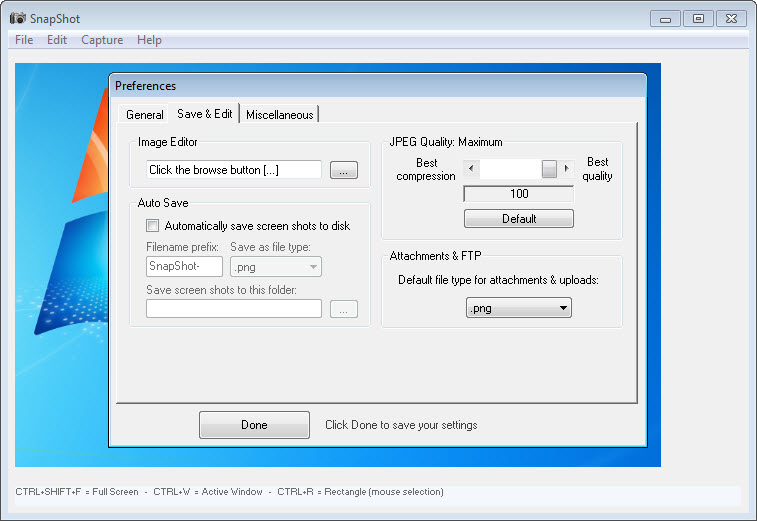
The automatic saving is the philosophy in one feature. You decide once where screenshots go, how they’re named, and what format they take, and from then on every capture files itself. The tool assumes your attention belongs to whatever you were capturing, not to a save-as window, and everything else follows from that assumption.
Three captures, one keypress each
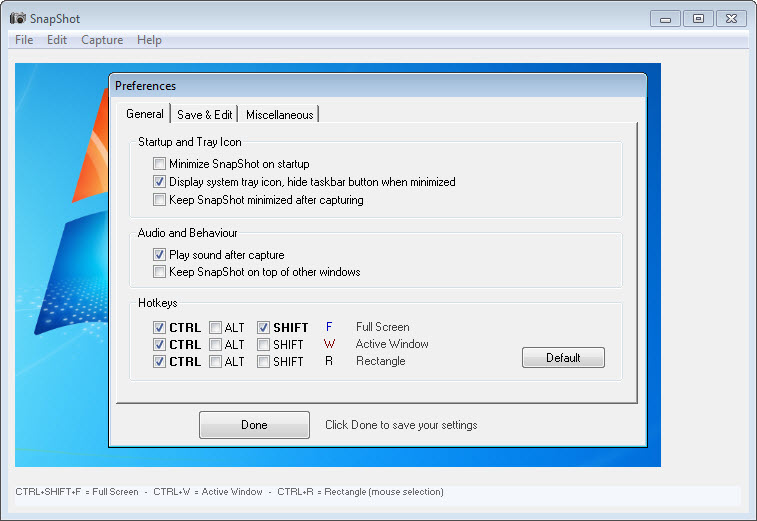
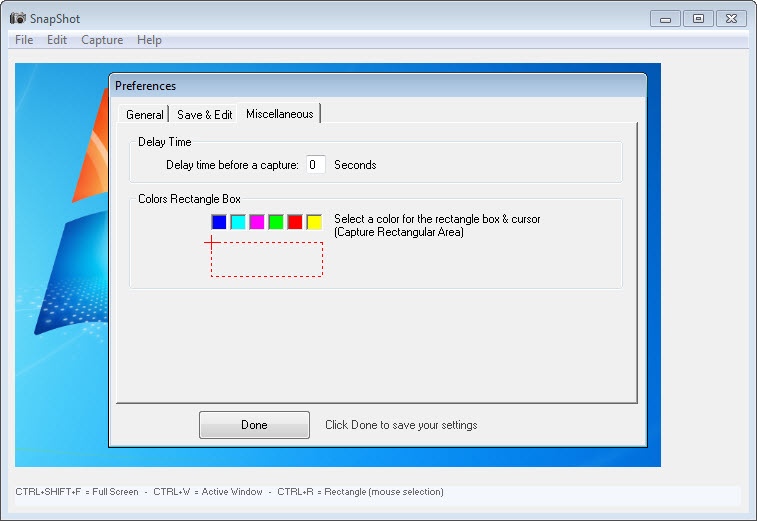
The repertoire covers what daily life actually requires. Full-screen grabs document the whole desk, window capture isolates one application cleanly, and area selection draws a rectangle around exactly the evidence you need. Hotkeys drive all three, which matters more than it sounds, since half of what people capture, menus, hover states, transient errors, vanishes the moment focus shifts to another program. A keypress that doesn’t steal focus catches what a click cannot.
Formats span the popular spectrum, and choosing the right one is the closest thing to expertise the tool demands. PNG for interface shots and text, JPG for photographic content where size matters, and the older formats for whatever legacy workflow still insists.
Filename generation stamps each capture with patterns, numbering, timestamps, so a burst of twenty screenshots arrives as an ordered sequence rather than a naming chore.
Sending, built in from another era
The delivery features are the fingerprint of the tool’s generation, and they’ve aged into a curiosity that some workflows still treasure. A built-in FTP client uploads captures straight to a server, and an e-mail engine sends them as attachments, both configured once and fired per capture.
In the era before cloud links, this was how a screenshot reached a colleague or a website, and for the workflows that still run on FTP folders and mail attachments, support desks with old ticket systems, sites maintained the traditional way, the shortcut remains a shortcut.
For everyone else, honesty says the delivery half is a museum piece, gracefully skippable, with the local auto-save carrying the tool’s whole modern value.
What it hands to other programs
Editing is delegated, on purpose. SnapShot opens a fresh capture directly in the external editor of your choosing, so annotation, cropping, and redaction happen in whatever you already use, and the capture tool never grows one. That division of labor keeps it tiny and instant, and it draws the boundary that decides who this is for.
Anyone whose screenshots need arrows, blurs, and numbered steps as a daily routine has outgrown delegation, and the annotate-as-you-capture generation serves them better, with Greenshot as the balanced middle of that road.
The maximalist end belongs to a full screenshot workshop like Screenshot Captor, editor, filing system and all, the exact opposite philosophy executed just as faithfully.
The other absences follow the same pattern. There’s no scrolling capture for pages taller than the screen, no built-in library browser, no video, and no cloud anything. A modern all-rounder such as PicPick bundles several of those in one package for whoever wants them.
This tool’s answer is that it starts faster, weighs less, and never shows you a feature you didn’t ask for.
The honest sum
Add it up fairly. The core loop, hotkey, capture, auto-save, is instant, reliable, and configured in five minutes for years of use. The interface predates modern design by a wide margin and functions identically anyway. The delivery engine is vintage, valuable to a shrinking few. And the deliberate absences, editing, scrolling, libraries, are the entire reason the tool stays this small and this quick.
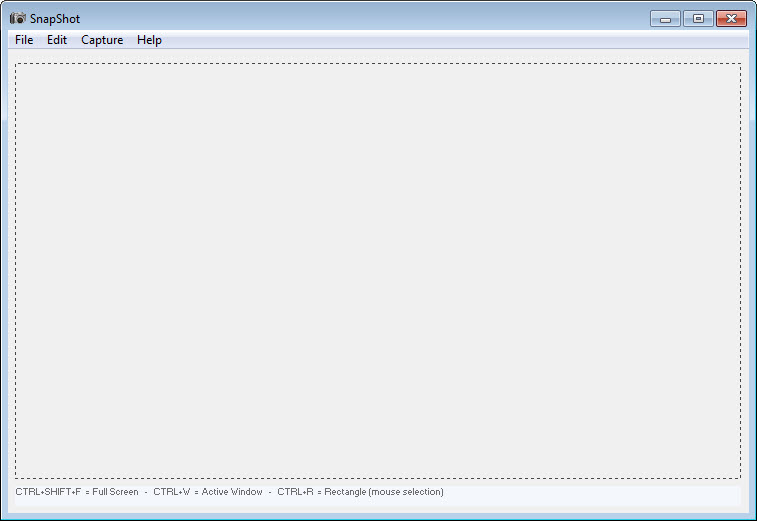
That’s a coherent product with a clear owner, the person who captures often, wants zero friction and zero dialogs, and either doesn’t annotate or already has an editor they trust. For them, the old-fashioned simplicity isn’t a limitation. It’s the feature the newer tools misplaced.
Conclusion
SnapShot suits the capture minimalist. The frequent screenshotter who wants a keypress and a filed image with nothing in between, the owner of an old-school FTP or mail workflow, and the user who already has an editor and resents tools that insist on their own are all at home here. Within that shape, it’s fast, silent, and effectively finished software.
Anyone needing annotation, scrolling pages, or a managed library should pick a bigger instrument from the start. This one’s promise is smallness kept, and it keeps it completely.
Pros & Cons
- Hotkey captures of screen, window, or region without stealing focus
- Automatic saving with pattern-based filenames, no dialogs ever
- Supports the popular image formats with per-capture choice
- Hands captures directly to any external editor
- Built-in FTP and e-mail delivery for classic workflows
- Tiny, instant, and configured once for years
- No built-in annotation, cropping, or redaction
- No scrolling capture for content taller than the screen
- Delivery engine assumes workflows from an older internet
- Interface design long past its era
Frequently asked questions
No, that's its defining habit. Destination folder, format, and filename pattern are set once, and every capture saves itself silently from then on.
Yes, hotkey capture fires without shifting focus, which is exactly how transient menus, tooltips, and hover states get caught.
The tool opens captures directly in an external editor you designate, delegating annotation and cropping to the program you already prefer rather than including its own.
Sending captures onward without leaving the tool, uploading to a server or mailing as an attachment, a convenience built for classic workflows that some support and web-maintenance routines still use.
No, its captures cover what's visible, full screen, window, or region. Pages taller than the screen belong to tools built around scrolling capture.


