

RichCopy
About RichCopy
Copying half a million small files across a network is where ordinary copying falls apart. Each file involves a round trip, the transfer spends most of its time waiting rather than moving data, and a job that should take an hour takes most of a day. RichCopy was built for exactly that situation, and its answer is to stop doing one thing at a time.
The architecture is unusually explicit about how. One engine walks the source directories and pushes what it finds into a cache. A second engine pulls from that cache and performs the copying. Each of those engines is not a thread but a group of threads, and you set the size of each group independently.
That separation is the whole design. Enumeration and copying stop waiting for each other, and dozens of files move simultaneously rather than queueing behind whichever one is slowest.
The warning in its own documentation
Before anybody starts raising numbers, the documentation says something refreshingly direct that deserves repeating.
Those thread settings directly affect processor, storage, memory and network use, and it is possible to configure the tool so heavily that the machine will not accept other work while it runs. That is not a caution about instability, it is a statement that you can saturate a computer with a copy job.
The practical nuance matters as much. Hundreds of threads pay off against a network share full of small files, because the bottleneck is latency and parallel requests hide it. The same setting pointed at a single mechanical disk makes things worse, since parallel reads turn a sequential operation into constant head movement. RichCopy hands you the dial and no guidance about which situation you are in.
Several sources, and surviving an interruption
One RichCopy job can take multiple source directories and copy them all into a single destination, which removes the usual arrangement of running three separate operations and hoping none collides with another.
Interruptions are handled properly rather than fatally. A copy pauses and resumes, including across a lost network connection, so a dropped link means waiting rather than starting again. A failed copy restarts from where it stopped.
Error handling goes further than most tools bother with. The retry interval is configurable, and so is which error codes should trigger a retry at all, which matters because some failures are worth retrying and some mean the file will never copy and the job should move on. Failures are logged with the files named rather than counted.
Filtering, attributes, profiles
Selection in RichCopy is granular. Files and directories filter by timestamp with earlier and later conditions, by attribute, with both copy and do-not-copy rules, so a job can be expressed as everything modified since a date except anything matching a pattern.
Attributes and timestamps are preserved or not according to your choice, which matters when a copy is meant to be a faithful duplicate rather than a fresh set of files with today’s date on them.
Profiles store a complete configuration, so the arrangement worked out once for a monthly job is recalled rather than rebuilt. Command-line operation covers the same ground for anything scheduled, which is how this ends up inside a maintenance routine rather than being run by hand.
The interface hides almost everything
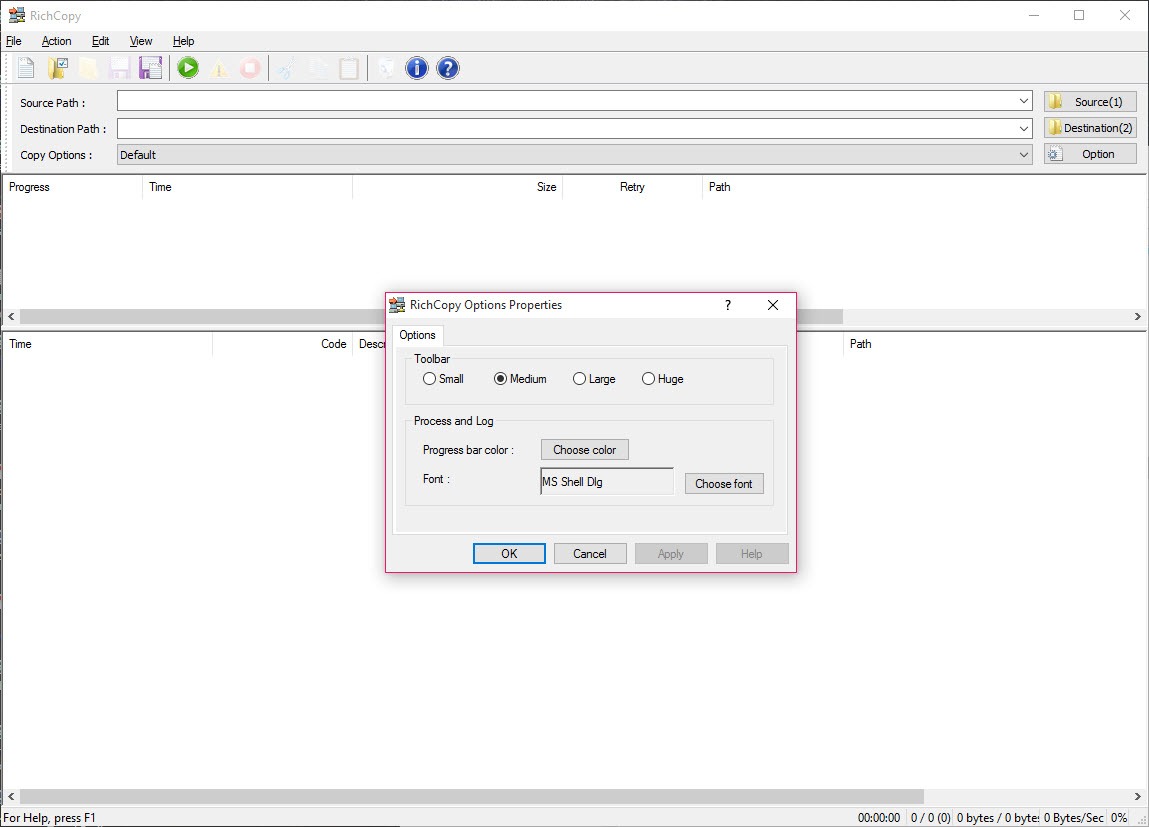
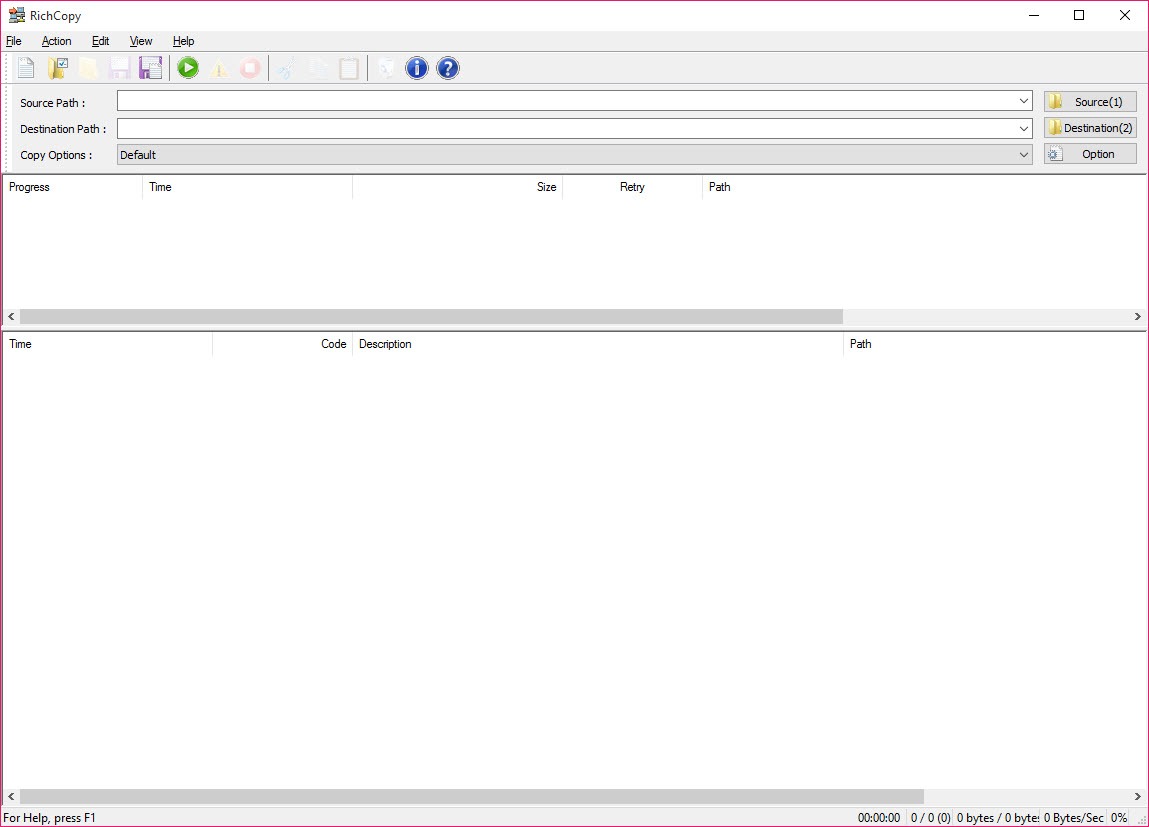
The main window shows nothing much, just source and destination boxes with a small toolbar, and every capability described above lives in dialogs behind it. Somebody who opens it and sees a plain copy box has seen roughly five percent of the program.
That is a real barrier rather than a cosmetic complaint, because a tool whose value lies entirely in its configuration needs to advertise that the configuration exists. Plenty of people have tried RichCopy, seen a copy box, and concluded it was no different from what they already had.
Where it stands now
It is no longer developed or supported. It works, it works on machines far newer than those it was written for, and nobody is fixing anything. The built-in command-line copier covers a great deal of the same ground and continues to be maintained, which is the honest comparison for anyone choosing today.
Among maintained graphical alternatives, FastCopy is the closest in spirit, being fast, configurable and willing to verify what it wrote.
TeraCopy is friendlier and covers the everyday cases with rather less to configure.
For keeping two locations matched over time rather than copying once, a synchronisation tool with rules and a preview is a different category and the right one for that job.
And for simply replacing the system copy dialog with something that queues and resumes, a lighter dialog replacement does it without the configuration surface.
Conclusion
RichCopy solved a specific problem better than anything around it, and the problem was moving enormous numbers of files across a network where the ordinary approach spends its life waiting. Separate thread pools, resumable transfers, configurable retry behaviour and saved profiles add up to a tool built by somebody who had actually done this work.
Two things temper the recommendation now. It is abandoned, so a maintained alternative deserves a look before you settle. And the power it exposes is enough to make a machine unusable while a job runs, which its own documentation says plainly.
Learn what your storage actually is before turning anything up, keep the thread counts modest on local disks, and save a profile once you find settings that work.
Pros & Cons
- Separate thread pools for directory enumeration and for copying, each configurable
- Parallel transfers turn a latency-bound network copy into a throughput-bound one
- Multiple source directories copied into one destination in a single job
- Pause and resume survives a dropped network connection
- Retry interval and which error codes to retry on are both configurable
- Filtering by date with earlier and later conditions, by attribute, and by exclusion
- Profiles store an entire configuration for repeated jobs
- Command-line operation for scheduled and scripted use
- No longer developed or supported, while the built-in equivalent is maintained
- Thread settings can saturate a machine, as the documentation itself warns
- High thread counts hurt performance on a single mechanical disk
- The main window hides essentially every feature behind dialogs
- No guidance about which settings suit which storage, so tuning is trial and error
Frequently asked questions
Because it copies many files at once instead of one after another, with separate groups of threads for finding files and for transferring them. On a network share full of small files, where waiting dominates, that difference is dramatic.
No. The documentation warns that heavy settings can consume enough of the machine that nothing else runs, and on a single mechanical disk parallel reads cause constant head movement and make the copy slower rather than faster.
Yes. A job pauses and resumes rather than failing, and a copy that stopped restarts from where it reached. Retry behaviour is configurable down to which error codes should be retried.
No. Development stopped and there are no updates or fixes. It continues to work on much newer machines than it was written for, and anyone choosing a tool today should weigh that against maintained alternatives.
Yes, multiple source directories can be specified and copied into a single destination, which avoids running separate jobs that would otherwise compete with each other for the same disk.


