

PikaTorrent
About PikaTorrent
PikaTorrent is a lightweight, open-source torrent client that strips away the clutter of traditional torrent software and focuses on what matters: speed, clarity, and ease of use. It’s the kind of tool that appeals to both beginners and seasoned users who appreciate a minimalist yet capable interface.
If you’re tired of bloated clients and confusing settings, PikaTorrent offers a fresh take on torrenting, with just the right mix of essential features and performance.
Streamlined interface with smart features
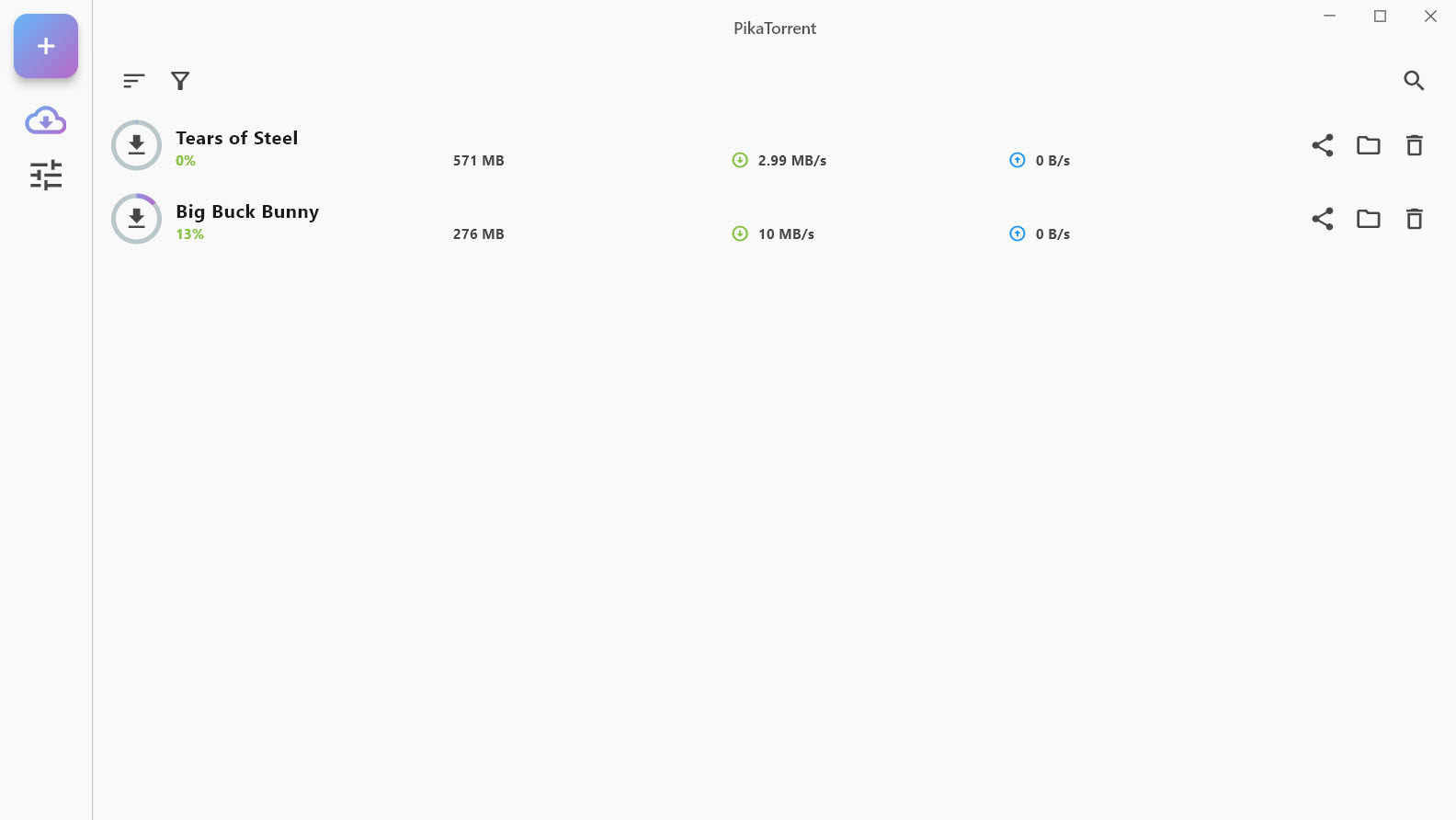
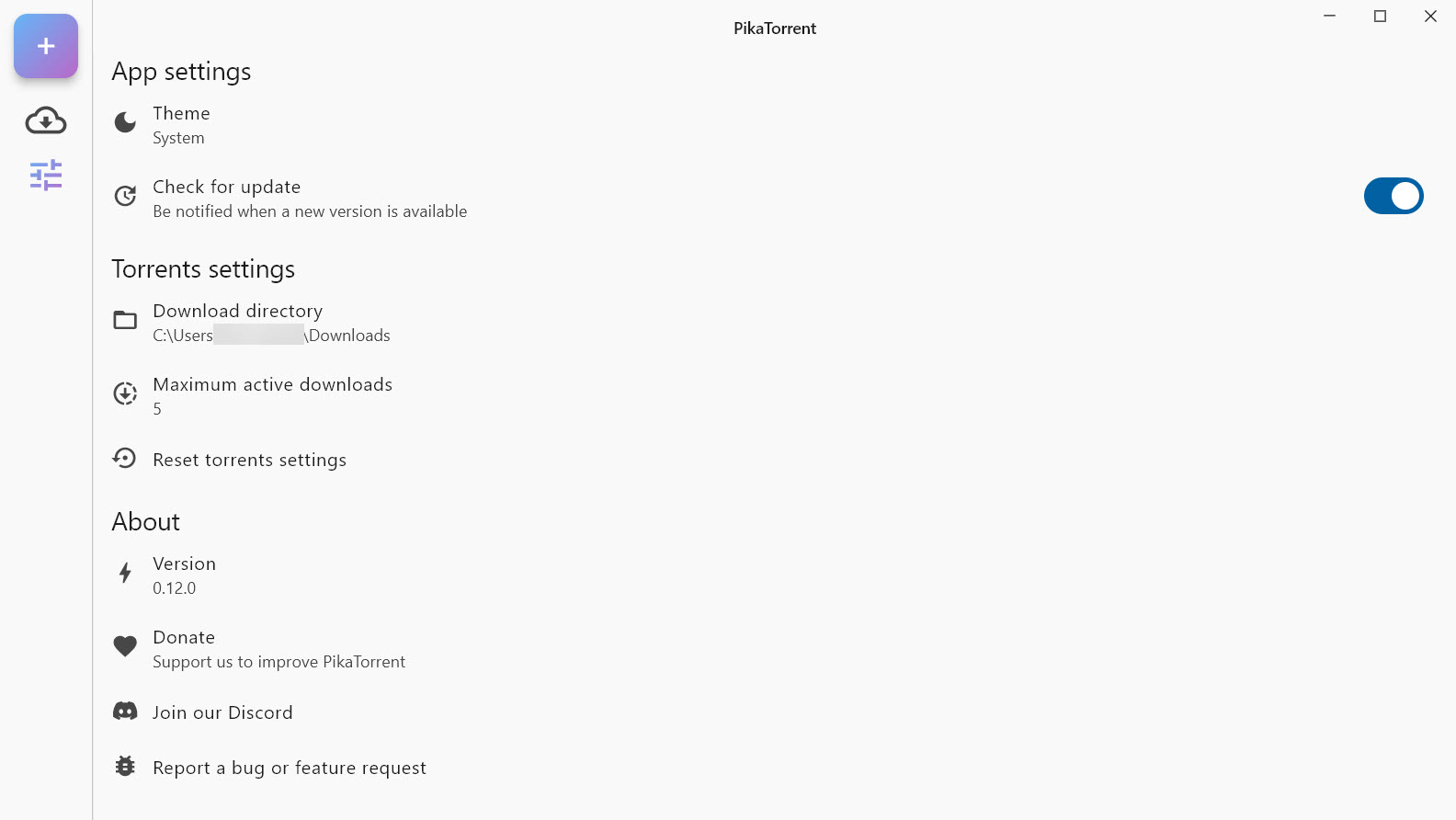
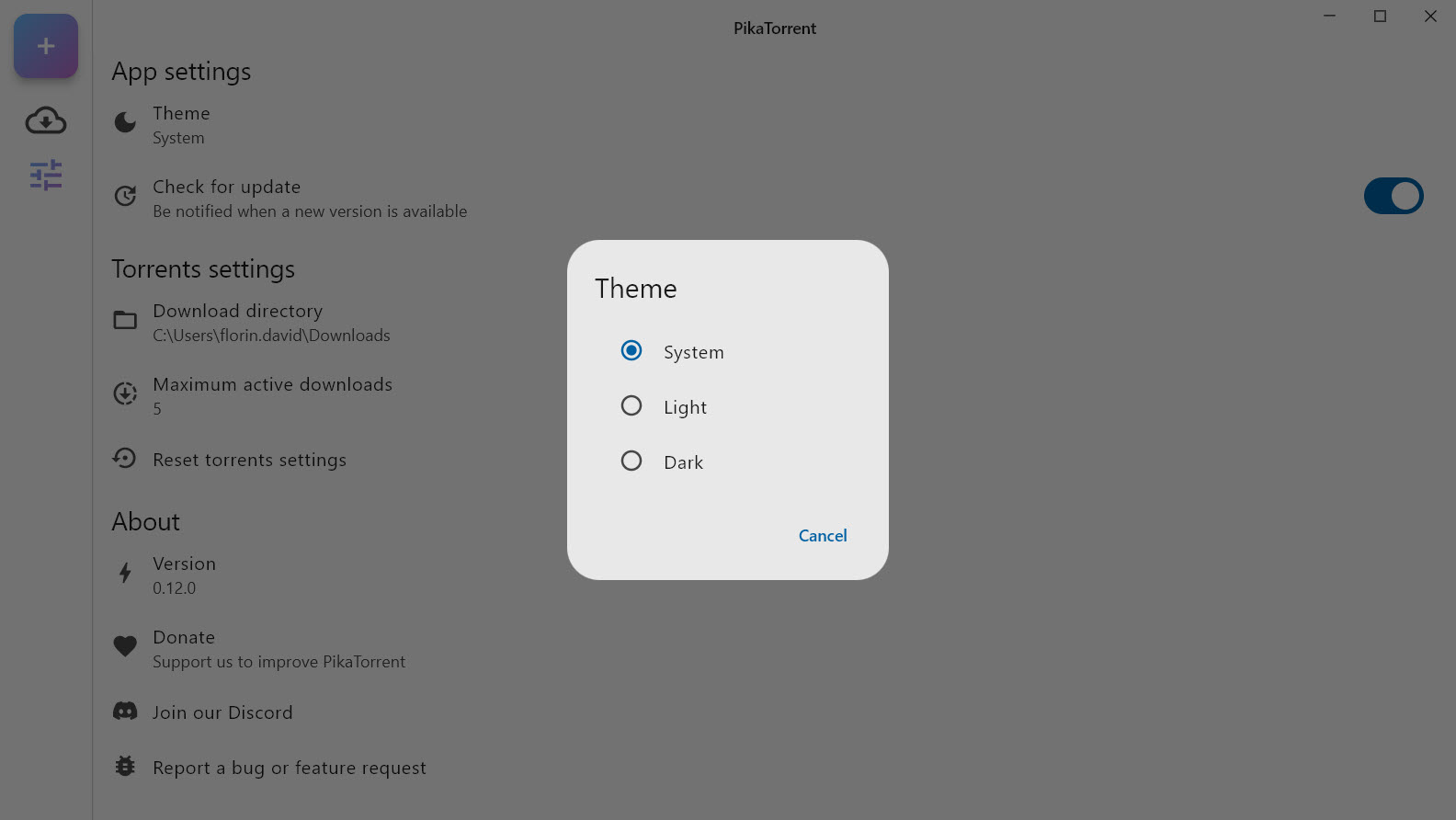
From the moment you launch it, PikaTorrent feels different. The interface is clean and intuitive, with support for dark mode and responsive design that adapts across devices.
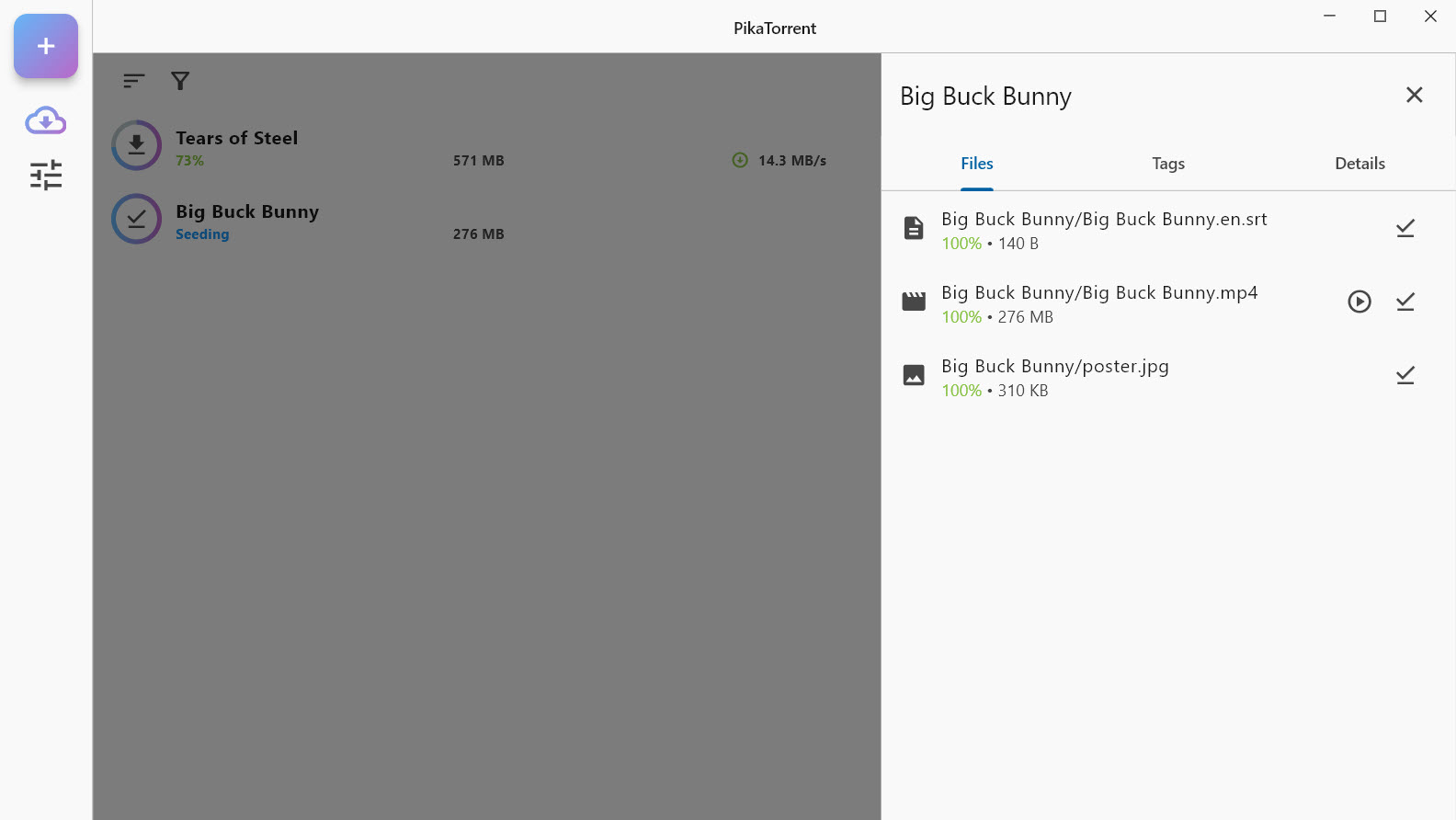
You can easily add torrents via magnet links or files, monitor download progress, and manage multiple transfers without getting lost in a maze of tabs or settings.
One thoughtful addition is tagging, which lets you categorize torrents for better organization. It also comes with built-in search integration for engines like Google and DuckDuckGo, plus the ability to add your own search sources, giving you full control over how you find torrents.
Seamless mobile integration for remote management
What really sets PikaTorrent apart is its Android pairing feature. With a quick QR code scan, you can link your desktop and mobile app, giving you full control over downloads even when you’re away from your main system.
This is ideal for anyone who wants to start, stop, or monitor torrents remotely-without any complicated setup or third-party services.
The mobile interface mirrors the desktop experience closely, so you don’t have to relearn anything. It’s consistent, intuitive, and just as lightweight.
Conclusion
PikaTorrent is the kind of torrent client that does more with less. It doesn’t try to overwhelm you with features you’ll never use-instead, it gives you the tools you need in a clean, fast, and thoughtful package.
With mobile integration, strong performance, and an open-source foundation, it’s a great choice for anyone who values simplicity and efficiency.
Whether you’re downloading once a week or every day, PikaTorrent proves that torrenting doesn’t have to be complicated. It just has to work-and this one does, beautifully.
Pros & Cons
- Low memory and CPU usage, making it ideal for background downloading.
- Modern and minimal interface with dark mode and tagging features.
- Customizable search integration and support for magnet links.
- Mobile app pairing for remote torrent management via QR code.
- Privacy-respecting and open-source, with no background tracking or ads.
- Feature set is intentionally minimal and may not satisfy power users looking for automation or scripting.
- No built-in VPN or proxy settings, which some advanced users may expect.
- Lacks scheduler and bandwidth control options found in more advanced clients.
Frequently asked questions
It's more lightweight and focused on simplicity. You won't find as many advanced settings, but it's much easier to use and performs smoothly even on lower-end systems.
Absolutely. The interface is very approachable, with just the right level of control and clear visuals.
Yes, you can load .torrent files from private trackers just like with any other client.


