

Soulseek
About Soulseek
Soulseek is a peer-to-peer file sharing client built around music and the people who collect it. Instead of swarms and torrent files, it connects you to individual users. You search the network, see which people share the file you want, and download it directly from one of them, often while browsing the rest of their collection or chatting with them in a genre room.
That person-to-person design shapes everything. Searches return folder paths and user names rather than anonymous sources, downloads come from a single peer at a time, and the chat rooms are as much a part of the experience as the transfers.
The network has long been a meeting place for collectors of rare and out-of-print music, and what you share is your own responsibility, so stick to material you have the right to distribute.
Searching by file name and folder path
A search in Soulseek matches file names and folder paths, so typing an artist or an album title finds complete album folders, not only stray tracks. Results list each file with its size, bit rate and length, the user sharing it, that user’s connection speed and how many people are queued ahead of you.
Filters narrow the list by file type, minimum bit rate, size or a word to exclude, which is how you separate a lossless rip from a low-quality copy with the same name. Right-click a result and Download Containing Folder pulls the entire album in one go.
Because results carry the sharer’s name, you also learn who else collects what you collect.
Browsing a stranger’s collection
Any user who appears in results or a chat room can be browsed. Their shared folders open in a tree view, exactly as organised on their own drive, and you can download individual files or whole folders from there. For discovering music, this is the feature people stay for. Finding one obscure record leads to a collection of fifty more in the same vein.
Users have profiles with a short written description and an optional picture, and you can keep a list of favourites to revisit. Notes attached to a user remind you why you added them, and anyone who causes trouble can be ignored or, if they are downloading from you, banned from your shares.
The Interests tab turns taste into a tool. List artists and genres you like and dislike, and Soulseek suggests similar users and recommendations drawn from what other people with overlapping interests share.
It is a crude recommender next to streaming services, but the suggestions come from real collections rather than an algorithm optimised for engagement.
Wishlists that search while you sleep
The wishlist in Soulseek is a stored search. Add a term for something you cannot find today, and the client repeats the search in the background at intervals, flagging results as soon as someone who has it comes online. For rare releases that surface only when a particular collector logs in, this is the difference between finding a file and never seeing it.
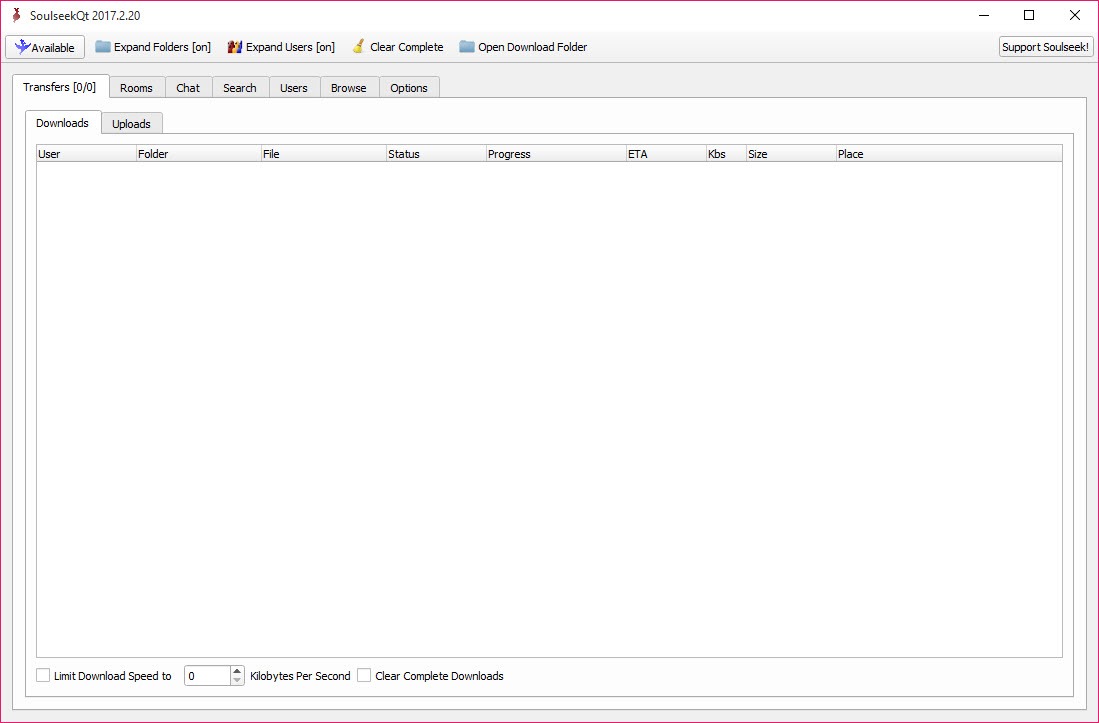
Downloads themselves sit in a queue with a transfer window for monitoring progress, retrying failed files and reordering. Since each file comes from one user, a transfer depends on that person staying online and keeping their upload slots open. Expect to wait in queues behind other users, and expect the occasional stalled download when a sharer logs off. For that reason, qBittorrent remains better suited to large, popular files with many sources.
Sharing and the unwritten rules
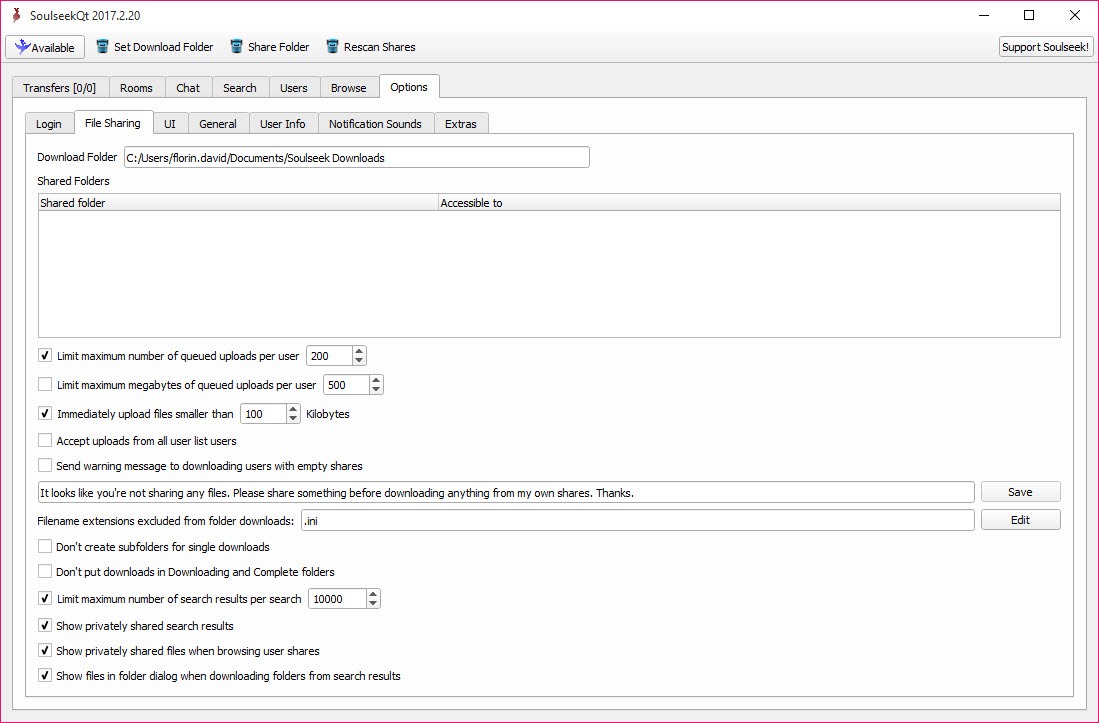
Sharing is central to how the community treats you. You choose which folders to share, and many users configure their client to give queue priority to people who share in return or to refuse downloads from users who share nothing. Keep a reasonable collection shared and queues move faster.
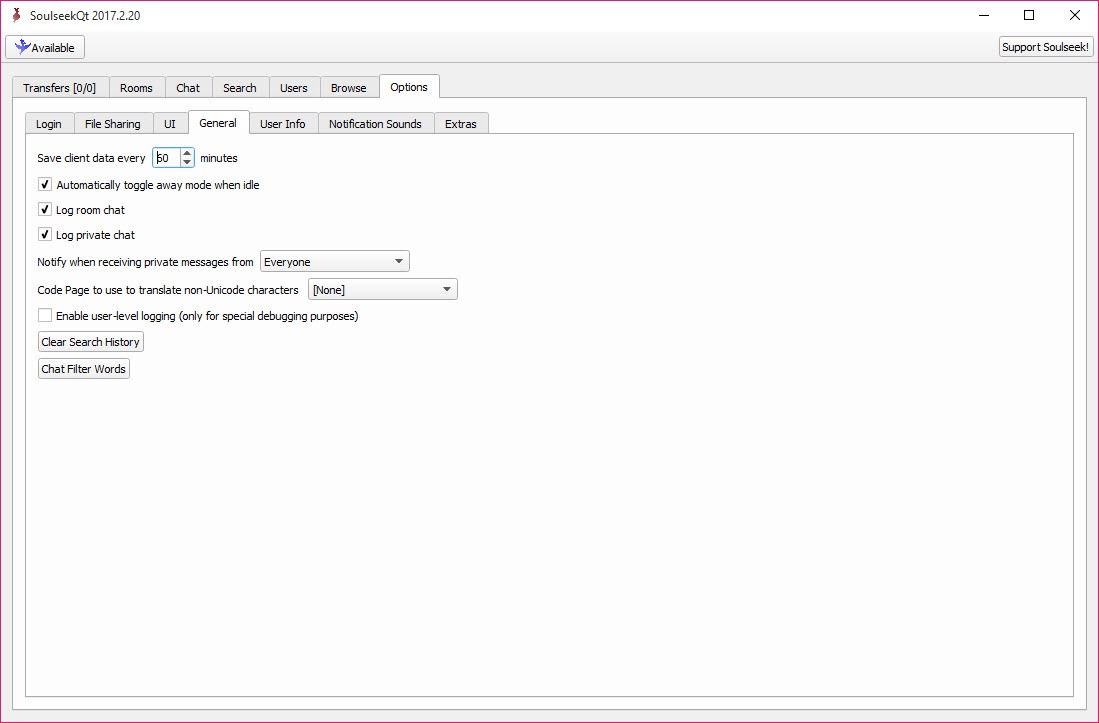
Upload and download limits in the options protect your connection, and you can cap the number of simultaneous uploads. Chat rooms, both public genre rooms and private ones you create, run alongside transfers, with private messaging for one-to-one requests.
Files you receive often arrive with uneven tags, and MP3TAG is the usual companion for cleaning them up before they join a library.
Getting connected properly
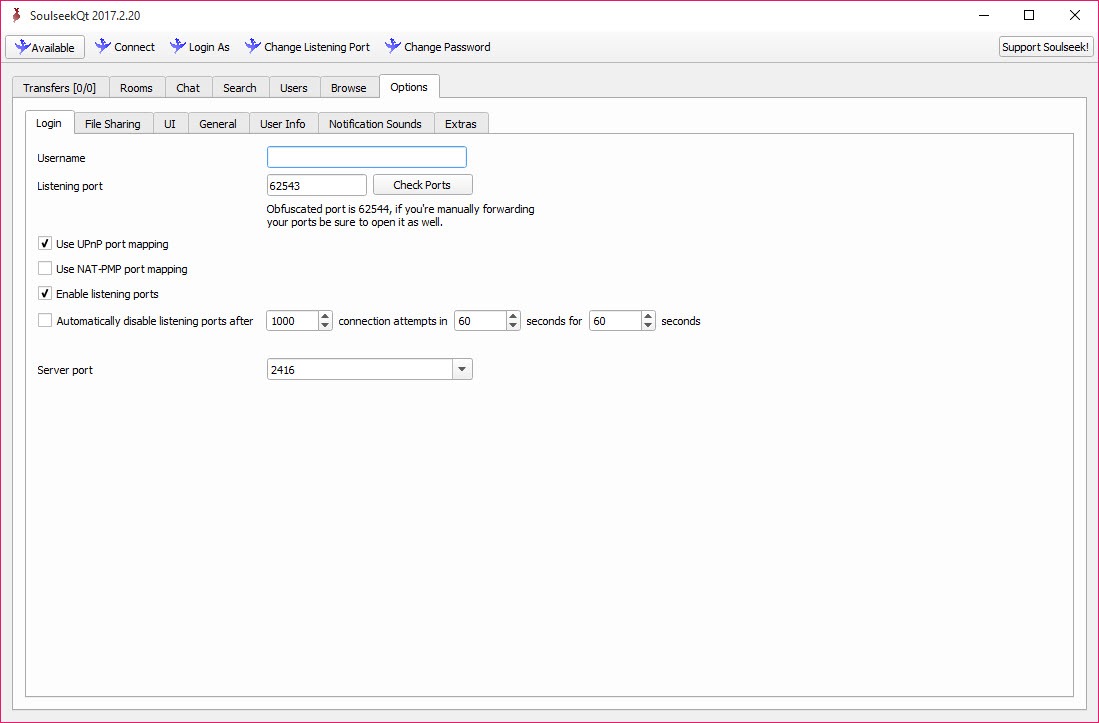
Transfers in Soulseek happen directly between users, so at least one side must accept incoming connections. If your downloads sit at “Connecting” forever and nobody can download from you, the client’s listening port is blocked. The options offer automatic port mapping through UPnP and NAT-PMP, which works with most home routers, and the fallback is forwarding the listed TCP and UDP port manually.
A server coordinates searches and chat rooms but never carries files, so the client needs that server reachable too. The interface is plain and has barely changed, which long-time users regard as a feature.
Newcomers used to streaming apps will find it austere, and there is no built-in player, so listening happens in a music player of your choice after the download.
Conclusion
Soulseek suits music collectors who care about rare and independent releases and enjoy finding them through other people’s shelves. Folder-aware search, user browsing and the wishlist make it a discovery tool as much as a download tool, and the chat rooms keep it a community.
It is slower and less reliable than swarm-based sharing for popular files, it asks you to share in return, and the port setup trips up newcomers. For the music it was built around, nothing else works quite the same way.
Pros & Cons
- Searches match folder paths, so complete albums are easy to find
- Browse any user's shared collection to discover related music
- Wishlist repeats searches automatically and flags new results
- Filters by bit rate and file type separate good copies from bad
- Chat rooms and private messages connect collectors directly
- Single-source downloads stall when the sharer goes offline
- Queues can be long, especially if you share little yourself
- Needs an open or forwarded port for reliable transfers
- Plain interface with no built-in player
Frequently asked questions
Usually the listening port is blocked. Enable UPnP or NAT-PMP in the options, or forward the client's TCP and UDP port on your router. A VPN also needs port forwarding.
Not technically, but many users refuse or deprioritise downloads from people who share nothing. Sharing a decent collection makes queues much shorter.
It stores a search and runs it again at intervals in the background. When a user comes online with matching files, the results appear automatically.
Yes. Right-click a result and choose Download Containing Folder to queue every file in that folder.


