

WinZip
About WinZip
The format that made WinZip a household name is now built into every operating system, which leaves the program with an awkward question to answer. If double-clicking an archive already works, what is the software for?
The answer it gives is a broader one than archiving. There is a compression format of its own that applies different methods depending on what each file contains, a deduplication trick that shrinks archives holding repeated content, encryption with a documented limitation most people never learn about, and a considerable amount of software bolted on that has nothing to do with compression at all.
Worth separating those from the outset, because the archiving parts are good and the surrounding accumulation is the reason the program has the reputation it has.
What it creates and what it opens
WinZip produces two formats. The universal one that everything on earth reads, and the program’s own extended format.
Opening is a much longer list. The other major archive formats, the compressed tape formats from the unix world, disk images, cabinet files, virtual machine disks and a tail of encoded formats nobody has produced deliberately in years. Handing WinZip an unfamiliar archive and having it open is the everyday value most people actually get.
That distinction between reading and writing is the practical one. It reads almost anything, and when creating an archive you are choosing between universal compatibility and the extended format described next.
One archive, several compression methods
The WinZip extended format is where the engineering lives. Rather than applying one algorithm to everything, it selects a method per file according to what that file is.
Text and documents get a dictionary-based method that handles them well. Already-compressed images get a method designed specifically to squeeze a little more out of them without loss. Audio gets a lossless audio method. A faster general-purpose algorithm was added for cases where speed matters more than the last few percent.
The result on a mixed folder is a smaller archive than a single-method tool produces, and the trade is stated plainly. An archive built with these methods needs software that understands them, so a recipient with the built-in extractor or an older tool may not be able to open it.
7-Zip faces the same trade from the other direction, achieving excellent ratios in its own format while everything it produces as a standard zip stays universally readable.
Storing duplicates once
This is the WinZip feature nobody mentions and the cleverest thing in the program. When an archive contains the same file more than once, which happens constantly in project folders and exported websites, the duplicate is stored as an internal reference rather than a second copy.
Extraction restores every copy normally, so nothing about the result changes. The archive is simply smaller, sometimes dramatically, and the saving costs nothing in usability.
Compression statistics appear after an archive is built, showing original and compressed sizes with the file count, which is how you find out whether any of this achieved anything on your particular material.
Encryption, and what the documentation admits
WinZip offers two encryption methods, the weak legacy one that exists for compatibility and the modern standard at two key strengths. Use the modern one, and understand that the strength of the password matters as much as the strength of the algorithm.
Now the part that deserves far more attention than it receives, and which comes from the maker’s own knowledge base rather than from critics. Encryption applies to file contents only. The names of the files, their dates, their sizes, their attributes and their checksums remain readable in the archive’s directory, and anybody holding the archive can see all of that without a password.
Think about what that means before relying on it. An encrypted archive whose contents nobody can read still announces that it contains a file called resignation letter, another called salary negotiation, and their sizes and dates. For a great many purposes the filenames are the sensitive part.
A smaller point in its favour, files extracted temporarily from an encrypted archive are wiped automatically afterwards rather than left in a temporary folder.
The sharing and cloud side
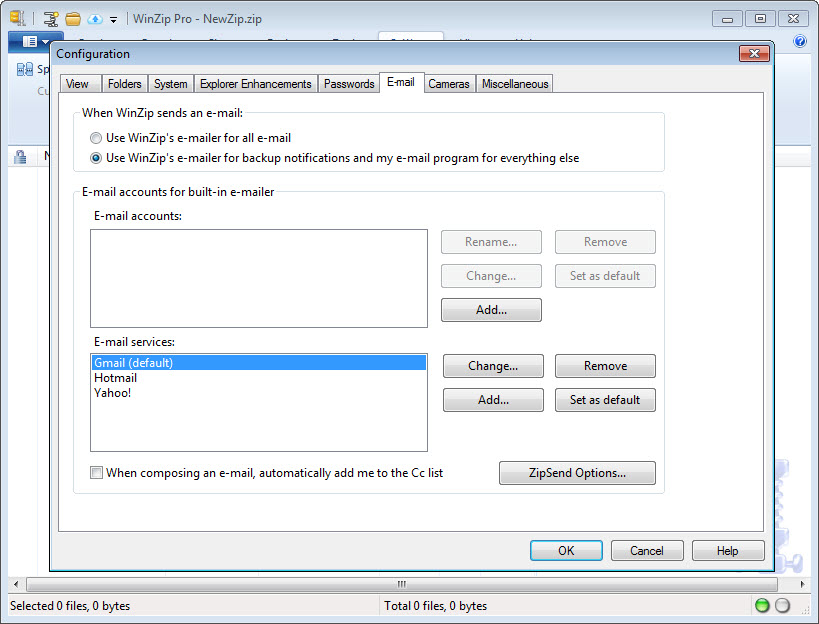
WinZip integrates with the mainstream storage services, so an archive saves directly to one, and sharing produces a link rather than an attachment, which sidesteps the size limits email imposes.
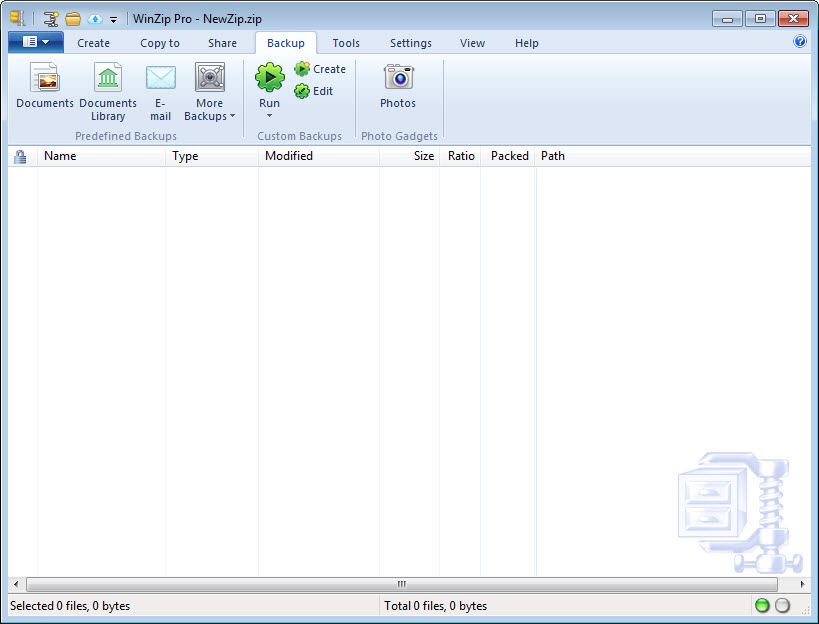
Shared links can be given an expiry, so material sent to somebody stops being reachable after a period rather than living in their inbox indefinitely. Backup covers both local and cloud destinations, with an option to copy only what has changed since the last run.
Integration into other applications lets the zip and send sequence happen from inside whatever you were working in, which is the workflow this product has always aimed at and the reason it persisted in offices long after the format became free to everybody.
Everything else it has accumulated
Here the review has to be blunt. A large share of what ships with WinZip is not archiving software.
There is a duplicate file finder for your disk, separate from the archive deduplication described above. There is a cleaner for temporary folders, the recycle bin and downloads. There is a set of PDF tools that create documents, convert them, apply watermarks and produce read-only versions. There is image resizing during compression, and image editing inside an archive without extracting it.
Some of that is defensible, particularly the image handling, since resizing photographs while zipping them for email is a real workflow. The disk cleaning and the PDF suite are a different matter, and their presence explains why a program that compresses files has grown to the size it has.
For archiving with a modern interface and none of the accumulation, Bandizip covers the same formats and stops there.
Where it stands now
The honest position on WinZip is that the core job is a solved problem. Extracting an unfamiliar archive, creating a standard one, protecting it with a password, all of that is available from several directions.
What remains distinctive is the per-file compression selection, the deduplication inside archives, and the integration into everyday work rather than into a separate window. For somebody who compresses and sends material constantly as part of their job, that adds up. For somebody who opens an archive once a fortnight, it does not.
WinRAR occupies the same territory with its own format and its own long-standing following.
And an open archiver covering the same formats with a configurable interface rounds out the comparison for anyone assembling a shortlist.
Conclusion
WinZip still has genuine engineering behind it. Selecting a compression method per file type and storing duplicated content once are real advantages on mixed material, the format coverage means an unfamiliar archive rarely defeats it, and the integration into everyday applications suits anyone whose work involves sending compressed material regularly.
Two things belong in any decision. The encryption protects contents and not filenames, which is a documented limitation and one that matters more than most people assume when they password-protect an archive.
And a substantial portion of what you install has nothing to do with archiving at all. If the extras appeal, this is a coherent package. If you want a program that compresses files, several do that with far less around them.
Pros & Cons
- Opens an unusually wide range of archive and disk image formats
- The extended format chooses a compression method per file according to its type
- Repeated files inside an archive are stored once, shrinking the result noticeably
- Compression statistics show what the operation actually achieved
- Modern encryption at two key strengths, with temporary extractions wiped automatically
- Sharing produces links with optional expiry rather than oversized attachments
- Backup can copy only what changed since the previous run
- Integrates into other applications so compressing and sending happens in place
- Encryption leaves filenames, dates and sizes readable without a password
- Archives using the extended methods may not open in other software
- A large amount of bundled functionality has nothing to do with archiving
- The core task is fully covered by simpler alternatives
- The interface carries promotion for the wider product family
- Installation footprint is substantial for a program that compresses files
Frequently asked questions
The universal zip format and its own extended format. Reading is far broader, covering the other major archive types, unix compressed formats, disk images, cabinet files and virtual machine disks.
Not reliably. The methods that make it smaller need software that understands them, so anything sent to somebody using the built-in extractor should be created in the universal format instead.
No, and this comes from its own documentation. Contents are encrypted while filenames, dates, sizes and attributes stay readable in the archive directory to anybody holding the file, without any password.
Two ways. It applies a different compression method to each file depending on its type, and it stores repeated files once with an internal reference rather than duplicating them.
Considerably more, including disk duplicate finding, folder cleaning, PDF creation and watermarking, and image resizing. Whether that is a feature or clutter depends entirely on whether you wanted any of it.


