

Permadelete
About Permadelete
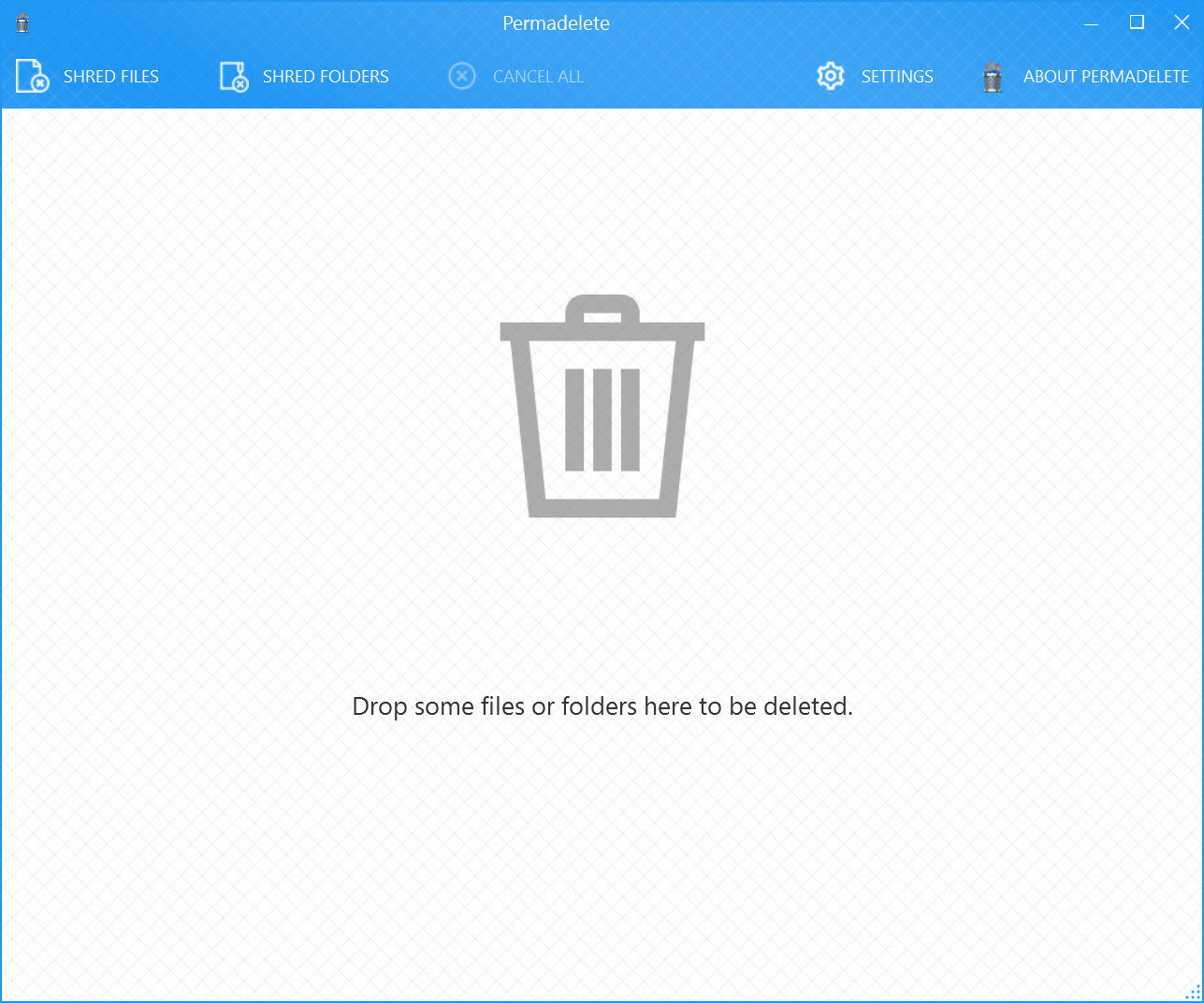
Permadelete deletes files so they cannot be brought back. Drop a file or a folder onto the large trash can in its window, confirm, and the data is overwritten with random bytes before the file is removed. An ordinary delete only marks the space as available for reuse and leaves the contents on the disk, which is exactly what a file recovery tool looks for. Overwriting first means there is nothing left to recover.
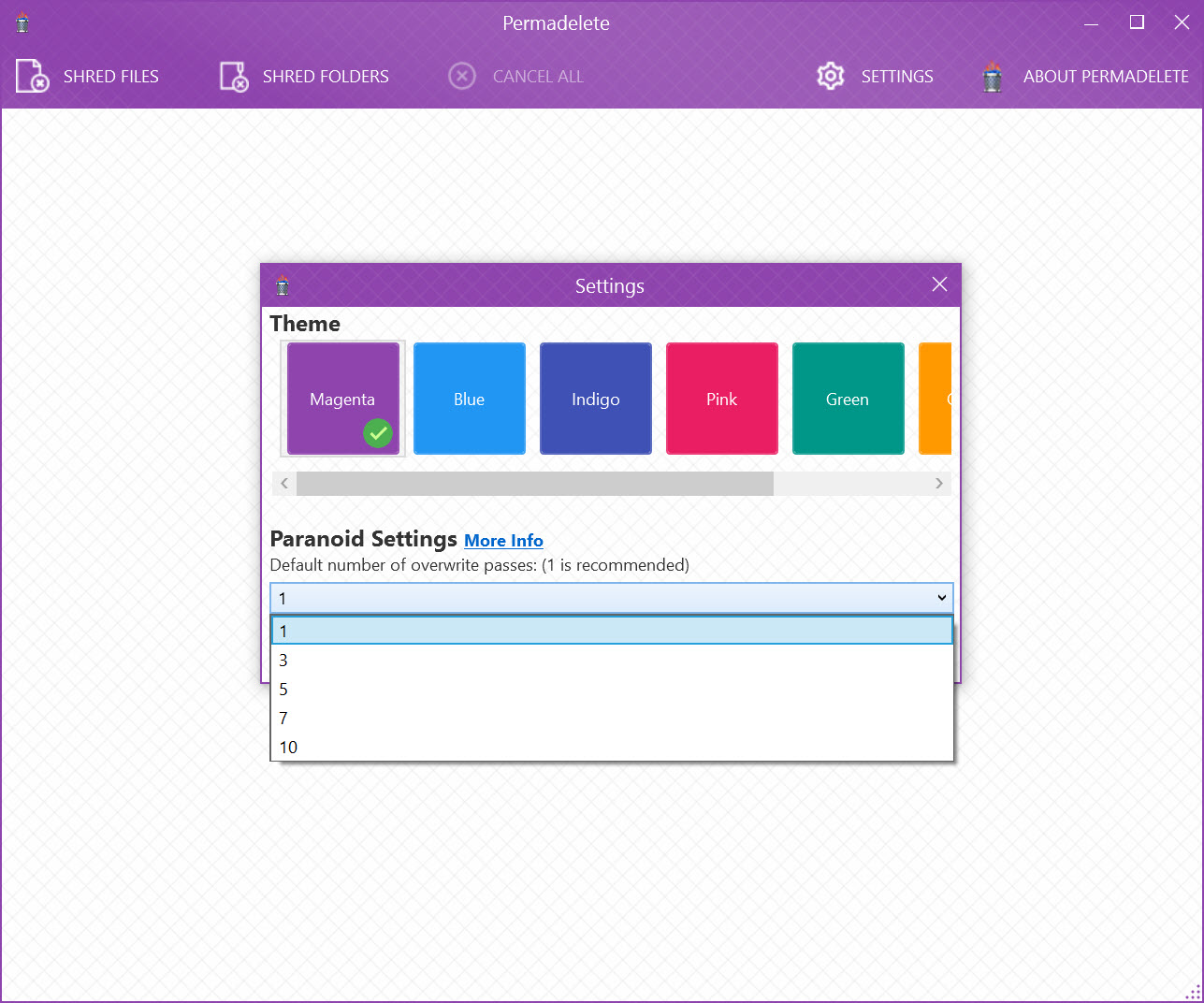
The whole design is aimed at people who do not want to learn about shredding. There are no pass counts to choose, no lists of military standards, no settings page full of methods with unfamiliar names. You drop, you confirm, it is gone.
Permadelete is open source under a permissive licence, small, and fast, since it overwrites each file once rather than many times, and it trades the configurability of the heavier shredders for a window anybody can use without reading a manual.
Dropping files, and the other ways in
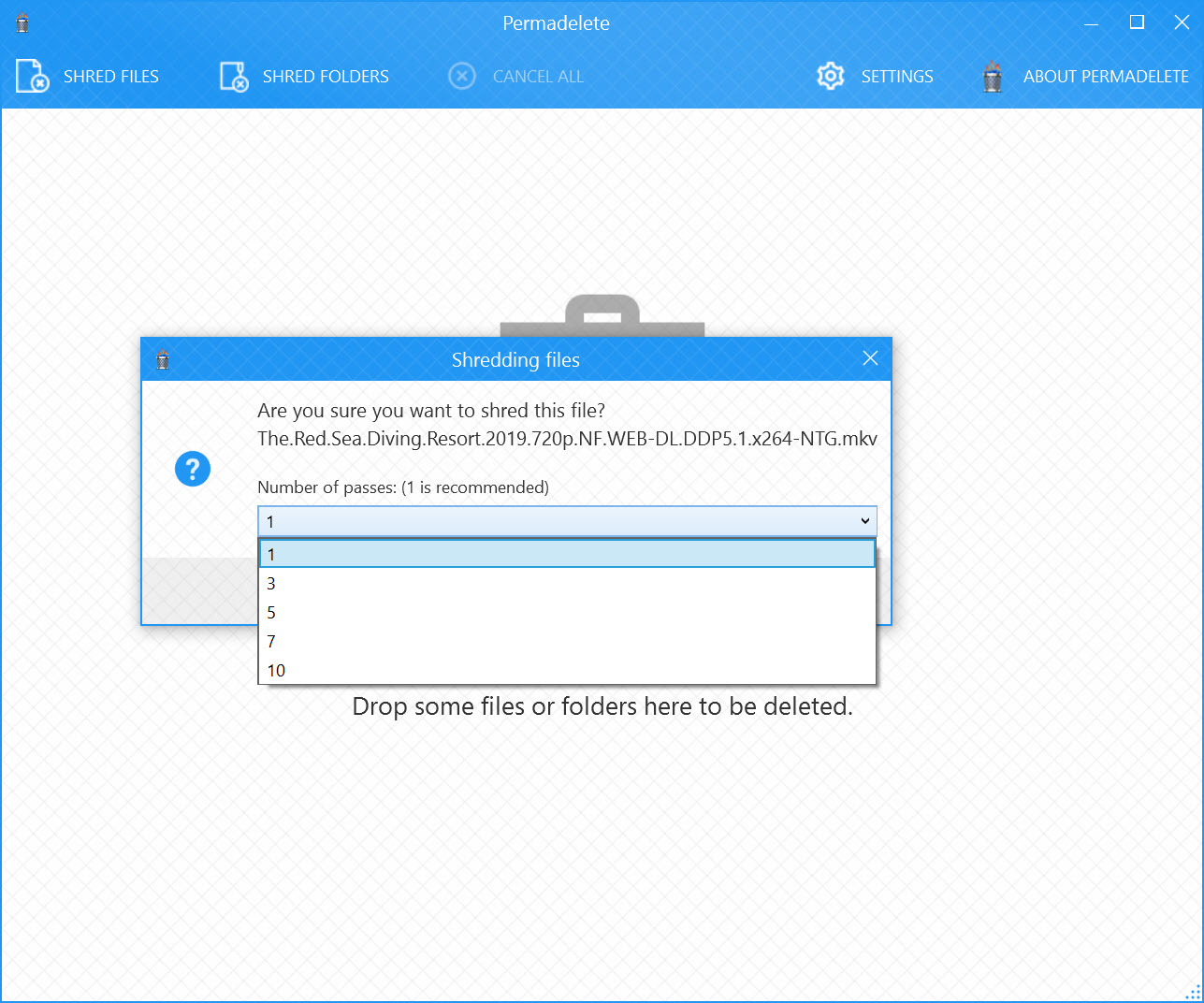
The main window is a trash can and two buttons. Drag files or whole folders onto the can, or use the shred files and shred folders buttons to pick them from a browser, and a confirmation appears before anything is touched. Several items can be queued, with a cancel option for the lot if you change your mind partway.
The setup routine can add an entry to the Send To menu, so a right-click on a file offers the shredder without opening the window first. It does not add a top-level item to the main right-click menu, which some people miss.
Files can also be dropped straight onto the program’s icon or its desktop shortcut, and the executable takes file paths on the command line, so a script can pass it a file to destroy.
One pass, and why that is usually enough
Permadelete overwrites each file a single time with random data before deletion. On a modern hard drive, one pass defeats every practical recovery tool, which is why the shredding finishes almost as fast as an ordinary delete.
The program does not document its method in detail and offers no way to choose several passes, so anyone whose policy demands a specific standard should use a shredder that states and applies one. A shredder with multi-pass schemes offers the classic standards and scheduled wiping for exactly that case.
Solid state drives are a different story, and this is the caveat that matters most. The drive’s controller spreads writes across its memory and may write the overwrite to a different place than the original data, so file-level shredding cannot guarantee the old contents are gone.
For an SSD, full-disk encryption from the start, such as an open-source volume encryptor, is the reliable protection, and the drive’s own secure erase command handles disposal.
What it does not cover
Permadelete shreds files and folders you point it at, and nothing else. It does not wipe the unused space where previously deleted files may still sit, it does not clear browser traces or temporary files, and it cannot erase a whole drive before a sale. Those jobs need a different tool. For wiping unused space and traces, BleachBit covers both, and for a whole drive a dedicated disk wiper is the right choice.
It also asks nothing about what you drop, beyond the confirmation. A folder dropped by mistake is gone after the prompt, with no recycle bin and no undo, so read the confirmation every time.
Setup and the small details
It needs the .NET Framework installed, and a portable build runs without installation. The program contacts the internet at startup, most likely to check for updates, which privacy-minded users may prefer to block in their firewall.
The interface is plain and clear, with nothing hidden in menus. Development has been quiet, so the program does what it did and gains no new features.
Conclusion
Permadelete suits anyone who occasionally needs a file gone for good and does not want to learn what the shredding methods mean. The drag-and-drop trash can, the Send To entry and the one-pass speed make it the quickest way to destroy a tax return, a scan of an identity document or an old password export before a computer changes hands.
It is not a tool for compliance with a specific standard, for solid state drives or for cleaning up everything else a system leaves behind. Keep it for individual files on hard drives, and pair it with encryption on an SSD, where no file shredder can promise what it promises on spinning disks.
Pros & Cons
- Drop files or folders on a trash can and they are shredded after one confirmation
- Send To menu entry, desktop icon drops and command-line paths
- Single-pass overwrite finishes almost as fast as a normal delete
- Open source with a portable build
- No settings to learn
- No choice of passes or documented shredding method
- File-level shredding is unreliable on solid state drives
- No wiping of unused space or trace cleaning
- No top-level right-click menu entry
- Connects to the internet on startup
Frequently asked questions
One, with random data. That is enough to stop recovery tools on a hard drive, but there is no option to choose more passes.
It runs, but file-level shredding cannot guarantee erasure on a solid state drive because the controller may write the overwrite elsewhere. Use full-disk encryption and the drive's secure erase instead.
Yes, through the Send To menu if you enable it during setup. There is no entry in the main right-click menu.
No. Once confirmed, the data is overwritten and removed with no recycle bin, so check the confirmation carefully.


