

Gedit
About Gedit
Gedit is a plain text editor that opens fast, colours code and stays out of the way. Files open in tabs, line numbers run down the margin, matching brackets light up, the current line is shaded, and the editor recognises more than a hundred languages and markup formats and highlights them automatically from the file’s extension or its first line.
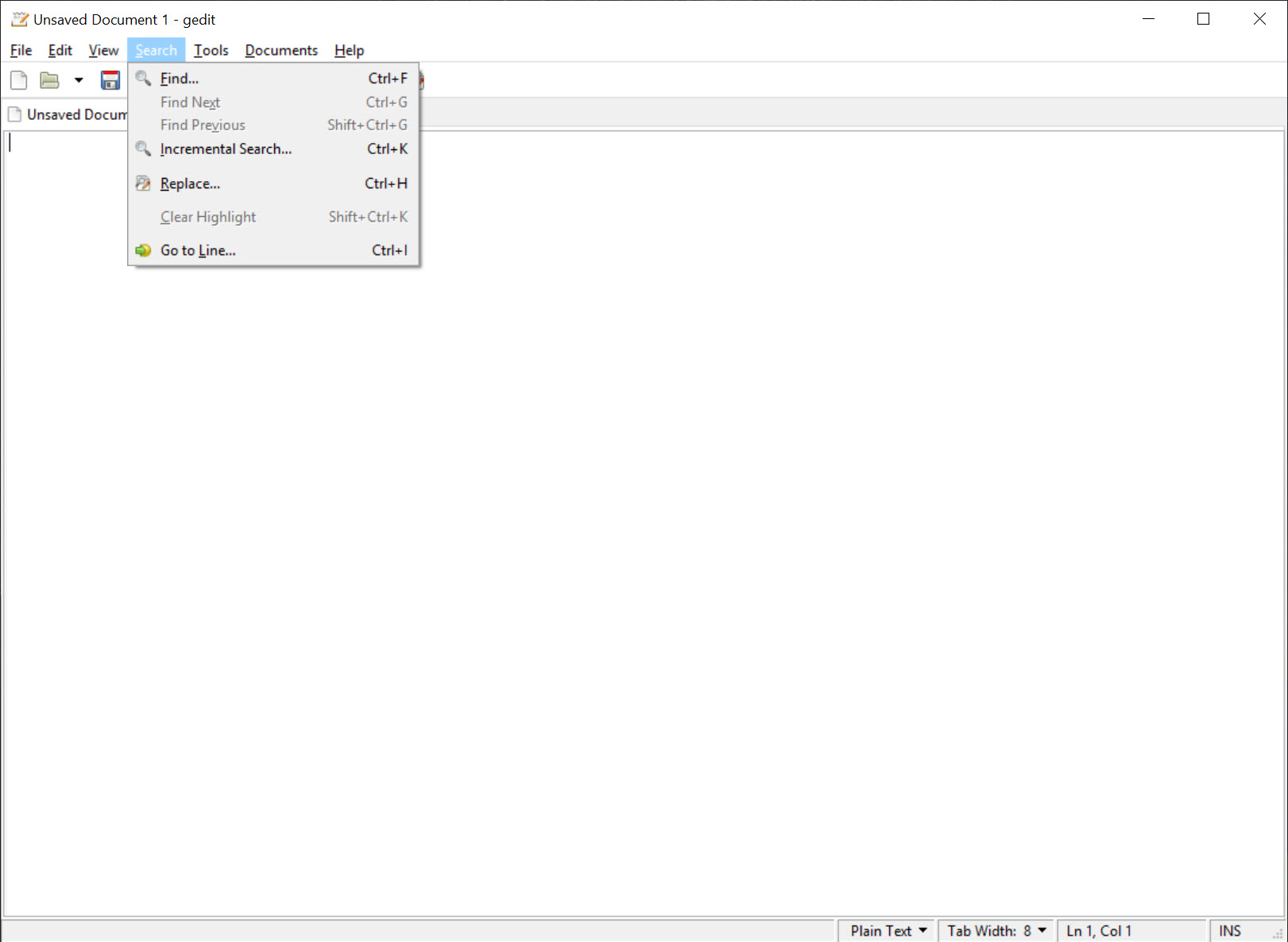
Indentation follows the previous line and search and replace handles regular expressions, while every file is treated as Unicode, so text in any alphabet, including right-to-left scripts, displays and saves correctly. It sits between a bare notepad and a full programming editor, and it is built for people who want the second without the first’s limits or a development environment’s weight.
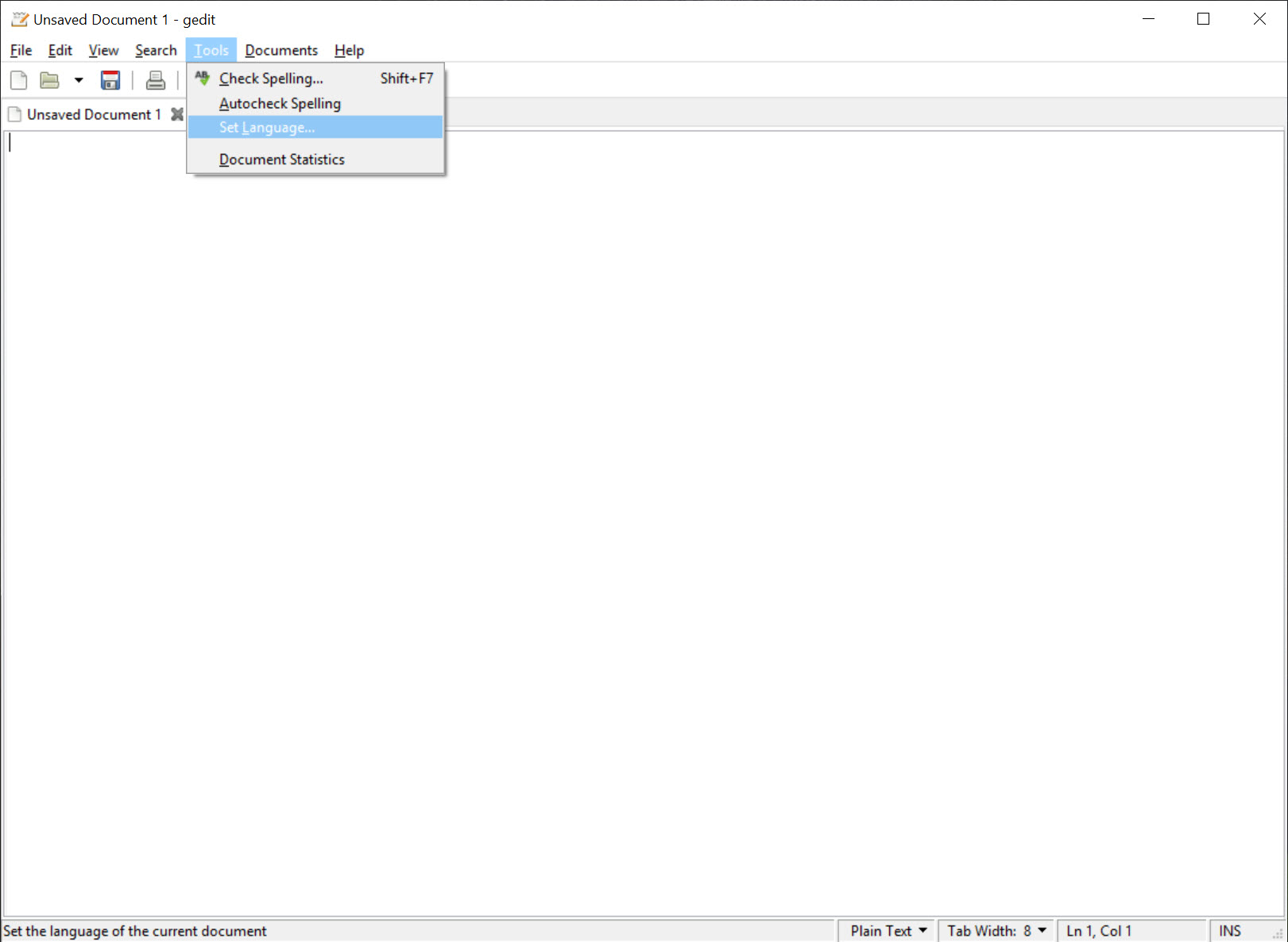
Most of what makes it more than a notepad arrives through plugins, which are switched on in the preferences rather than installed. A file browser in the side panel, snippets that expand from an abbreviation, a sort command, a document statistics counter, a spell checker, an external tools runner that pipes the file through any command, and a Python console for the curious all ship in the box, with a further set available for bracket completion, a colour picker, a terminal and more.
Gedit is the long-standing editor of the GNOME desktop, and the build here brings the same program to a machine that has never seen that desktop, with one difference described below, which is that the build lags behind.
Writing and reading text
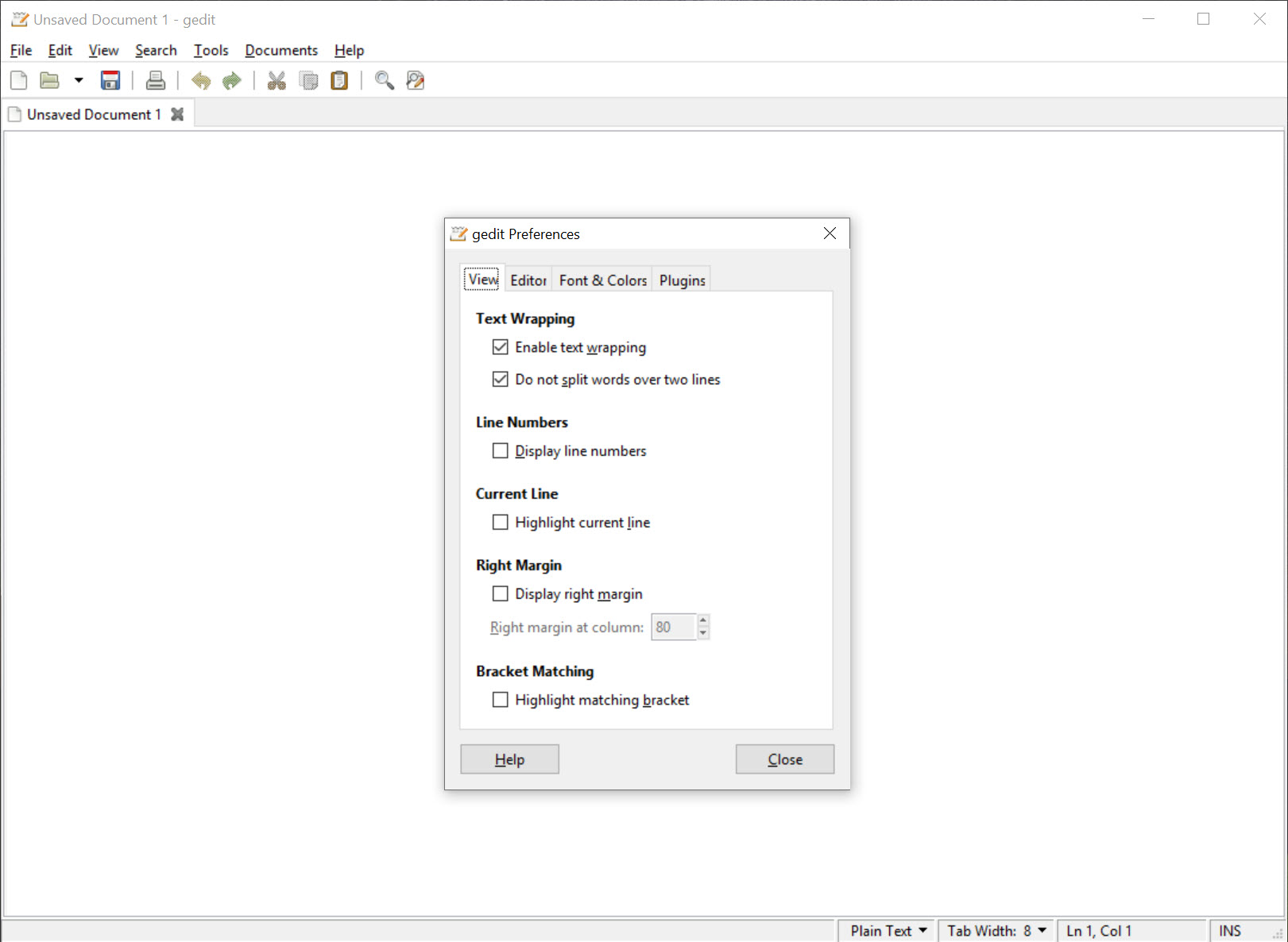
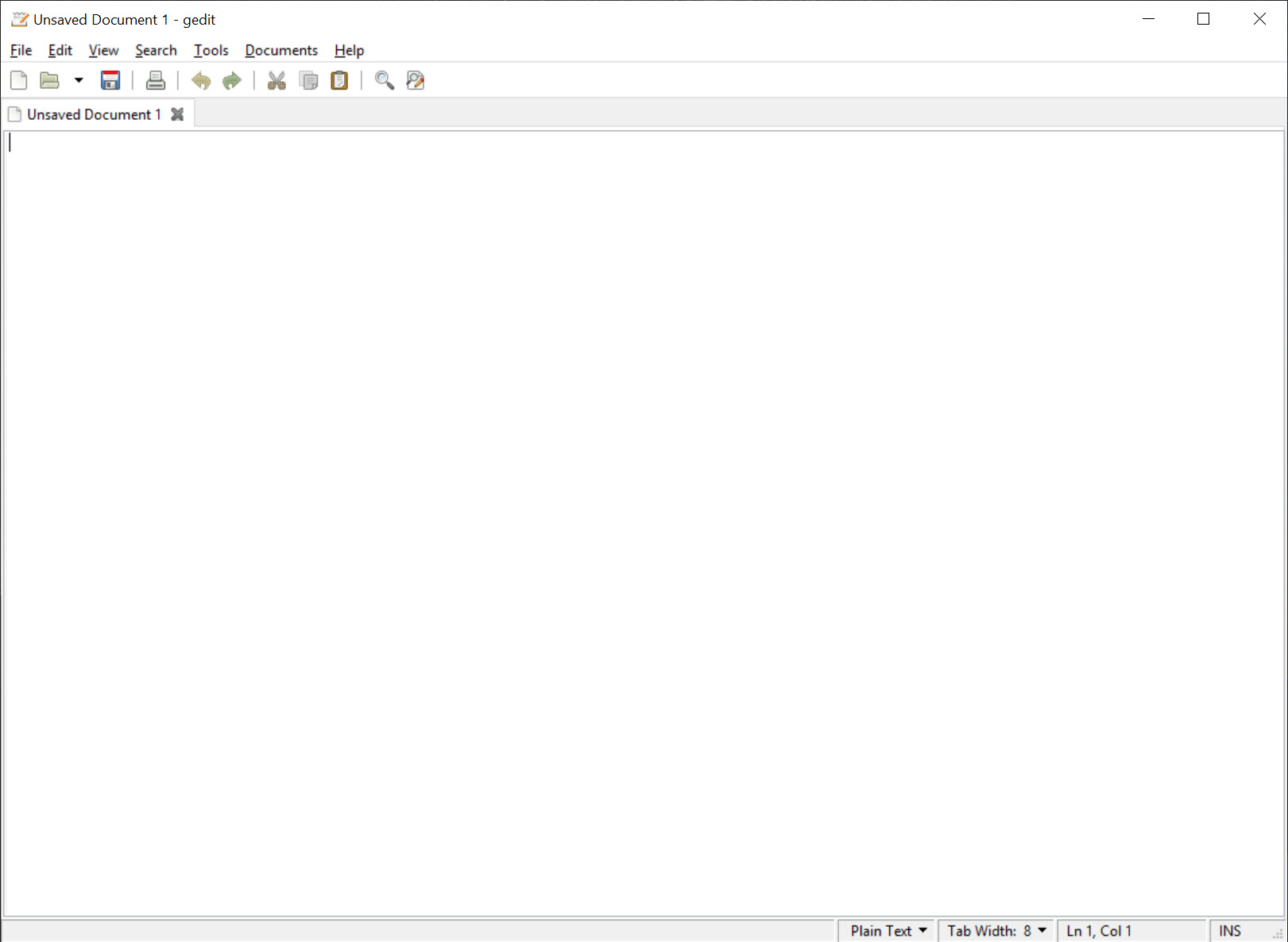
The Gedit window is a text area with a tab bar above it and an optional status bar below showing the line, column, tab width and language. Line numbers, right margin guide, current line highlight, bracket matching and word wrap all toggle from the view settings, and the font and the colour scheme are chosen from a set of included schemes with a dark theme among them. Files that change on disk while open prompt to reload, and an automatic backup copy is kept on save.
Encoding is handled properly. Files open with their encoding detected or chosen from a list, save in the same or another, and the line ending style switches between the conventions of different systems, which matters for anyone editing scripts that will run elsewhere.
Large files open more slowly than in the fastest editors, and a very large log file is better left to a tool built for size, but the common sizes are instant.
Syntax highlighting and the languages it knows
Gedit highlighting comes from a shared library of language definitions used across the GNOME world, covering the mainstream programming languages, the web languages, shell scripts, configuration formats, markup from HTML to LaTeX and documentation formats. The mode is picked from the file extension or a modeline and can be set by hand from a menu, and the definitions are plain files that can be edited or added to for a language the list lacks. A colour scheme applies across every language, so the same token types look the same whatever the file.
The highlighting is accurate and readable rather than clever. There is no code folding, no symbol outline and no completion beyond the word completion a plugin adds from the open documents, which is the line between this and an editor meant for serious programming.
For a project with many files and a need to jump between definitions, Notepad++ carries those tools in the same small, fast class.
Plugins that come in the box
The Gedit preferences dialog lists the plugins, and ticking one activates it on the spot. The file browser puts a folder tree in the side panel. Snippets stores fragments of text keyed to a short trigger and a tab press, with placeholders to jump through, so a function skeleton or an HTML block is typed in three keystrokes. Sort orders selected lines, with options to reverse, ignore case and remove duplicates.
The spell checker marks misspelt words and checks a whole document in any installed dictionary language. Document statistics counts words and characters, and lines too, and the insert date and time command stamps the document.
External tools is the powerful Gedit plugin. It runs any command on the current document or selection, with the output replacing the text, appearing in a bottom panel or opening in a new document, so a formatter, a compiler, a build script or a one-line text transformation becomes a menu item with a keyboard shortcut.
For anyone used to piping text through small commands, it turns the editor into the front end for that habit, and a writer who wants the opposite, a window with nothing in it but the words, has FocusWriter for that.
Snippets and the extra plugin set
A separate collection of Gedit plugins adds bracket completion, a character map, code commenting, a colour picker, line joining and splitting, a session saver, a terminal in the bottom panel and others. On the build here, how many of those arrive depends on the packaging, and some may not be present at all, which is one of the places where the build shows its age.
For writing prose rather than code, with Markdown rendered as you type, a dedicated Markdown editor does what this one never attempts.
The build, and where it falls behind
Gedit is maintained and released regularly on its home desktop, where new maintainers took it on after a quiet period. The build for this platform is another matter. It is produced separately, lags the main releases, and has gone through long stretches with no update at all, so the version offered here may be some way behind the current editor and may carry the quirks of the toolkit it was built with, from font rendering that differs from native programs to dialogs that look foreign. It works, it is stable, and it is not current.
Anyone who wants the newest editor on this platform will find it through the package system the build comes from, and anyone who wants a maintained small editor native to the platform has other choices.
Conclusion
Gedit suits anyone who wants a text editor that is more than a notepad and less than a development environment, who edits scripts, configuration files and the occasional web page and values a clean window with sensible defaults. The highlighting, the snippets and the external tools runner cover the daily work, and the plugin switches keep the rest out of sight until wanted.
Its build for this platform runs behind the editor’s own releases and carries a foreign toolkit’s quirks, so it is a familiar tool brought along rather than a native one. Switch on the file browser and external tools, learn two snippets, and it does what it has long done for desktop users, quietly and well.
Pros & Cons
- Fast, clean text editing with tabs, line numbers, bracket matching and a dark theme
- Automatic highlighting for more than a hundred languages from a shared definition library
- Plugins switched on in preferences, from a file browser to snippets to a spell checker
- External tools runs any command on the document and routes the output back
- Proper encoding and line ending handling for files from any system
- Open source and translated into many languages
- No code folding, symbol outline or real code completion
- The build for this platform lags the main releases and goes long periods without updates
- Toolkit quirks in fonts and dialogs beside native programs
- Extra plugins may be missing from the packaged build
Frequently asked questions
Yes. It recognises more than a hundred languages and formats from the file extension or a modeline and highlights them automatically, with manual selection from a menu.
Open the preferences and tick the plugins you want. The file browser, snippets, sort, spell checker and external tools are included and activate on the spot.
Yes. The external tools plugin runs any command on the document or selection and places the output in the document, a panel or a new tab, with a shortcut.
Usually not. The build for this platform is produced separately and lags the main releases, sometimes by a long way, though it remains stable.


