

Zed
About Zed
The world of code editors has changed dramatically over the past decade, with developers caught between fast but minimalist tools and feature-rich but resource-hungry IDEs. Zed enters this crowded landscape with an interesting pedigree, built by some of the same people behind Atom and Tree-sitter, and a clear ambition to break that compromise. Written in Rust and built with GPU acceleration from the start, it tries to be fast like a text editor but capable like an IDE.
Whether it actually pulls that off is what makes this tool worth paying attention to, especially for developers who have grown tired of waiting for their editor to catch up to their typing.
A code editor that actually feels fast
The first thing you notice about Zed is the speed. Files open instantly, scrolling stays smooth even in massive codebases, and typing feels noticeably more responsive than in editors built on web technologies. The application leverages GPU acceleration for rendering and a multithreaded architecture, which means it actually uses the hardware you paid for instead of running everything on a single thread the way some popular editors still do.
In practice, this changes how the tool feels during everyday work. The small delays and micro-stutters that accumulate over hours of coding simply do not happen here, and once you get used to that responsiveness, going back to a slower editor feels surprisingly painful.
Real-time collaboration baked in, not bolted on
One of the more distinctive features of Zed is the built-in collaboration system, which lets multiple developers edit the same files together as if they were sitting at the same desk. Unlike screen sharing or external plugins, the collaboration is native to the editor itself, with each participant seeing the others’ cursors, selections, and changes as they happen.
Voice chat is integrated directly into the application, so pair programming or code reviews work without juggling Zoom, Discord, or Slack on the side. For remote teams, this replaces a stack of separate tools with one cohesive experience that just works.
Granted, dedicated communication apps still offer more polish for full team meetings, but for the actual act of two or three developers working on the same code together, this approach is simpler and more direct than anything else we have seen.
Tree-sitter and LSP for serious code intelligence
Syntax highlighting and code intelligence in Zed are built on Tree-sitter, the same incremental parsing technology that powers many modern editors. This produces accurate, fast syntax recognition that updates instantly as you type, even in large files where traditional regex-based highlighting would slow down significantly.
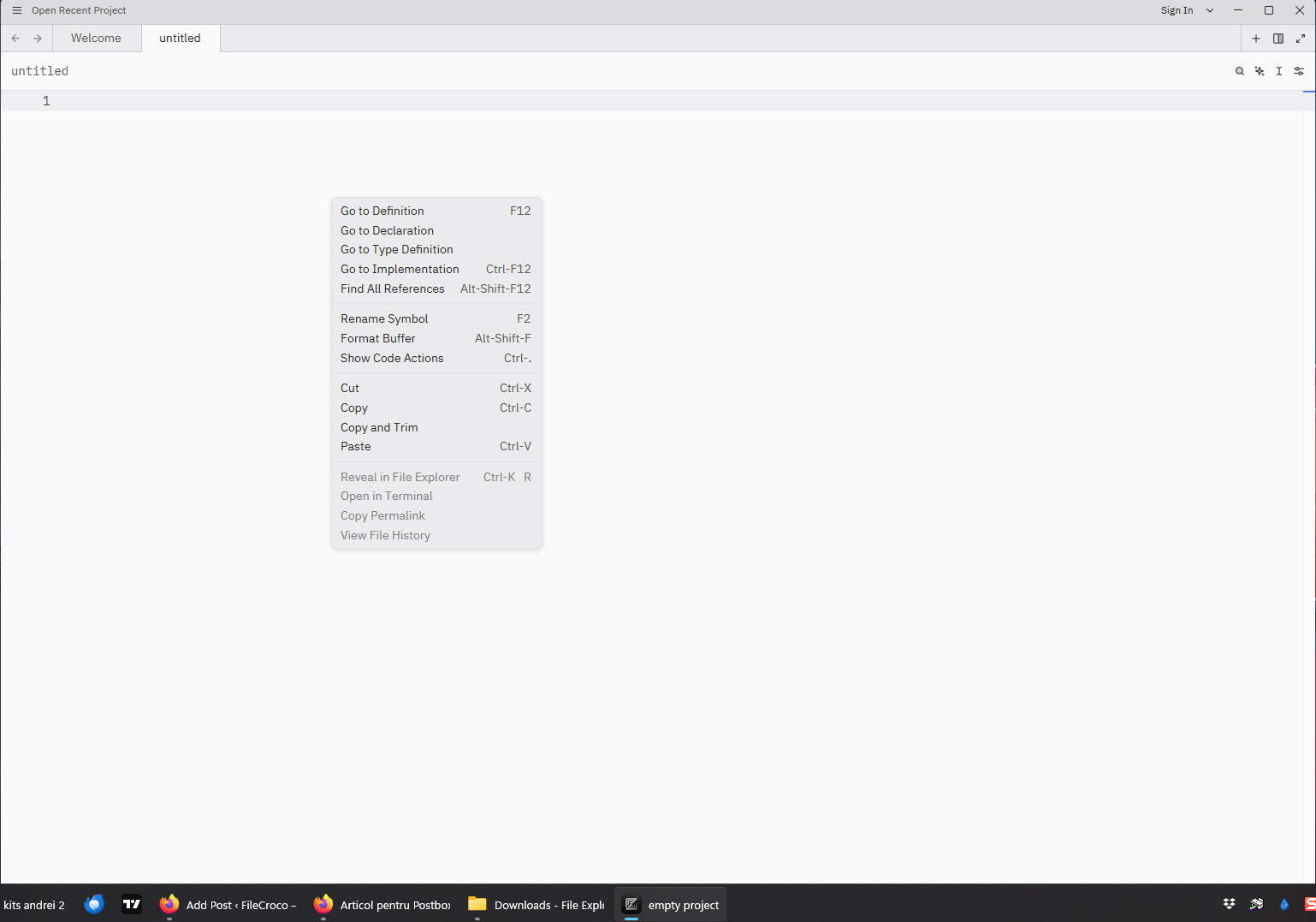
For deeper code understanding, this software integrates with Language Server Protocol implementations, providing autocomplete, go-to-definition, find-references, and inline diagnostics across virtually every popular programming language. Setup is largely automatic for common languages, with the editor downloading and configuring appropriate language servers without manual intervention.
Some specialized languages still require a bit of manual configuration, which is worth knowing if you work in something obscure, but for mainstream development the experience is genuinely hands-off.
Vim mode that does not feel like an afterthought
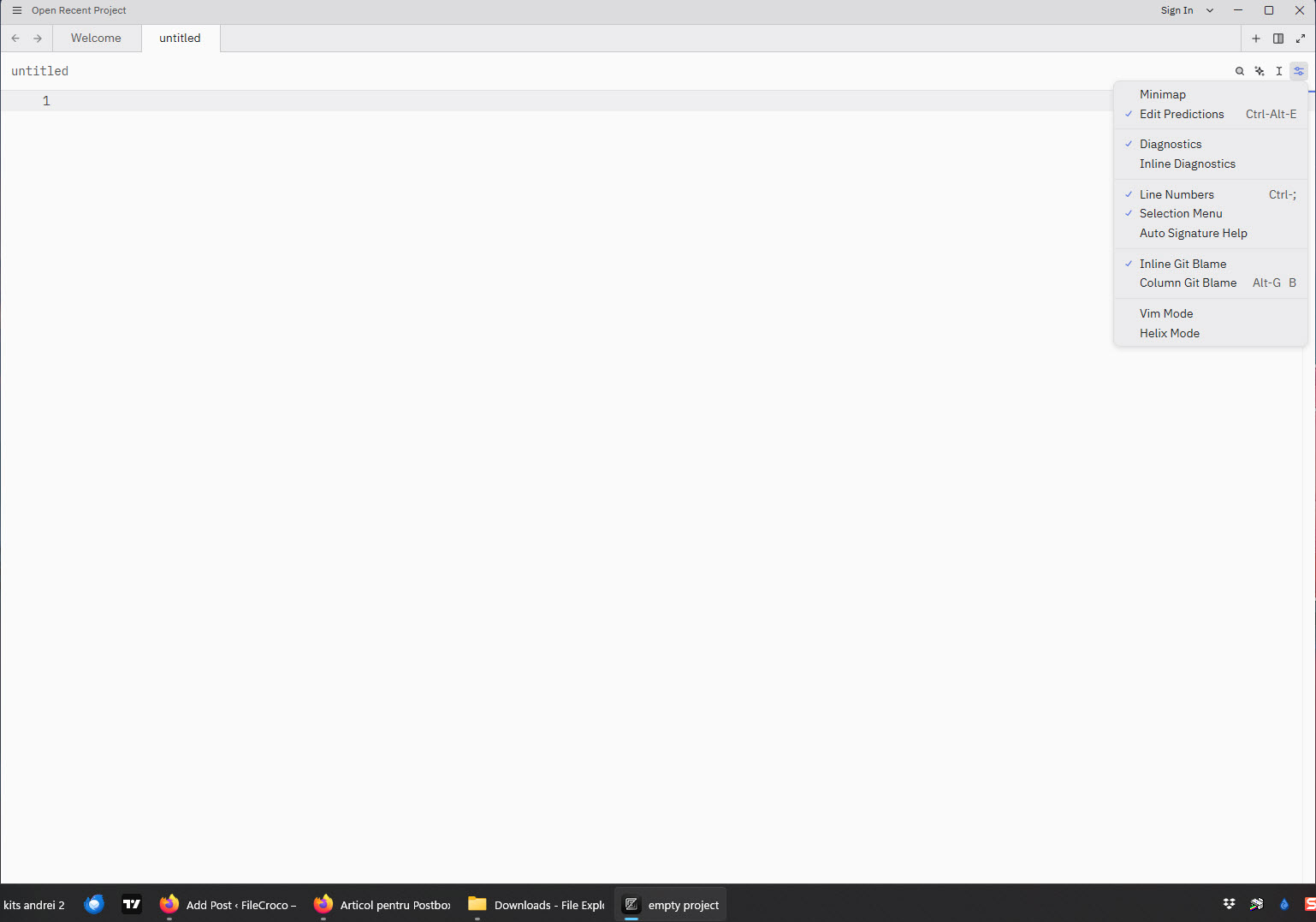
Developers who prefer modal editing will appreciate the comprehensive Vim mode that ships with Zed. This is not a basic emulation but a thoughtful implementation that supports most common Vim commands, motions, text objects, and customizations.
Users coming from Neovim or Vim itself can transition smoothly while still benefiting from the editor’s modern interface, collaboration features, and performance characteristics. If you have built up muscle memory over years of modal editing, very little of it goes to waste here.
AI assistance that actually respects your concentration
Recent versions of this software include integrated AI assistance for tasks like code completion, refactoring suggestions, and natural language queries about code. The AI features can connect to various models depending on user preference, including Anthropic’s Claude and other providers.
What makes this approach interesting is the restraint. The assistant does not constantly insert itself into your workflow with unwanted suggestions or pop-ups. You invoke it when you need it, which is exactly how AI tools should feel for developers who already know what they are doing. Many other AI-enabled editors get this balance wrong, and it shows in daily use.
Multi-buffer editing that changes how you navigate code
A particularly innovative feature is the multi-buffer concept, which lets you view and edit excerpts from multiple files simultaneously in a single editor pane. This sounds odd at first, but it is genuinely useful for tasks like reviewing search results across a codebase, performing project-wide refactoring, or comparing related code in different files without constantly switching tabs.
Combined with fuzzy file finders, command palette navigation, and reliable jump-to-definition, moving around even huge codebases stops being a chore.
Built-in Git, themes, and sensible defaults
Built-in Git support keeps version control accessible without requiring external tools. The editor displays inline diffs in the gutter, shows blame information on demand, and lets you stage, commit, and review changes from within the interface. It is not as elaborate as a dedicated Git client, but it covers the routine operations developers perform constantly throughout the day.
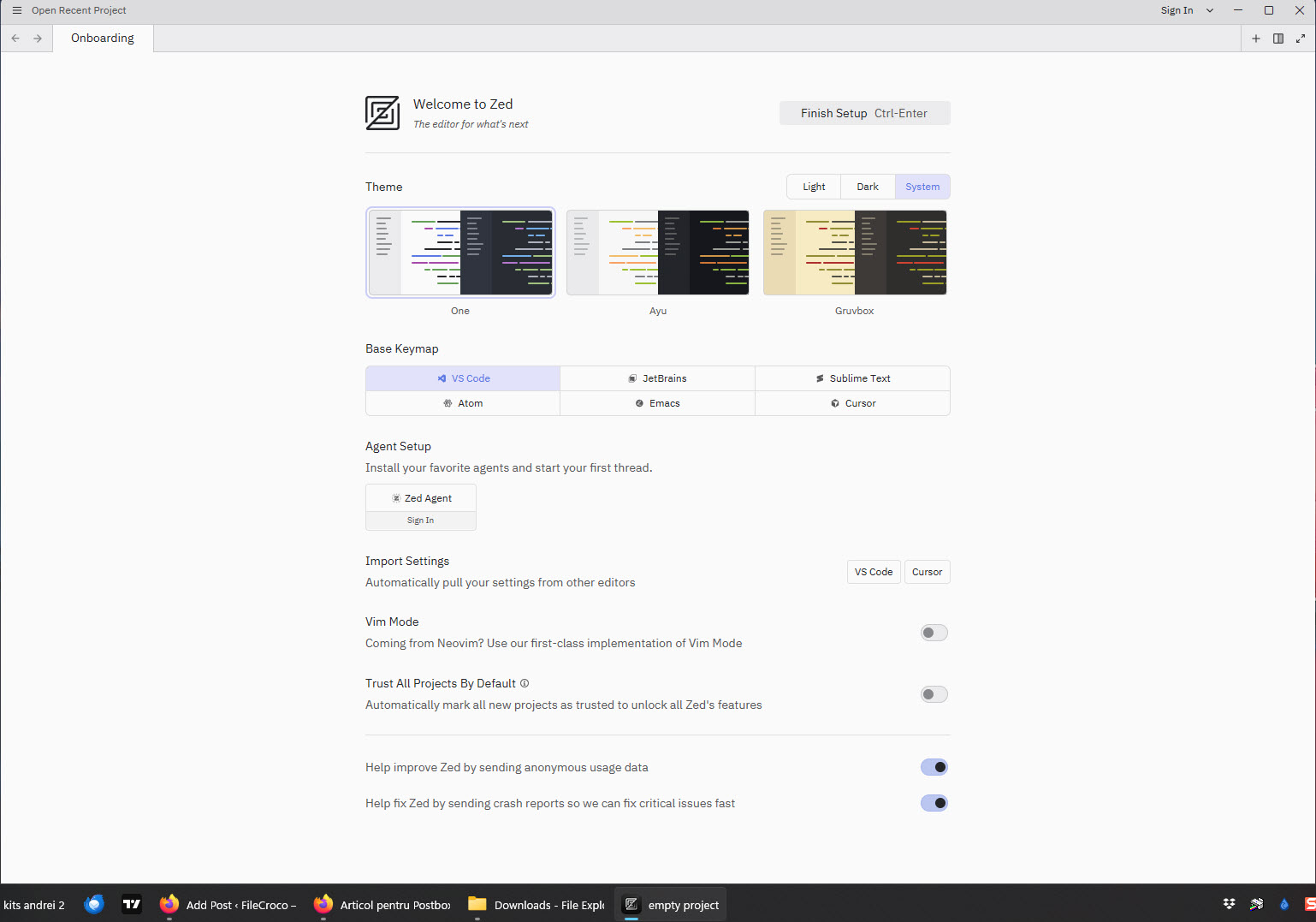
Visual customization offers a solid range of themes, including popular options ported from other editors and original designs. The extension system is growing steadily, although the library is still smaller than what you find in long-established editors. For most developers the core feature set covers what they need without heavy customization.
Project-wide search that actually returns instantly
Searching across an entire project happens with remarkable speed, returning results from massive codebases almost instantly. Replace operations support regex patterns, case sensitivity, and scope filtering, and the multi-buffer feature integrates beautifully with search results, letting you review every match in context as if they were all part of one document.
For large-scale code changes that would be terrifying in a slower editor, this combination makes refactoring feel safer and more controllable.
Conclusion
Zed is one of the more interesting things to happen in the code editor space in years, and the reason is simple: it actually delivers on the promise of being both fast and capable, which most editors only manage to do halfway. Its Rust-based architecture, native collaboration features, and thoughtful AI integration make it stand out from a crowded field of capable but compromised alternatives.
It is not perfect, and the smaller extension ecosystem will give some developers pause, but for anyone tired of choosing between speed and features, Zed is worth a serious look. Especially if you spend most of your day inside an editor, the difference in feel adds up faster than you might expect.
Pros & Cons
- Exceptional performance with GPU-accelerated rendering and proper multithreading
- Real-time collaborative editing with integrated voice chat replaces several external tools
- Tree-sitter parsing delivers fast, accurate syntax intelligence even in massive files
- Language Server Protocol support provides rich code awareness across many languages
- Comprehensive Vim mode satisfies developers who prefer modal editing workflows
- Multi-buffer editing offers a powerful new way to work across multiple files
- Built-in AI assistance integrates naturally without disrupting concentration
- Clean, modern interface with thoughtful design and attention to detail
- Extension ecosystem is still smaller than long-established editor alternatives
- Some advanced IDE features available in heavier tools are not yet implemented
- Documentation can feel sparse for power users seeking detailed configuration
- Certain language servers require manual setup despite the auto-configuration approach
- The application is still under active development, so occasional rough edges remain
Frequently asked questions
This software is written in Rust and uses GPU acceleration for rendering, along with a multithreaded architecture that takes advantage of modern processors. These foundational choices result in dramatically better responsiveness than editors built on web technologies, where everything traditionally runs on a single thread.
Yes, this tool includes native real-time collaboration with shared cursors, selections, and edits visible to all participants. Voice chat is integrated directly into the editor, so pair programming and code reviews work without requiring any external screen-sharing tools.
This software supports a wide range of programming languages through Tree-sitter parsing for syntax intelligence and Language Server Protocol for advanced features like autocomplete and go-to-definition. Most popular languages work with automatic setup, while more specialized ones may require additional configuration.
The built-in Vim mode supports most common Vim commands, motions, and text objects, making the transition smooth for experienced Vim users. While not every plugin or custom configuration will translate directly, the core modal editing experience feels familiar and capable.
The AI features are designed to be invokable when needed rather than constantly active, letting you control when AI assistance enters your workflow. Unlike some editors where suggestions constantly pop up, this approach respects developer concentration and only steps in when explicitly asked.
Yes, this tool was engineered specifically to handle large codebases efficiently. Performance remains responsive even with massive projects, and the search functionality returns results from huge codebases almost instantly thanks to optimized indexing.
Multi-buffer is a feature that lets you view and edit excerpts from multiple files in a single pane. This is particularly useful for reviewing search results across a project or making coordinated changes to related code, and it represents a fundamentally different approach to navigation than traditional tabbed editors.
Yes, this software has integrated Git functionality including inline diffs, blame information, staging, committing, and viewing changes. While not as feature-rich as dedicated Git clients, the integration handles common version control tasks that developers perform throughout the day.
The extension ecosystem is still growing, so the available options are fewer than long-established editors. For most mainstream development tasks the core feature set covers what developers need without heavy reliance on third-party extensions, but power users with specific niche requirements may notice the gap.
This software covers most needs that developers have for daily coding work, although some highly specialized features found in full-featured IDEs may not yet be available. For typical development tasks across most languages, the performance benefits and modern feature set make it a compelling alternative.


