

5KPlayer
About 5KPlayer
Media players mostly compete on formats, and the interesting thing about this one is not what it plays. 5KPlayer turns the computer into a receiver for the wireless streaming protocol phones and tablets already use, so a phone screen appears on the monitor without installing anything on the phone.
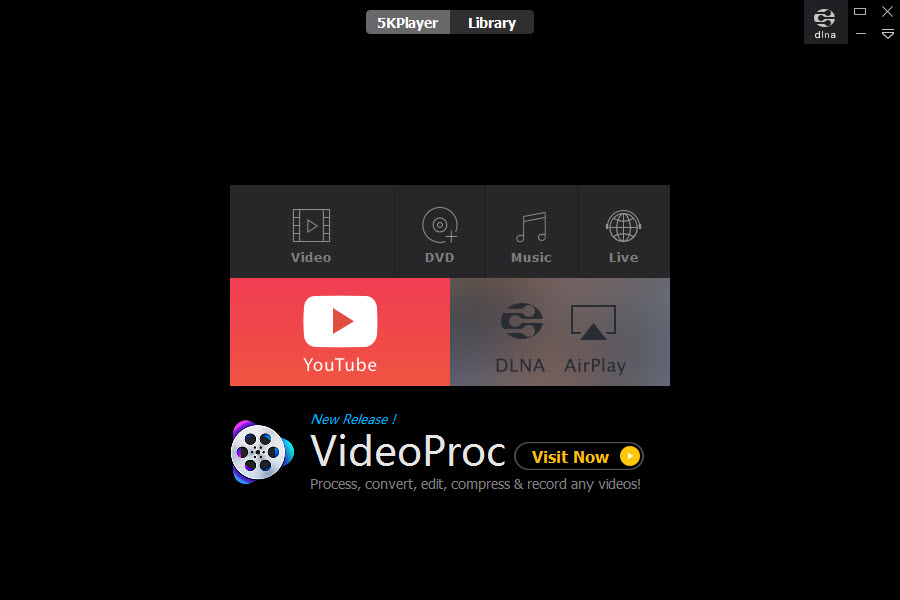
Around that 5KPlayer puts a capable player with hardware-accelerated playback, wide format support, disc playback and a media library, plus a downloader for online video.
The capability is real and so is the arrangement that funds it, which belongs in front of you before installing anything.
Receiving from a phone is the standout
Most software in this space sends video to a television, and 5KPlayer does the reverse. It accepts a stream from a phone or tablet and displays it on the computer.
That covers situations nothing else handles neatly. Showing photographs from a phone on a large monitor, putting a phone game on screen for other people to watch, or recording what a phone is doing without a capture device.
Screen recording is included, so what arrives can be captured rather than only watched.
The limitation comes from the protocols rather than the software. The wireless standards involved carry a narrow set of formats, so anything outside them needs converting before it will travel, which the interface presents as a prompt at the moment you least want one.
The advertising is on your desktop
Here is what people complain about most with 5KPlayer, and it is not a banner inside the program.
Users describe advertising appearing in the corner of the desktop rather than within the application window, continuing while they are doing something else entirely. One describes contacting the maker to ask for a way to switch it off.
That is a different proposition from advertising inside a program you have chosen to open. Something running in the background putting messages on your screen is a decision to make deliberately rather than discover afterwards.
For a player with no funding model attached at all, VLC Media Player plays the same formats and has never asked anybody for anything.
Registration by email
Some 5KPlayer capabilities stay locked until the software is registered, and registration means giving an email address and receiving a code.
The registration costs nothing and that is not the point. The point is that a media player now has your address, and what arrives at it afterwards is the maker’s decision rather than yours.
Anybody who keeps a secondary address for exactly this sort of thing will find it useful here.
It takes the file associations
The 5KPlayer complaint that generates the most irritation is the smallest one.
Installation claims the media file types without asking, so double-clicking anything opens this rather than whatever you were using. Undoing that means going through the file types individually, since users report no option to clear them all at once.
That is a five minute annoyance rather than a problem, and it is entirely avoidable by watching the installation screens rather than clicking through them.
Subtitles and audio tracks
Subtitle handling is more thorough than the category average, which is the sort of detail that decides a daily player.
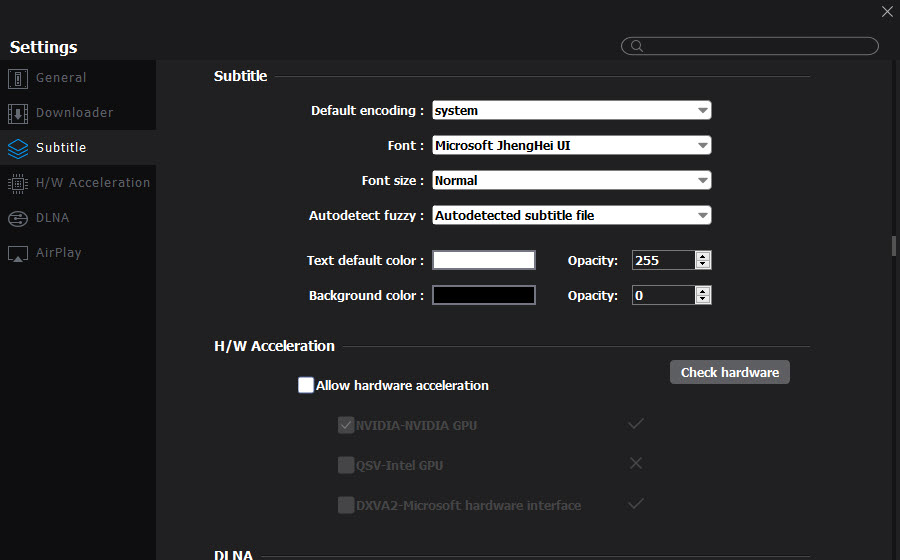
Separate subtitle files load, and the appearance can be adjusted for typeface, size and colour rather than accepted as given. Automatic detection finds a matching file beside the video, and the detection behaviour itself is configurable.
Audio tracks switch during playback for files carrying several, and snapshots can be taken from the video to a folder you nominate.
None of that is unique, and having it working properly without configuration is worth more than a longer feature list.
The downloader is on a treadmill
Being straightforward about a feature that appears prominently and works inconsistently.
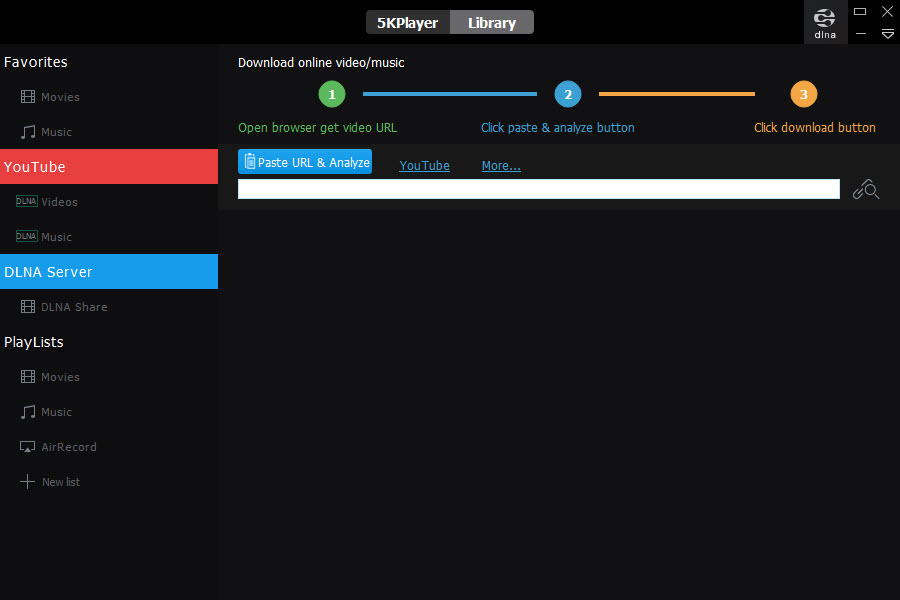
Online video services change how they deliver video, and any downloader has to be updated to match. Users report periods where it downloads nothing at all, and the update notes confirm the pattern by repeatedly mentioning work to restore the downloading engine.
What you may take from any given site is decided by that site’s terms and the material’s licensing rather than by the software.
For the playback side without any of this, PotPlayer is the heavyweight free player with settings for everything and no downloader attached.
Sending to a television, which it also does
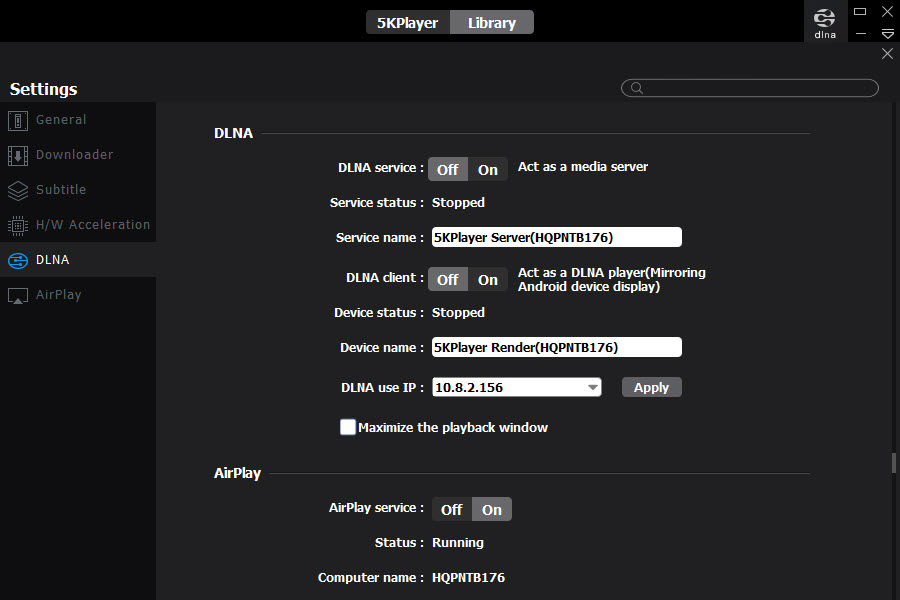
5KPlayer covers the reverse direction too, acting as a server so a television or console can browse and play what the computer holds.
That works and it is the crowded half of the market. Dedicated servers handle libraries better, scan more reliably and convert formats in transit, which is exactly where this stops.
A server whose entire purpose is presenting a library to a television does that job properly rather than as one tab among several.
Conclusion
5KPlayer earns attention for one capability rather than for being a player. Accepting a stream from a phone and showing it on the computer, with recording attached, solves a problem most people work around with cables or capture hardware, and nothing else free does it as directly.
Weigh what that costs in a form nobody mentions until afterwards. Advertising on the desktop rather than in the window, an email address handed over for features that should not need one, and file associations taken during installation are all part of the arrangement. If the phone-to-computer streaming is what you need, it delivers, and if you just want a player, the free alternatives ask for none of this.
Pros & Cons
- Receives a wireless stream from a phone or tablet, which little else does neatly
- Screen recording captures what arrives rather than only displaying it
- Hardware-accelerated playback across a wide range of formats
- Also acts as a server for televisions and consoles
- Disc playback and a media library included
- Free, with no payment required for the core functions
- Advertising appears on the desktop rather than only inside the program
- Some capabilities require registering an email address
- Claims media file associations during installation, with no quick way to undo them
- The downloader breaks periodically as services change
- Streaming protocols carry limited formats, prompting conversion at inconvenient moments
- Dedicated media servers do the sending half considerably better
Frequently asked questions
It receives a wireless stream from a phone or tablet, putting that screen on the computer, and records what arrives. Most software in this area only sends the other way.
Because the advertising is not confined to the program window. Users report messages appearing in the corner of the screen while doing other things, which is how the software is funded.
Registration unlocks some capabilities and requires an address to receive the code. It costs nothing, and it does mean a media player holds your address afterwards.
Individually, by unticking each file type, since users report no option to clear them in one go. Watching the installation screens avoids the problem entirely.


