

Windows ISO Downloader
About Windows ISO Downloader
Windows ISO Downloader is a small utility that fetches direct download links for official Microsoft installation media (Windows and Office ISOs) straight from Microsoft’s own servers. The tool itself doesn’t host or mirror any files. It simply talks to the same APIs Microsoft uses on its Tech Bench portal and surfaces clean download URLs for the specific version, edition, language, and architecture you pick. The point is bypassing the Media Creation Tool‘s quirks and Microsoft’s increasingly hidden download pages while still getting genuine ISOs.
The actual download happens through your browser or a download manager of your choice, so the tool acts more like a link generator than a download client.
For users who want a Windows 7 ISO that Microsoft no longer offers through its public site, a Windows 11 build without going through the Media Creation Tool dance, or an Office 2016 image in a specific language, this is the cleanest way to get it without venturing into shady file-sharing territory.
Why this exists at all
Microsoft’s relationship with public ISO downloads has gotten progressively more awkward over the years. For Windows 10 and Windows 11, the official path is the Media Creation Tool, which downloads and writes to USB in one go but doesn’t always let you grab just the ISO cleanly. For Windows 7 and older versions, the public download pages have been quietly removed from Microsoft’s site. For Office, the official ISO downloads require signing in with a Microsoft account that has a valid product key associated with it.
There’s also the Tech Bench portal, which Microsoft uses internally and shows different options depending on what user agent you’re using and which region you’re connecting from. Windows ISO Downloader automates the dance you’d otherwise have to do manually, which involves changing browser user agent strings, picking through region-locked dropdowns, and grabbing the temporary download URL before it expires.
For users who already know what they want (Windows 11 24H2 Pro in English 64-bit, say) and just want the ISO file without any side trips, the tool delivers exactly that. It’s not adding capability that didn’t exist before, it’s making access to existing Microsoft downloads less painful.
How the workflow actually goes
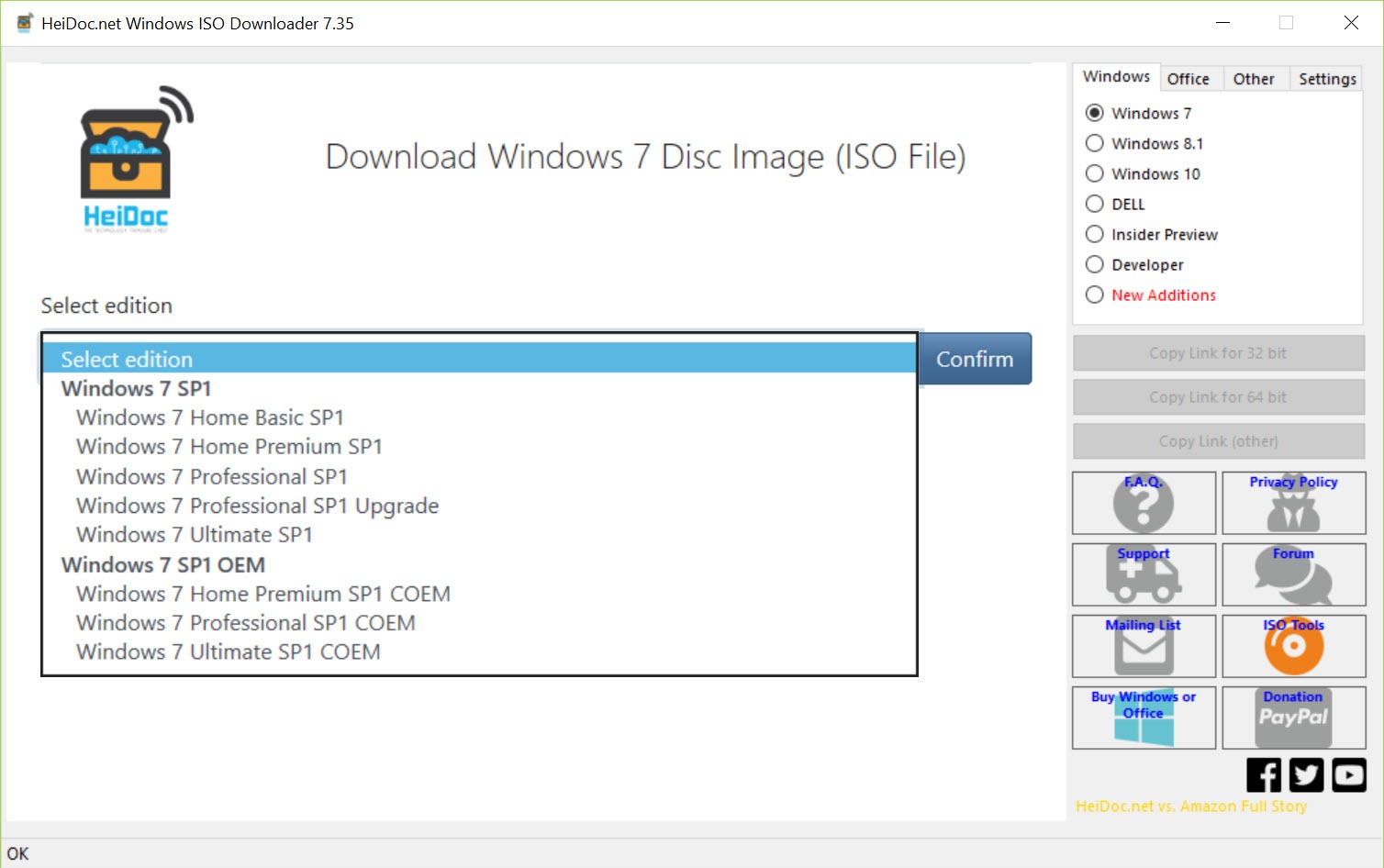
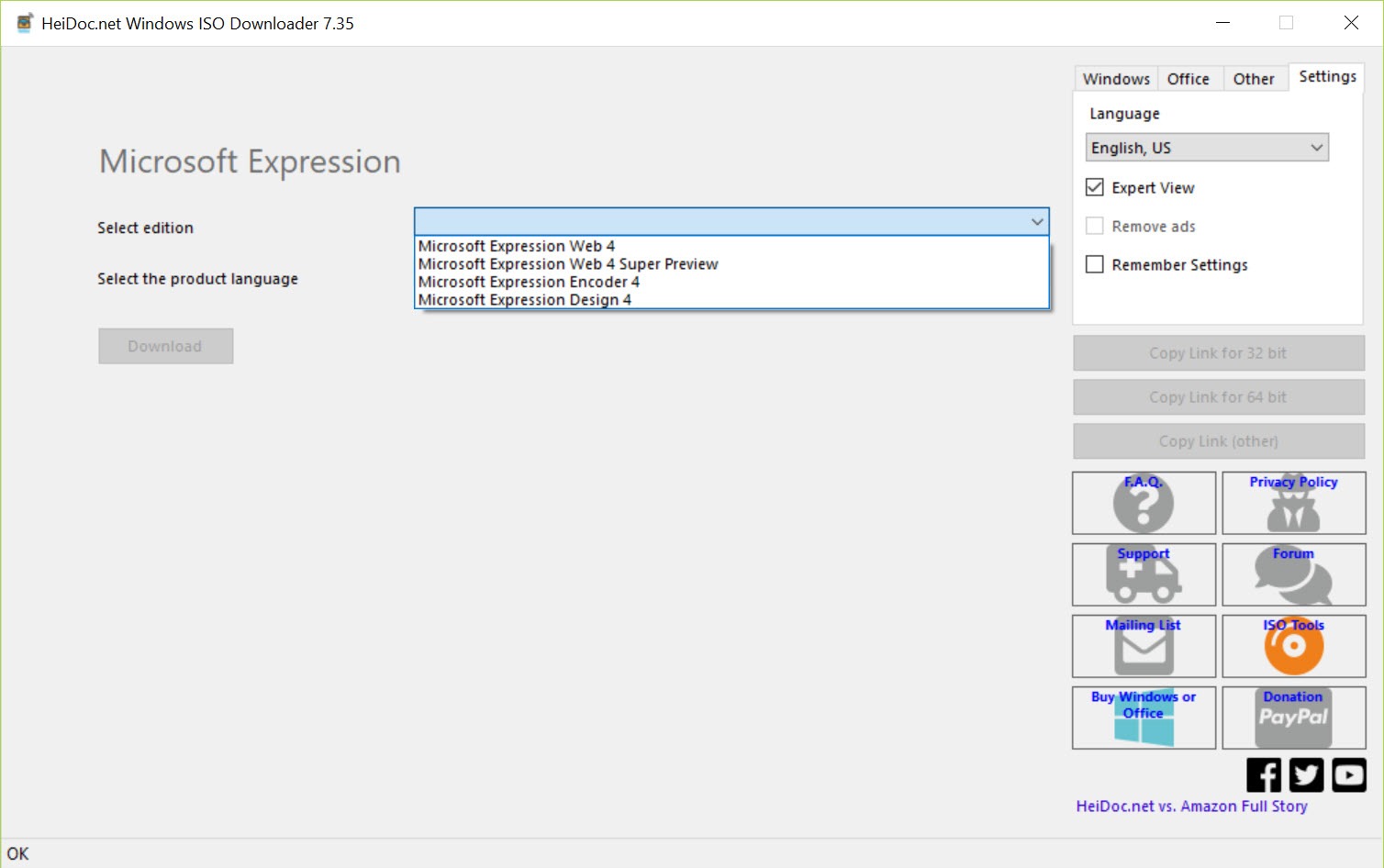
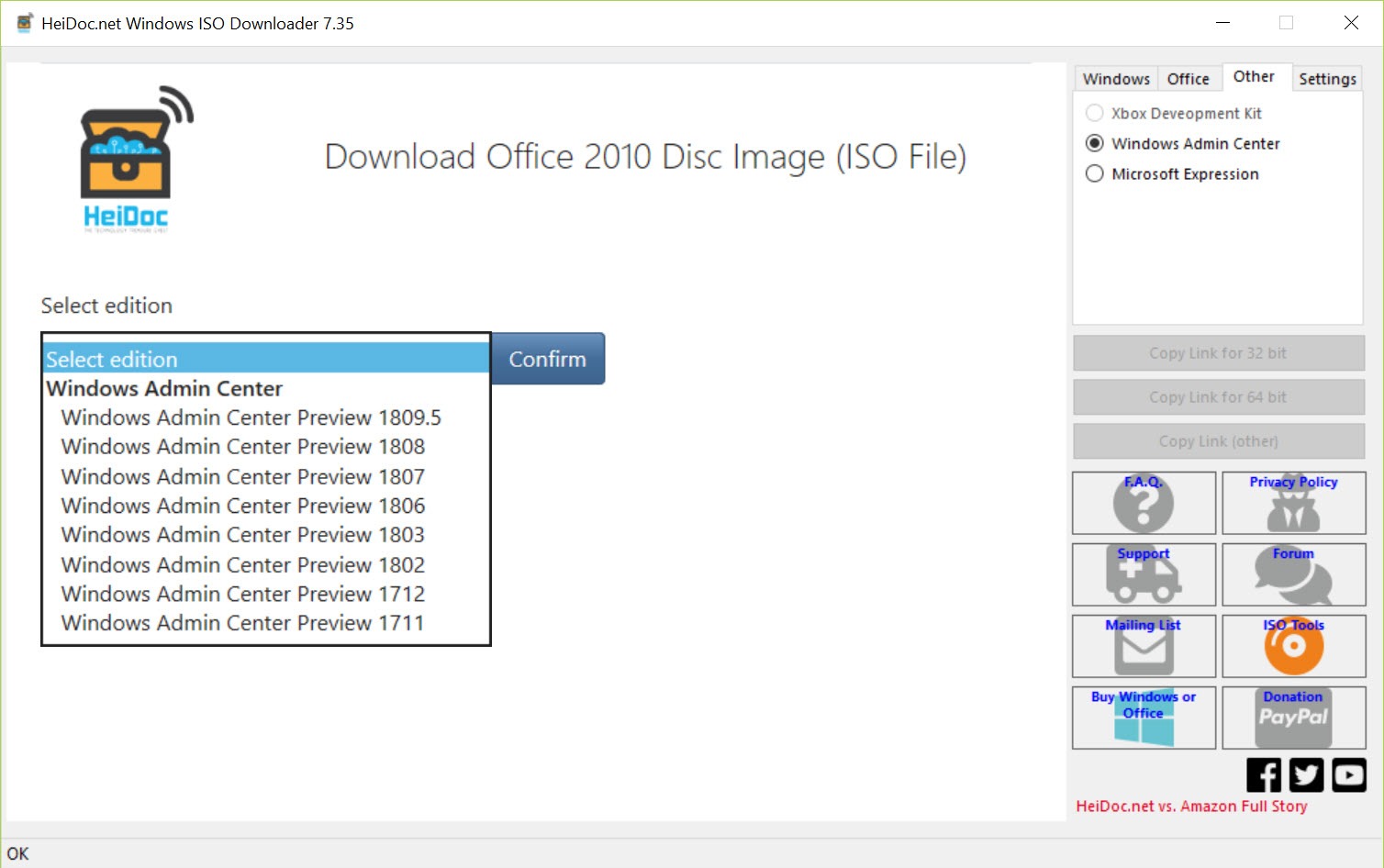
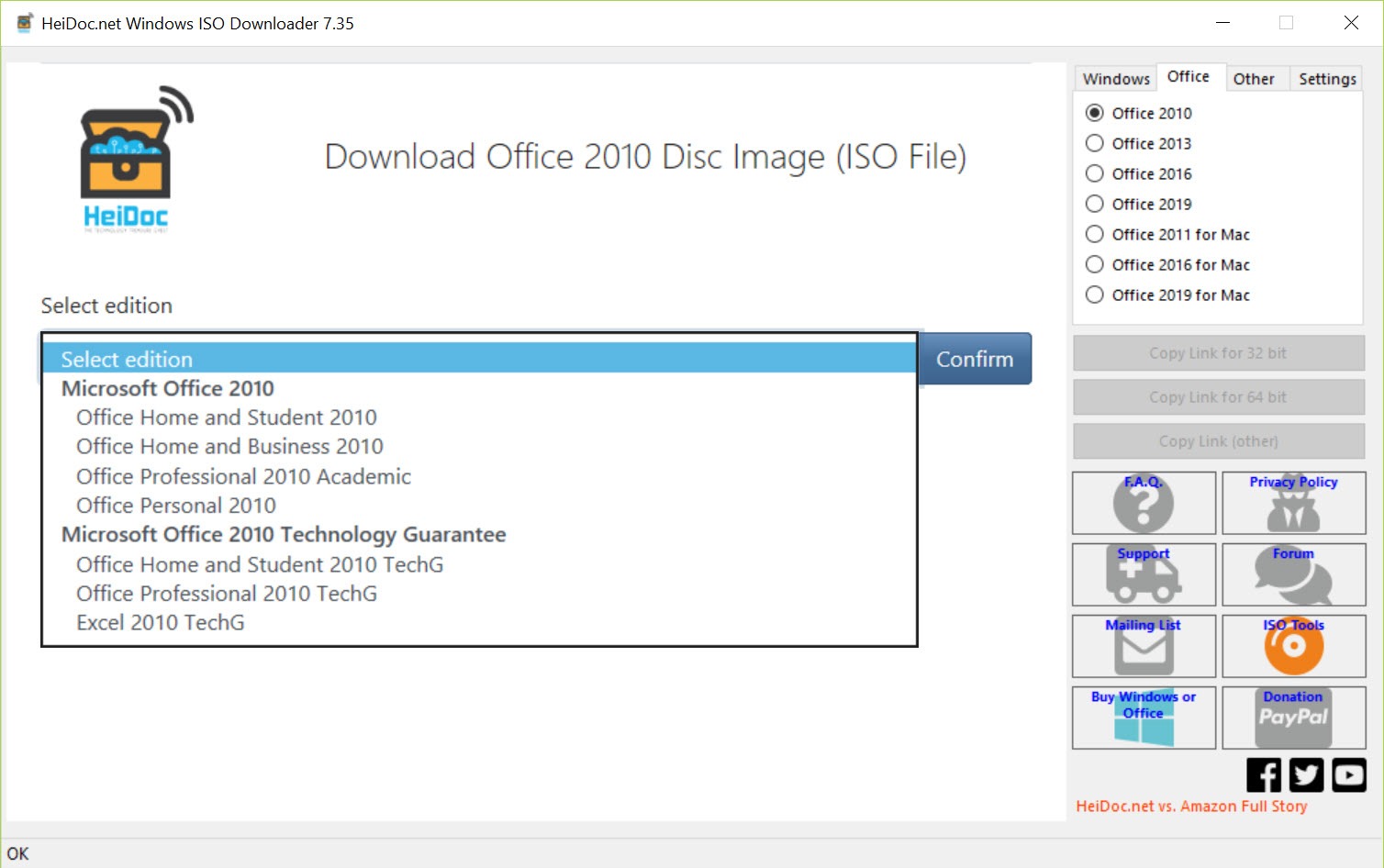
Launch the application and you get a tabbed window. Across the top are tabs for each Windows generation (Windows 7, Windows 8.1, Windows 10, Windows 11) plus an Office tab covering 2010 through 2021 (and the perpetual-license versions of newer ones). Pick the tab for what you want.
Below that, dropdowns appear for the specific edition (Home, Pro, Enterprise, Education, depending on the version), the language (a long list, with most major world languages represented), and the architecture (32-bit, 64-bit, ARM64 where applicable). For Windows 11, additional dropdowns let you pick specific feature update versions like 22H2, 23H2, or 24H2 so you can grab older builds if needed. Once you’ve made your selections, click the download button and a Microsoft URL is generated.
The generated URL is valid for 24 hours from creation, after which it expires and you have to regenerate. This is a Microsoft restriction, not a tool limitation. Copy the URL into a browser, into a download manager, or directly use the tool’s built-in download option. The file that lands is the exact same ISO Microsoft would have given you through its own portal, signed and unmodified.
Verification matters more than people realize
This is where honesty matters. The tool generates links to Microsoft’s servers, and the downloaded ISOs are genuine Microsoft files. But the application itself is a third-party utility, and any time you’re downloading installation media, verification is the safety net that catches both accidental corruption and deliberate tampering.
After download, check the SHA-256 hash of the ISO against the value Microsoft publishes for that specific release. The hash should match exactly. If it doesn’t, something went wrong (network corruption, modified mirror, the link pointing somewhere unexpected) and you should not install from that file. The tool itself often displays the expected hash for popular releases, but cross-referencing against Microsoft’s documentation is the practice that protects you.
For users coming from the Media Creation Tool, this verification step is one they probably weren’t doing because the official tool handles validation internally. Switching to direct ISO downloads means taking on that responsibility yourself.
What you do with the ISO once you have it
The ISO file is just installation media. To actually use it, you need to either burn it to a DVD (rare in 2026), mount it as a virtual drive for an upgrade install, or write it to a USB stick for a clean installation. The last option is what most people want, and several tools cover the writing step.
Rufus is the standard choice for writing Windows ISOs to USB. It handles UEFI and Legacy BIOS targets, can patch out Windows 11’s TPM and Secure Boot requirements if needed, and is fast. Ventoy takes a different approach by letting you drop multiple ISOs onto a single USB and pick which one to boot at boot time, useful if you regularly install different versions.
For creating a portable Windows installation that runs from USB rather than installs to a hard drive, WinToUSB handles the Windows To Go workflow with an ISO as input. The pipeline of “download genuine ISO with this tool → write or deploy with another” is the typical use case.
How this compares to Microsoft’s own Media Creation Tool
The official Media Creation Tool is what Microsoft directs most users toward for getting Windows installation media. It works, but it has limitations that Windows ISO Downloader sidesteps.
The official tool only offers the current version of Windows 10 or Windows 11. You can’t use it to grab an older feature update build like Windows 11 22H2 if you specifically need that version for compatibility testing or rollback purposes. Windows ISO Downloader lets you pick from multiple available builds within each Windows generation.
The official tool requires a working internet connection and an active Microsoft service during the entire download process. If the download fails partway through, you start over. The HeiDoc utility generates a URL once and lets you use any download manager with resume support, which matters on slower or less reliable connections for the multi-gigabyte ISO files.
The official tool also doesn’t handle Windows 7 or Windows 8.1 at all, since those aren’t its target versions. For legacy Windows installations, the third-party utility is the cleanest path to genuine ISOs without going through dubious download sites.
Office downloads as a side benefit
The Office tab covers perpetual-license versions from Office 2010 through Office 2021 (and limited support for newer ones). For users with valid product keys for these versions who’ve lost their original installation media, this is genuinely useful. The ISOs are signed Microsoft images and install normally.
Microsoft 365 (the subscription product) isn’t here, since it has its own click-to-run installer and isn’t distributed as ISO files. The tool is specifically for perpetual-license Office versions where the ISO-and-product-key model still makes sense.
Worth noting, having the ISO doesn’t license you to use the software. You still need a valid product key purchased from Microsoft or an authorized reseller. The tool gives you the installation files, not the activation rights, and using Office without a license violates Microsoft’s terms regardless of how you obtained the installer.
Portability and lack of installation
The application doesn’t install in the traditional sense. You download a small executable, save it somewhere, and run it. No installer, no registry changes, no system services. Close the program and there’s nothing left running in the background.
This matters for sysadmin and tech-support use cases. Drop the executable on a USB stick alongside your other recovery tools, and you have access to fresh Windows ISOs whenever you have an internet connection. The application’s footprint stays out of the way of whatever system you happen to be working on.
Settings are minimal and stored in a small file alongside the executable. There’s no telemetry, no phone-home behavior, and the application’s network activity is limited to the Microsoft API calls needed to generate download links.
Where the limitations land
The biggest limit is that everything depends on Microsoft’s API staying available and structurally similar. When Microsoft changes how its download endpoints work (which it does periodically), the tool needs an update to keep functioning. The developer has been responsive to these changes, but during the gap between a Microsoft change and a tool update, certain version dropdowns can come up empty.
The 24-hour link expiry is a Microsoft policy that the tool can’t work around. If you generate a link and don’t download within the window, you have to regenerate. For users on slow connections trying to grab a 5 GB Windows 11 Enterprise ISO, this can occasionally require restarting the link generation.
The application is also Windows-only as a binary. There are similar tools for other operating systems and command-line scripts that perform the same API calls, but this specific utility runs on Windows.
Conclusion
Windows ISO Downloader earns a spot in any tech-support toolkit and on the workstation of anyone who regularly installs or reinstalls Windows. The ability to grab any version, edition, language, and architecture combination from Microsoft’s own servers without navigating user-agent tricks or expired support pages is genuinely useful. Combined with the lack of installation, the portable executable, and the free price tag, it’s the kind of utility that disappears into the background and only gets noticed when you need it.
The honest limitation is that it depends on Microsoft’s continued cooperation in keeping its Tech Bench API stable, and on the developer keeping pace with changes when they happen. For users who occasionally need an ISO and don’t want the Media Creation Tool’s constraints, this is the right tool. For users who regularly deploy Windows across many machines, pairing it with Rufus for USB creation gives you a clean two-step pipeline that’s faster and more flexible than Microsoft’s own combined workflow.
Pros & Cons
- Fetches direct download links from Microsoft's own servers without third-party hosting
- Provides access to older Windows builds and Windows 7 ISOs that Microsoft no longer offers publicly
- Supports multiple editions, languages, and architectures with simple dropdowns
- Office 2010 through 2021 ISOs available for perpetual-license versions
- Portable executable with no installation or registry footprint
- Free and actively maintained by HeiDoc.net
- Cleaner workflow than manually changing browser user agents on Microsoft's Tech Bench portal
- Generated download links expire after 24 hours and need regeneration if missed
- Tool depends on Microsoft's API structure, which can change and require updates
- No built-in robust download manager, so you'll often hand the link off to another tool
- Verification of downloaded ISO hashes is left to the user
- Doesn't cover Microsoft 365 subscription downloads (only perpetual Office)
- Having the ISO doesn't grant a license, which still requires a valid product key
Frequently asked questions
The application generates direct download URLs from Microsoft's own servers for genuine Windows and perpetual-license Office ISO files. The tool itself doesn't host any files, it just constructs the same URLs Microsoft serves from its Tech Bench portal.
The ISO files come directly from Microsoft's servers and are the same images Microsoft would provide through its own portal. Verifying the SHA-256 hash against Microsoft's published values after download confirms the file is intact and untampered.
Yes. The tool has a Windows 7 tab that generates download links for various editions and languages. Microsoft removed direct public access to Windows 7 ISOs years ago, so this is one of the cleaner ways to obtain them without resorting to unofficial sources.
The 24-hour expiry is a Microsoft policy applied to its Tech Bench download URLs. The tool can't extend or bypass this. If a link expires before you finish downloading, regenerate it from the same selections.
The official tool only offers the current Windows 10 or Windows 11 release and bundles ISO download with USB writing in one process. This third-party utility lets you select older feature update builds (like Windows 11 22H2), supports Windows 7 and 8.1, and produces clean ISO files you can use however you want.
No. The link generation works without signing in. A valid product key is still needed to activate the software once installed, but the ISO download itself doesn't require account authentication.
The ISO needs to be written to USB media for installation, mounted as a virtual drive for in-place upgrades, or burned to a DVD. Tools like Rufus or Ventoy handle the USB writing step.


