

TopStyle
About TopStyle
TopStyle is a CSS and HTML editor from the era when a stylesheet was something you wrote by hand and checked in four browsers, and it is still one of the better tools for exactly that job.
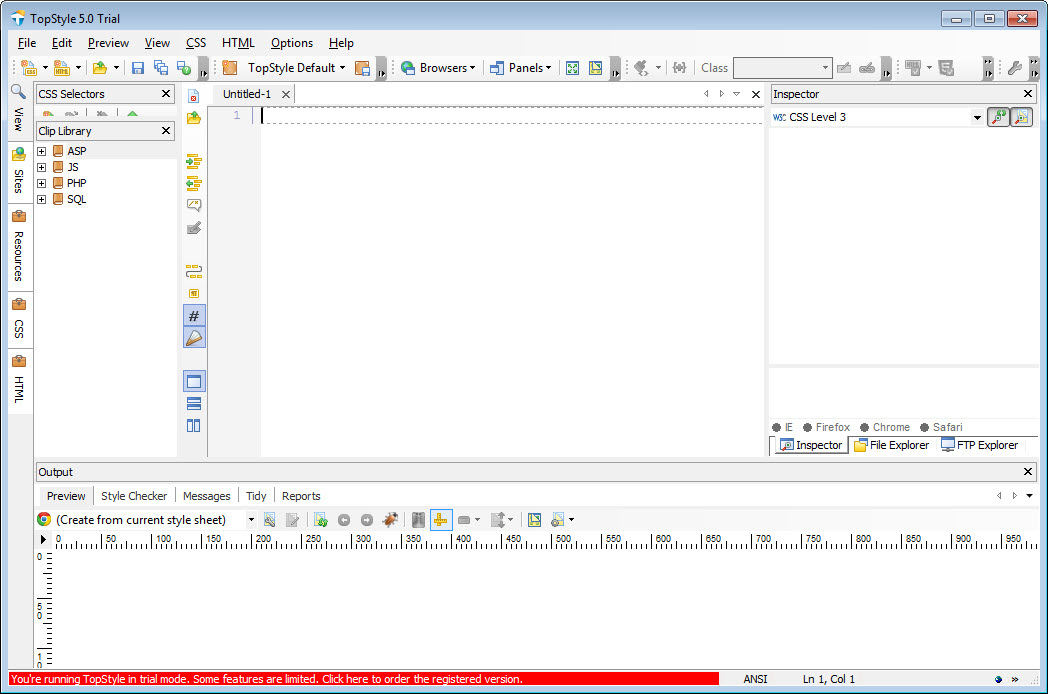
Its centrepiece is the Style Inspector, a panel that shows every property of the selector under the cursor as an editable form with drop-downs for the allowed values, so you pick a value rather than guess at its spelling. Around it sit autocomplete, a per-browser compatibility checker, a tidy-up pass for messy stylesheets and a preview pane that renders the page in more than one engine.
Development stopped long ago, and that single fact shapes everything below. The program runs fine, it is fast, and it knows nothing that arrived after its final update. Flexbox, grid, custom properties and container queries are foreign words to its autocomplete and its checker. Whether that disqualifies it depends on what you write CSS for.
The Style Inspector is why people still install it
Put the cursor on a rule and the inspector lists the properties in that rule with their current values, each editable in place through a control that knows the valid options. Add a property from a categorised list, and TopStyle writes it into the rule in the right place. For colour values there is a picker, for fonts a chooser that includes a list of web fonts, and for anything with units a field that validates what you type.
Working this way is slower than typing for an expert and faster for anyone who writes CSS a few times a month. It also catches typos before the browser silently ignores them, which remains a good reason.
The companion Style Insight autocomplete pops up as you type in the code pane and offers the same vocabulary, so the two approaches mix freely.
Checking against browsers that no longer exist
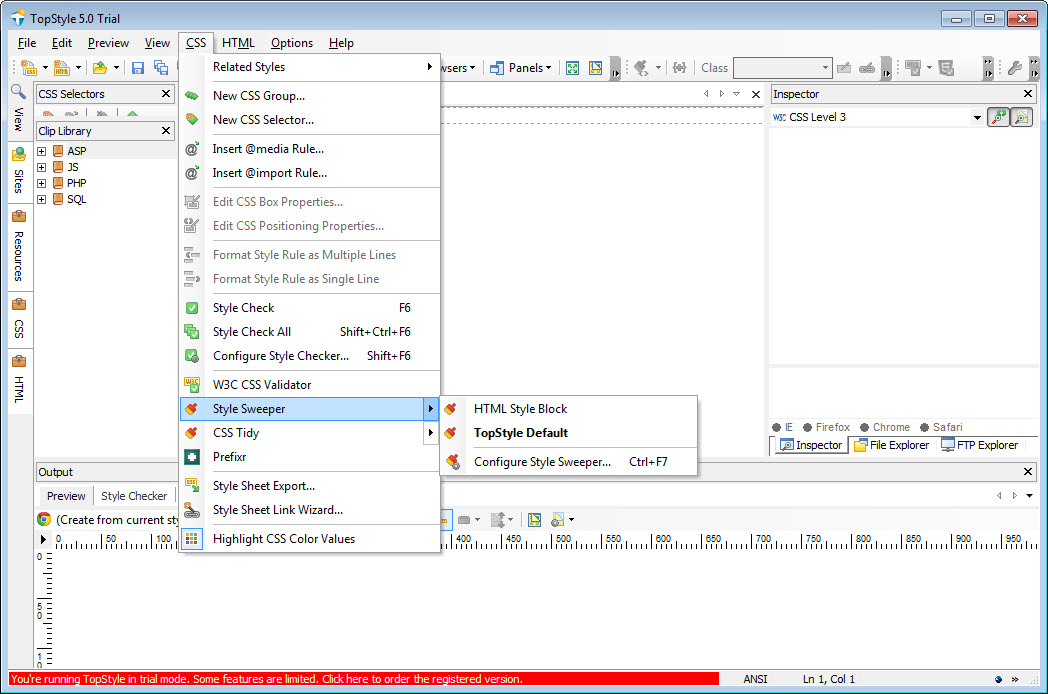
The TopStyle Style Checker flags properties and values that a chosen browser will not understand, with a definitions file per engine. Today it is a historical record. The newest engines it knows are long superseded, so a warning that a property is unsupported refers to a browser nobody runs, and a property every browser now supports can be flagged as unknown because the definitions predate it.
Treat the checker as a syntax check rather than a compatibility oracle. For that narrower job it still works, and so does the tidy-up pass, which reformats a stylesheet to consistent indentation, merges duplicate selectors and optionally strips comments, useful on an inherited file edited by three people in three styles.
HTML with a structure panel and a validator
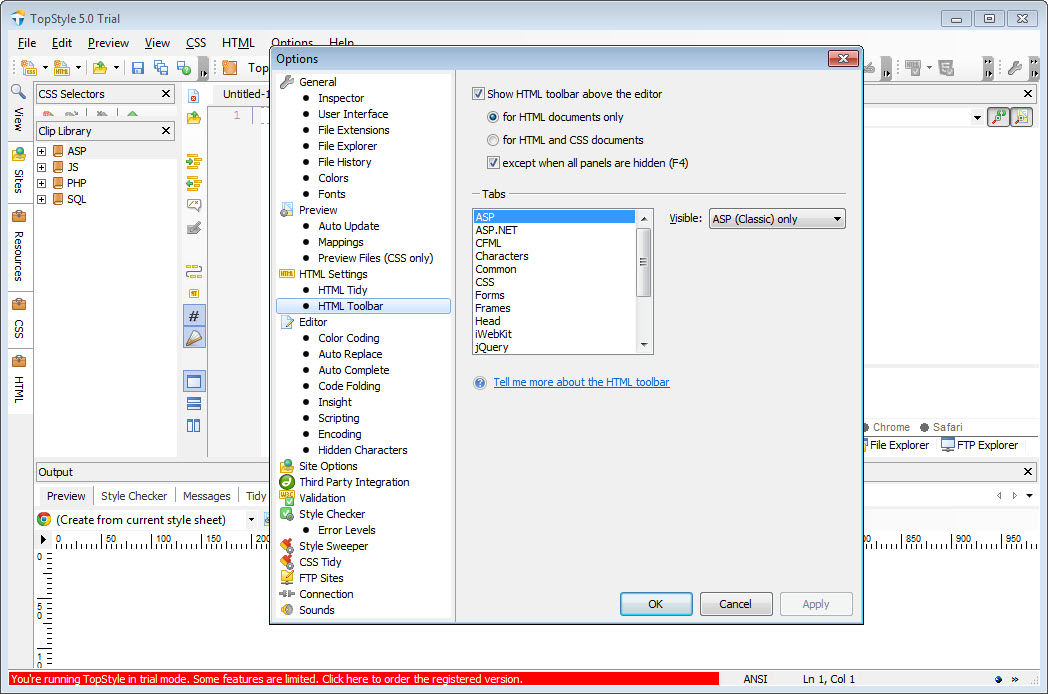
The HTML side of TopStyle is less ambitious but solid. A structure panel shows the tag hierarchy as a tree and jumps to an element when you click it, tag autocomplete closes what you open, and a validator checks a page against the markup definition built in. Zen Coding abbreviations expand into markup, so a line of shorthand becomes a nested list, which Notepad++ does through a plugin and this does out of the box.
Small tools fill out the set. A gradient generator writes the stacked declarations from the days before the syntax settled, an image-map editor lets you draw hotspots on a picture and produces the coordinates, and a contrast analyser tells you whether a colour pair is readable, still correct because contrast maths did not change.
Preview, FTP and the question of trust
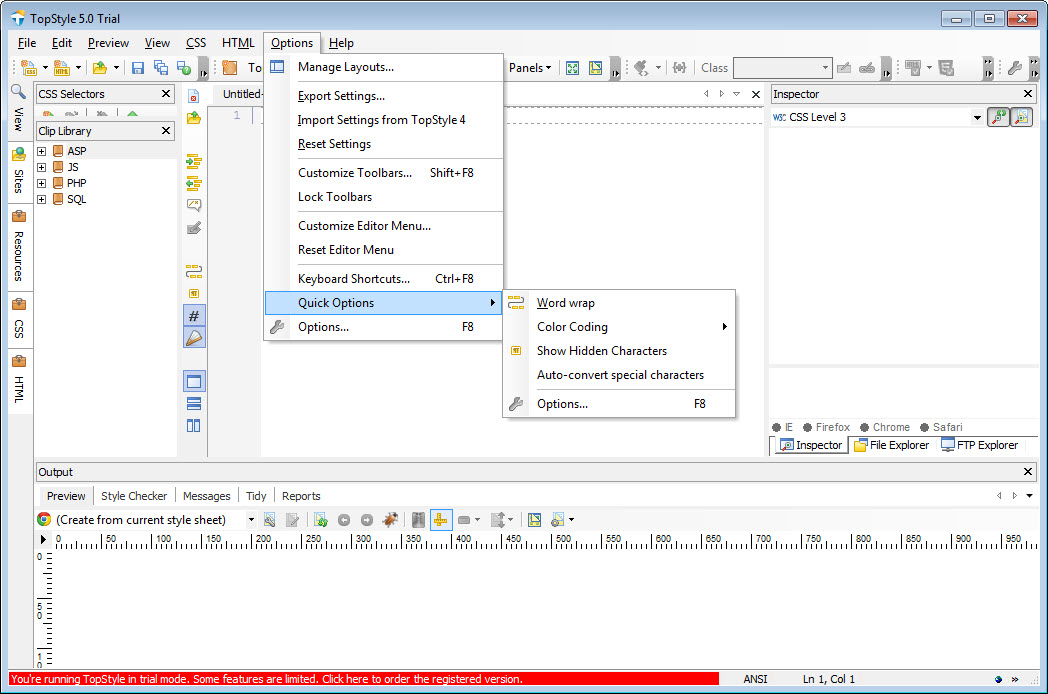
The TopStyle preview pane renders the open page through a choice of engines, including an embedded Chromium build, and refreshes as you save. The engines are as dated as the rest, so what you see is not how the page looks in a current browser. Use it for layout sanity and a real browser for anything that matters.
Projects upload over FTP and SFTP from inside the editor, and every save of a project writes a backup copy. Both work as well as they ever did, because the protocols did not move. a visual editor with a current rendering engine covers the visual side of the same job, if a preview you can trust matters more than the inspector.
Conclusion
TopStyle is for people who write conventional CSS by hand, maintain older sites, or teach the basics, and who value an inspector that turns every property into a form over any awareness of recent syntax. For that work it remains quick, pleasant and more careful about typos than most current editors.
Anyone building with flexbox, grid or a framework will fight it within an hour and should pick a current editor instead. The tool did not get worse. The language moved on without it, and the question is whether the part it covers is the part you need.
Pros & Cons
- Style Inspector edits every property through a form that knows the valid values
- Autocomplete and a tidy-up pass that merges duplicates and fixes indentation
- Structure panel, validator and Zen Coding expansion for the HTML side
- Contrast analyser and image-map editor that still do their jobs correctly
- SFTP upload and automatic backup on every project save
- No knowledge of flexbox, grid, custom properties or any recent CSS
- Browser compatibility checker refers to engines nobody runs
- Preview engines are years out of date
- No further updates will ever arrive
Frequently asked questions
No. Its definitions stop before those features, so the inspector and autocomplete will not offer them, though you can still type them by hand and the file saves normally.
As a syntax check, yes. As a browser compatibility check, no, since the browser definitions it carries describe engines that have been replaced several times over.
No. The embedded engines are old, so use the preview for rough layout and check the final result in a real browser.


