

Snes9x
About Snes9x
Emulating a console sounds like a solved problem until you look at what the Super Nintendo actually was. The console itself is one thing, and a good number of its cartridges contained additional processors doing work the console could not. Snes9x handles both, which is why it has remained the practical choice for this platform for a very long time.
Those cartridge chips are where Snes9x separated itself from its rivals. Games shipped with graphics accelerators, faster secondary processors, decompression hardware and digital signal processors, all soldered into the cartridge and all needing to be emulated alongside the console.
Compatibility here covers essentially the whole library including those titles, which is the standard by which an emulator for this platform is actually judged.
For a different console of the same generation, an emulator covering the competing hardware of that era does the equivalent job for those games.
Save states and rewind change the games
Two Snes9x features alter how these games are experienced, and it is worth being honest about that rather than presenting them as neutral conveniences.
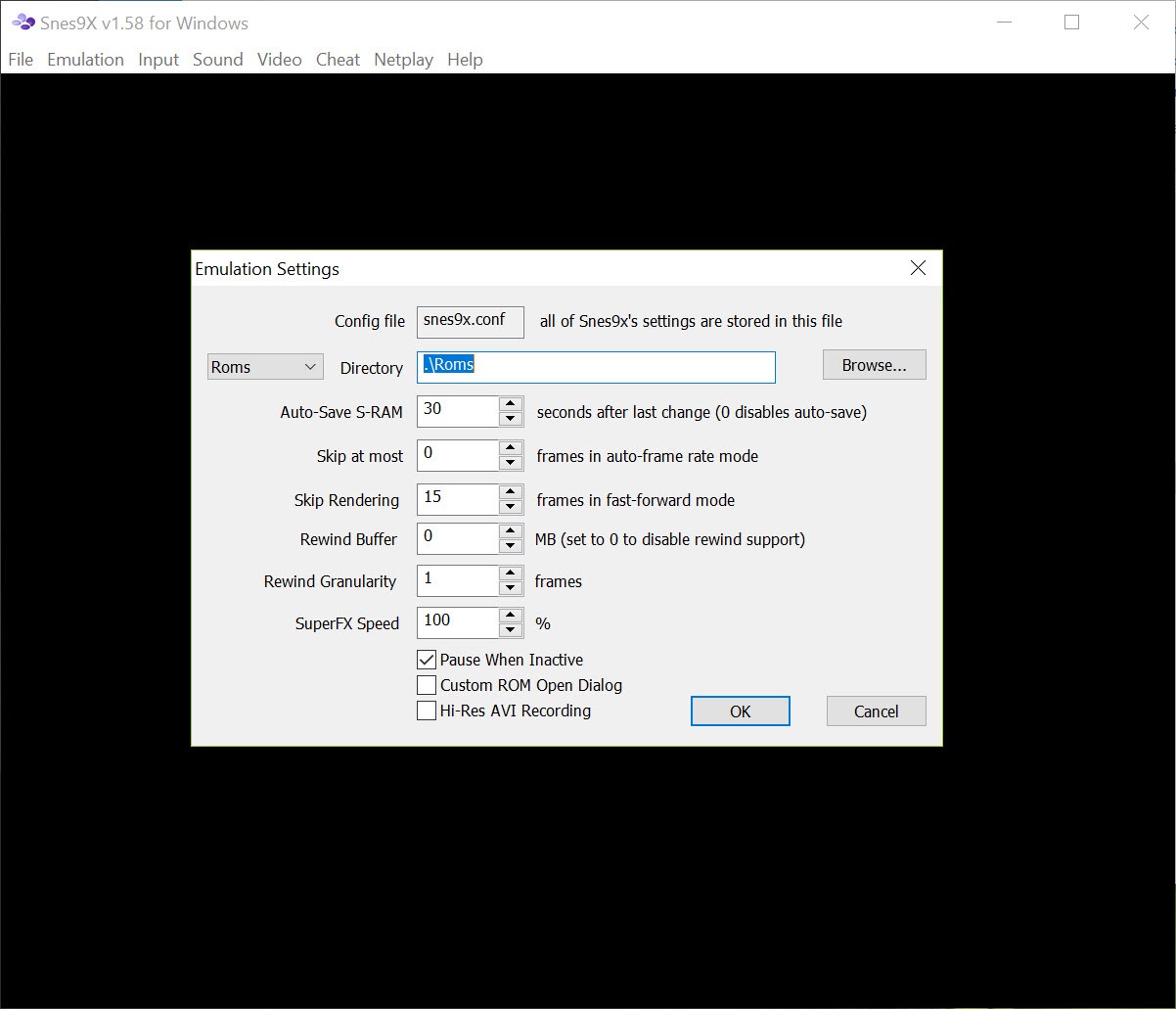
Save states capture the exact machine state at any moment and restore it instantly. Rewind steps backwards through the last few seconds of play. Both work perfectly and both remove something the original design assumed.
Games of that period were built around limited saving, or none, and the tension in a difficult section comes partly from what a mistake takes away. Playing with a save state before every jump is a different experience from the one the designers built, which is neither wrong nor the same thing.
The practical position most people reach is using them for the sections that were unreasonably designed and leaving them alone otherwise. That is a personal decision, and Snes9x makes no attempt to have an opinion about it.
Filters, scaling and what actually looks right
The Snes9x display options include smoothing filters designed to soften the visible pixels, and opinion on those has shifted considerably.
The current preference among people who care is integer scaling, which multiplies the original image by a whole number so every pixel remains a clean square, combined optionally with a shader imitating the scanlines and slight blur of the display these games were drawn for.
That combination looks closer to the original than either a raw sharp image or a smoothing filter, because the artwork was designed to be seen through the softening a period television provided. Sharp integer scaling alone is the honest presentation, and the shader approach is the faithful one.
Aspect ratio deserves a mention too. The original output was not square-pixel, so stretching to the correct ratio matters for anybody who cares whether characters look right.
Controllers, mapping and turbo
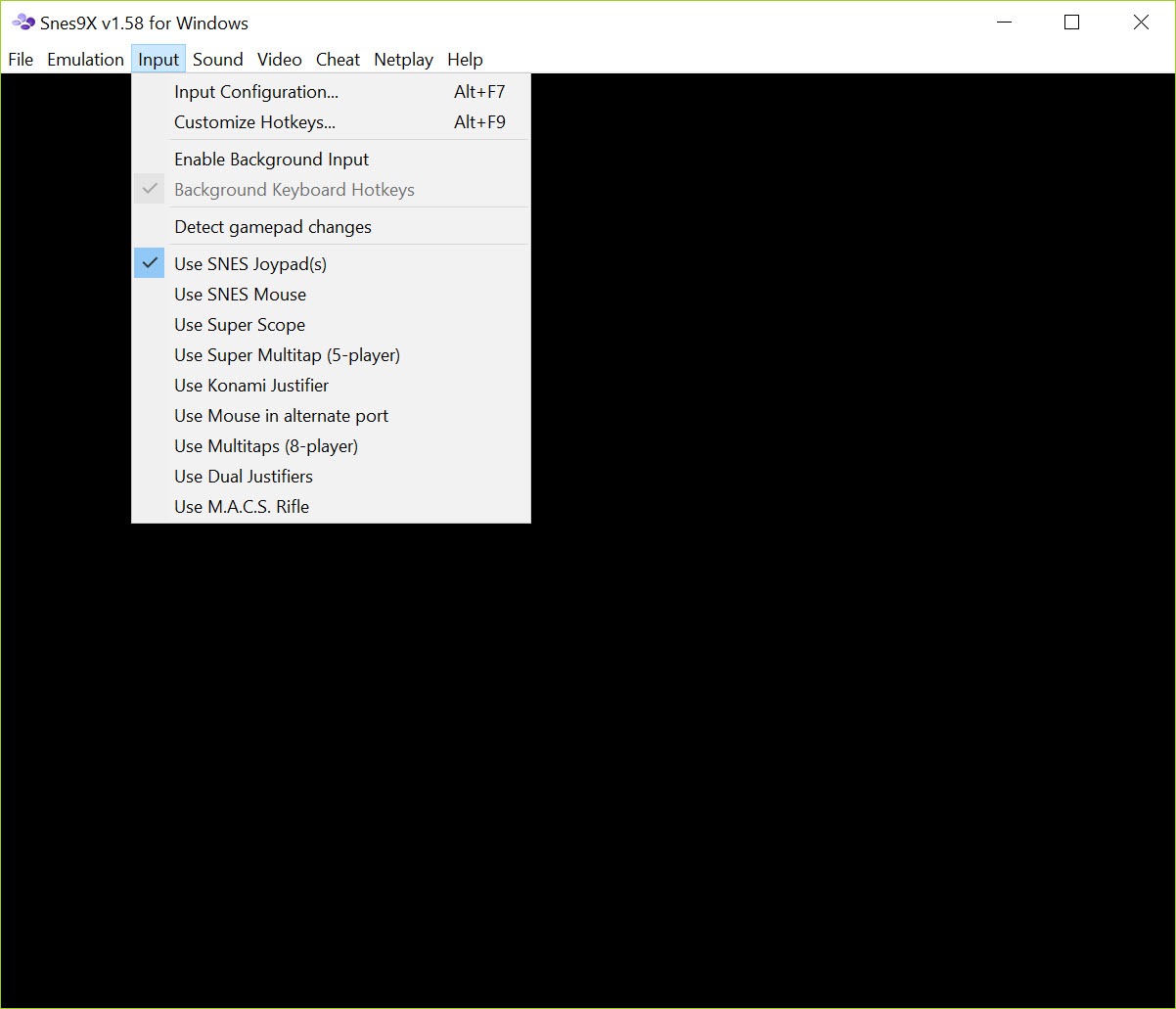
Snes9x supports and maps pads, with configurations kept per controller, and a turbo function that converts a held button into rapid presses for games that demanded it.
That last one is a small mercy. Certain titles of the era expected sustained rapid pressing that damaged thumbs and controllers alike, and applying turbo to those is restoring the intended experience rather than cheating.
Where a controller is recognised badly rather than not at all, DS4Windows resolves it at the system level before the emulator sees it, which is usually quicker than fighting the mapping screen.
Netplay and recording what you did
Snes9x network play connects two machines so a two-player game works across a distance, which for a platform built almost entirely around sofa multiplayer is a meaningful addition.
Expect the usual constraints. Both sides need the same game file and the same emulator settings, and latency matters considerably more in a game designed for two people on one television than in anything built for online play.
Input recording is the other feature, capturing not video but the sequence of button presses, which replays deterministically on the same setup. That is how the tool-assisted community produces its work, and it is also a compact way to share a demonstration of something, since a recording of inputs is a tiny file compared with video.
What is not included
Snes9x contains no games. It emulates the hardware and expects you to supply the software, and nothing in it will fetch anything.
The legal position of the files you use depends entirely on how you obtained them, which is a question about your collection rather than about this software. Emulation itself is settled ground, and where the game files came from is the part that varies.
Once a collection exists, organising it becomes the next problem, and LaunchBox gathers emulated titles into a browsable library with artwork rather than leaving them as filenames in a folder.
Conclusion
Snes9x remains the sensible starting point for this platform. Compatibility that extends to the cartridges carrying their own processors, display options that respect how the artwork was meant to look, controller mapping that handles modern pads and network play for games built around two players cover what anybody actually needs.
Two things are worth deciding deliberately. Save states and rewind are properly useful and they do change what these games are, so use them knowing that. And the display settings matter more than people expect, since integer scaling with a period-appropriate shader looks considerably closer to the original than either extreme. Beyond that, it asks nothing of a modern machine and gets out of the way.
Pros & Cons
- Compatibility covers the library including cartridges with additional processors inside
- Save states and rewind for sections the original design made unreasonable
- Integer scaling and shader options for a display that resembles the original
- Aspect ratio correction, so proportions match what the artwork assumed
- Controllers mapped per device, with turbo for games that demanded rapid pressing
- Network play for a platform whose games were built around two players
- Input recording produces tiny deterministic replays rather than video files
- Runs comfortably on hardware far below what any current machine offers
- Contains no games, and the legality of your files depends on where they came from
- Save states change how the games play, which some would call a loss
- Smoothing filters have aged badly against integer scaling and shader approaches
- Network play needs matching files and settings on both sides, and low latency
- More accurate emulators exist for this platform, at considerably higher cost in performance
Frequently asked questions
No. It emulates the console hardware and requires game files you supply. Nothing in it downloads or provides anything, and where your files came from determines the legal position rather than the emulator itself.
Additional processors built into certain cartridges, providing graphics acceleration, faster processing or decompression the console lacked. Games using them need those chips emulated too, and support for them is how emulators for this platform are judged.
Yes, meaningfully. Games designed around limited saving derive part of their tension from what a mistake costs, and removing that changes the experience. Most people use them selectively rather than constantly.
Integer scaling, so every original pixel stays a clean square, optionally with a shader imitating the display these games were drawn for. The older smoothing filters look worse to most eyes now than they did when they were new.
Yes, through the network play feature, with both sides needing the same game file and matching settings. Latency matters more here than in modern online games, since these were designed for two people sitting together.


