

GOG Galaxy
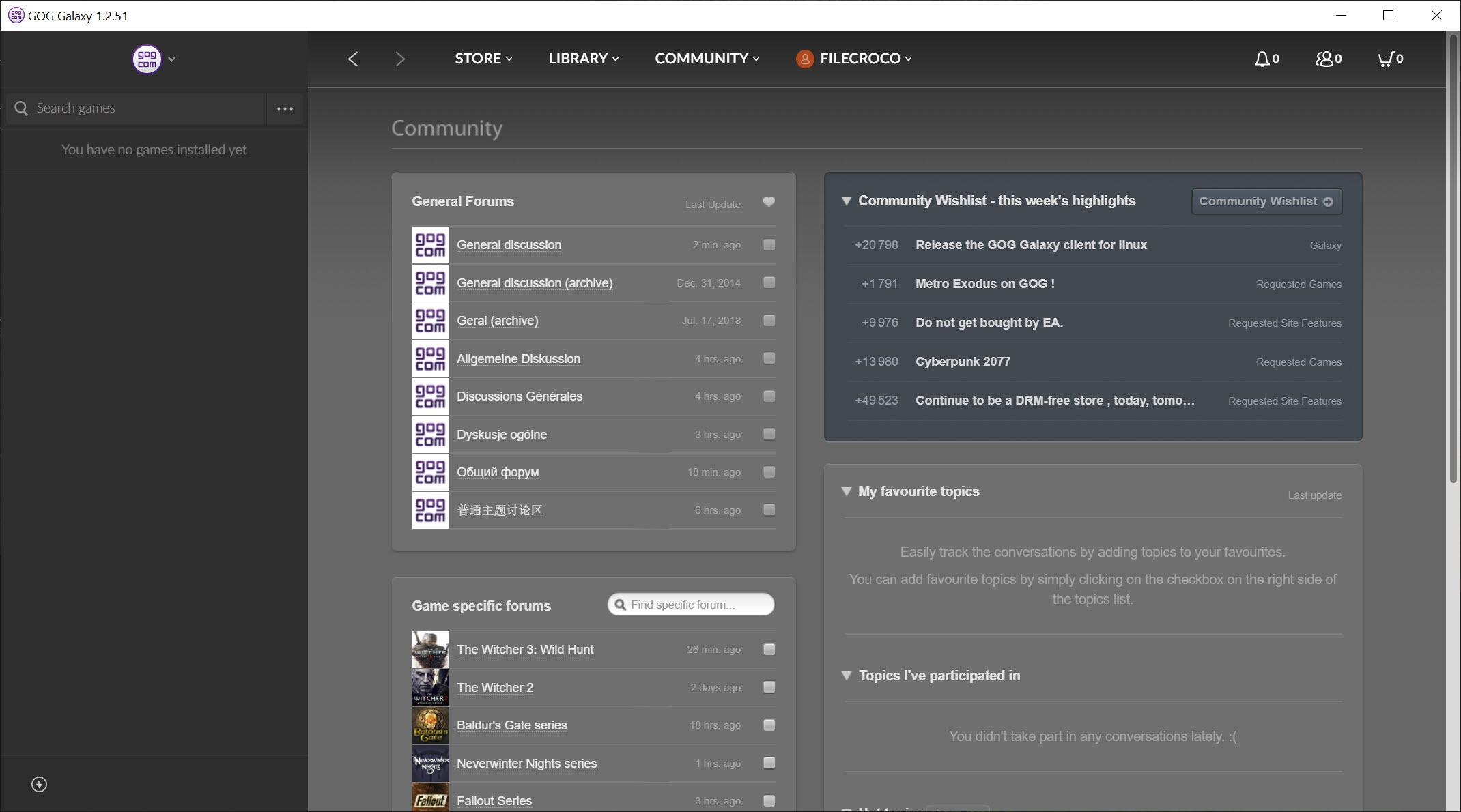
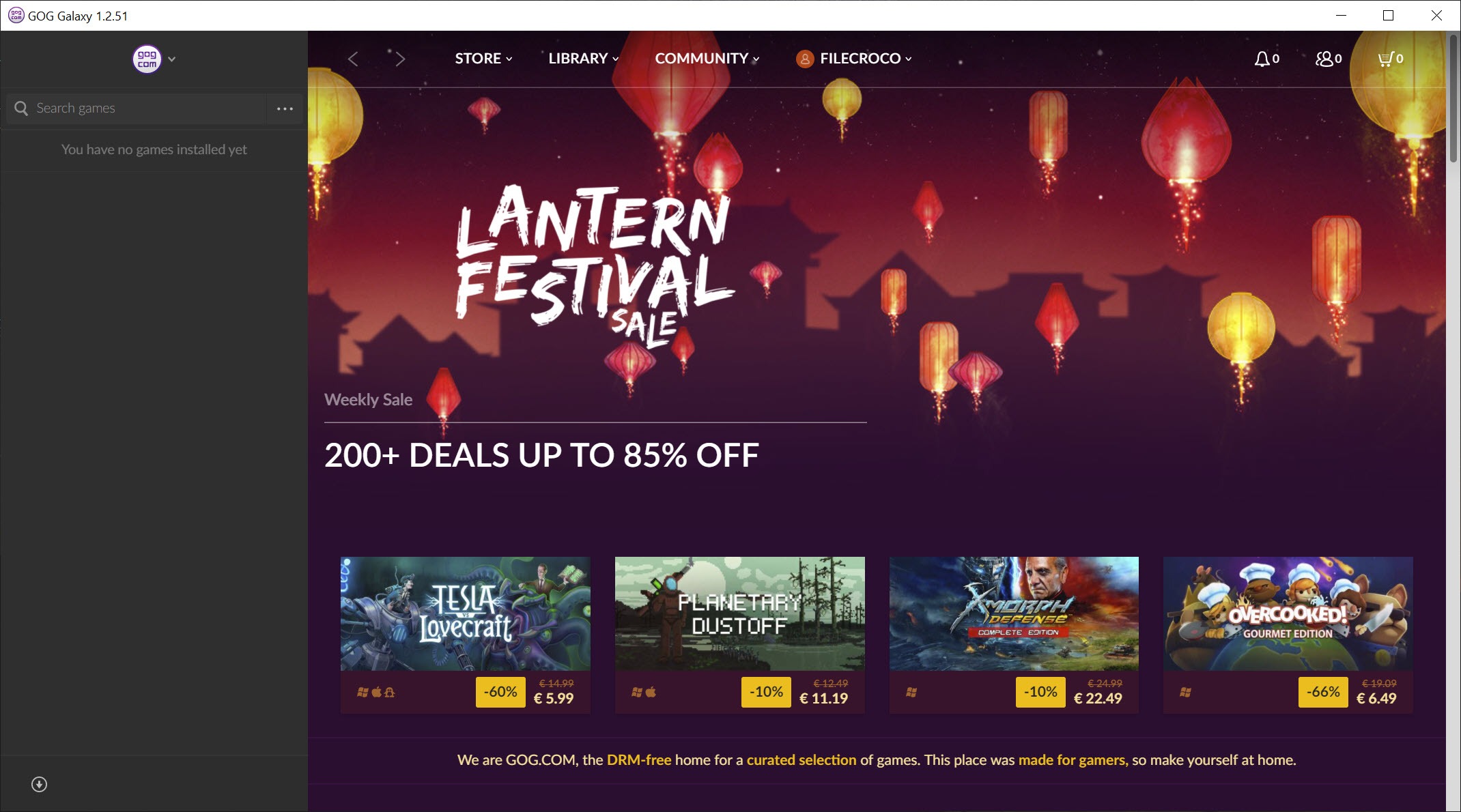
About GOG Galaxy
Game collections stopped living in one place years ago. A shelf’s worth on Steam, the giveaways accumulated on Epic, the DRM-free purchases on GOG, and suddenly “what do I own?” is a question with five answers. GOG Galaxy was built to give it one.
The client manages the GOG store’s own library, and its defining ambition goes further, connecting your accounts from the other platforms and merging everything into a single library view, one grid, one search box, one friends list, for games scattered across every launcher you’ve ever installed.
Underneath the ambition sits the store’s founding principle, and it shapes the client’s whole personality. GOG sells games without copy protection, which means the games run without the client, the client itself is optional, and nothing about your library is hostage to the software managing it.
That inversion of the usual launcher relationship is rarer than it should be, and it deserves its own section.
A launcher your games don’t actually need
Every game in the GOG library also exists as standalone offline installers, downloadable, archivable, and runnable on machines that have never seen this client. GOG Galaxy adds the comforts on top, one-click installs, automatic patching, cloud saves, and playtime tracking, but the comforts are a choice, not a leash. Uninstall the client tomorrow and every game still works.
The optional-updates consequence matters more than it sounds. Because patching runs through the client rather than being forced by it, updates can be disabled per game, and an older version that mods depend on, or that simply ran better, can be preserved deliberately.
Players burned by a patch that broke their favorite title know exactly why this checkbox is a feature, and it barely exists anywhere else.
One library to hold them all
The unification act works through integrations. Connect your accounts from the other major stores and platforms, and their games flow into the same library alongside the GOG collection, complete with covers, playtime, and achievements where the platforms expose them. Filters, tags, and custom collections then treat the whole mass as one, so “unfinished RPGs” or “couch co-op” can span every storefront you buy from. Even console libraries can join the shelf, turning GOG Galaxy into a catalog of everything you own as a player, not just everything on this machine. Collectors whose shelves extend into emulated classics often pair it with a retro-focused frontend like LaunchBox, which curates the museum wing this client doesn’t cover.
Friends unify the same way. The cross-platform friends list shows who’s online and what they’re playing regardless of which ecosystem they’re in, which quietly solves the modern problem of maintaining five friend lists to know whether anyone’s around for a session.
The honesty about the plumbing belongs here. Launching a game from another store still starts that store’s own client in the background, because their copy protection demands it. What you gain is a single front door, not an escape from the other launchers’ existence. Only the GOG-native games are truly launcher-free.
The integration fine print
Official integrations cover the biggest platforms, and a community of open plugins extends the reach further, into console accounts and smaller stores. That community layer is both the feature’s breadth and its fragility. When a platform changes its interfaces, the affected plugin breaks until volunteers repair it, so any given integration can wobble for a stretch, with sync errors or missing playtime as the symptoms. Connecting, disconnecting, and reconnecting an account is the ritual fix, and patience is part of the arrangement.
Development pace deserves the same honesty. The grand unification vision arrived with fanfare and has evolved slowly since, working, maintained, but no longer visibly racing anywhere. Users who want a unifier with a livelier open-source pulse gravitate to Playnite, which covers similar ground with community energy and deeper customization, at the cost of the polish and the built-in store.
Living in it day to day
As a daily home base, the client is pleasant in unspectacular ways. The library view is fast and handsome, installing a GOG game is truly one click, cloud saves cover supported titles, and a quiet, ad-light experience makes it one of the calmer launchers to leave running. Bandwidth limits and install folders behave like an adult wrote the settings.
The store attached to it leans classic and independent, with the deep catalog of restored older games as its signature, every one of them patched to run on modern machines. For the player whose collection spans eras, that preservation work pairs naturally with the client’s version-freedom, and it’s the honest reason many keep this launcher even while buying most new releases elsewhere, often through Epic Games Launcher giveaways that then appear, neatly, in this unified library anyway.
Conclusion
GOG Galaxy serves two overlapping players, the collector who wants one honest shelf for a library scattered across five stores, and the preservationist who wants games that outlive their launcher, with updates on their own terms. For both, it’s the rare client whose absence changes nothing about what you own, and whose presence organizes it.
The unification comes with community-plugin wobbles and a development pace best described as unhurried, and tinkerers may prefer the livelier open alternative. As the calm center of a sprawling collection, though, it still has the most principled foundation in the launcher business.
Pros & Cons
- Merges libraries from every major platform into one searchable view
- GOG games remain DRM-free and playable without the client at all
- Per-game control over updates, including refusing them entirely
- Cross-platform friends list shows who plays what, everywhere
- Offline installers make the collection archivable and future-proof
- Calm, ad-light client with sensible download controls
- Non-GOG games still launch their original client in the background
- Community integrations break periodically when platforms change
- The unification vision has evolved slowly for a long while
- Achievements and cloud saves are native only for GOG titles
Frequently asked questions
No, it launches them through their own clients running in the background, since their copy protection requires it. The unified library is one front door, not a replacement for the other stores' software.
Yes, completely. Every GOG game offers standalone offline installers, and the client adds conveniences like auto-patching and cloud saves rather than being required.
Integrations, especially community-built ones, break when platforms change their interfaces, and recover when the plugin is updated. Reconnecting the account after an update usually restores sync.
Yes, updates are controlled per game and can be disabled, preserving a version that mods or preference depend on, one of the client's most distinctive freedoms.
It aggregates what connected platforms expose, which varies. GOG's own titles have native achievement and playtime support, while other platforms' data arrives with whatever completeness their integration allows.


