

Remotly
About Remotly
Remotly is remote desktop software tuned for the one thing ordinary remote desktop software does badly, which is playing a game on a computer that is somewhere else. The gaming machine stays where it is. The picture streams to a laptop, a tablet or a phone at up to 4K and 60 frames per second, and the controller and keyboard on your end drive the game as if you were sitting at the desk. What separates it from a business remote access tool is the encoder, which is built to keep latency low and colour intact, and it is the only tool in the category that carries HDR from a gaming monitor to a display that can show it.
The same engine serves a second purpose, which the maker calls working remotely. Connect to an office machine, give a colleague temporary access to yours, or let a technician fix a relative’s computer, all through the same client, with a connection code instead of a router configuration.
Remotly is one application wearing two hats, and the gaming hat is the one it wears best.
Streaming a game, and what the picture looks like
Remotly streams at up to 4K UHD with the frame rate at 60, and the stream follows the host’s display rather than compressing it into a fixed box, so a widescreen monitor arrives widescreen. HDR passes through when both the host display and the client display support it, which no rival manages. Bitrate and quality can be adjusted for the network at hand, so a wired connection at home runs near lossless while a mobile link drops quality to stay smooth.
Latency is the metric that matters for games, and the encoder is built around minimising it. On a local network with a wired host, input lag sits low enough for action games. Over the internet it depends on distance and the connection at both ends, and a fast-paced shooter will show the delay where a strategy game will not.
That is true of every game streamer, and this one lands towards the better end.
Controllers and key filtering
Any gamepad connected to the Remotly client is passed through to the host, so a controller plugged into a laptop plays a game running on the desktop. Mouse and keyboard work too, and a drawing tablet on the client reaches the host for anyone doing creative work over the link rather than gaming.
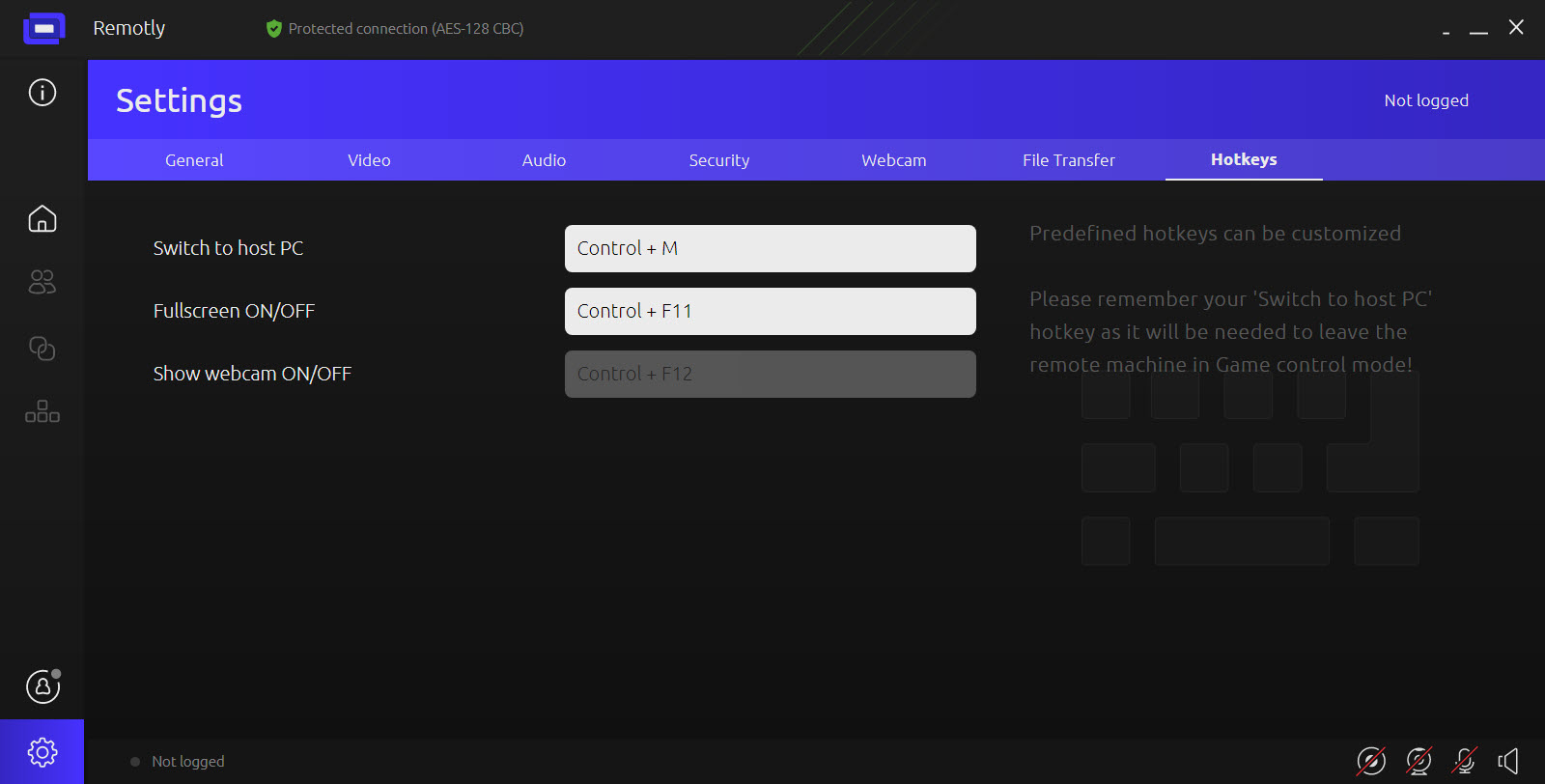
A game that refuses the pad still yields to a controller-to-keyboard mapper running on the host. Key filtering blocks chosen keys from being sent, which matters when a friend is playing on your machine and you would rather they could not alt-tab into your desktop.
On Android clients a layout manager builds on-screen controls from scratch, with layouts that duplicate and travel between devices through export and import, so a touchscreen phone gets a bespoke button set per game.
That is the feature that makes phone play tolerable, and it is one many rivals leave to the game itself.
Sharing a game with friends
A Remotly host can invite friends to connect and play games on the host machine while the owner keeps using it. Unlimited invitations go out, and each friend installs the client and joins. The catch sits in a footnote. The feature currently works through Hyper-V, a virtualisation platform that is not present on every edition of the system and that some machines cannot run at all, and a version that works without it has been promised rather than shipped.
For simply handing a friend the whole machine rather than a game, a general remote desktop tool does it without the virtualisation requirement, though with none of the gaming-grade encoding.
This one gets there for people whose machines meet the requirement and stalls for those whose do not.
Connecting, and the security behind the code
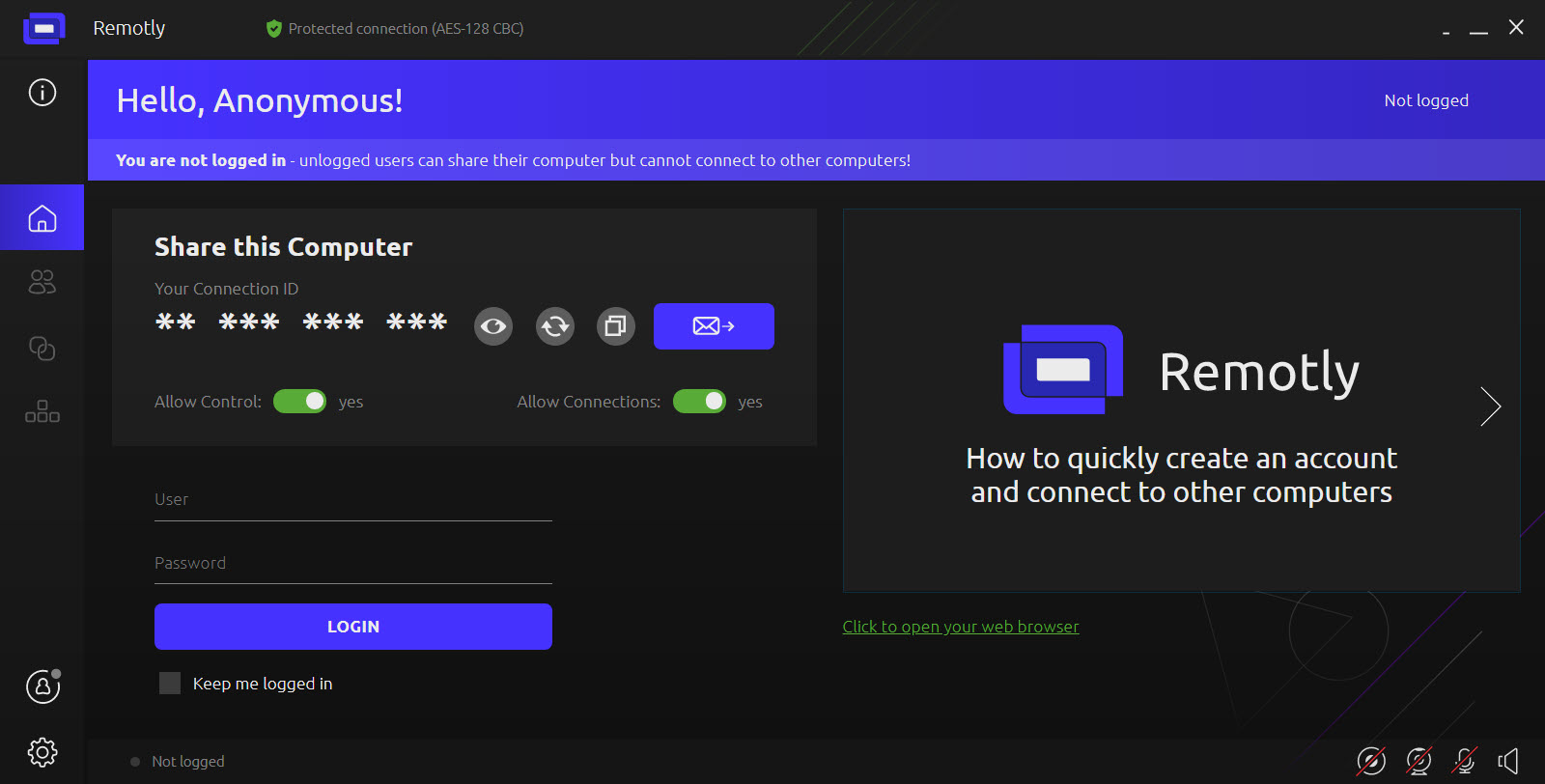
Remotly connections start with a 14-character alphanumeric code generated by the host, entered on the client, followed by explicit authorisation of the new device. Session content travels under AES-256 with an RSA-4096 key exchange, and the whole stream can be wrapped in TLS for networks that inspect traffic or a firewall that blocks anything unusual. An IPsec tunnel is supported for corporate use, and TPM 2.0 storage protects keys on hardware that has the chip.
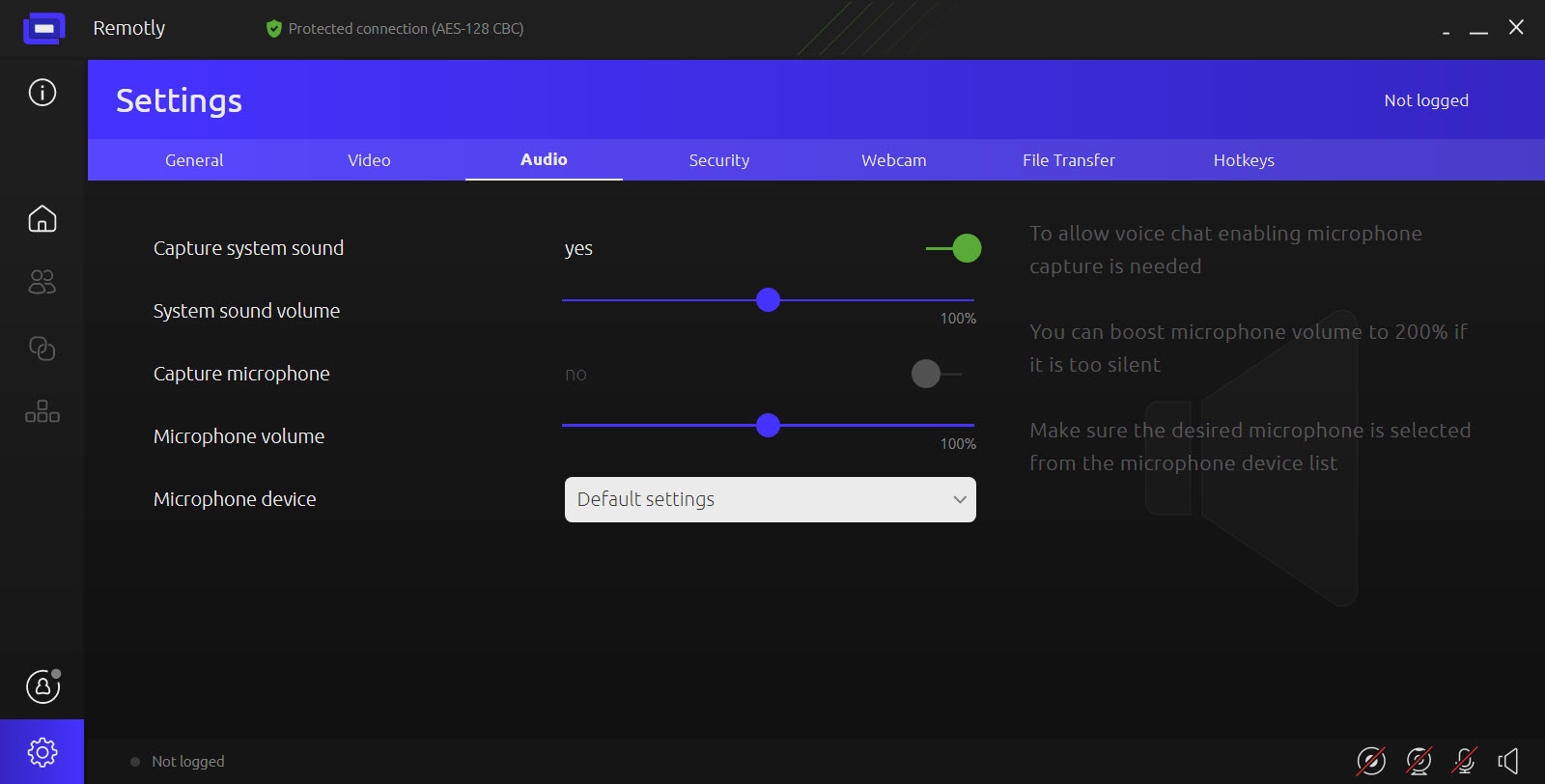
Blank display mode turns the host’s screen off while you work on it remotely, and remote audio muting keeps the host silent, which matters for the office machine and less for the gaming one. Organisations can run their own relay servers, with private certificates and a 32-character password on the relay, so nothing traverses shared infrastructure.
All of that is more than a gaming tool needs and it is why the work half of the product exists.
The work half, and how it compares
Used for remote support and office access, the same client connects with a code, transfers files and lets a helper drive the machine, with device authorisation and administrator revocation for a team. It does that competently, and it competes there with tools that have done nothing else for years. Distant Desktop is lighter and simpler for occasional support, and the established suites bring session recording and management consoles this does not have.
The gaming half has fewer rivals. Steam’s own streaming covers its library, and the open-source host and client pairing covers everything but demands configuration. This one covers everything with less setup and adds HDR, with the trade that an account and a relay sit in the loop.
Which half you install it for decides how it compares.
Where it falls short
The friend-sharing feature’s dependence on Hyper-V is the biggest gap in Remotly, since it excludes many home machines. Android TV support is listed as coming rather than present. There is no session recording on the work side.
And as with every internet game streamer, the experience over a poor connection is honest about the connection rather than kind to it, so a mobile link in a car turns a shooter into a slideshow whatever the encoder does.
Conclusion
Remotly suits anyone with one capable gaming machine and several screens they would rather play on, from a laptop in another room to a phone with a clip-on controller, and it is the tool to choose when HDR or a proper 4K stream matters. The encoder and the controller passthrough do the job well, and the layout manager makes phones usable.
It is a mixed pick for the friend-sharing feature until the Hyper-V requirement lifts, and a competent rather than compelling choice for remote support. Install it for the gaming, use the work features when they happen to be convenient, and keep the host on a wire.
Pros & Cons
- Game streaming at up to 4K and 60 frames per second with HDR passthrough
- Any gamepad, mouse, keyboard or drawing tablet passed through from the client
- Key filtering blocks chosen keys from reaching the host
- Android layout manager builds per-game touch controls with import and export
- AES-256 with RSA-4096 handshake, TLS wrapping and 14-character connection codes
- Same client handles remote support with blank display and audio mute
- Friend sharing requires Hyper-V, which many home machines lack
- Android TV client is still listed as coming
- No session recording for support use
- Needs an account and a relay for internet connections
- Fast-paced games still suffer over long-distance links
Frequently asked questions
Yes, when both the host display and the client display support HDR. It is the only tool in the category to pass HDR through.
It currently depends on Hyper-V, which is unavailable on some editions of the system and some hardware. A version without that requirement has been announced.
Yes. Any controller connected to the client device is passed through to the host, alongside mouse and keyboard.
Sessions use AES-256 with an RSA-4096 key exchange, optionally wrapped in TLS, and new devices must be authorised after entering a 14-character code.


Remotly is just amazing. Since version 1.11, I have had zero lag when playing games in 4K (even with HDR) remotely. I have no idea how this is even possible since no other competitive software can achieve such results on the same setup.