

QontrolPanel
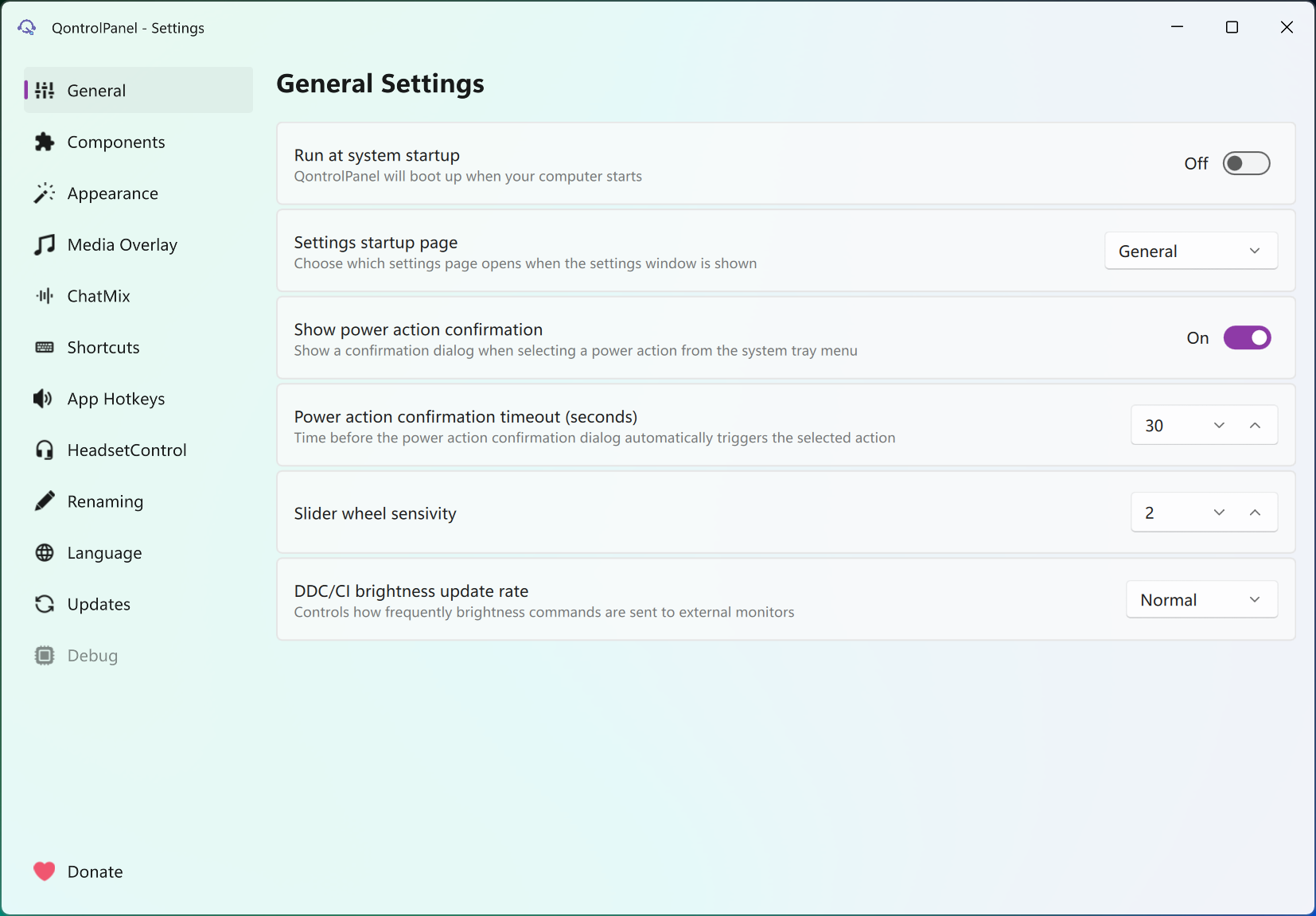
About QontrolPanel
QontrolPanel replaces the sound flyout in the tray with one that does what the built-in version keeps refusing to do. Click its speaker icon and a panel slides out with the output and input devices as switchable entries, a mixer with a slider for every running program, media controls with artwork for whatever is playing, and, further down, brightness for your monitors, the Night Light toggle and a row of power actions. Click anywhere else and it folds away.
Think of it as SoundSwitch, a per-app mixer and a brightness tray tool sharing one window. It used to be called QuickSoundSwitcher, and the name change tracks how far it has grown past switching sound devices. Whether that growth is convenience or creep depends on how many tray icons you ran before.
Devices and the mixer in one glance
The top of the panel lists every playback and recording device the system knows about, and switching is a single click on the one you want, with no trip through the settings app. Output and input have their own volume sliders and their own mute buttons, and the microphone slider sitting right there is the part people notice first, since the stock flyout buries input volume.
Below that is the mixer. Each running program with an audio session gets a slider and an icon, so the browser can sit at 30 percent while the music player stays at full, and QontrolPanel remembers those levels so the next launch of the same program picks up where it left off.
That memory is the quiet winner here. Set it once, and the game that blasts its intro at full volume never does it again.
ChatMix, for people who talk while they play
ChatMix in QontrolPanel splits audio into two groups, communication programs and everything else, with one slider that shifts the balance between them. Turn it toward chat and the game ducks while voices stay clear, turn it the other way for the cutscene. It is the dial gaming headsets sell as hardware, done in software for any headset.
The catch is setup. Programs count as communication only after you add them in the settings, and until you do, the slider moves nothing. Add the voice client once, because the feature is silent about why it is not working.
Media, brightness and the power row
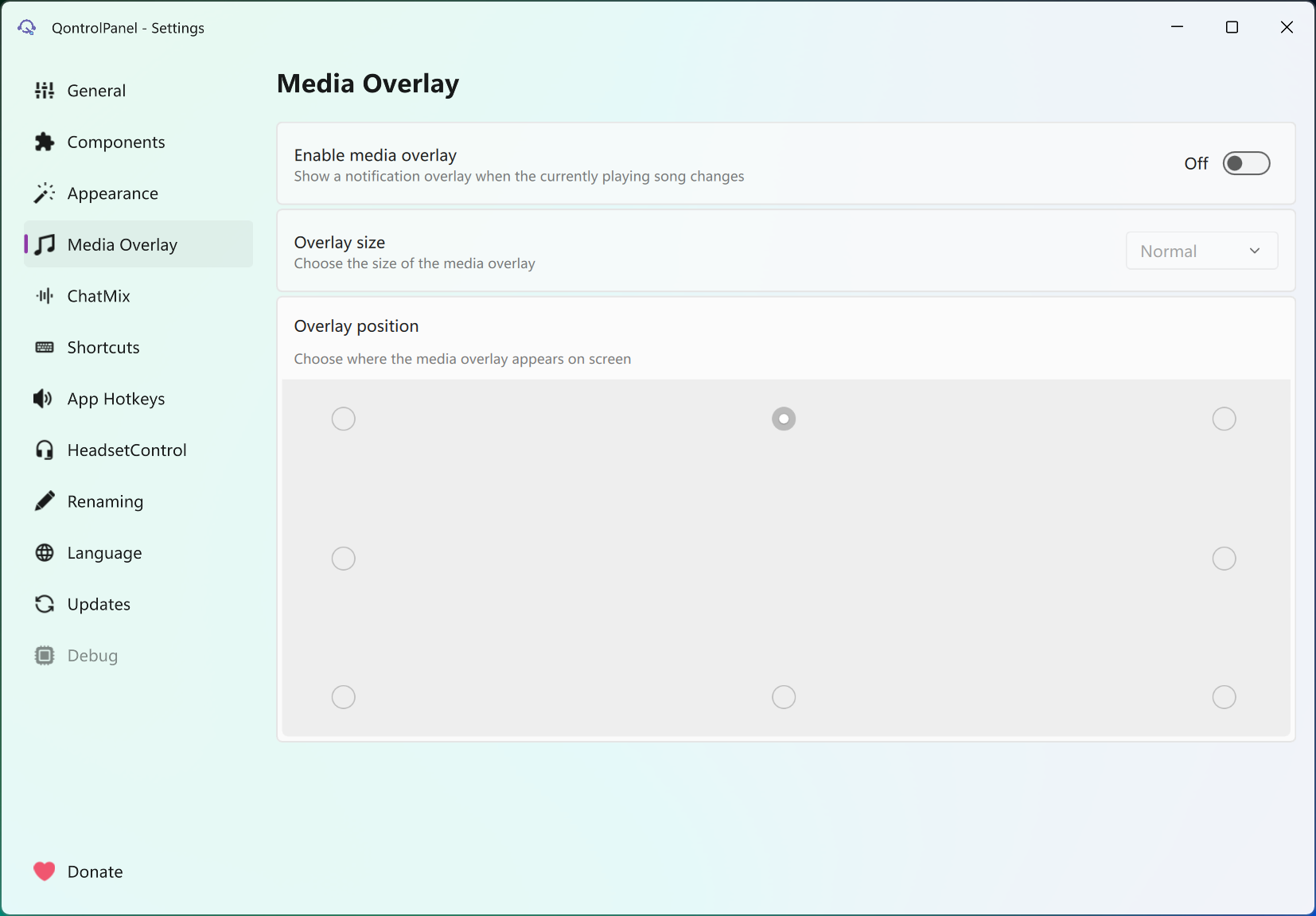
The QontrolPanel media section shows the current track with artwork and offers play, pause, skip and a seek bar for any program that reports its playback to the system, which covers browsers and the mainstream players.
Brightness sliders talk to external monitors over DDC/CI and to a laptop’s own panel through the system, one slider per display, with a Night Light toggle beside them. Twinkle Tray does the brightness part with more per-monitor options, but if a single slider per screen is enough, having it in the same panel as the volume saves an icon.
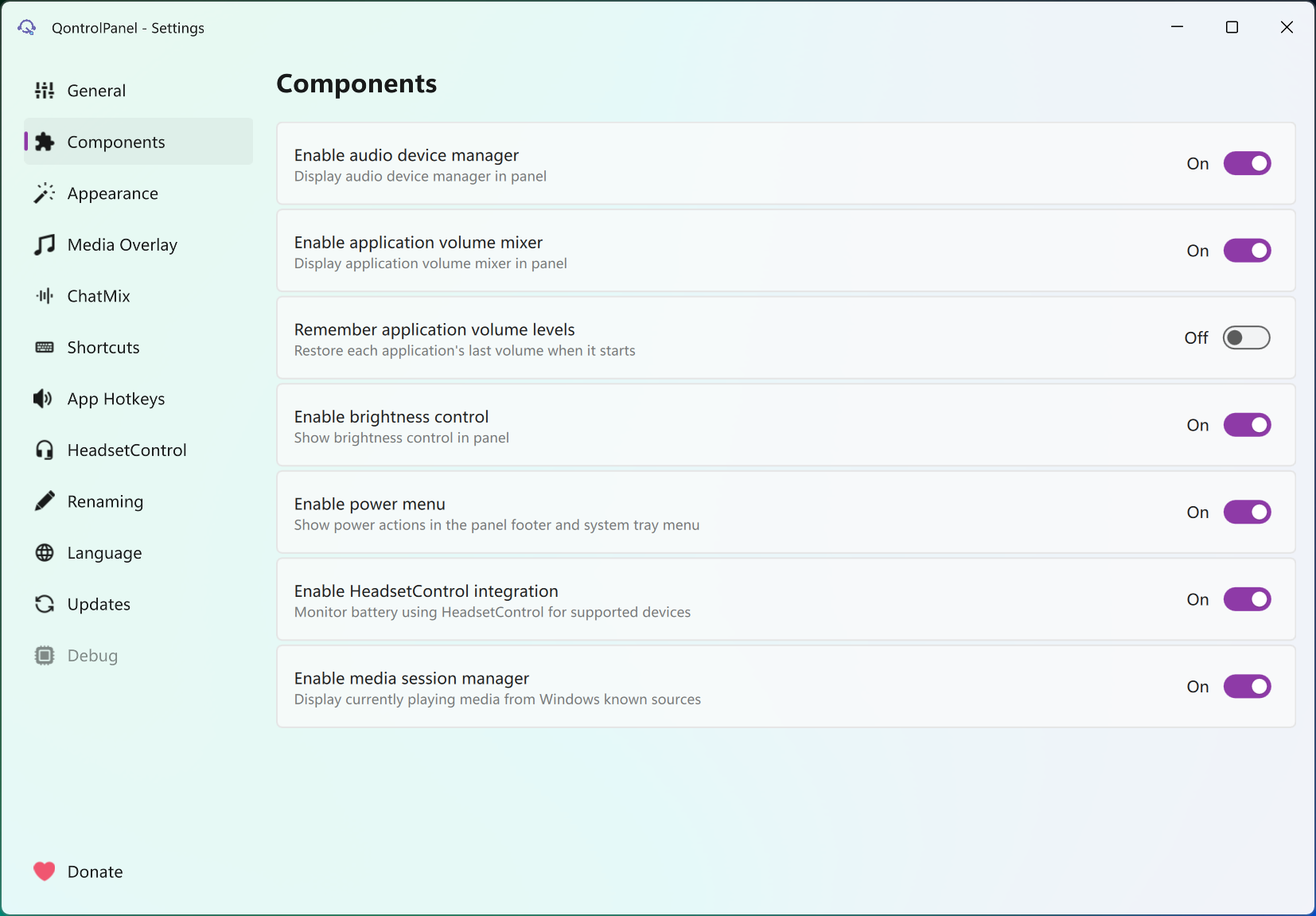
The bottom row holds sleep, restart, shutdown and lock, which sounds trivial until the panel becomes the one place you click for everything that used to need the Start menu. Each section can be hidden, so a desktop with no headset and no brightness control can strip the panel back to audio only.
Hotkeys, headsets and the rough spots
QontrolPanel global shortcuts open the panel, toggle devices and adjust per-program volume from the keyboard, with separate bindings possible for, say, the browser and the music player. In practice the binding dialog has been reported to register only the first key of a combination, which makes multi-key shortcuts hit and miss, the one bug in an otherwise polished tool. If keyboard device switching is the main need, a hotkey-driven switcher does that single job without the glitch.
Headset owners get an extra section through an external tool the application can hook into, showing battery level, sidetone, equaliser presets and lighting for supported models, with a low battery alert you can set. Which controls appear depends entirely on the headset, and a model the tool does not know shows nothing.
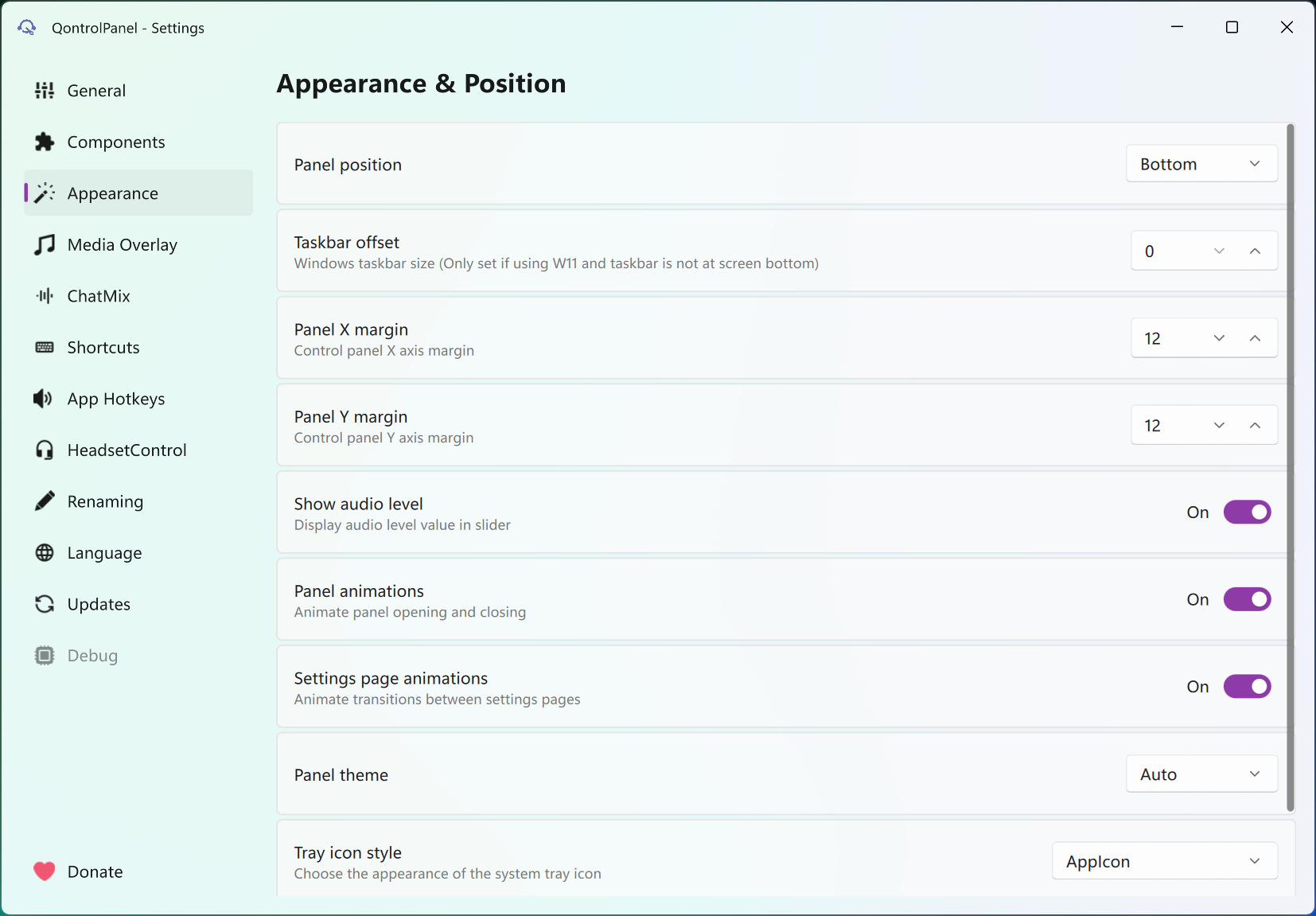
The panel itself follows the system light or dark theme, animates in and out, and can be positioned at any edge, and the whole thing runs portable from a folder if you prefer not to install it.
Conclusion
QontrolPanel is for the person who has three tray icons doing what one could do, and who wants the microphone slider and per-program volume that the stock flyout still lacks. Gamers who talk while they play get ChatMix without buying a headset that has it.
If all you want is to switch outputs with a hotkey, the hotkey bug makes this the wrong choice and a smaller tool the right one. Everyone else will find it replaces several things at once and asks little in return.
Pros & Cons
- Device switching, mixer, media and brightness in one tray panel
- Per-program volume levels are remembered between launches
- ChatMix balances voice chat against everything else for any headset
- Microphone volume and mute sit next to the output controls
- Sections can be hidden to keep the panel compact
- Multi-key hotkey bindings often fail to register
- ChatMix does nothing until communication programs are added manually
- Headset section depends on an external tool and supported models
- Does more than many people want from a volume flyout
Frequently asked questions
Yes. The mixer lists every program with an audio session, each with its own slider, and the levels are remembered the next time that program starts.
Because no program has been marked as a communication app yet. Add the voice client in the settings and the slider starts shifting the balance between it and the rest.
Yes, through DDC/CI for external displays and the system's own control for a laptop screen, with one slider per monitor and a Night Light toggle in the same section.


