

Hoxs64
About Hoxs64
Hoxs64 emulates the Commodore 64 the hard way, one clock cycle at a time. Rather than approximating what the machine did in a frame, it steps the processor, the two timer chips, the video chip and the sound chip through every cycle in lockstep, so the tricks that made the real hardware sing, sprites bending past the border, raster effects timed to the scanline, sound that changes mid-line, come out the way they did on the original. The video output is pixel-exact for the later grey model of the machine. If a demo or a game did something strange with the hardware, this is the emulator most likely to show it correctly.
That accuracy extends to the disk drive, which is where most emulators cut corners. The 1541 is a full second computer with its own processor, and here it is modelled down to the individual bits passing under the head, including the weak bits that copy protection schemes depended on.
Turbo loaders, the fast-loading routines that most commercial software used, run at the right speed because the drive really is running.
Hoxs64 is a single small executable that asks for nothing beyond a modern graphics driver, and it plays the machine straight, with none of the extras that turn other emulators into platforms.
What a cycle-exact machine gives you
Every part of the original hardware is stepped together in Hoxs64. The processor, both interface adapters, the video chip and the sound chip advance in the same clock, so an effect that depends on a sprite fetch stealing cycles from the processor at exactly the right moment happens at that moment. Demos from the scene are the acid test, and this passes ones that trip up simpler emulators.
Sound follows the same logic. The envelope timings of the sound chip are cycle exact, and a second chip can be enabled for the dual-chip music some later releases used. The result is that a tune plays with the attack and decay it had on real silicon rather than a smoothed approximation.
For anyone who remembers how a particular game sounded, the difference is audible.
The drive that really spins
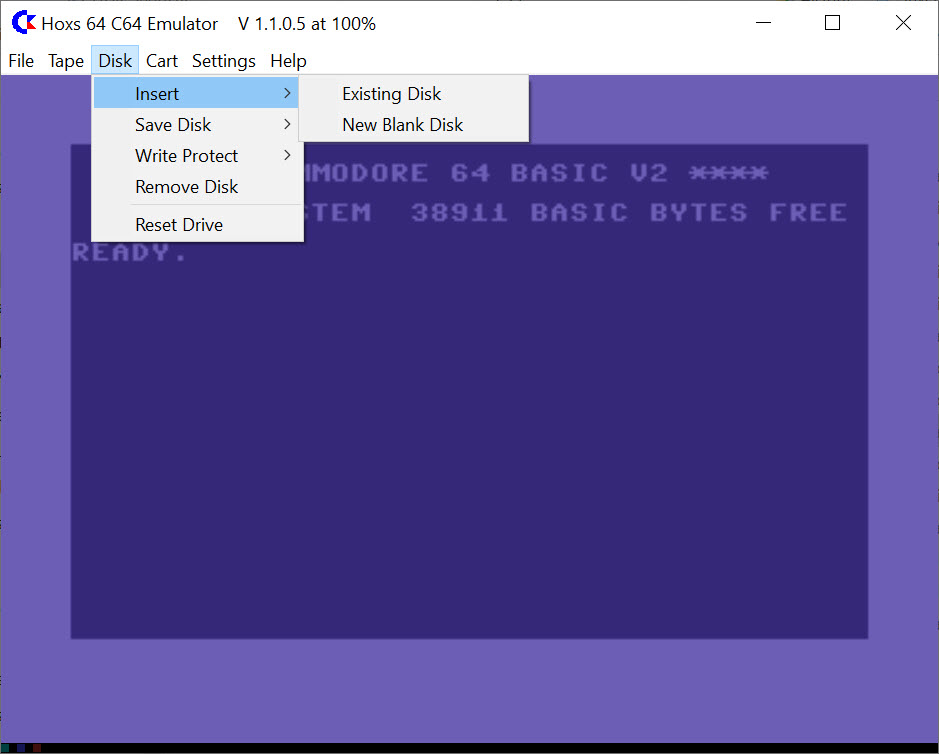
The Hoxs64 1541 reads and writes, and it does so at bit resolution rather than sector resolution, which is the reason protected disks, damaged images and turbo loaders behave. Disk images load in D64, G64, P64 and FDI form, with G64 and P64 carrying the low-level track data that protection schemes need, and the drive controller’s internal counters and shift registers are all modelled.
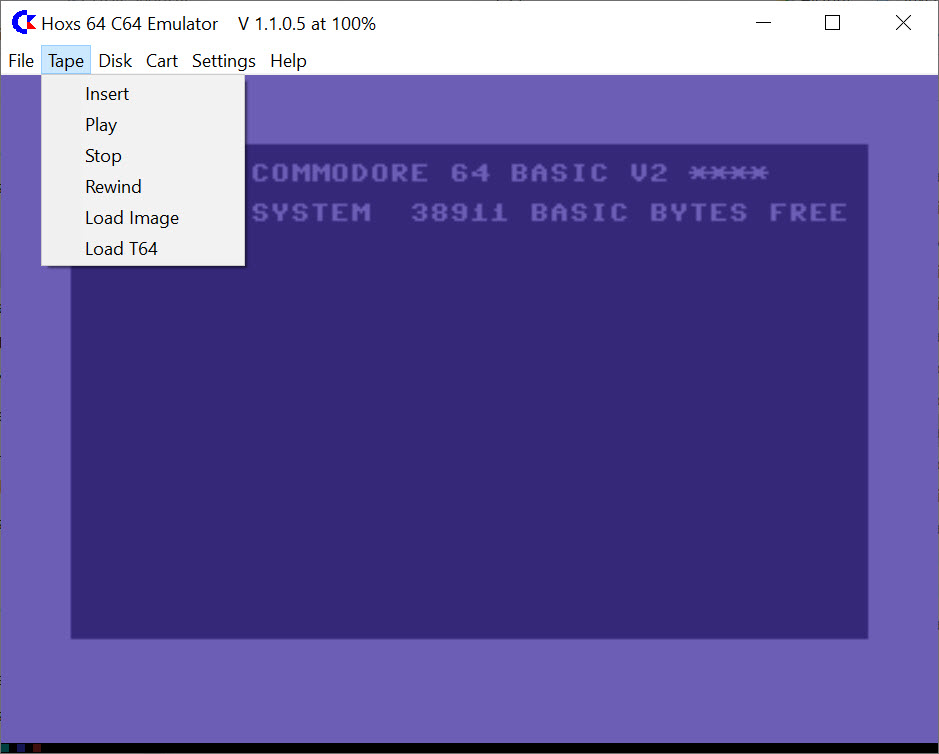
Tape images in TAP and T64 form play back, read only, with the tape counter and motor control respected, so a game that needed the original slow load still loads slowly and still loads.
Programs, cartridges and the front end
PRG and P00 program files inject directly into Hoxs64, and a command-line option creates a temporary disk around a PRG so it loads through the drive as a real disk would. Cartridges cover the memory expansion unit up to 16MB, the freezer cartridges that let players pause and poke at a running game, EasyFlash, and a list of bank-switching game cartridge types from the major publishers of the era’s software.
For preserving a collection and choosing what to launch, a front end for emulators sits over the top and passes the image in.
Controls and the small conveniences
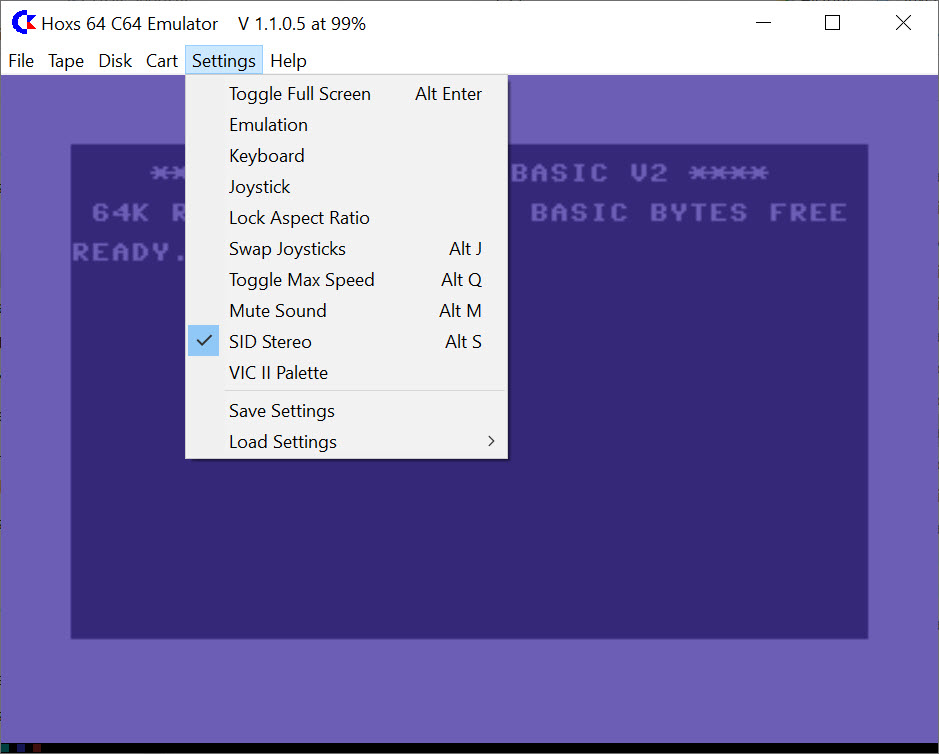
Joysticks map to the keyboard or to a real USB gamepad, with both ports assignable and the keyboard layout configurable for the machine’s odd key positions. Full-screen mode runs at the original aspect with a choice of filtering, and the window scales cleanly on high-resolution displays.
A warp mode speeds through the loading that the accurate drive makes faithfully slow. Snapshots save and restore the full machine state, which is how a two-hour game gets left overnight. For a pad the emulator does not see natively, a controller-to-keyboard mapper fills the gap.
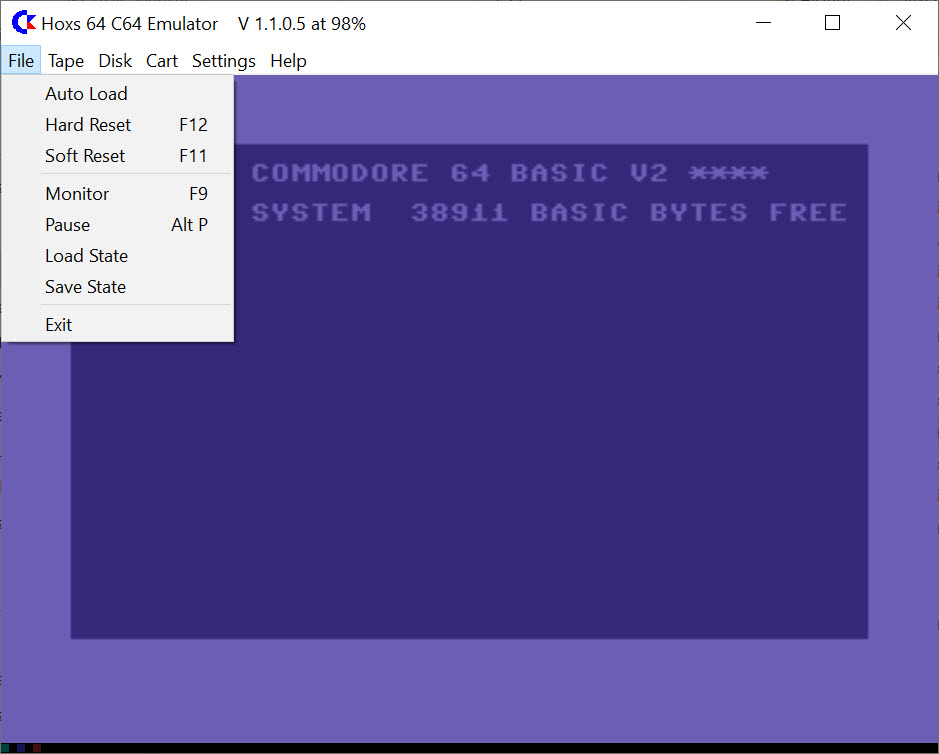
Command-line switches auto-load a disk, cartridge or tape and run a named program, so a shortcut launches straight into a game. A built-in monitor lets the technically minded inspect memory and registers while the machine runs, which is a tool for people studying how a demo works rather than for playing.
Where it stops
Hoxs64 is a Commodore 64 and nothing else. There is no VIC-20, no 128, no Plus/4, and no drive beyond the 1541, so the 1571 and 1581 formats are outside its reach. The emulator is single-purpose in a field where the dominant tool emulates the whole Commodore range from one package with a bigger cartridge list and more options for everything. Tape support is read only. And the interface is a menu bar and dialogs with no library, no cover art and no netplay, so anyone wanting a living-room experience assembles it from other pieces.
The narrowness is deliberate, and it shows in the compatibility. Someone who wants one emulator for every 8-bit Commodore should use the broad one. Someone who wants the 64 to behave exactly like a 64, with a drive that turbo loaders trust and a video chip that scene demos trust, keeps this one installed beside it.
The same accuracy-first approach exists for the maker’s later machines in a mature Amiga emulator, which shares the philosophy if not the code.
Conclusion
Hoxs64 suits people who care whether a Commodore 64 game or demo behaves exactly as it did, and who have hit a title the broad emulators get subtly wrong. Scene demo watchers, collectors with protected disk images and anyone who remembers a specific sound will notice the difference, and the tiny footprint means there is no reason not to keep it alongside a bigger tool.
It is the wrong choice as a sole emulator for the Commodore family, and it offers none of the living-room polish. Pair it with a front end for the library, keep the broad emulator for the other machines, and reach for this when the 64 itself has to be right.
Pros & Cons
- Cycle-exact emulation of the processor and timers, and the video and sound chips
- Pixel-exact video output of the later model of the machine
- Bit-level 1541 drive that handles copy protection and turbo loaders
- D64, G64, P64, FDI, TAP, T64, PRG and P00 support with command-line auto-load
- Memory expansion up to 16MB, freezer and EasyFlash cartridges
- Single small executable with a built-in machine monitor
- Commodore 64 only, with no other machines or drives
- Tape support is read only
- No library, cover art or netplay
- Needs a current graphics driver, which rules out very old machines
Frequently asked questions
Accuracy. The processor and the video and sound chips, plus the disk drive, are stepped cycle by cycle, so demos and protected disks that trip up broader emulators run correctly here.
Yes. The 1541 is emulated at bit level including weak bits, so fast loaders and protection schemes behave as they did on real hardware, especially from G64 or P64 images.
Yes, the emulated 1541 reads and writes. Tape images play back but cannot be written.
Use the command-line auto-load option with the image path and the program name, and a shortcut starts the emulator straight into the game.


