

Fiddler
About Fiddler
A debugging proxy that lets you inspect and edit traffic is useful. One that lets you write a program deciding what happens to every request is something else. Fiddler is the second kind, and the scripting layer underneath it is what separates it from everything else in the category.
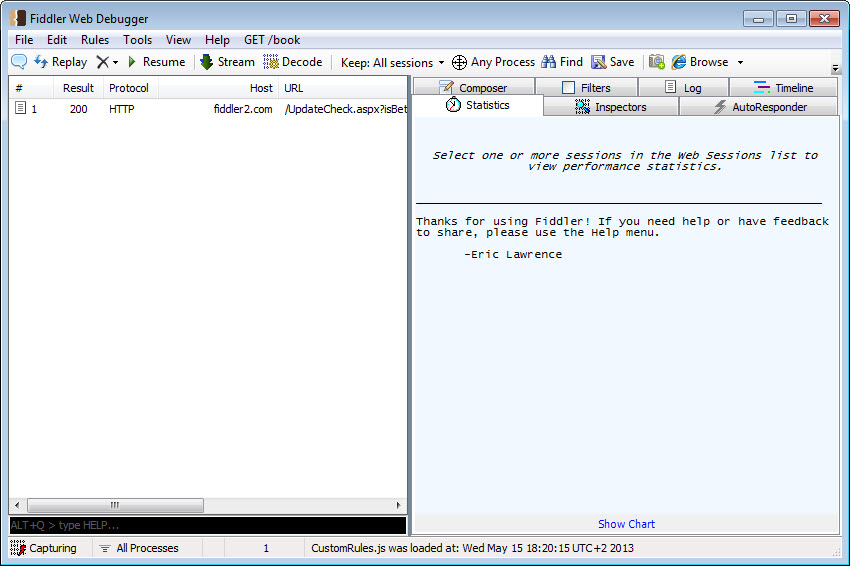
The basics are what you would expect. It sits between the machine and the network as a local proxy, records every request and response, and displays them in a list you can inspect, modify and replay.
What you do beyond that is where the difference appears.
The scripting layer
Fiddler rules are not entries in a dialog box. They are code, written in a real language, executed against every request before it leaves and every response before it arrives.
That changes what is possible. A rule can examine a header, decide based on its contents, rewrite a URL conditionally, inject a value, log something to a file, or refuse the request entirely, and all of it happens automatically on traffic matching whatever conditions you expressed.
The comparison with rule-based tools is straightforward. Charles provides rewrite rules through an interface, which covers the common cases cleanly and stops where the interface stops. Fiddler provides a programming environment, which covers everything and asks you to write it.
Which suits you depends entirely on whether the cases you meet are common ones.
Responding without a server
The Fiddler automatic responder answers requests locally rather than passing them on, matched by rules against the request.
That covers the situations where a back end does not exist yet, where a service is down, or where you need a particular response that the real server will not produce on demand. A file on your disk becomes the response, or a chosen status code, or a deliberate delay.
Testing how an application behaves when a service returns an error is otherwise very difficult, because you cannot ask somebody to break their server for ten minutes. Here you declare that the next request to that address returns a server error and watch what your interface does about it.
Composing requests by hand
The Fiddler composer builds a request from nothing, letting you set the method, the address, the headers and the body, then send it and inspect what comes back.
Dragging a captured request into it is the usual approach. Something in the session becomes the starting point, you adjust one header or one parameter, send the modified version, and compare the responses.
That loop is how anybody actually works out what a service expects, and doing it here means the request is sent through the same proxy that captured the original, so the two sit side by side in the same list.
Breakpoints, and editing traffic mid-flight
Requests can be halted before they leave and responses before they arrive, held while you edit any part of them by hand. Headers, parameters, the body and the status code are all editable at that moment.
The difference from a rule is intent. A rule applies automatically to everything matching it, while a breakpoint stops one thing so you can look at it and decide. Both have their place, and the breakpoint is what you reach for when investigating rather than when testing repeatedly.
The common use is discovering what a service will tolerate. Change one field, release the request, see whether the server accepts it, and repeat until the boundary is clear. That is considerably faster than reading documentation that may not describe what was actually implemented.
The statistics nobody looks at
Selecting captured requests reveals a statistics view covering the timings of each stage, the sizes involved, and an estimate of how long the same traffic would take on slower connections.
That last item is more useful than its obscurity suggests. A page loading instantly on a fast connection and painfully on a slower one is a common complaint, and having the estimate in front of you turns an argument about whether a site is slow into a number.
Timing breakdowns separate the time spent waiting for a server from the time spent transferring, which is the distinction that determines whether the fix belongs to the back end or to the payload size.
Decrypting encrypted traffic, and the certificate
Everything is encrypted now, so without this step Fiddler shows connections and nothing about their contents. Reading them means installing its root certificate so the proxy can decrypt and re-encrypt what passes through.
The same warning applies here as anywhere. A root certificate that lets software decrypt your traffic is a serious thing to have trusted, and it should not stay installed on a machine you use for banking. Remove it when the session is over.
Certificate pinning is the wall this cannot climb. Applications verifying they are talking to one specific certificate rather than any trusted one cannot be intercepted, and that practice is now widespread. When decryption is impossible, Wireshark still shows packets, timing and endpoints, though not contents.
Extensions, and the two product lines
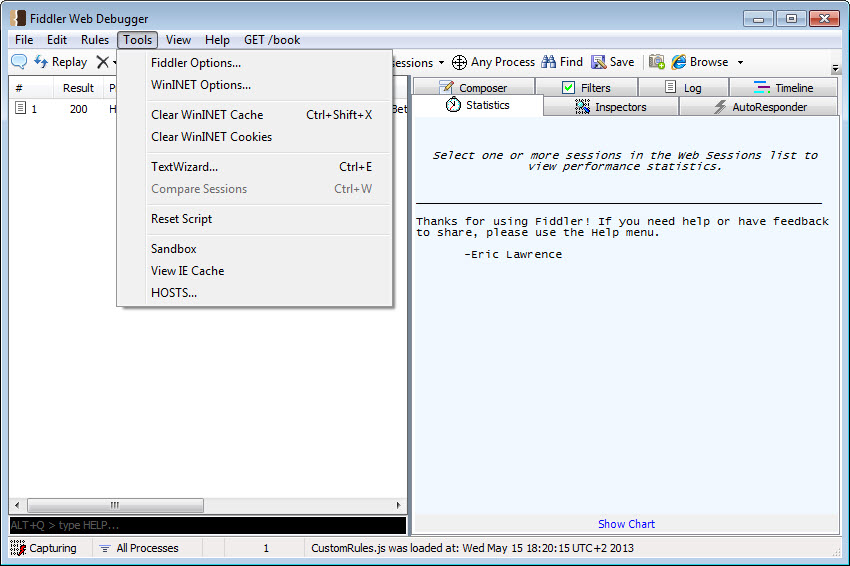
The Fiddler extension mechanism allows additional panels and analysis to be added, and a body of extensions exists covering specific protocols, security testing and formats the base tool does not decode.
The more important structural point concerns which version you are installing. The classic desktop tool is the one most people mean, and development effort has moved to a newer cross-platform line with different licensing arrangements.
The classic version continues to work and is not where new capability is arriving. Anybody starting now should establish which line they are adopting rather than discovering the difference later.
What it will not do for you
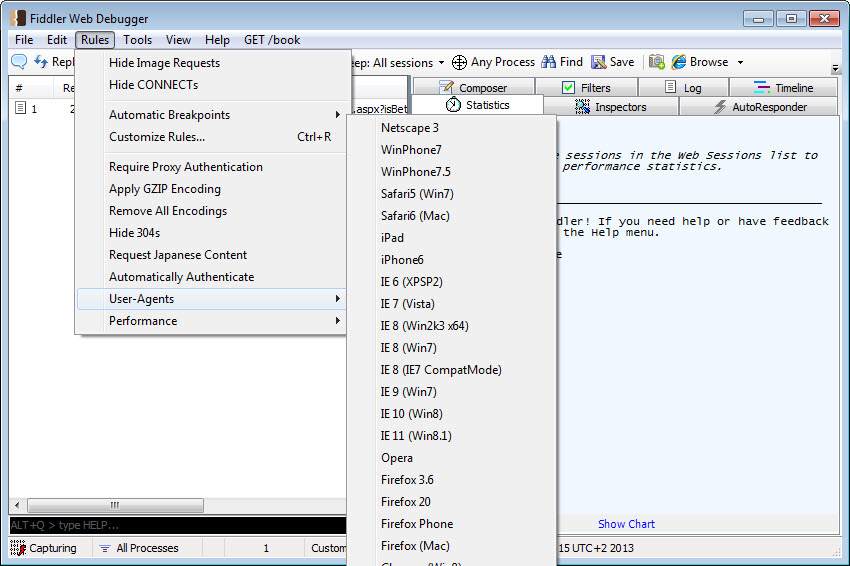
Two Fiddler boundaries are worth stating. There is no leak protection or traffic blocking in the security sense, since this is a development tool rather than a firewall, and a firewall that decides which programs may reach the network is a different instrument entirely.
And routing only part of your traffic through the proxy is often what you actually want, since capturing everything the machine sends produces a list you cannot read. FoxyProxy switches a browser between proxied and direct on a per-site basis, which keeps the capture focused on what you are debugging.
Conclusion
Fiddler is the debugging proxy for people who want to program their traffic rather than configure it. Writing a rule as code, answering requests locally when no server will cooperate, and composing requests by hand from captured ones cover the awkward parts of working against a service, and the statistics answer performance questions that otherwise turn into opinions.
Two things belong in the decision. The certificate that makes encrypted traffic readable is the same certificate that makes your traffic readable, so install it deliberately and remove it afterwards. And check which of the two product lines you are adopting, because the familiar desktop tool and the newer cross-platform one are heading in different directions.
Features & benefits
Pros & Cons
- Rules are written as code rather than configured, so any logic is expressible
- Automatic responder replaces a server that is missing, broken or uncooperative
- Composer builds and sends handcrafted requests, with captured ones as a starting point
- Statistics estimate how the same traffic behaves on slower connections
- Timing breakdowns separate server waiting time from transfer time
- Extensions add protocol support and analysis the base tool does not include
- Captured requests, edited versions and composed ones all appear in one session
- The scripting power requires actually learning it, unlike a rules dialog
- Requires trusting a root certificate that can decrypt your traffic
- Certificate pinning defeats interception entirely, with no workaround
- Development has moved to a newer line, leaving the familiar version in maintenance
- Capturing everything produces a session too large to read without filtering
Frequently asked questions
The scripting layer. Rules are written as code executed against every request and response, rather than configured through an interface, which means any logic you can express is available rather than only what a dialog anticipated.
Yes, through the automatic responder, which matches requests by rule and answers them locally. A file on your disk, a chosen status code or a deliberate delay all become responses, which is how error handling gets tested.
Because decryption requires its root certificate to be installed and trusted. That certificate lets software read your traffic, so it belongs on a machine used for development and should be removed afterwards.
Certificate pinning, where the application checks it is talking to one specific certificate rather than any trusted one. Interception fails by design there and no setting changes it.
Establish that before starting. The classic desktop tool is what most people mean and where the familiar features live, while development effort has moved to a newer cross-platform line with different arrangements.


