

CCProxy
About CCProxy
Sharing a single internet connection is possible with all the devices you possess. CCProxy can create a proxy server that can enable the devices connected to this network to have an internet connection.
The internet connection available can be of any type, i.e., broadband, DSL, satellite, dial-up, etc.; this application can provide you with the required connectivity for browsing. Moreover, CCProxy can also enable devices with different operating systems to be connected to the available internet connection.
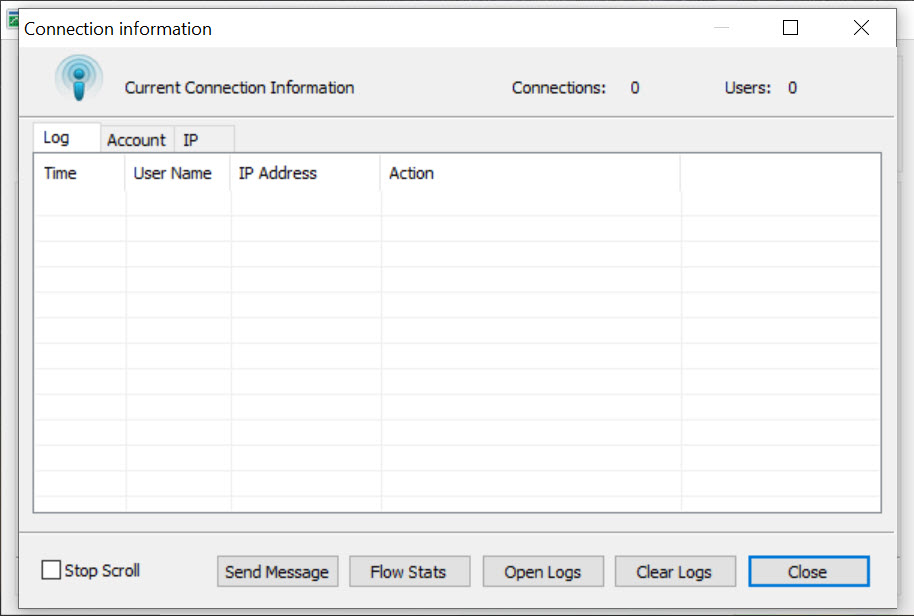
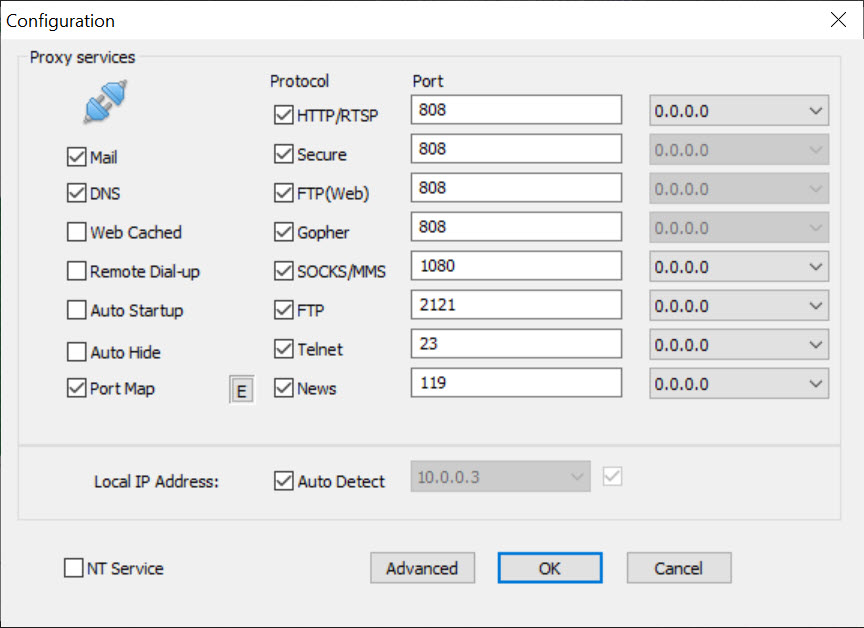
The devices looking for a shared connection must enter the codes for FTP services and HTTP, which can be accessed from the central computer, and the device will be ready to use the internet connection. Using CCProxy, you can limit the number of users connecting to the available proxy server.
You can even restrict specific content to be accessed by the users. You can even restrict the data limit available for individual users so that you can use the available bandwidth optimally. In this regard, time restraints can also be imposed so that the connected users can get the best possible bandwidth through the single internet connection available.
CCProxy is ready to be used at home or in offices. Neither are there any restrictions nor any capacity issues so that you can manage the sharing of the internet with other devices quite efficiently.
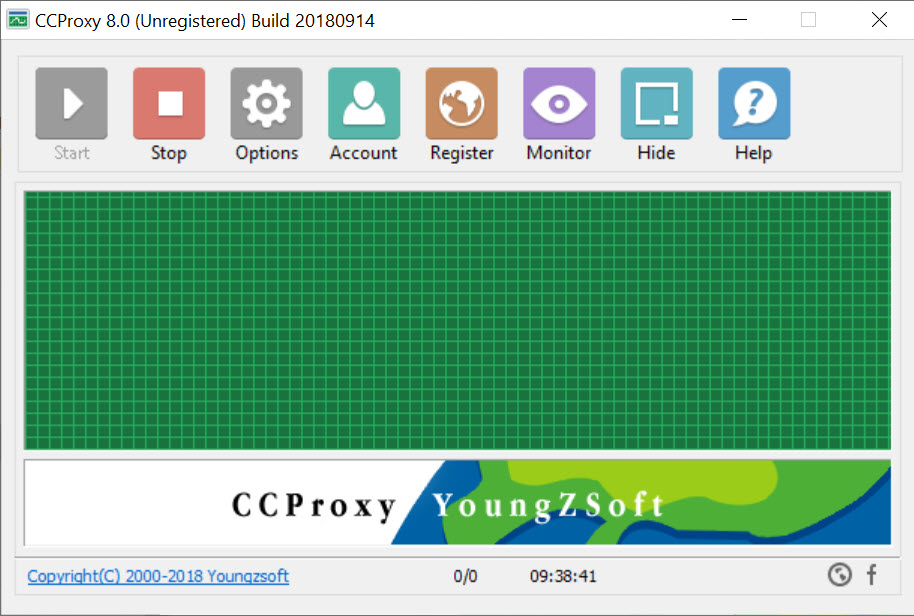
CCProxy is an application for sharing an internet connection through establishing a proxy network, allowing you to connect multiple devices.


