

Autorun Organizer
About Autorun Organizer
Startup programs are the one thing that measurably slows a machine down, and the usual advice is to disable everything you do not recognise. Autorun Organizer takes a more careful approach, offering to postpone entries rather than remove them and measuring whether any of it made a difference.
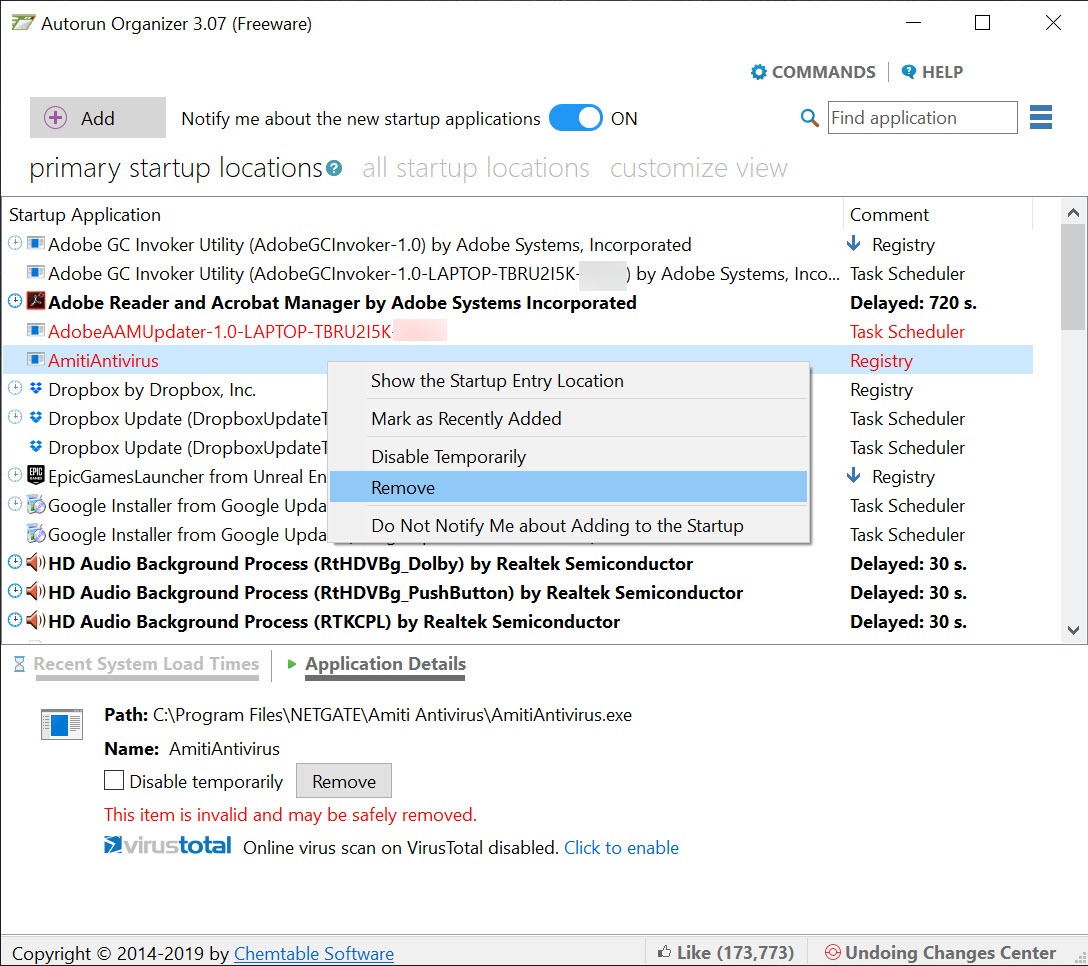
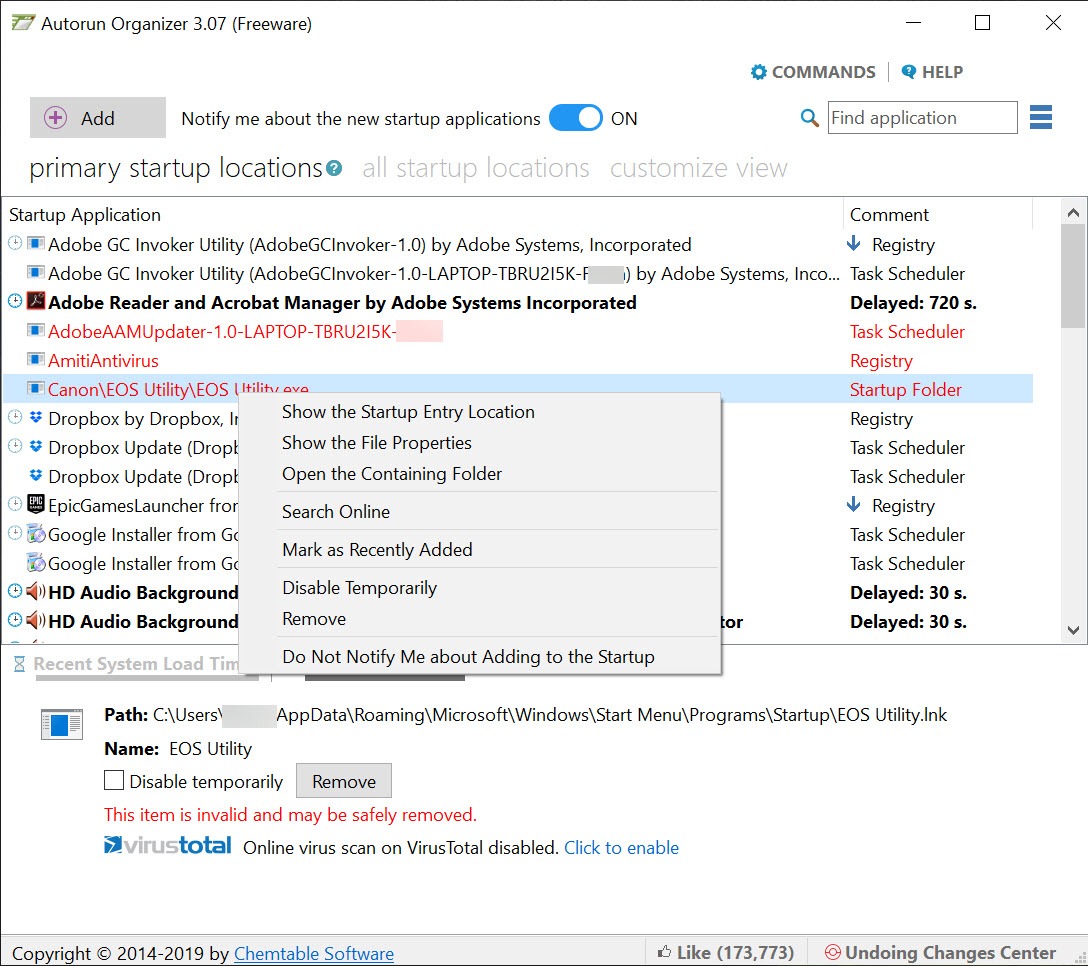
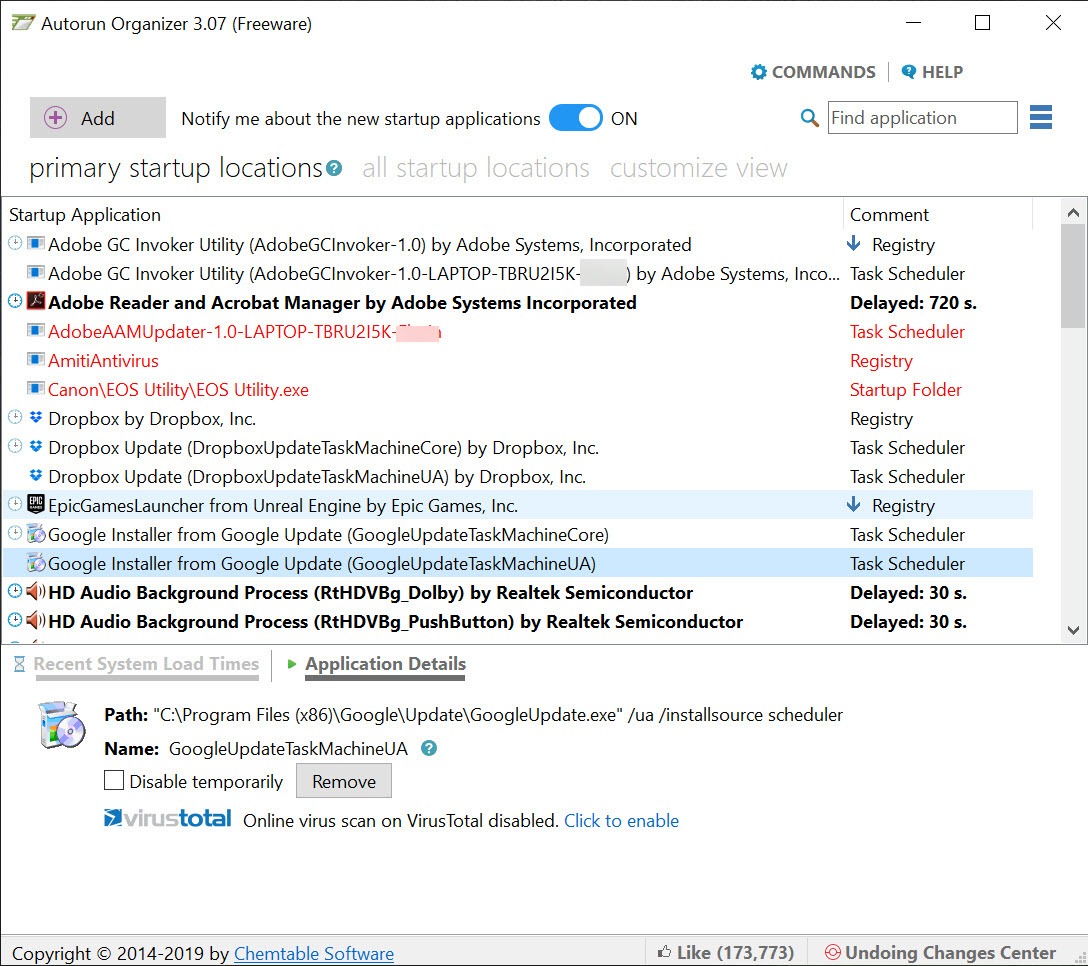
The Autorun Organizer list is what you would expect, covering the programs and services set to launch when the system starts, gathered from the various places entries can hide.
What it does with that list is where the interest lies.
Delaying is better than disabling
Here is the Autorun Organizer feature that separates it from every other startup manager, and it addresses the problem people actually have.
Most startup entries are things you want. A synchronisation client, an updater, a backup agent, the software for a device you use. Disabling them means the function stops working, and leaving them enabled means they all compete during the minute after logging in, which is exactly when the machine feels slowest.
Delaying resolves the conflict. The entry still runs, some minutes after the system has settled, so you keep the function and the boot stops being a traffic jam. Nothing is lost and the busy period is spread out.
That option covers most of what people would otherwise disable regretfully, and it is the reason to choose this over a simple on and off list.
It measures whether anything improved
The second Autorun Organizer distinction is boot time measurement, recorded across restarts and shown against the changes you made.
That turns startup management from an article of faith into something with evidence. Disabling four things and believing the machine feels quicker is how most people do this, and seeing that boot time fell by nine seconds, or did not move at all, is considerably more useful.
It also protects against the opposite error. Somebody who disables something important and notices nothing for a week can look at the record and see that the change bought them nothing, which makes reversing it an easy decision.
Change history with rollback sits alongside, so an entry disabled last month can be restored without remembering what it was called.
The popularity figure, and what it is not
Autorun Organizer checks entries against a database showing how many other people keep or disable each one, which sounds more authoritative than it is.
Treat that number as popularity rather than correctness. A widely disabled entry may be entirely unnecessary, or it may be something most people do not need while you specifically do. A crowd that mostly does not own a particular device will happily disable the software for it.
Used as one input among several it is helpful. Used as the deciding factor it is how people disable the thing that was making their hardware work.
Where it stops
Autorun Organizer manages the entries it can see, and finding something deliberately hidden is a different exercise.
Startup locations are numerous and some of them are obscure, which is where Autoruns goes considerably further, enumerating every location where something can be set to load rather than the common ones. That thoroughness is what you want when something is starting and nothing admits to it.
Seeing what is running right now rather than what will run next time is the related question, and Process Explorer answers it with the full detail of every process.
Conclusion
Autorun Organizer improves on the usual startup manager in two ways that matter. Delaying rather than disabling keeps the programs you actually want while removing them from the boot rush, and measuring boot time across restarts replaces guessing with a number.
Use the popularity data carefully, since it reports what other people chose rather than what suits your machine. And if something launches without appearing in the list at all, this is the wrong tool for that particular hunt, which is a limitation of scope rather than of quality.
Pros & Cons
- Entries can be delayed rather than disabled, keeping the function and clearing the boot
- Boot time measured across restarts and shown against the changes you made
- Change history with rollback, so a decision made last month is reversible
- Gathers entries from the various locations rather than one list
- Popularity data as one input into an otherwise blind decision
- The popularity figure is what other people did, not what is correct for you
- Covers the common startup locations rather than every obscure one
- Nothing here helps with a program that is hiding deliberately
- Delaying suits most entries and not the ones that must run first
Frequently asked questions
Runs it some minutes after the system has settled instead of during the rush after logging in. The program still works and the boot stops competing with it, which suits everything you want running but not immediately.
It records boot times across restarts and shows them against the changes you made. That replaces the usual impression that things feel quicker with a figure you can compare.
Not automatically. The figure shows popularity rather than correctness, and something most people do not need may be exactly what makes your own hardware or workflow function.
Then it is in one of the obscure locations this does not cover, and a tool that enumerates every possible startup location is the next step.


