

Anaconda
About Anaconda
The hardest part of data science is frequently the part before the science, assembling Python, the numeric libraries, their compiled dependencies, and a notebook to work in, without the tower collapsing. Anaconda exists to skip that entire ordeal.
It’s a distribution that installs Python together with hundreds of the field’s essential libraries, NumPy, pandas, scikit-learn, Matplotlib, Jupyter among them, plus the conda package and environment manager that keeps the whole arrangement upgradeable without self-destruction. One installer, and a machine becomes a working data science workstation.
The design solves the problem generic package tools can’t. Scientific libraries lean on compiled foundations, linear algebra kernels, GPU toolkits, native code far outside Python itself, and conda manages those binary dependencies as first-class citizens.
That’s the difference between “install worked” and “install worked, and the math runs fast, and nothing broke”.
Environments, the habit that saves careers
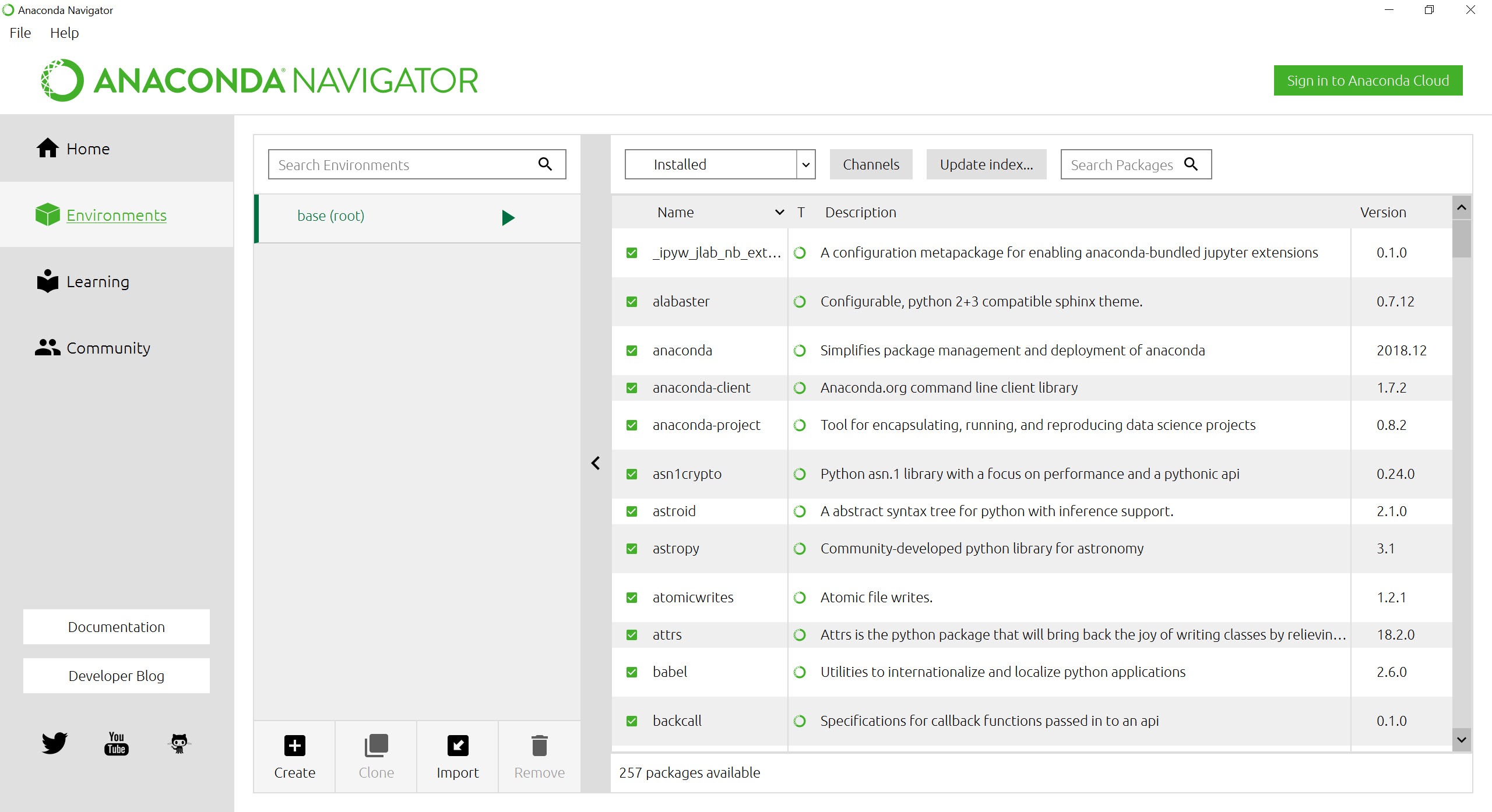
The single most valuable thing Anaconda teaches is the environment. Each project gets its own isolated world, a chosen Python version and its own library versions, created in one command and switched in another, so the thesis project frozen on last year’s libraries coexists peacefully with the experiment demanding this month’s releases. Upgrades happen per-environment, breakage stays contained, and “it worked yesterday” mostly retires from the vocabulary.
The discipline that goes with it is short. Leave the base environment alone as the stable foundation, create a fresh environment per project, and export the environment file alongside the code so any machine can rebuild the exact setup.
Three habits, learned in a week, that pay for the whole distribution many times over. The classic pitfall deserves its warning too, mixing conda and pip installs carelessly inside one environment is the traditional way to tangle dependencies, and the working rule, conda first, pip only for what conda lacks, avoids most of it.
Navigator, notebooks, and the friendly surface
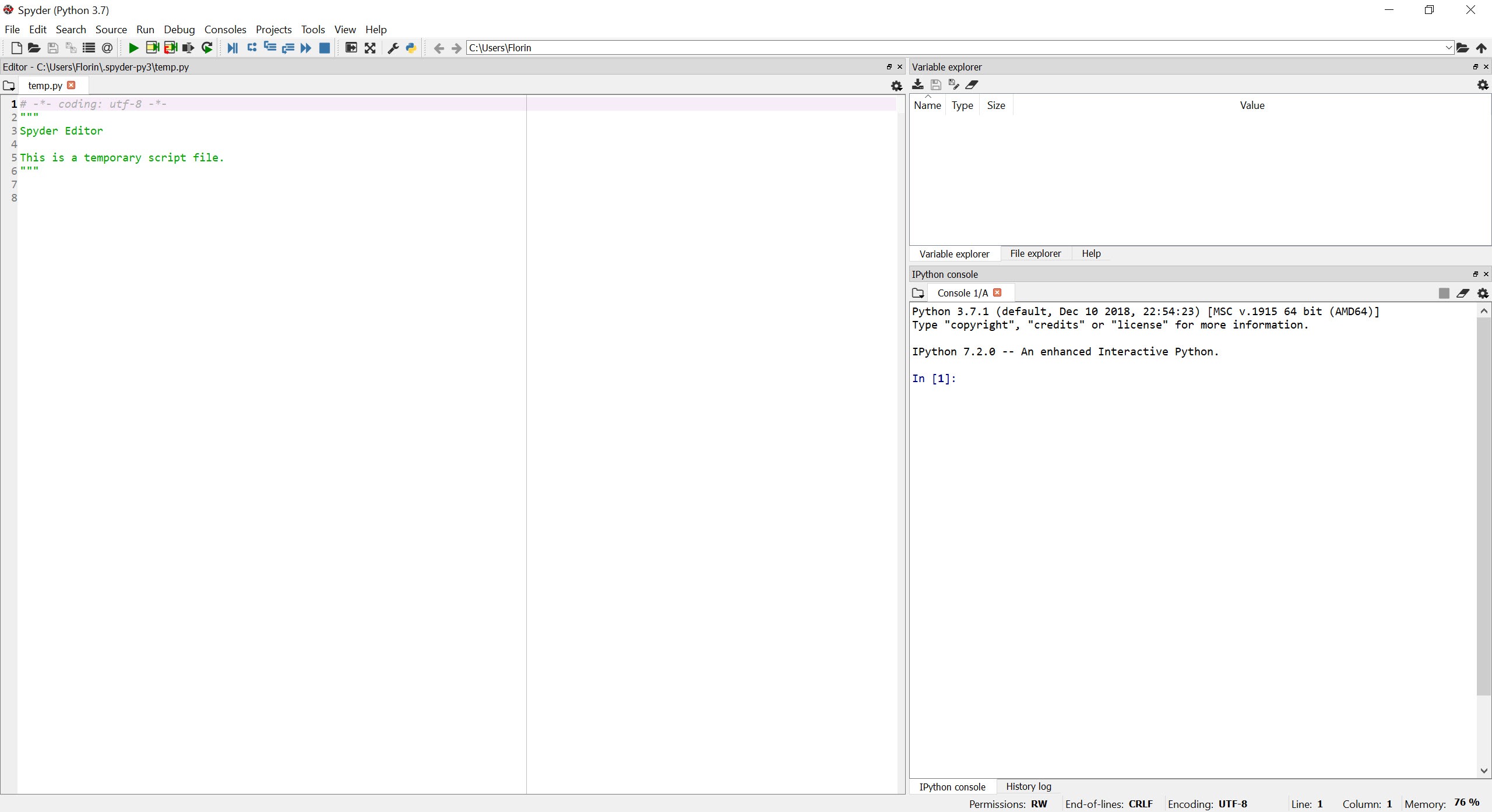
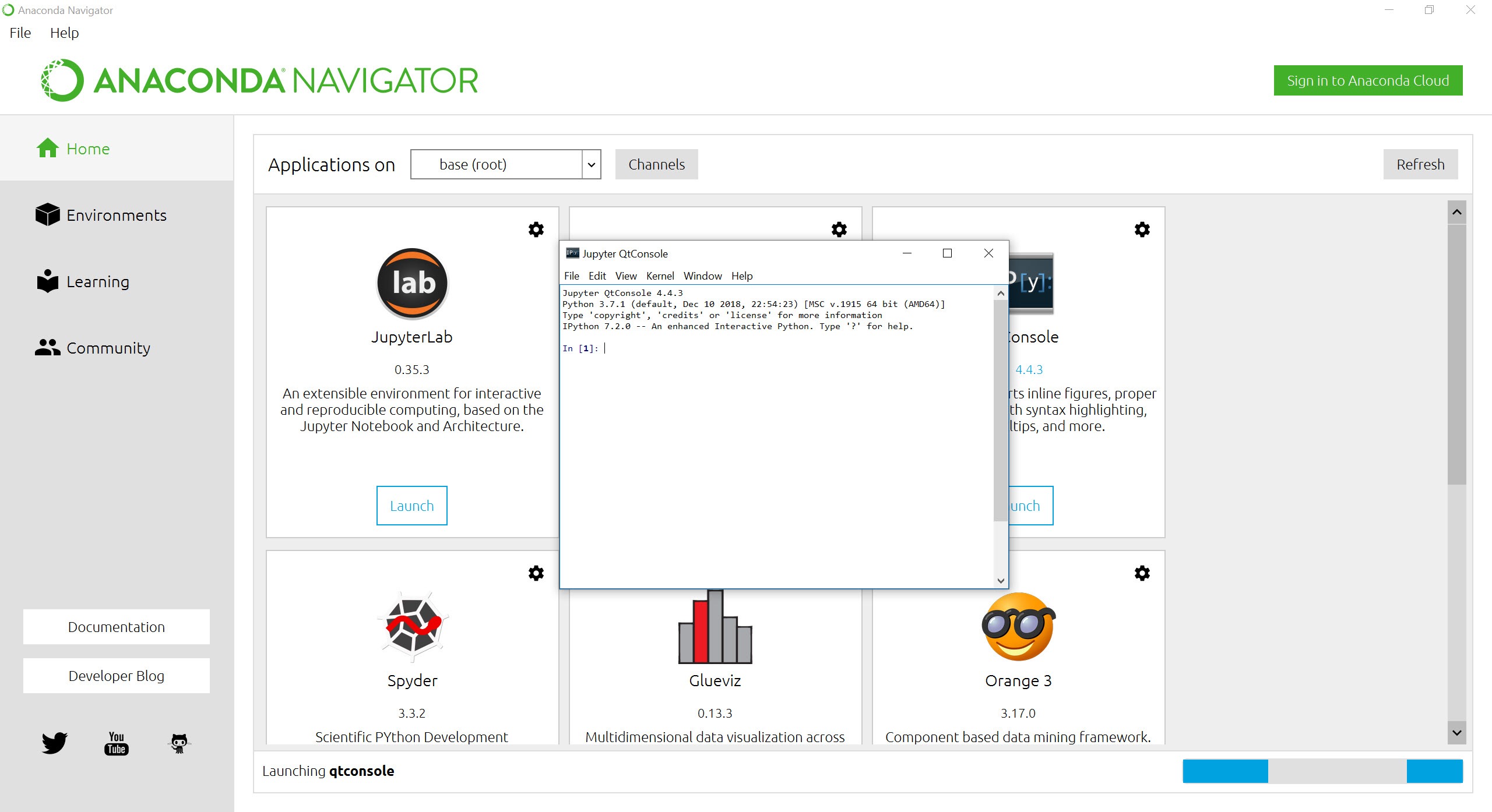
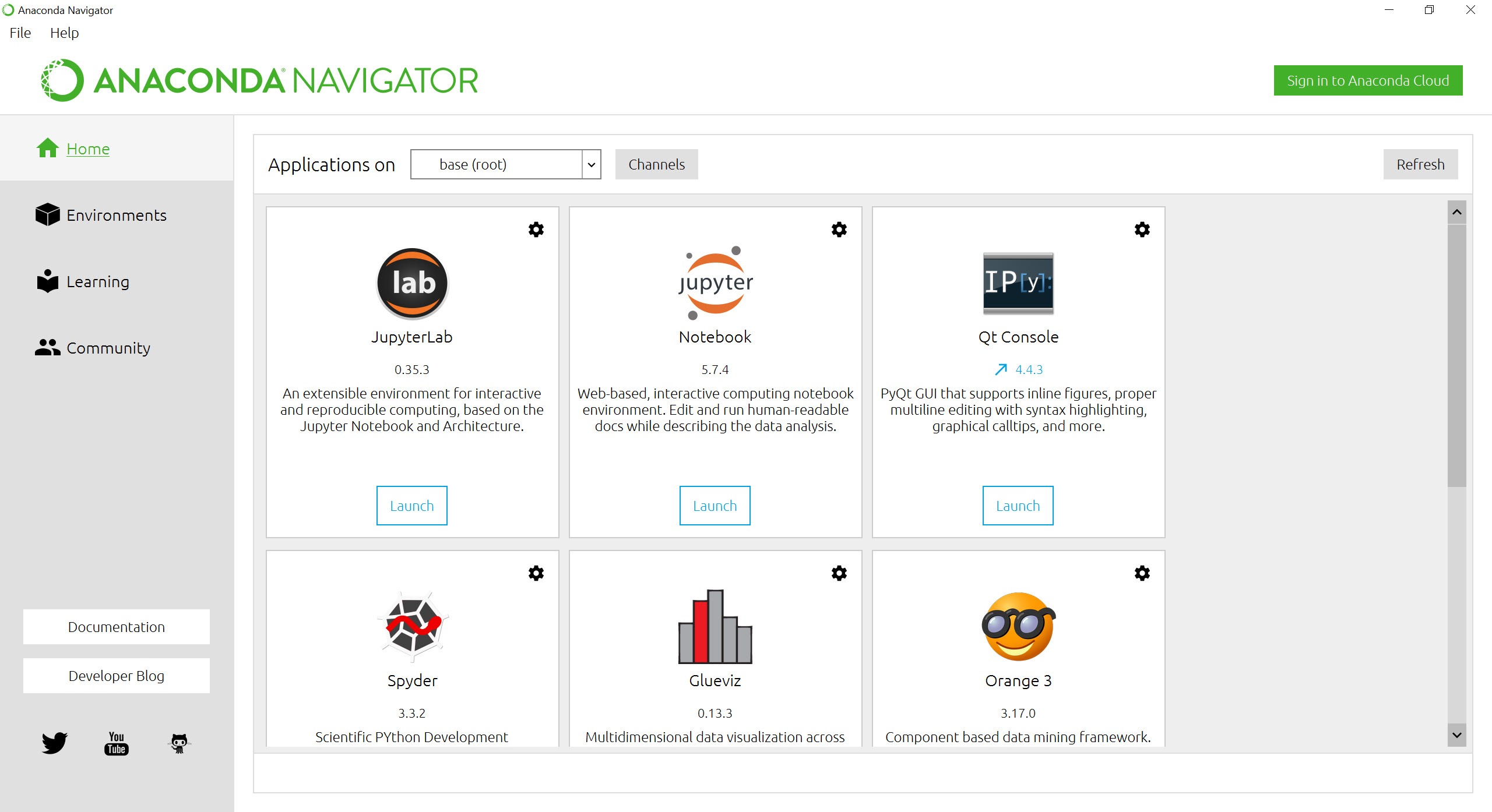
Anaconda Navigator is the graphical front door, launching Jupyter notebooks, the Spyder scientific IDE, and other tools per environment, and managing packages and environments with buttons instead of commands. For classrooms and newcomers it removes the terminal barrier entirely on day one, and the terminal remains waiting underneath for the graduation that inevitably comes.
Jupyter is the workflow’s heart, code, results, charts, and narrative in one living document, and this distribution’s deepest cultural footprint is having made notebook-plus-libraries a five-minute setup for millions of students.
Data flowing in from real sources keeps the usual company, spreadsheets, files, and databases, the latter often explored through a database client like DBeaver before pandas takes over.
The channels, the solver, and the weight
Packages arrive from channels, the curated default repository and the enormous community-maintained conda-forge, which between them cover essentially the entire scientific stack. Dependency solving, once the distribution’s notorious slow spot, has been rebuilt around a dramatically faster solver, retiring the coffee-break installs of legend.
The honest costs are two. First, weight, the full distribution claims gigabytes of disk before you’ve written a line, since it front-loads the libraries most people eventually want. The lean-minded install Miniconda instead, the same conda engine with nothing preloaded, adding only what each environment needs, and choosing between the two is the first real decision a new user faces, full toolbox for learners, minimal core for veterans.
Second, organizational licensing, the default package channel carries commercial terms for larger companies, a detail worth checking before a firm-wide rollout, while individual, academic, and small-scale use continues as it always has.
Where it sits in the toolchain
Fair positioning helps the undecided. For plain Python scripting, web work, or automation, the standard interpreter and a virtual environment are lighter and entirely sufficient, this distribution earns its weight when the compiled scientific stack enters the picture. Visual analytics platforms occupy the no-code adjacent territory, with a workflow tool like KNIME assembling analyses from blocks rather than notebooks.
The classic machine-learning workbench Weka still serves its academic niche too. The notebook-and-code road, though, runs through here, and it remains the field’s default on-ramp.
Conclusion
Anaconda is the standing on-ramp of the data field. Students meeting pandas in a classroom, analysts graduating from spreadsheets, researchers who need the compiled stack to simply work, and teachers provisioning a hundred identical setups by Friday all start here. The distribution’s bargain, disk space in exchange for a working laboratory, remains one of computing’s better trades.
Minimalists take the Miniconda door and lose nothing, and pure scripters never needed either. For everyone whose work runs through notebooks and numerics, this is still where the road begins.
Pros & Cons
- Python plus hundreds of scientific libraries from one installer
- Conda manages compiled dependencies that defeat ordinary package tools
- Environments isolate projects and make setups reproducible
- Navigator gives newcomers a terminal-free front door
- Rebuilt solver has retired the legendary slow installs
- Jupyter-centered workflow that the whole field speaks
- Multi-gigabyte footprint before any work begins
- Base-versus-project environment discipline confuses beginners
- Careless conda-and-pip mixing still tangles dependencies
- Commercial channel terms apply to larger organizations
Frequently asked questions
Plain Python is the interpreter alone. This distribution adds hundreds of pre-installed scientific libraries and the conda manager, which handles the compiled dependencies and isolated environments that scientific work depends on.
An isolated installation with its own Python and library versions, one per project by convention, so upgrades and experiments in one project can never break another. Environment files make setups reproducible on any machine.
The full distribution suits learners and anyone who wants the toolbox preloaded. Miniconda ships the same conda engine empty, for veterans who prefer installing only what each environment needs.
Not at first. Navigator launches notebooks and tools and manages environments graphically, and most users adopt the command line gradually as their needs grow.
Yes, carefully. The working rule is conda first for whatever it provides, pip only for the remainder, added last inside the environment, which avoids the classic dependency tangles.


