

DiskPart
About DiskPart
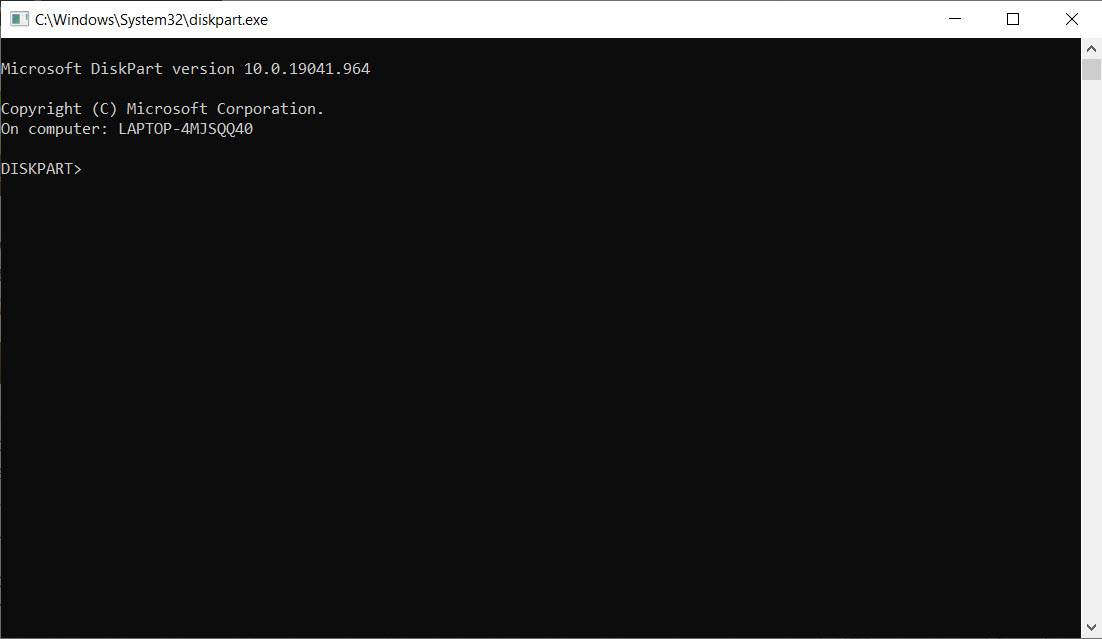
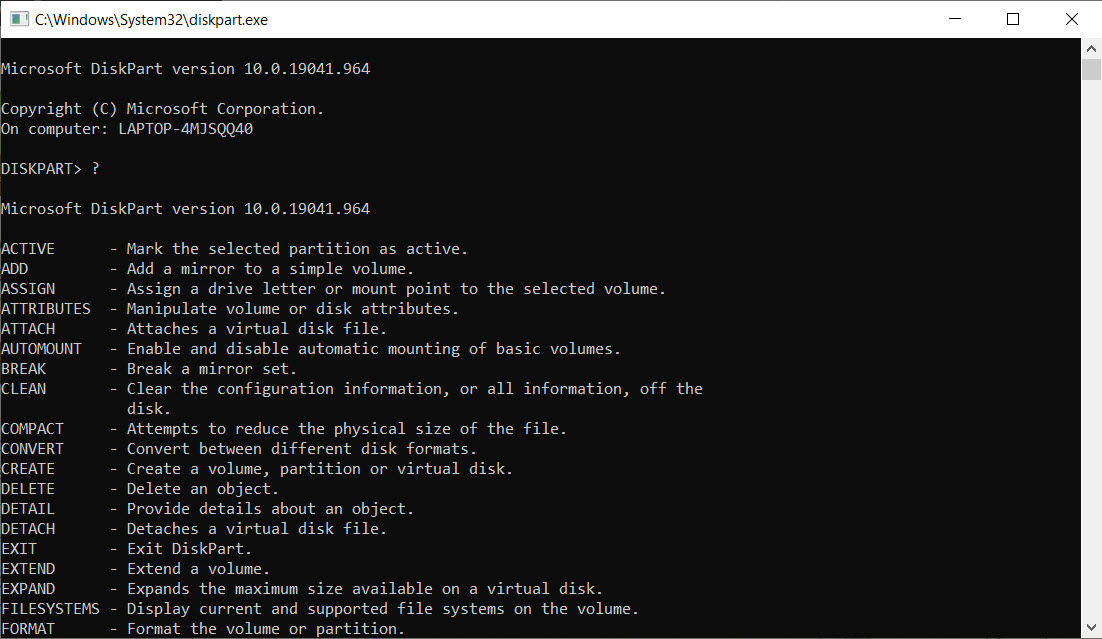
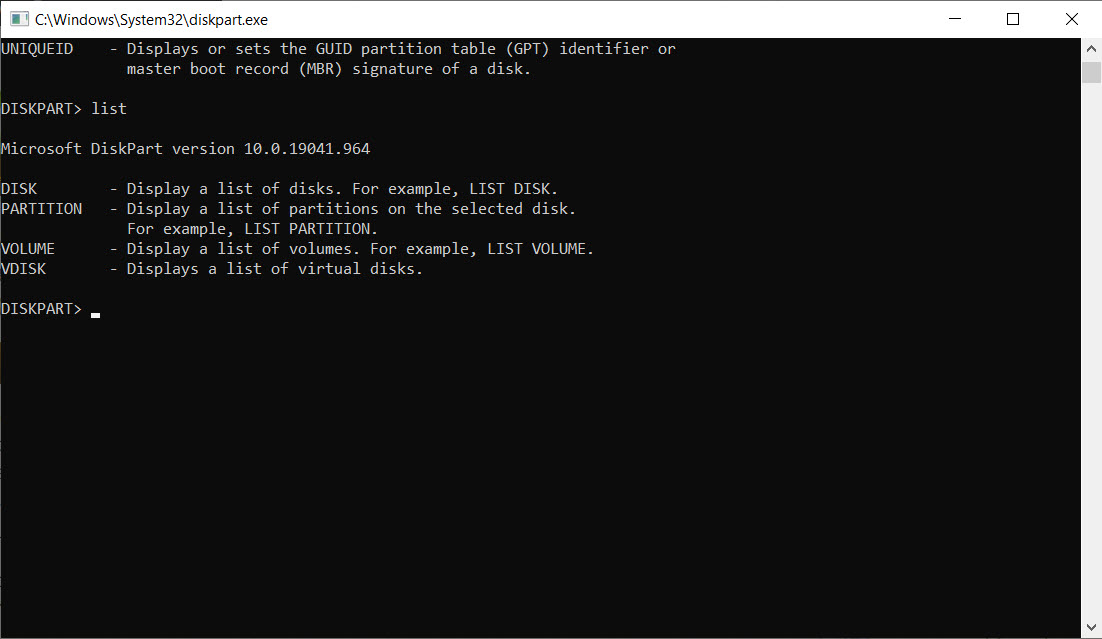
DiskPart is a built-in Windows utility that allows users to manage disks, partitions, and volumes through command-line instructions. Unlike graphical tools like Disk Management, DiskPart offers advanced control and is capable of performing tasks that the GUI cannot, making it a go-to solution for IT professionals, system administrators, and experienced users who require precision and flexibility in disk operations.
It’s a reliable option for creating, deleting, formatting, and resizing partitions-all executed directly from the command prompt.
Complete control over disks and volumes
With DiskPart, users can perform a wide range of disk management tasks. You can clean a disk entirely, create new partitions, assign or remove drive letters, and convert disk formats between MBR and GPT.
These commands are especially useful when preparing a drive for a new operating system installation or troubleshooting complex storage issues.
Its command-line interface may seem intimidating at first, but it offers unmatched accuracy and speed for repetitive or large-scale tasks.
Useful in recovery and installation scenarios
DiskPart plays a vital role during system setup or recovery operations. When a drive won’t format properly or when hidden partitions interfere with OS installation, running a quick clean and create partition sequence via DiskPart often solves the problem.
It also helps when setting up bootable drives or managing USB storage where finer control over partitioning is needed beyond what GUI tools offer.
Requires caution and familiarity
Because it bypasses the safety checks typically built into graphical interfaces, DiskPart can be risky if used improperly. A single wrong command can erase an entire drive or system partition. That said, for those who understand how to use it correctly, it provides a level of power and control that’s hard to match.
Its directness and scriptability also make it useful for automated deployments, where partitioning needs to be done reliably without manual input.
Conclusion
DiskPart is a powerful and essential tool for those who need complete control over disk management. While it demands caution and a bit of technical know-how, it delivers unmatched flexibility for partitioning, formatting, and troubleshooting drives.
For advanced users, it’s a trusted companion that performs reliably in critical moments – whether you’re prepping a system for installation, salvaging a misbehaving disk, or automating setups across multiple machines.
When used with care, DiskPart proves itself as one of the most capable tools in the Windows ecosystem.
Pros & Cons
- Allows complete control over disks, partitions, and volumes from the command line.
- Supports advanced operations like disk cleaning, conversion between MBR and GPT, and scripting for automation.
- Ideal for troubleshooting, OS installations, and preparing drives for bootable setups.
- Lightweight and built into all modern versions of Windows, with no installation needed.
- Works reliably in recovery environments where GUI tools are unavailable.
- Command-line interface may be difficult for beginners to navigate.
- One wrong command can lead to permanent data loss or disk wipe.
- Lacks real-time visual feedback or confirmation prompts before critical actions.
Frequently asked questions
Absolutely. It's a preferred tool for cleaning, formatting, and setting up USB drives for bootable media or storage.
Yes, DiskPart supports converting between MBR and GPT, but the process typically requires wiping the disk first.
Yes, commands can be scripted, making it ideal for automated setups and large-scale deployments.


