

Malwarebytes
About Malwarebytes
Most security tools want to be the only thing on your machine. Malwarebytes built its reputation on the opposite idea. It was designed to catch the stuff that slipped past your regular antivirus, the adware bundles, the browser hijackers, the potentially unwanted programs that technically are not viruses but make your PC miserable anyway. That heritage still shapes what the product is good at, and it explains why so many people run it as a second layer rather than a replacement.
The core of Malwarebytes is a scanner that hunts for threats using behavior and heuristics more than a fat signature database. Where a classic engine asks “does this file match a known virus,” the tool leans harder on “is this thing acting like malware.” That approach makes it sharp against fresh infections and the PUP category that traditional scanners often wave through, and it is why a stubborn machine that an established antivirus already declared clean will still light up red on a Malwarebytes pass.
Free on-demand scanning versus paid real-time
The split between the two tiers is the first thing worth understanding, because it changes how you use the application entirely.
The free version is a manual cleaner. You open it, run a scan, let it quarantine what it finds, and close it. There is no background shield, no real-time blocking, nothing running between scans. For a one-off cleanup of a friend’s infected laptop, that is exactly what you want, and it does the job without nagging you into anything mid-scan.
Premium flips it into a resident product. Web protection blocks malicious domains before they load, real-time monitoring watches running processes, and a dedicated ransomware layer looks for the file-encryption behavior that defines that category rather than waiting for a known sample. There is also an exploit-mitigation module that shields common targets like browsers and Office apps from the memory tricks attackers use.
This is where Malwarebytes stops being a tool you remember to run and becomes one you forget is there.
Behavioral detection and the ransomware layer
The ransomware protection deserves a closer look because it works differently from the rest. Instead of matching files against a blocklist, it watches for the rapid, systematic file modification that encryption malware performs, then halts the process and can roll back changes. That means it can stop a strain nobody has catalogued yet, which signature-only tools structurally cannot do.
The flip side is the occasional false positive. Legitimate software that touches a lot of files quickly, some backup utilities, certain installers, can trip the behavioral alarms. You end up adding the odd exclusion. It is the price of catching the unknown, and most people would rather field a false alarm than miss the real thing, but it is worth knowing going in.
Browser Guard and the web layer
Separate from the main app, Browser Guard is a free extension that blocks ads, trackers, scam pages, and the fake “your computer is infected” popups that try to phone-scam people. It runs independently, so you can install it even if you never touch the desktop scanner.
In practice it overlaps with what a dedicated adware and hijacker remover does after the fact, except Browser Guard works at the front door instead of cleaning up the mess later. It is not a full content blocker on the level of the heavyweight extensions, and it leans toward security filtering over pure ad-stripping, but for blocking the genuinely dangerous corners of the web it pulls its weight.
Running alongside your existing antivirus
This is the use case that built the product’s name, and it still holds. Because Malwarebytes focuses on a slightly different threat surface than a traditional engine, it is engineered to coexist rather than fight for control of the system. You can keep your main antivirus, or just lean on the built-in protection that ships with modern systems, and add this as the remediation specialist.
That said, the real-time Premium tier does register as a security provider, and stacking two resident shields can occasionally cause friction. For pure cleanup duty, plenty of people pair the free on-demand version with their everyday antivirus and a general cleaner like CCleaner for the junk-file side, treating each tool as one specialist in a small toolkit.
If you want a second opinion that runs fully portable with no install, a tool such as Emsisoft Emergency Kit covers that niche, but for ongoing protection the resident Malwarebytes build is the more natural fit.
Performance and the interface
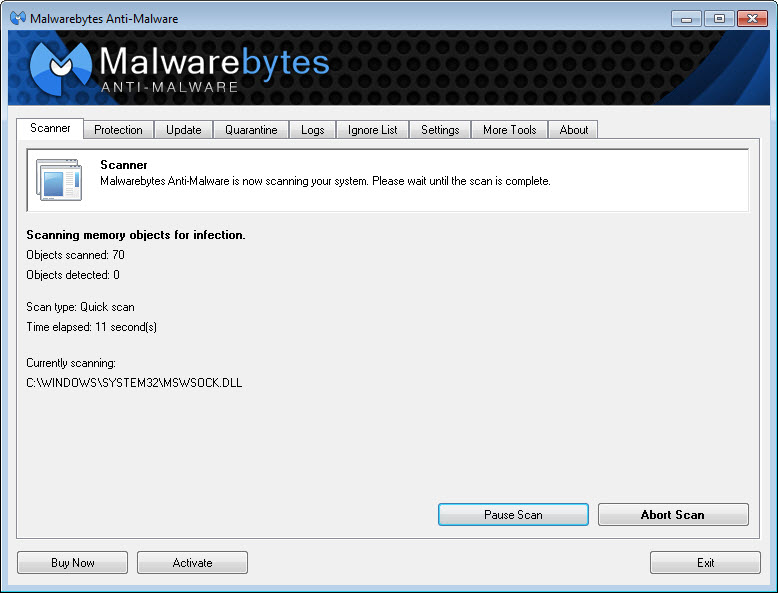
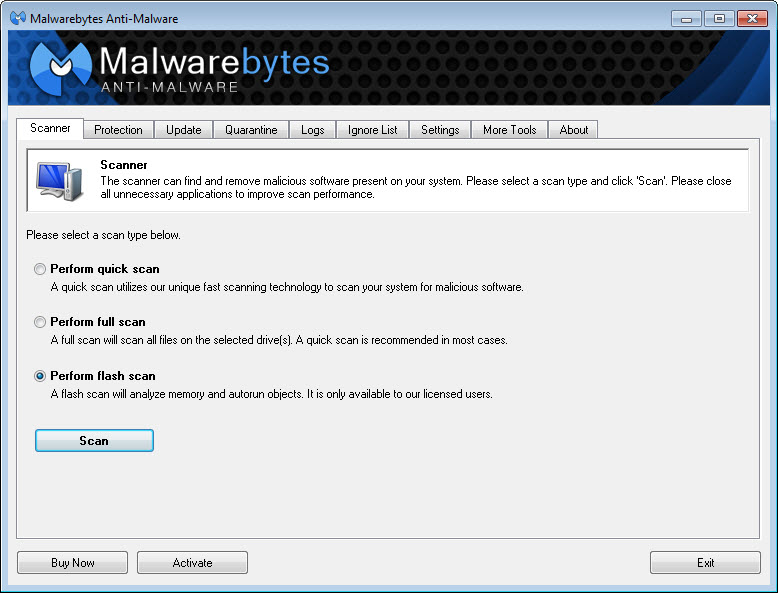
The scanner is quick on a typical drive, and a Threat Scan (the default) skips a full file-by-file crawl in favor of the locations malware actually hides, which keeps it fast without sacrificing much. The Custom Scan exists when you want the exhaustive sweep.
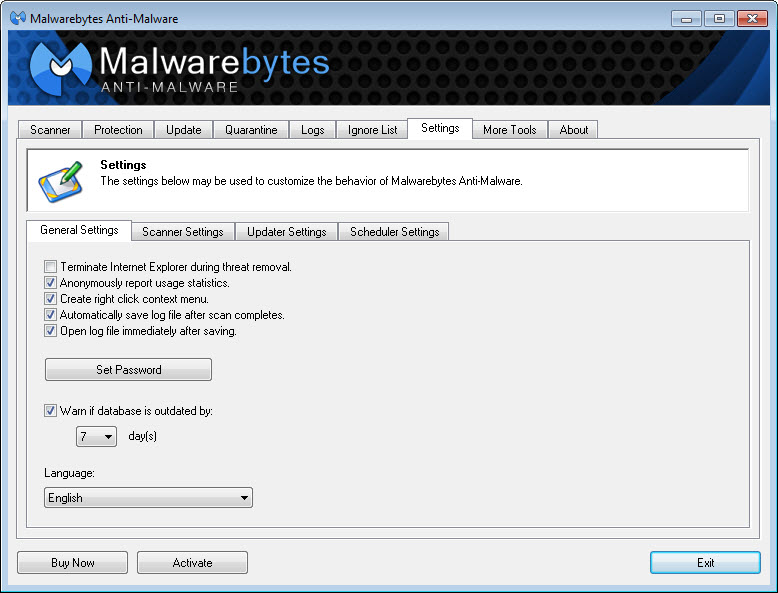
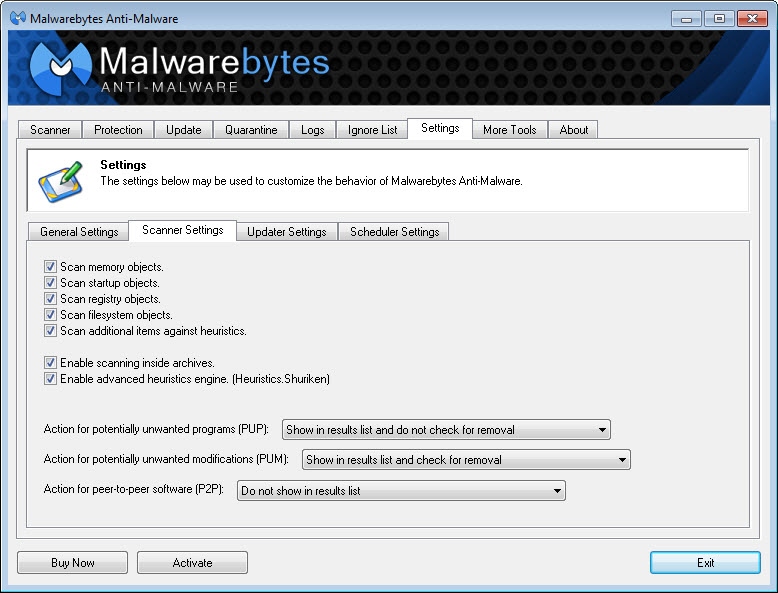
The dashboard is clean and clearly designed for people who do not want to read a manual. Big scan button, plain quarantine list, settings that mostly make sense. The trade-off of that simplicity is less granular control than power users sometimes want. And the upsell prompts on the free tier, while not constant, are present, the application reminds you Premium exists when you finish a scan. Mild as nags go, but there.
Conclusion
Malwarebytes is at its best as a remediation specialist. If a machine is already infected, behaving strangely, or buried under adware that your regular scanner shrugged at, this is the tool that cleans it up, and the free version does that for nothing. Anyone who fixes computers for family and friends will want it on a USB stick permanently.
Whether you pay for Premium depends on how you think about layered defense. The real-time shields, the ransomware rollback, and the exploit mitigation are genuinely useful, but they overlap with protection that comes built into modern systems, so the value is in the behavioral angle rather than replacing your whole security setup. Treat it as the specialist that handles what generalist antivirus tends to miss, and it fits a niche almost nothing else fills as cleanly.
Features & benefits
Pros & Cons
- Behavioral and heuristic detection catches fresh threats and PUPs that signature-based scanners routinely miss
- Free version works as a no-strings manual cleaner with full quarantine and removal
- Dedicated ransomware layer stops file-encryption behavior even from unknown strains
- Browser Guard blocks scam pages, trackers, and tech-support popups as a standalone extension
- Designed to run alongside an existing antivirus without fighting for system control
- Fast Threat Scan targets where malware actually lives rather than crawling every file
- Behavioral ransomware protection can throw false positives on file-heavy legitimate software
- Free tier offers no real-time protection, only manual scans
- Post-scan upsell prompts toward Premium on the free version
- Less granular control than power users may expect from the simplified interface
- Running the real-time tier next to a second resident shield can occasionally cause conflicts
Frequently asked questions
Yes. The scanner detects and quarantines viruses, trojans, worms, adware, and potentially unwanted programs, and its behavior-based approach often catches infections a traditional antivirus has already missed.
Quarantine moves a detected threat into an isolated, locked area where it cannot run or affect your system. The file is not deleted immediately, so you can restore it if it turns out to be a false positive, or remove it permanently once you are sure.
Yes, that is one of its intended uses. The free on-demand scanner coexists comfortably with any antivirus. With the real-time Premium tier you may occasionally need to add exclusions if two resident shields overlap.
No. Quarantined items stay put until you choose to delete or restore them, which means you keep control over anything flagged as a false positive before it is gone for good.
Notification frequency, including the Premium upsell reminders on the free tier, can be reduced in the application's settings under notifications, where you can switch off promotional and non-critical alerts.
In the Premium version you can pause the real-time protection layers from the dashboard for a set period, useful when installing software that the behavioral engine misreads, after which protection re-enables on its own.


