

SpywareBlaster
About SpywareBlaster
SpywareBlaster protects a browser by closing doors in advance rather than chasing intruders afterwards. It never scans the disk and never removes anything. Instead it writes a large blocklist of known spyware components, tracking cookies and hostile sites into the browser and system settings, then closes itself, leaving the protection in place with nothing running in the background.
That design has a clear upside. There is no resident process eating memory, no conflict with an antivirus, no pop-ups. The protection lives in settings the browser already honours, so it works even when the program is not open, and it layers cleanly on top of whatever scanner you already use.
Immunization in one click
The main screen shows protection status per browser and a quick task to enable everything at once. For older browsers built around ActiveX, the program sets so-called kill bits in the registry for thousands of known malicious controls, which stops those components from ever loading, even if a page tries to install them. A tracking-cookie blocklist and a list of hostile domains go into the browser’s Restricted Sites zone, where scripts and downloads are not allowed to run.
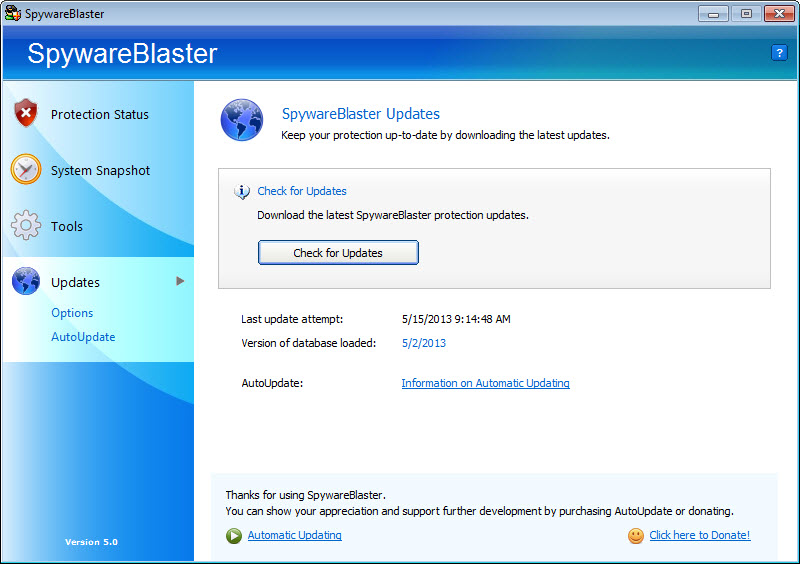
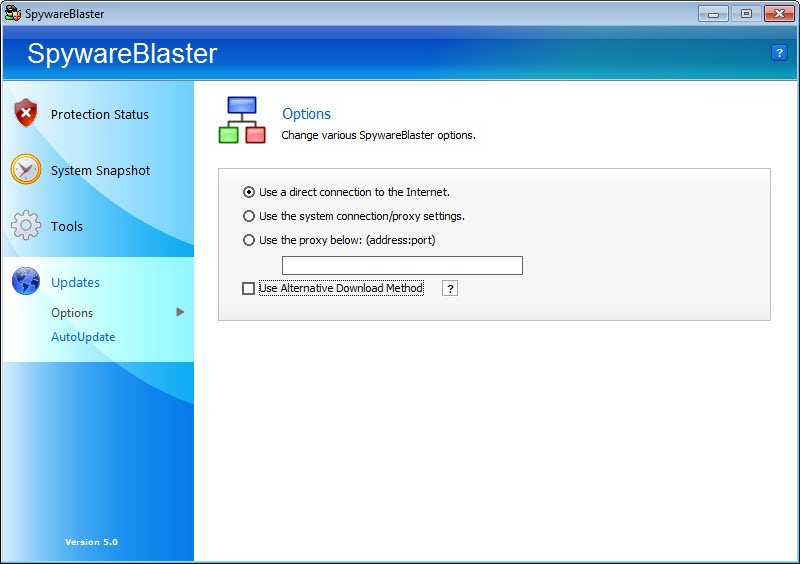
The database is the heart of it, and it needs refreshing. The Updates section downloads the newest definitions with one click and reapplies them, so a protection that was enabled long ago keeps pace with newer threats.
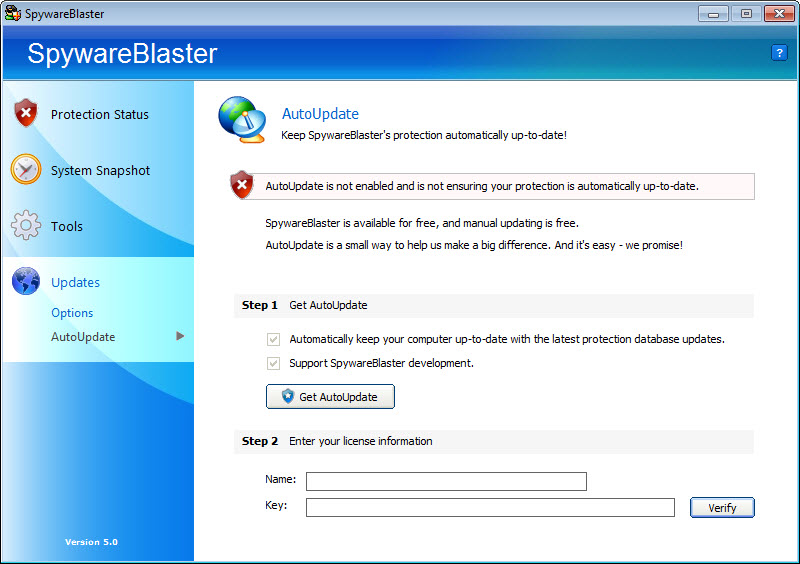
Automatic updating is reserved for a separate edition, so in this one, checking every few weeks is part of the routine.
System Snapshot for browser hijacks
A hijacked home page, a rogue search engine or a tampered proxy setting are the classic signs of adware, and the System Snapshot in SpywareBlaster is built for exactly that. It captures an image of important browser and system settings while everything is clean, and if something later rewrites them, restoring the snapshot puts them back.
It is not a full backup. Programs and personal files are untouched, and only the relevant settings are saved and restored, which keeps the operation quick and harmless.
Take a snapshot right after setting up a machine, and you have a one-click undo for the most common kind of browser damage.
Hosts Safe and the smaller tools
The hosts file decides where domain names point before any DNS lookup happens, which makes it a favourite target for malware that redirects banking or update sites. The Hosts Safe tool in SpywareBlaster stores encrypted backups of the file and restores a good copy whenever it has been altered. Anyone who also edits the hosts file for ad blocking will want a dedicated manager like HostsMan, but as a safety net, this is the most useful tool in the box.
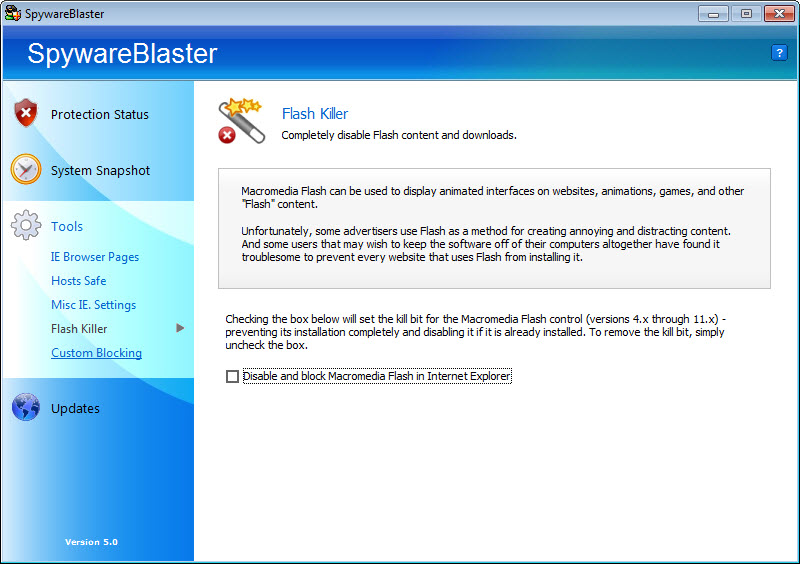
The remaining tools are smaller. You can lock the home page setting in older browsers, disable Flash content entirely, and build a custom list of ActiveX controls to block, such as an unwanted toolbar, by entering its name and class ID.
Know where its protection ends
Be clear-eyed about its reach. The ActiveX blocking only matters for older browser engines, and modern browsers dropped that technology entirely, so on a current setup most of the value comes from the cookie and restricted-site lists, the snapshot and Hosts Safe. It also does nothing about malware that arrives through email attachments, cracked software or a USB stick.
So treat it as one layer, not a defence on its own. Pair it with a real-time antivirus and an on-demand malware cleaner for anything that slips through, and this tool quietly removes a slice of risk without ever getting in the way.
Conclusion
SpywareBlaster suits people who like quiet, preventive security layered on top of a regular antivirus. It uses no resources once applied, its snapshot and hosts backups make recovering from browser hijacks painless, and it never nags.
Its signature feature belongs to an older browser world, though, and it does nothing about threats already on the machine. Keep it as an extra layer, update it regularly, and let the main security tools do the heavy lifting.
Features & benefits
Pros & Cons
- Prevents known threats instead of cleaning up after them
- Nothing runs in the background once protection is applied
- Works alongside any antivirus without conflicts
- System Snapshot undoes browser hijacks in one click
- Hosts Safe keeps encrypted backups of the hosts file
- ActiveX protection is irrelevant for modern browsers
- Definitions must be updated manually in this edition
- No scanning or removal of existing infections
- Offers no protection against threats outside the browser
Frequently asked questions
No. It writes its protection into browser and system settings and can then be closed. The blocks stay active with no background process.
No, it only prevents known threats. For an existing infection, use an on-demand scanner, then apply this protection afterwards.
Open the Updates section, download the latest definitions and reapply protection. Doing it every few weeks keeps the blocklists current.
Important browser and system settings, not programs or files. Restoring it reverses changes such as a hijacked home page or altered search settings.


