

XSnap
About XSnap
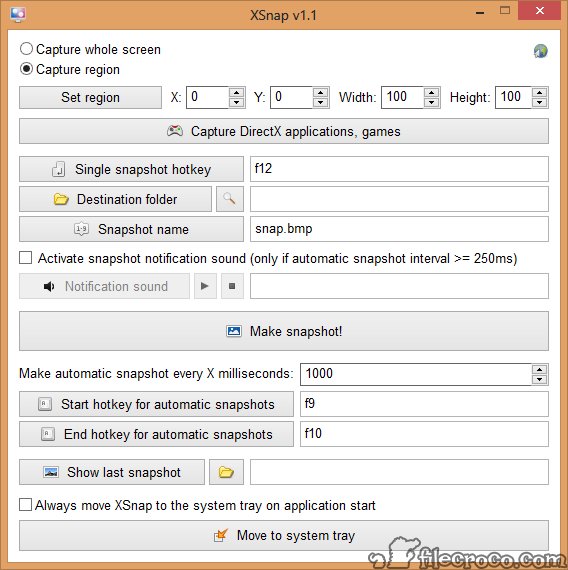
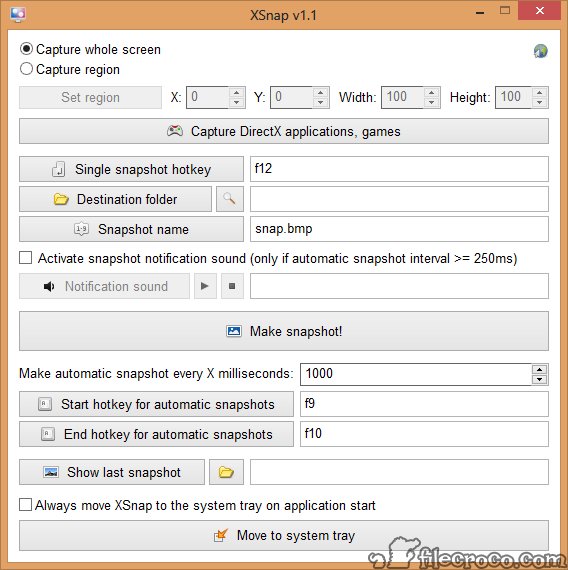
XSnap is a lightweight, portable application that allows you to take screenshots of your desktop, running applications, and video games. The application lets you choose if you want to capture the whole screen or part of it. For the second option, you will set the area by X/Y axis or by width and height in pixels.
You will also be able to set up a custom shortcut key for a single snapshot, the folder where you want to save the images, and the filename. Suppose you’re going to take automatic snapshots.
In that case, all you have to do is to set the interval in milliseconds and enable a custom key for starting the automatic snapshot process and another key to end it.
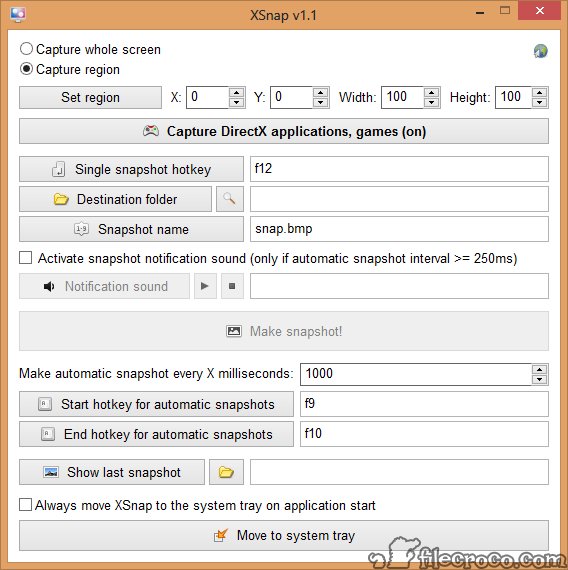
Of course, let’s not forget the application’s capability to capture screenshots while playing video games. All you have to do is to enable the “Capture DirectX applications, games” option. Enjoy this fast and easy to use application.


