

NETGEAR Genie
About NETGEAR Genie
Router settings live in a web page you reach by typing an address into a browser, and most people find that page unfriendly enough to avoid it. NETGEAR Genie was the answer to that, wrapping the same settings in a desktop application with a network map and plainer labels.
The NETGEAR Genie scope is fixed by the hardware. This talks to routers from one manufacturer, and only the models it was built to recognise, so anything else on the shelf has nothing to do with it.
The second thing to settle is that the software has been retired, which shapes everything below.
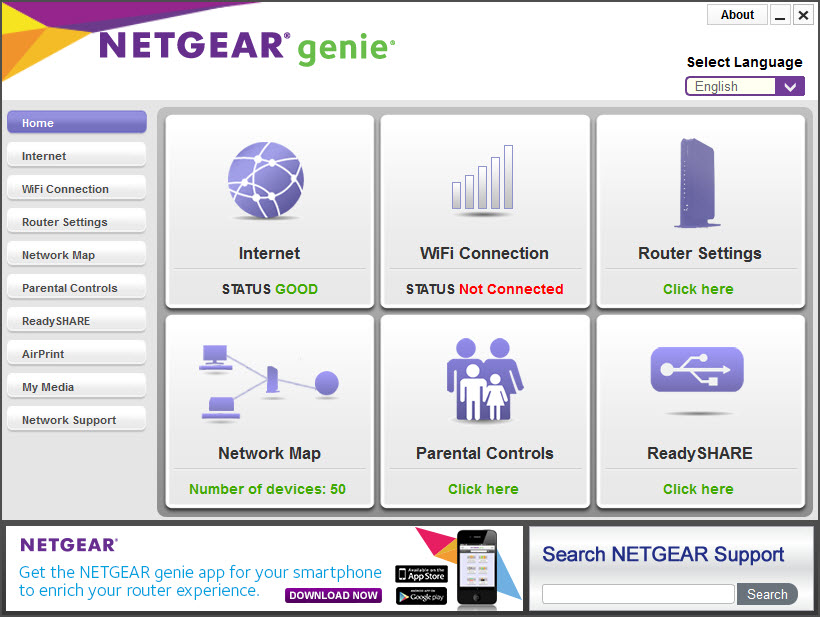
What it put in front of you
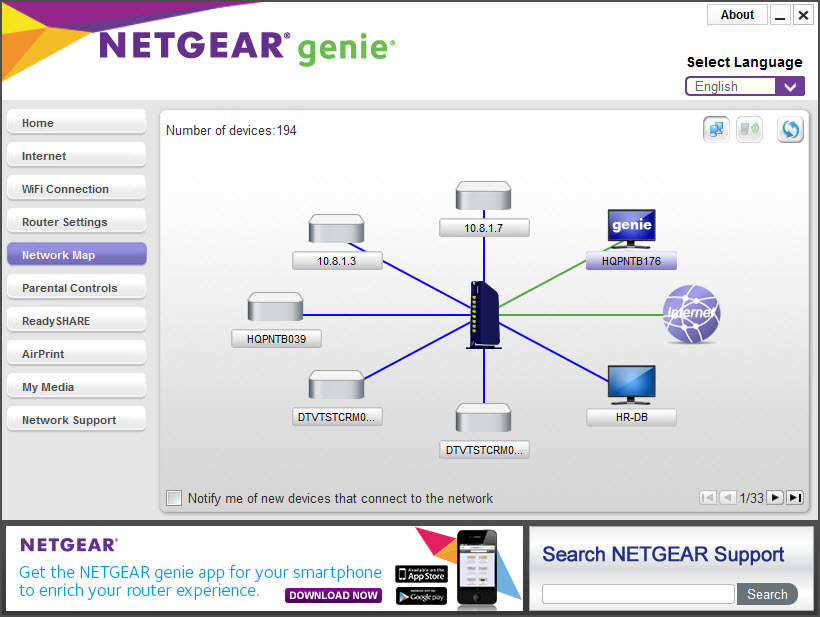
The NETGEAR Genie map was the centrepiece, drawing the router and everything connected to it as a picture rather than a table of addresses.
That was the question most people opened it to answer, and a watcher that lists every device and alerts when a new one appears answers it regardless of who made the router.
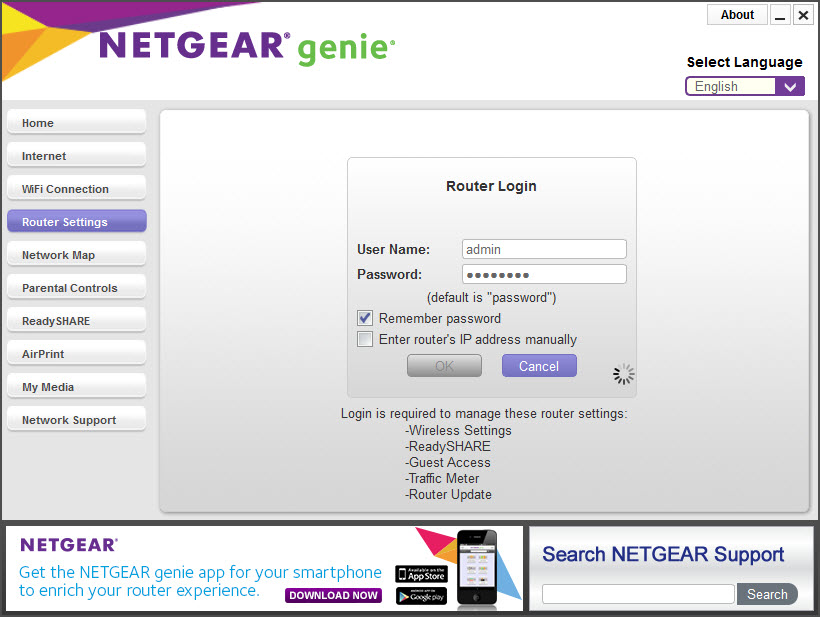
Around that sat the settings people actually change. Wireless name and password, guest access for visitors, and the parental control arrangement that filters what the network will resolve.
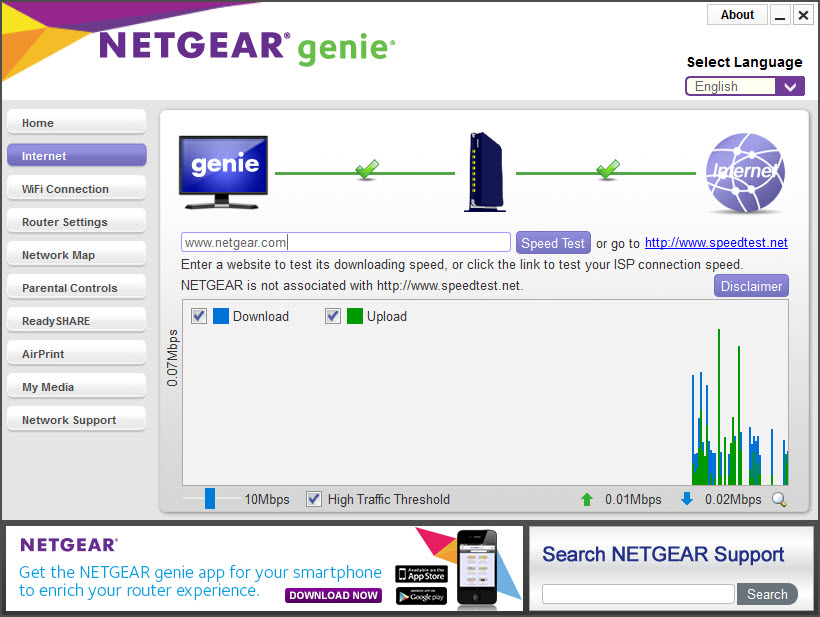
A traffic meter counted data through the connection, which mattered on a metered plan and matters again for anybody on a capped mobile connection.
Media playing from devices on the network was included too, which was an odd addition to a router tool and reflected a period when everybody was adding that to everything.
Everything it did lives in the router already
Here is the point that decides whether NETGEAR Genie is worth installing, and it was true even before the software was retired.
None of those settings belonged to the application. They belonged to the router, which exposes them through its own web interface, reachable from any browser on the network without installing anything at all.
The application was a friendlier front end to that page rather than a source of new capability. So somebody who finds the router page confusing gained real convenience, and somebody comfortable with it gained nothing beyond a nicer map.
That interface is also the thing that continues to work, receives firmware updates, and handles the models this never supported.
The parental controls used somebody else’s service
The NETGEAR Genie filtering deserves understanding rather than assuming, because it involves a third party.
The filtering worked by pointing the router’s name resolution at an external service that refuses to resolve addresses in the categories you blocked. The blocking happened on that service’s infrastructure rather than in your house.
That is a normal way to implement filtering and it means the service saw the resolution requests from your network. Anybody weighing convenience against that arrangement should know the arrangement exists.
It also means the filtering could be bypassed by any device configured to use different resolution, which is a limitation of the method rather than of this software.
It has been retired
NETGEAR Genie development ended, and management moved to a phone application alongside the router’s own interface.
That combination covers what this did and covers current hardware, which this does not. A recent router from the same manufacturer will not be recognised, and nothing about that is going to change.
For the equivalent from a different manufacturer, still maintained, Linksys Smart Wi-Fi does the same job for that brand’s routers.
Conclusion
NETGEAR Genie solved a presentation problem rather than a technical one. The router always held these settings, and putting them behind a map with readable labels made them approachable for people who would otherwise never have opened the router page at all.
Its era has closed. Development stopped, management moved to a phone application, and the router’s own interface does everything this did while supporting hardware this has never heard of. Keep it in mind for an older router from that brand where the map is simply more pleasant, and reach for the router’s own page for anything current.
Features & benefits
Pros & Cons
- Drew the network as a map rather than a list of addresses
- Put the settings people change most within a click or two
- Traffic meter for connections with a data allowance
- Guest network setup without navigating the router's own menus
- Firmware updates handled from the desktop
- Works with routers from one manufacturer, and only certain models
- Retired, so recent routers are not recognised and never will be
- Everything it offered is in the router's own interface, which needs no software
- Parental filtering depended on an external service seeing your resolution requests
- That filtering was bypassable by any device using different name resolution
Frequently asked questions
Only with the models it was built for, since development ended and management moved to a phone application alongside the router's own web interface. A recent router will not be recognised.
No. Every setting belonged to the router and was reachable through its own web page. The application was a friendlier way to reach them, not a source of extra capability.
By pointing the router's name resolution at an external filtering service, which declined to resolve addresses in the categories you blocked. The filtering happened on that service rather than in your house.
No. It speaks to one brand's hardware, and equivalents from other manufacturers exist for their own routers.


