

LobbyBrowser
About LobbyBrowser
LobbyBrowser is a web browser that fits in less than a megabyte. It manages that by not carrying a browser engine of its own. Instead it borrows the modern Chromium engine already built into the system, the same component other programs use to show web content, and wraps it in a deliberately plain window. The result looks bare, a long address bar and a handful of buttons, and opens pages as quickly as any mainstream browser, because the engine doing the work is the same one. When the system updates that engine, the browser’s rendering and security fixes come along with it.
It is aimed at people who find the big browsers cluttered, and at anyone who wants a quick, disposable window for browsing that leaves no trace. LobbyBrowser clears all personal browsing data on exit with a single key, launches a search from any text dropped onto its address bar, and plays videos full screen in one mode.
It has no extension library, no sync and no tabs in the usual sense, which is the point and the limit. The sections below cover the engine, the privacy side, the address bar tricks, the media modes and who it suits.
The engine it borrows
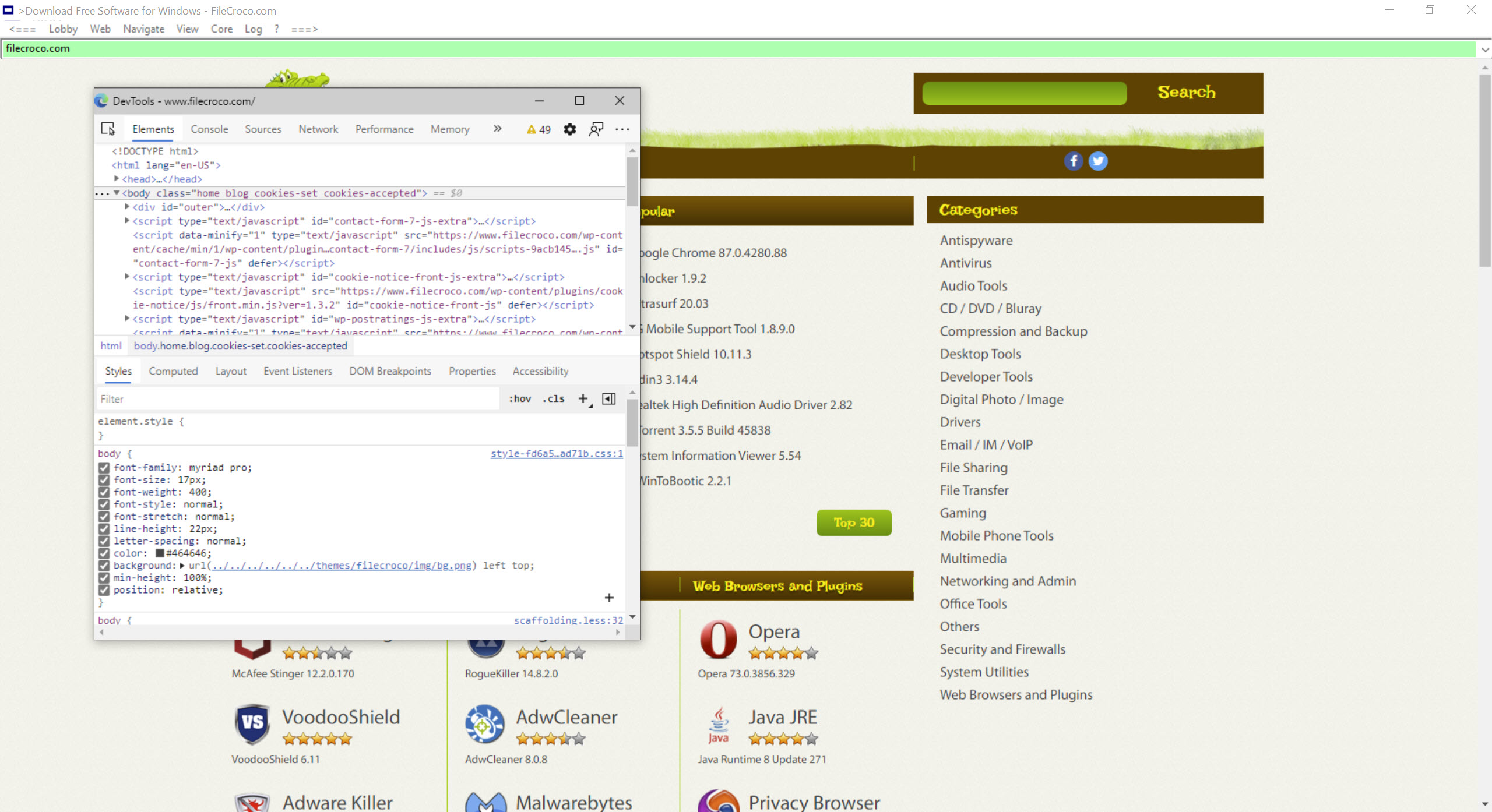
Because LobbyBrowser uses the system’s built-in Chromium component, pages render exactly as they would in the mainstream browsers built on the same engine. Modern sites, video, web apps and secure connections all work. The download is tiny because the heavy part is already installed, and if a machine lacks the component, it is a separate installation that the program points to.
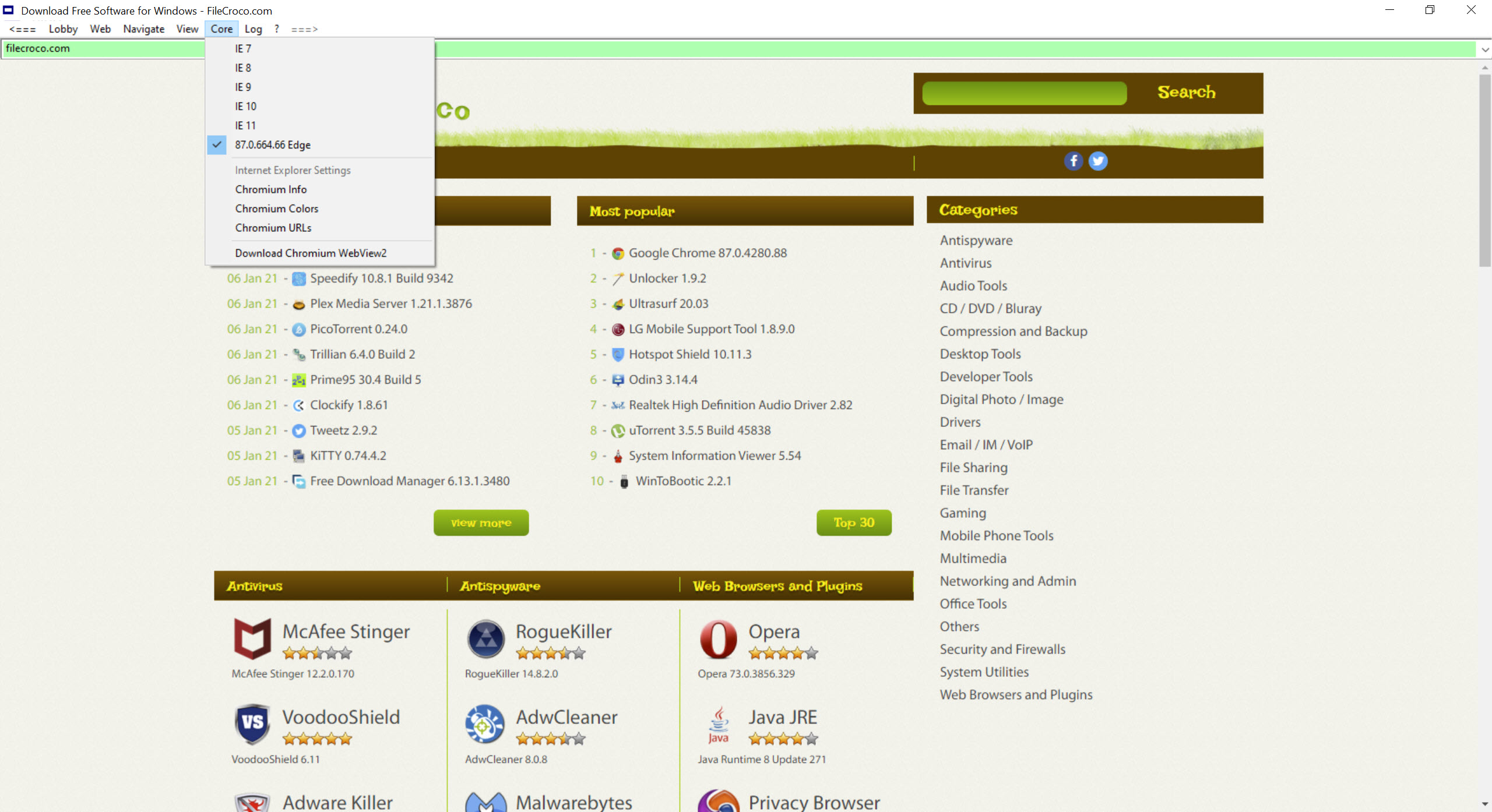
That design has one clear benefit. The engine is kept current by the system’s own updates, so a small, quietly maintained wrapper still gets a patched engine without releasing anything itself. An older, legacy engine can be chosen instead for the rare intranet page that needs it, though the modern one is the right default for everything else.
Leaving no trace
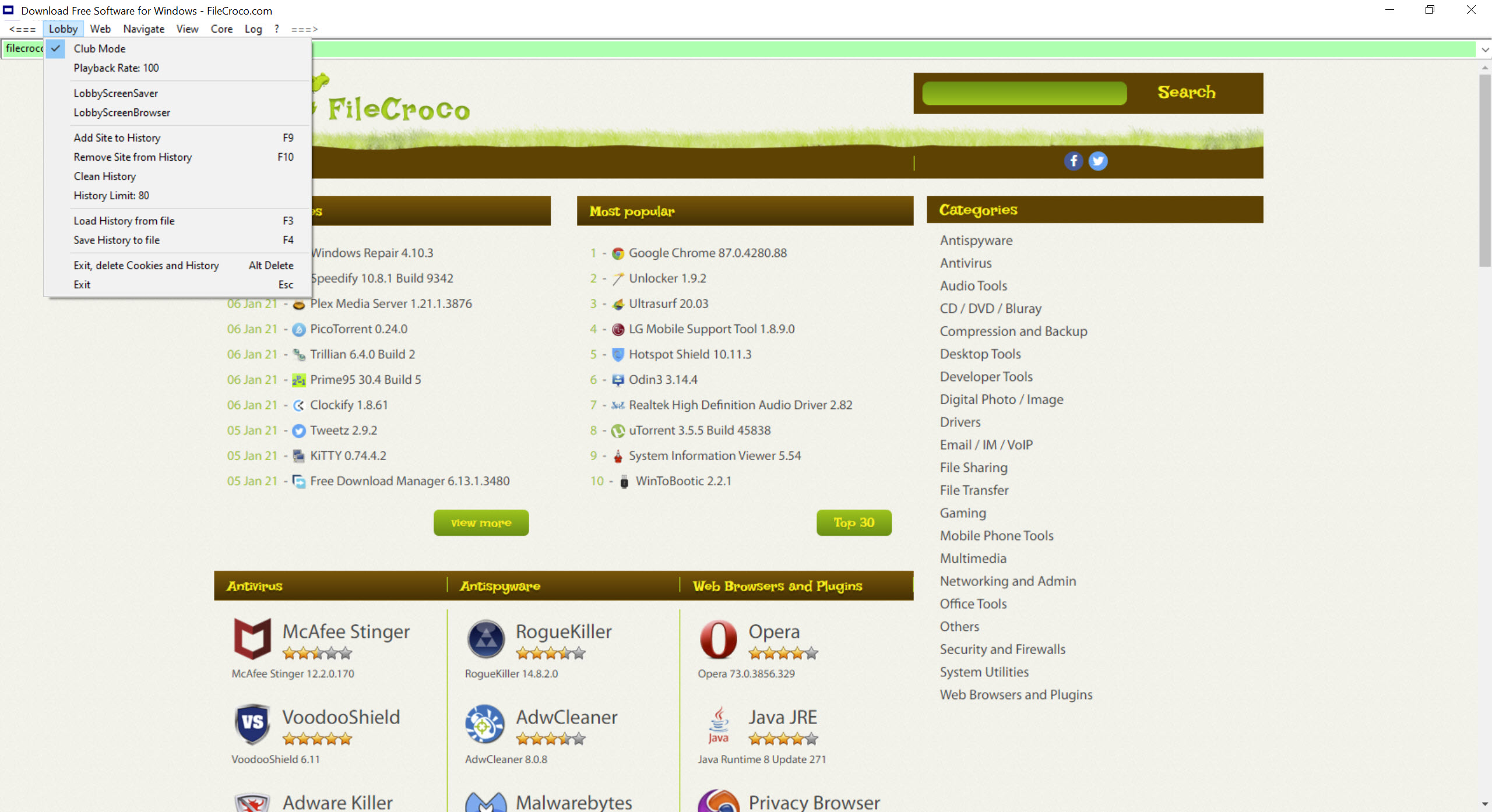
The LobbyBrowser privacy feature is a single command. Press Alt and Delete, or choose the option from the Lobby menu, and the browser exits and deletes all personal data from the session, the history, the cookies and the cache. Nothing is left for the next person at the machine, which suits a shared family computer, a library terminal or a borrowed laptop.
It is a clean-up rather than an anonymity tool. It does not hide your address from the sites you visit or encrypt your traffic beyond the usual secure connections, so it protects you from the next person at the keyboard, not from the network. For blocking trackers and ads while you browse, a privacy-focused browser builds that protection in.
The address bar and its shortcuts
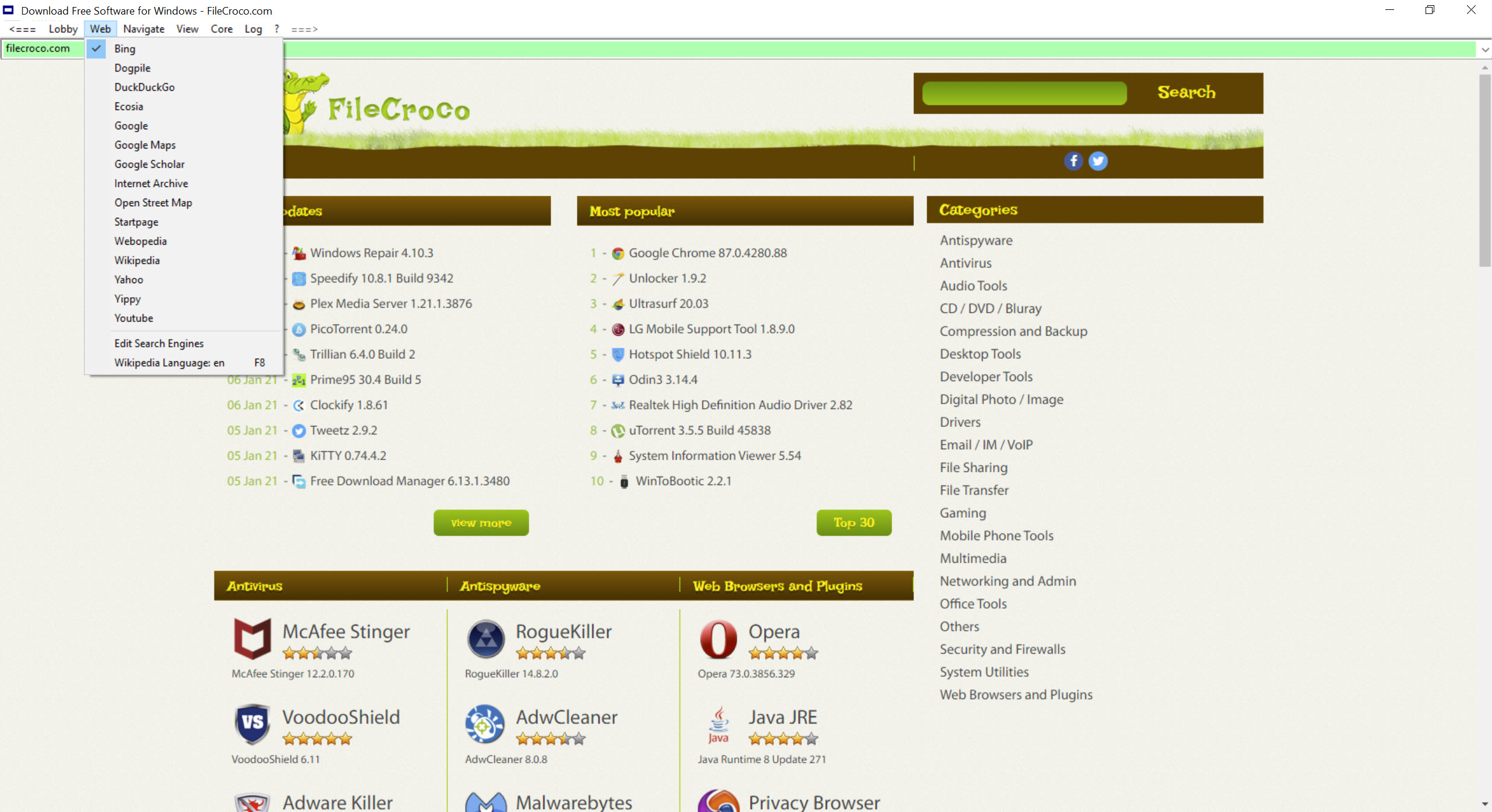
The long LobbyBrowser address bar does more than it looks. Type an address and it goes there, type words and it searches with the engine you picked from a drop-down list, and leave it empty and press Enter to open the search engine’s start page. Select any phrase in an article and drag it into the bar, and a search on that phrase starts at once, which is quicker than copying and pasting.
The bar also understands a few shortcuts for local folders, opening the documents folder or a drive from inside the browser, or handing the path to the system’s file manager with a trailing backslash. Backspace goes back to the previous page, switched off automatically on pages where you are typing.
Bookmarks and history are kept, with a simple manager for each. For an address bar and side panels turned into a power tool instead, Vivaldi goes the other way entirely. A handful of command-line switches let the browser open in a set mode from a shortcut.
Video and one-hand control
LobbyBrowser Club Mode starts videos full screen straight away, which turns the browser into a simple viewer for a playlist on a television or a second screen. A playback rate control speeds up or slows down audio and video streams, useful for lectures and podcasts played at one and a half times speed or slowed for language learning.
One-hand control maps the common actions to keys that fall under a single hand, so browsing works with the other hand on a drink, a phone or a mouse. Taken together, the media features make the browser a decent kiosk for video, and the minimal interface means there is little for a casual user to break.
Where it stops
There is no extension library, no sync between devices and no password manager, and tabs work differently from the mainstream browsers. Anyone who depends on extensions or sync will miss them within a day. The interface is plain to the point of austerity. And because it relies on the system’s engine, a machine without that component needs it installed first.
For someone who wants a full-featured browser, Firefox is the obvious choice. This one is for the opposite need, a small, quick window that does the basics and forgets everything when you close it.
Conclusion
LobbyBrowser suits anyone who wants a simple, uncluttered browser, from a beginner put off by the big ones to someone at a shared computer who wants a session that leaves nothing behind. Its borrowed engine renders the modern web properly, and its clean-up command and address bar tricks are what set it apart.
It has no extensions, no sync and a deliberately bare face. Use it for quick, private sessions and for video on a second screen, and keep a full browser for the work that needs one.
Pros & Cons
- Less than a megabyte, using the system's built-in Chromium engine
- Engine kept current by the system's own updates
- Deletes history, cookies and cache on exit with one key
- Drag text onto the address bar to search it instantly
- Club Mode for full-screen video and an adjustable playback rate
- Choice of search engines and one-hand keyboard control
- No extension library, sync or password manager
- Plain, austere interface
- Needs the system's engine component installed
- Cleans local traces but does not hide your activity from the network
Frequently asked questions
It uses the Chromium engine already built into the system rather than carrying its own, so only the small wrapper needs downloading.
Yes, when you exit with Alt and Delete or the clean-up command. It removes history, cookies and cache from the session.
No. It has no extension library, by design.
It needs the system's built-in Chromium engine component. Most current machines already have it, and the program points to it if one is missing.


