

NoPing
About NoPing
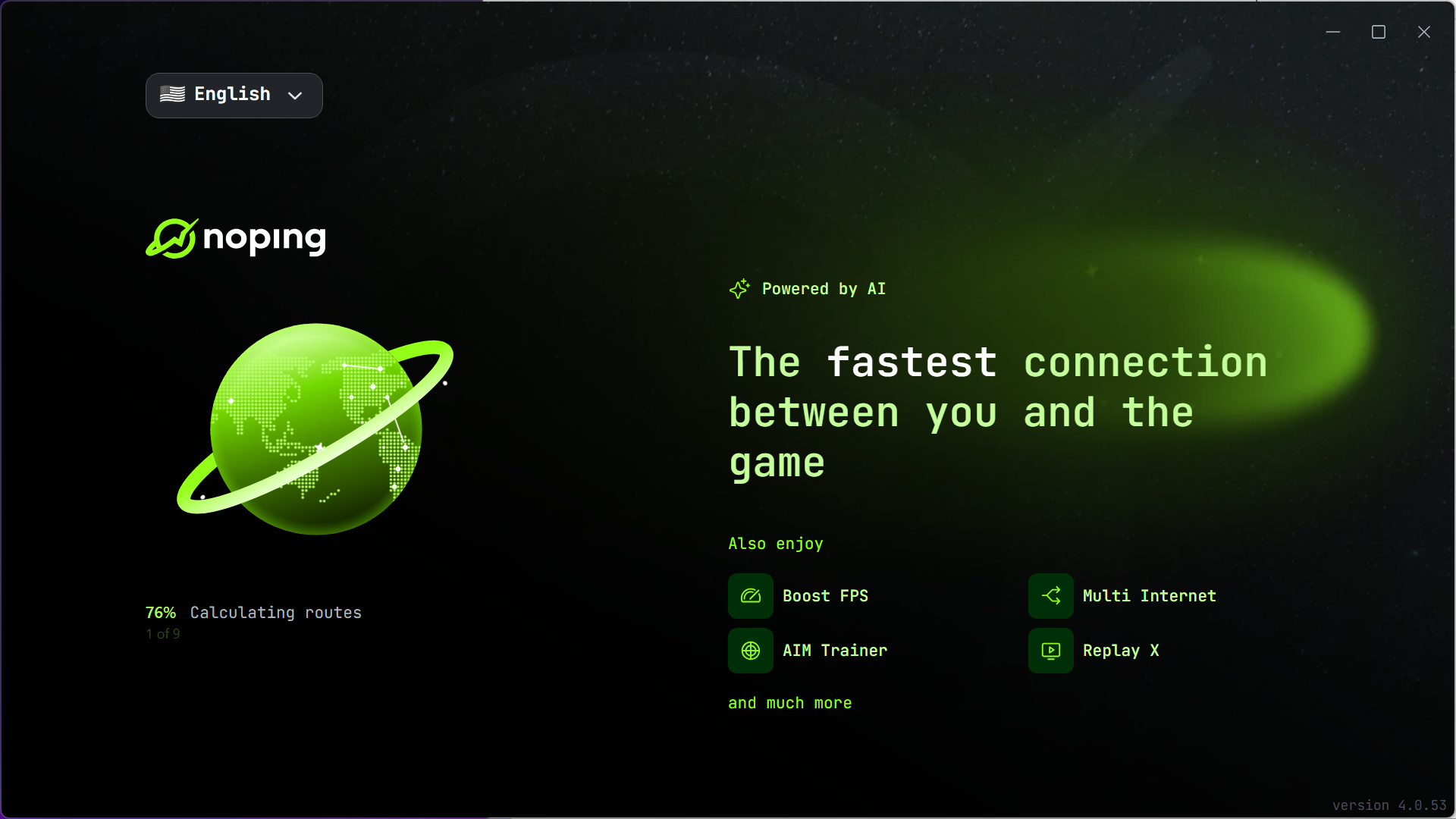
NoPing is a game connection optimizer, a category with one narrow promise. Your game’s traffic normally travels whatever route your internet provider negotiated, which is chosen for cost, not for speed, and often wanders through congested exchanges on its way to the game server.
This tool intercepts that traffic and sends it through its own server network along routes maintained for low latency, and when your provider’s routing is the problem, the ping drop is immediate and measurable, shown right in the interface as a before-and-after comparison.
The honesty that belongs in the first paragraph is the word when. Rerouting fixes bad paths, not physics and not a bad connection. A player whose route to the server is already clean sees little or nothing, and a player on struggling Wi-Fi has a different problem entirely.
NoPing is a specialist for the specific, common misery of good internet that reaches the game badly.
What the rerouting actually fixes
Three numbers define a game connection, and the tool targets all three. Ping, the round-trip delay, drops when the optimized route is shorter or less congested than the default. Jitter, the variation in that delay, smooths out on stable managed paths, and stable ping at a mediocre number often plays better than a spiky low one.
Packet loss, the killer that shows up as rubber-banding and skipped actions, falls when traffic avoids the overloaded segments dropping it.
The game list runs past a thousand titles, with per-game profiles that know each game’s servers and regions. Pick the game, pick the server region you play on, and the tool measures routes through its network and connects through the best, with the comparison numbers on screen making the improvement, or its absence, plain. That transparency deserves credit, since a category this prone to snake-oil claims is best judged with its own before-and-after figures on display.
Multi-route sending pushes the idea further for loss-plagued connections, duplicating traffic across parallel paths so the copy that survives keeps the game smooth. It spends bandwidth to buy reliability, the right trade during a ranked evening on a lossy line.
Only the game goes through
Design-wise, this is not a VPN in the everyday sense, and the difference works in its favor. Only the selected game’s traffic takes the optimized route, while browsers, voice chat, and downloads stay on the normal connection at full speed. Nothing about the arrangement hides identity or encrypts browsing, and treating it as a privacy tool misreads the category. F
or appearing in another country to access region-locked games, an actual VPN with a deep regional network like FlyVPN is the right instrument, and pairing the two, VPN for access, optimizer for the connection, is a known setup among players of foreign titles.
The direct rival comparison is ExitLag, the other big name doing route optimization with multipath tricks. The two trade blows by region and by game, and the practical advice is unromantic, both offer trials, and the one that drops more milliseconds on your route to your game wins.
NoPing has historically been strongest across South American routes, where its network is dense, though results everywhere come down to the specific path being fixed.
When it won’t help, and how to know beforehand
The tool’s numbers make failure honest, so use them. If the before-and-after comparison shows a handful of milliseconds, your route was already fine and the optimizer has nothing to optimize. If lag persists with clean route numbers, the problem lives closer to home, and a local diagnostic like LatencyMon exposes the system-side stalls, misbehaving drivers and background processes, that no amount of network rerouting touches.
And Wi-Fi troubles, the most common lag source of all, respond to a cable, not to software.
A bundled system-boost section rounds out the package with the usual game-mode adjustments, closing background noise and prioritizing the game. It’s a modest extra, worth clicking, worth no expectations.
Conclusion
NoPing earns its place with players whose lag traces to the route, the fighting-game player facing rollback across regions, the MMO raider on an intercontinental server, and especially players in regions the big providers route carelessly. The visible before-and-after numbers keep the whole proposition honest, which this category badly needs.
Players with clean routes, Wi-Fi troubles, or weak hardware are holding the wrong tool and should diagnose first. When the path is the problem, though, this fixes exactly that, and shows its work.
Pros & Cons
- Measurably reduces ping, jitter, and packet loss on badly routed connections
- Before-and-after numbers show exactly what was gained, or not
- Per-game profiles across a very large supported list
- Multi-route duplication tames packet loss on unreliable lines
- Only game traffic is rerouted, leaving the rest of the connection alone
- Delivers nothing when the default route is already good
- Cannot fix Wi-Fi problems, weak hardware, or a poor base connection
- Results vary sharply by region and game server location
- The bundled system booster is a minor extra at best
Frequently asked questions
Entirely dependent on how bad your current route is. Poorly routed connections can drop dramatically, already-clean ones barely move, and the built-in comparison shows your specific number before you commit.
No, it reroutes only game traffic for speed and does not encrypt or anonymize anything. Privacy and region-switching are jobs for an actual VPN.
Yes, that's one of its strongest cases. Optimized routes avoid lossy segments, and the multi-route option duplicates traffic across paths so drops stop reaching the game.
If the route numbers look clean, the problem is local, the Wi-Fi, the system, or the game server itself. Rerouting fixes the path between you and the server, nothing else.
Trial both on your actual game and region, and keep whichever shows better numbers in its own comparison. Route networks differ by geography, and no review substitutes for your specific path.


