

Weka
About Weka
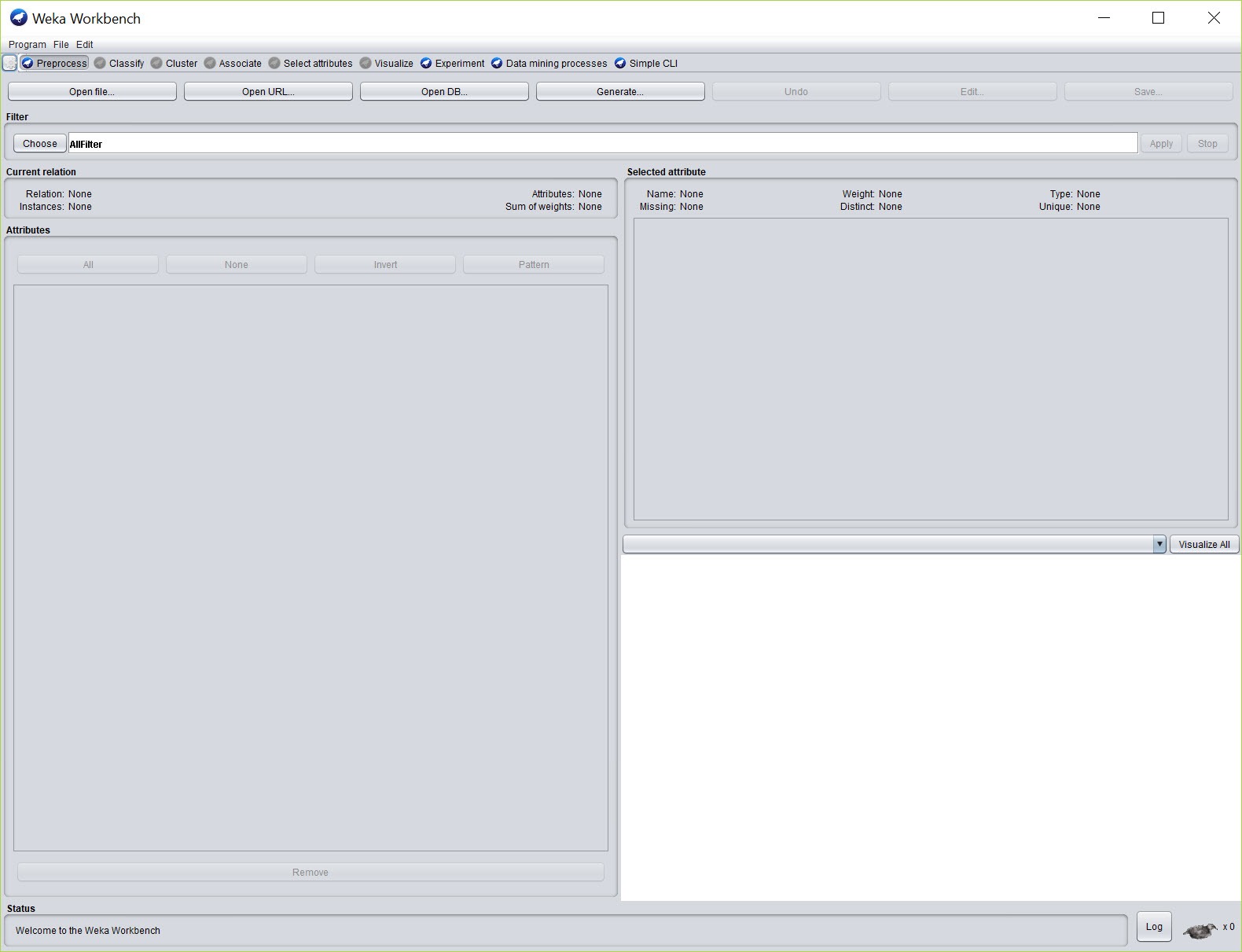
Weka is a machine learning workbench where the algorithms are buttons. Load a spreadsheet of data, pick a classifier from a tree of more than a hundred, press Start, and a decision tree, a confusion matrix and an accuracy figure appear in the output pane. Change the classifier and press Start again. That loop, try an algorithm, read the result, try another, is what the application is built for, and it runs without writing a line of code, which is why it sits on so many course syllabuses and first analyses of a found dataset.
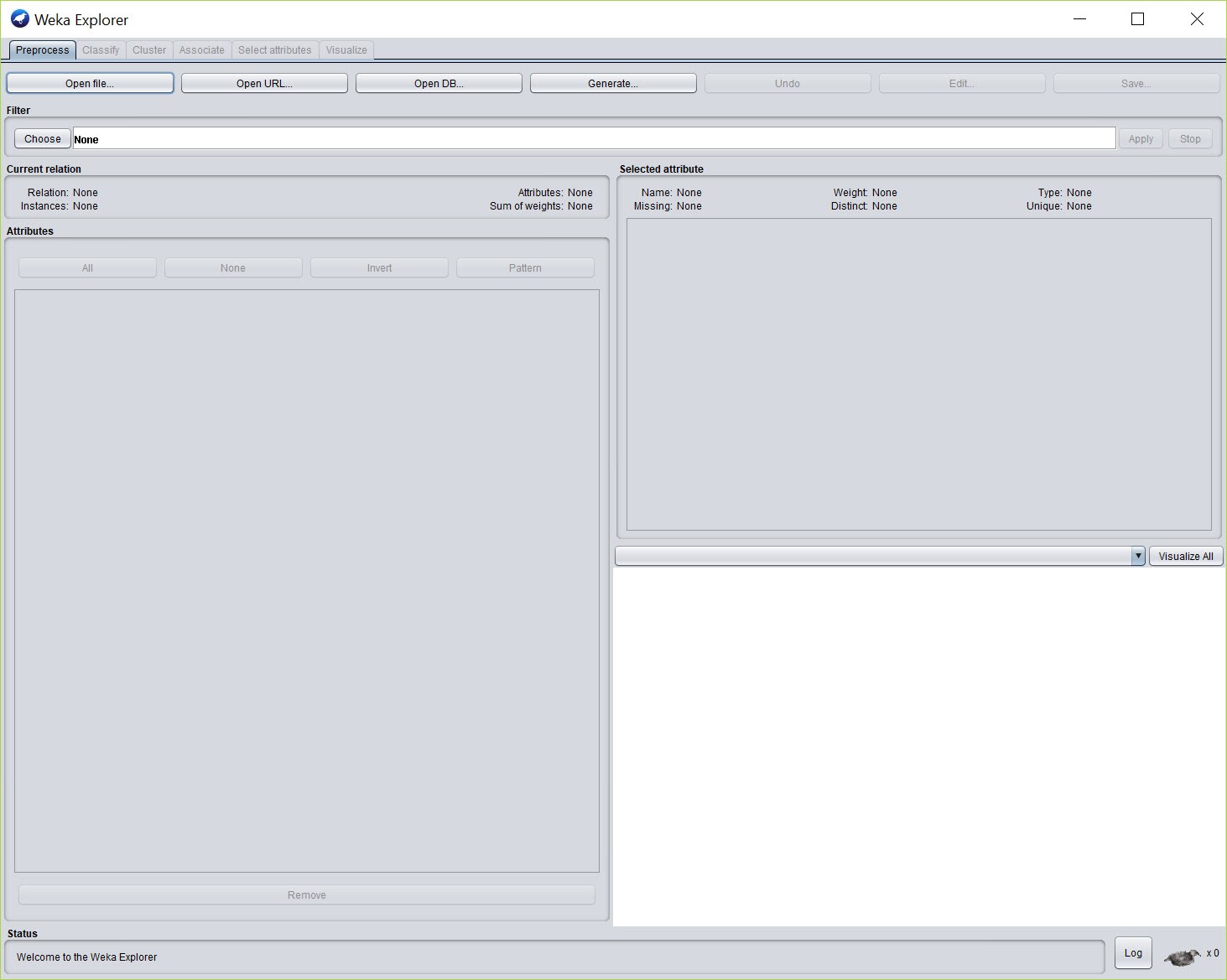
The workbench splits into several front ends over one engine. Explorer is the interactive one, with tabs that follow the order an analysis actually takes, from loading and cleaning data through classification, clustering, association rules and attribute selection to plotting.
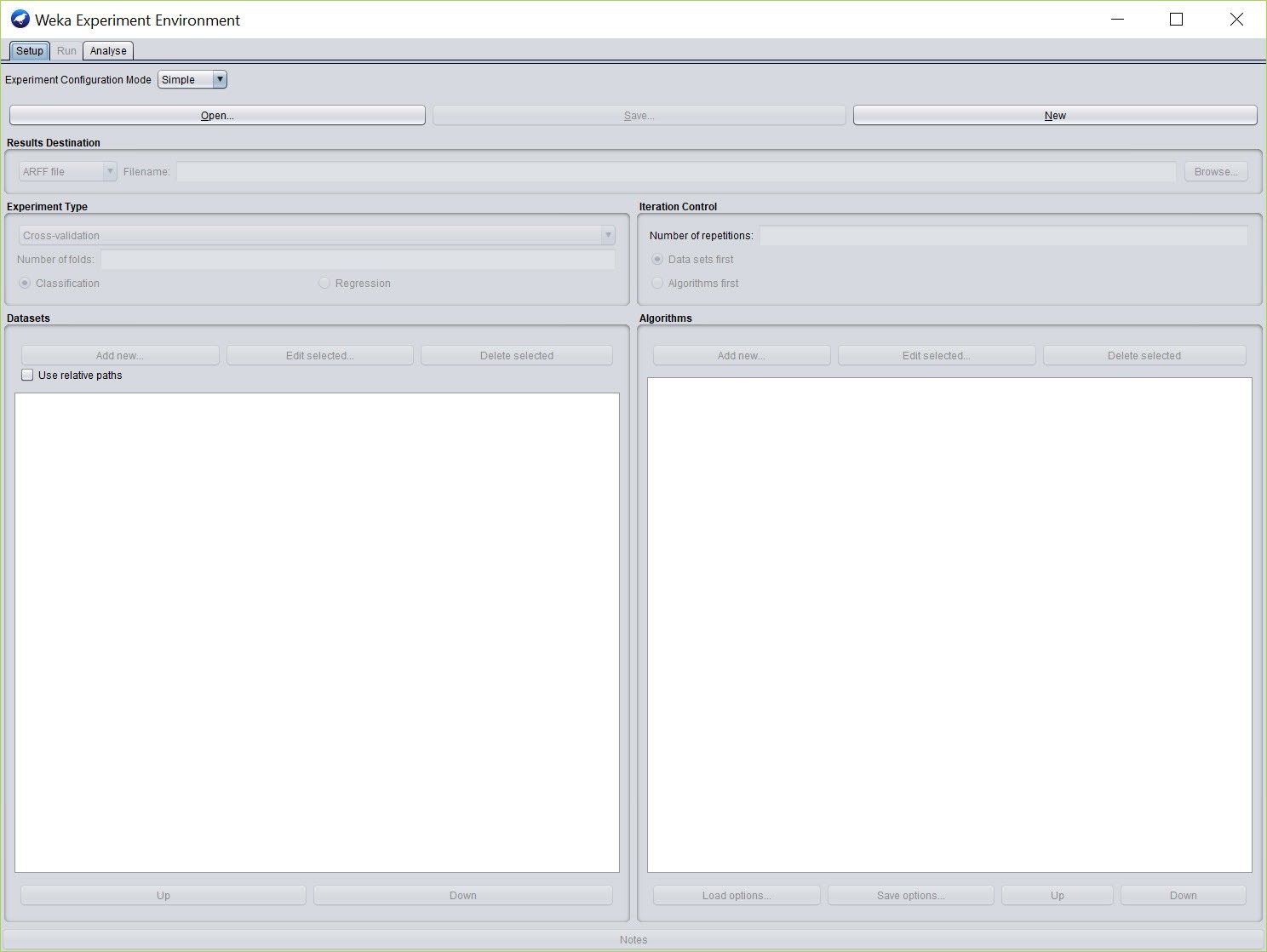
Experimenter runs many algorithms against many datasets in a batch and compares them with proper statistical tests. KnowledgeFlow draws the same operations as a diagram of connected boxes. A command line does everything the graphical front ends do with a fraction of the memory.
Weka runs on the Java platform, which is both why it works anywhere and why the memory ceiling is a setting you will meet.
The Explorer, tab by tab
Preprocess, the first Weka tab, loads the data and shows every attribute with its type, its distribution as a bar chart and summary statistics, which is enough to spot a column of missing values or a class that is wildly imbalanced before anything is modelled. Filters transform the data in place, and there are dozens, from normalising and discretising numbers to removing attributes, resampling, handling missing values and converting text to word vectors.
Classify is where most time is spent. Choose an algorithm, pick a test method, ten-fold cross validation by default, and the output shows accuracy per class alongside precision and recall, a confusion matrix and the model itself, which for a tree means the actual rules in readable form. Right-click a result to visualise the tree, plot errors or save the model.
Cluster and Associate cover unsupervised methods, Select attributes ranks the columns that matter, and Visualize draws a scatter plot matrix.
What is in the algorithm tree
Weka classifiers group by family. Bayesian methods, functions covering logistic regression, support vector machines and multilayer perceptrons, lazy learners such as nearest neighbour, rule inducers, trees including the well-known C4.5 implementation and random forests, and a set of meta-learners that wrap any of the others in bagging, boosting or one-against-one schemes, with wrappers that weight misclassification differently per class.
Clustering covers k-means and expectation maximisation, plus hierarchical and density-based methods. Association rules come from Apriori and its relatives.
The tree is complete for what might be called classical machine learning, and thin beyond it. Gradient boosting, deep networks and the modern tabular methods arrive through packages rather than in the base install, and some never arrive at all.
For a course, a thesis or a first look at a problem, the base tree is more than enough. For a leaderboard, it is a starting point.
The Experimenter and statistical honesty
Trying one algorithm on one dataset and reporting the accuracy is how most beginners fool themselves. The Weka Experimenter exists to stop that. Add several datasets and several algorithms, choose the number of repetitions, and it runs every combination, storing results in a file or a database. The Analyse tab then compares algorithms pairwise with a corrected t-test and marks which differences are significant and which are noise.
It produces tables that go straight into a paper and can distribute runs across several machines. Nothing about it is glamorous, and it is the part that turns a hunch into a defensible result.
KnowledgeFlow and the command line
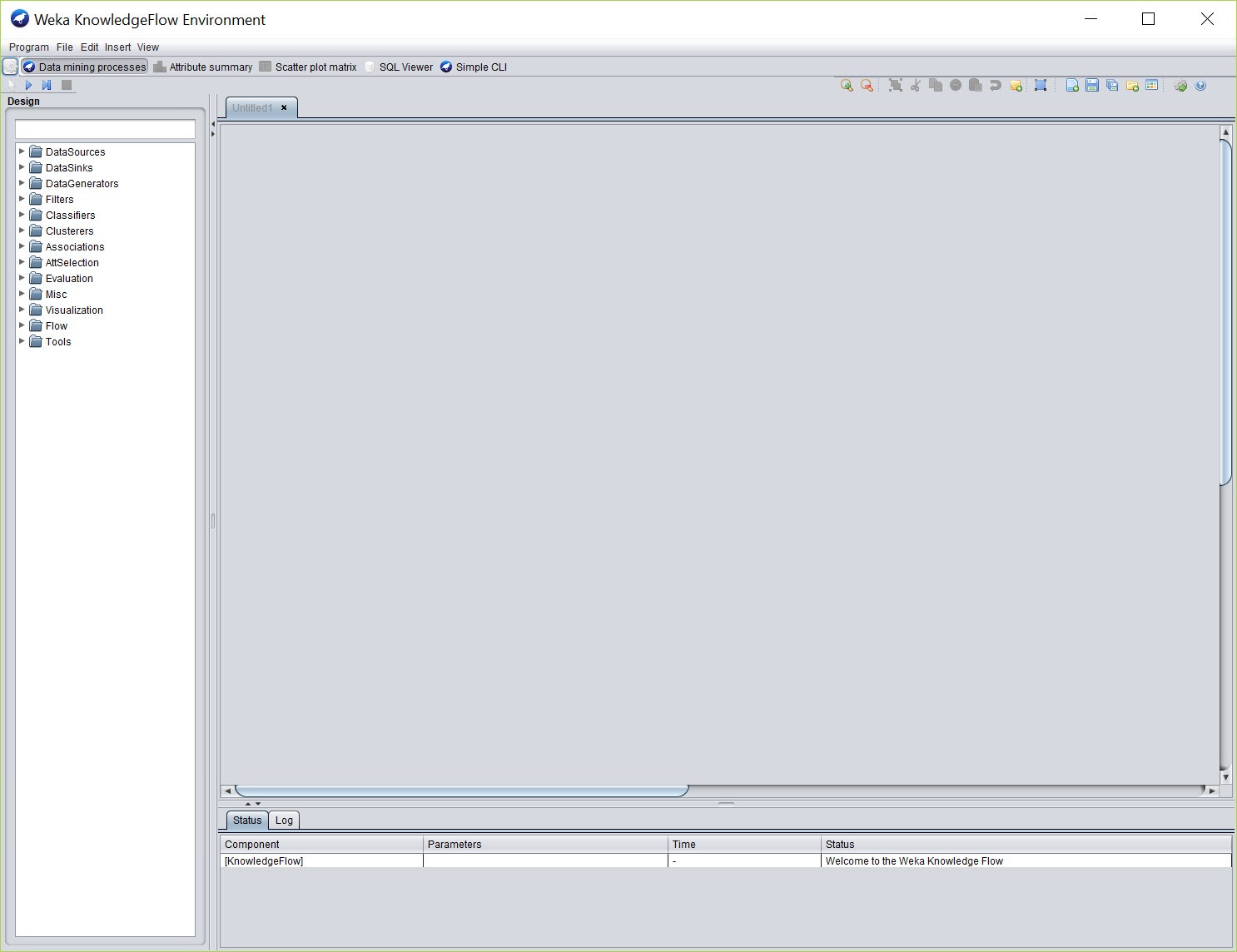
Weka KnowledgeFlow lays the same components out as boxes on a canvas, data sources feeding filters feeding classifiers feeding evaluators and plotters, with connections drawn between them. It handles data incrementally as well as in batches, and separate branches run in their own threads. It suits a repeatable pipeline and is harder to learn than Explorer, which the usual advice says to master first.
The command line accepts the same class names and options that the graphical panels generate, and every options panel shows the equivalent command so it can be copied into a script. Running from the command line avoids the graphical overhead and is the standard answer when a large dataset runs out of memory in Explorer.
A Java API exposes everything for embedding in other programs, and a wrapper brings the whole library into a Python distribution for people who live there.
ARFF, data loading and the memory ceiling
The native Weka format is ARFF, a plain text file with a header declaring each attribute and its type followed by the rows. CSV, the C4.5 format, libsvm files and database connections load too, with an ARFF viewer for inspecting and editing files by hand. Type declarations matter, because an attribute read as text when it should be nominal changes which algorithms accept it, and the CSV loader’s guesses occasionally need correcting in the header.
Everything is held in memory, and the default allocation is modest. A dataset of a few hundred thousand rows with many attributes can produce an out-of-memory error in Explorer that vanishes once the heap size is raised in the launcher settings or the command line is used. A current Java runtime is the only prerequisite, and the installer can bundle one.
Packages, and where it falls short
A package manager inside Weka installs extensions, from additional classifiers and filters to time series forecasting, text mining, deep learning bridges and visualisation plugins, each with its own dependencies resolved. The list is long and unevenly maintained.
The interface is plain and dated, the plots are functional rather than attractive, and nothing here reaches the scale of the distributed frameworks or the depth of the Python libraries. It is a workbench for datasets that fit in memory and algorithms that fit in a lecture.
For a similar visual approach with a broader node library, KNIME trades the algorithm depth here for pipeline breadth.
Conclusion
Weka suits students and researchers, and any analyst who wants to understand what machine learning algorithms do by running them, reading the models they produce and comparing them properly. The Explorer teaches the workflow, the Experimenter enforces the rigour, and both do it without a line of code or a library to install.
It is not the tool for very large data or for the newest methods, and its plots will not go on a slide unedited. Raise the heap size early, learn to write an ARFF header, and treat the Experimenter as compulsory before believing any accuracy figure, and it remains one of the clearest ways into the field.
Pros & Cons
- More than a hundred classifiers and clusterers, plus dozens of filters, behind buttons with no code
- Explorer tabs follow the real order of an analysis, from cleaning to plotting
- Experimenter compares algorithms across datasets with corrected statistical tests
- Every options panel shows the equivalent command line for scripting
- Package manager adds forecasting, text mining and deep learning bridges
- Models save and reload, and the tree output is readable as rules
- Everything must fit in memory, and the default heap is small
- Base algorithm tree is thin on modern gradient boosting and deep methods
- Plots and widgets are dated
- Packages are unevenly maintained across releases
- CSV type guessing sometimes needs a hand-edited header
Frequently asked questions
No. Explorer runs the full analysis from menus and buttons. The command line and Java API exist for anyone who wants to script or embed it.
The default heap allocation is small and all data is held in memory. Raise the heap size in the launcher settings, or run the same task from the command line.
The native data format, a plain text file with a header declaring each attribute and its type, followed by the rows. CSV loads too, but declaring types in ARFF avoids guessing errors.
Yes. The Experimenter runs every algorithm on every dataset with repetitions and reports which differences pass a corrected t-test.


