

DBeaver
About DBeaver
DBeaver is the database client you install once and then stop thinking about database clients. It speaks to practically everything, the big relational names, the small embedded engines, the obscure systems you inherit with legacy projects, all through one interface with one set of habits.
Connect to a database and you get a navigable tree of its schemas and tables, a serious SQL editor with autocomplete that actually knows your columns, and a data grid where rows can be browsed, filtered, and edited in place. For anyone who touches more than one kind of database, that universality is the entire pitch, and it delivers on it better than anything else in its class.
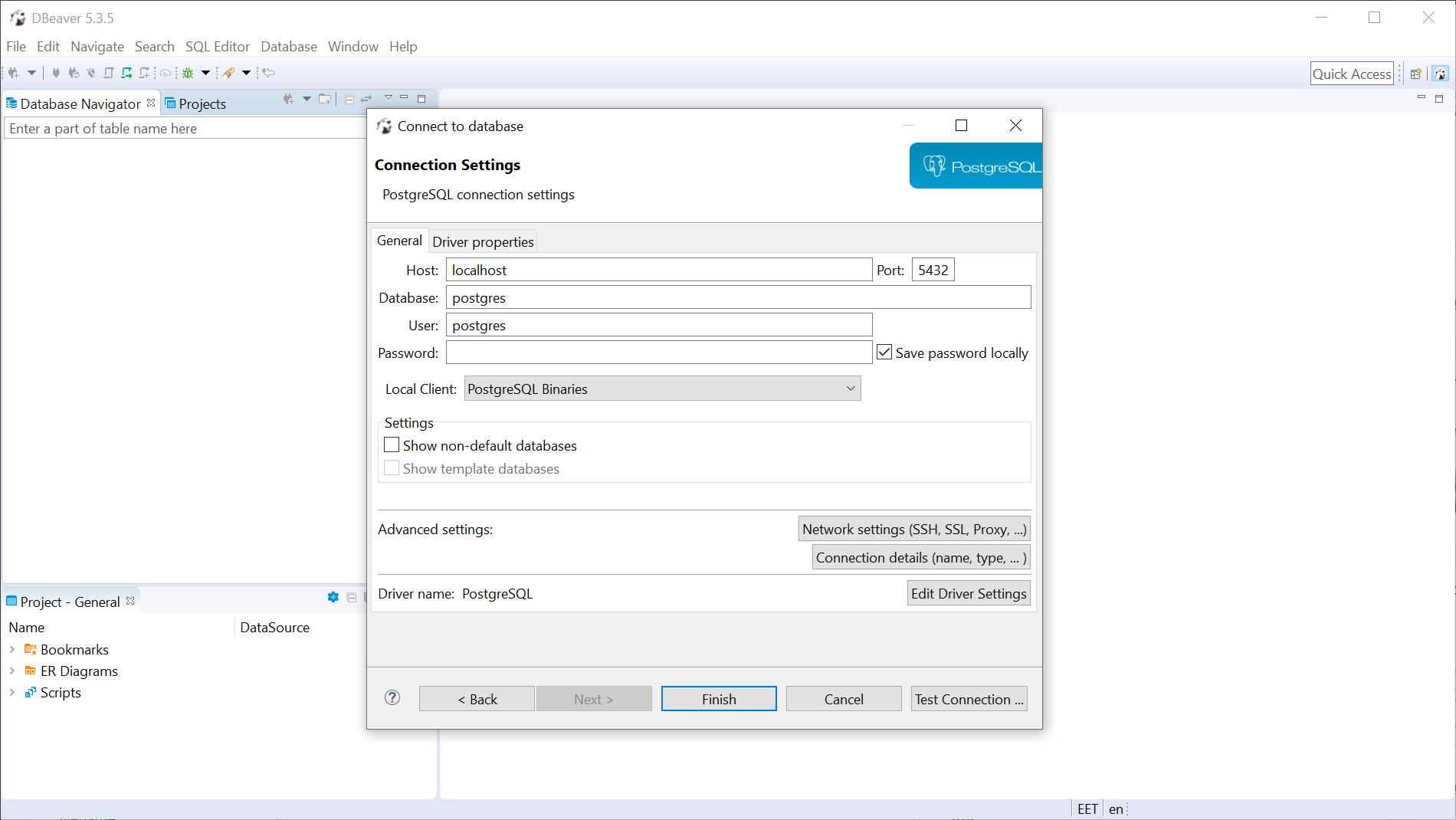
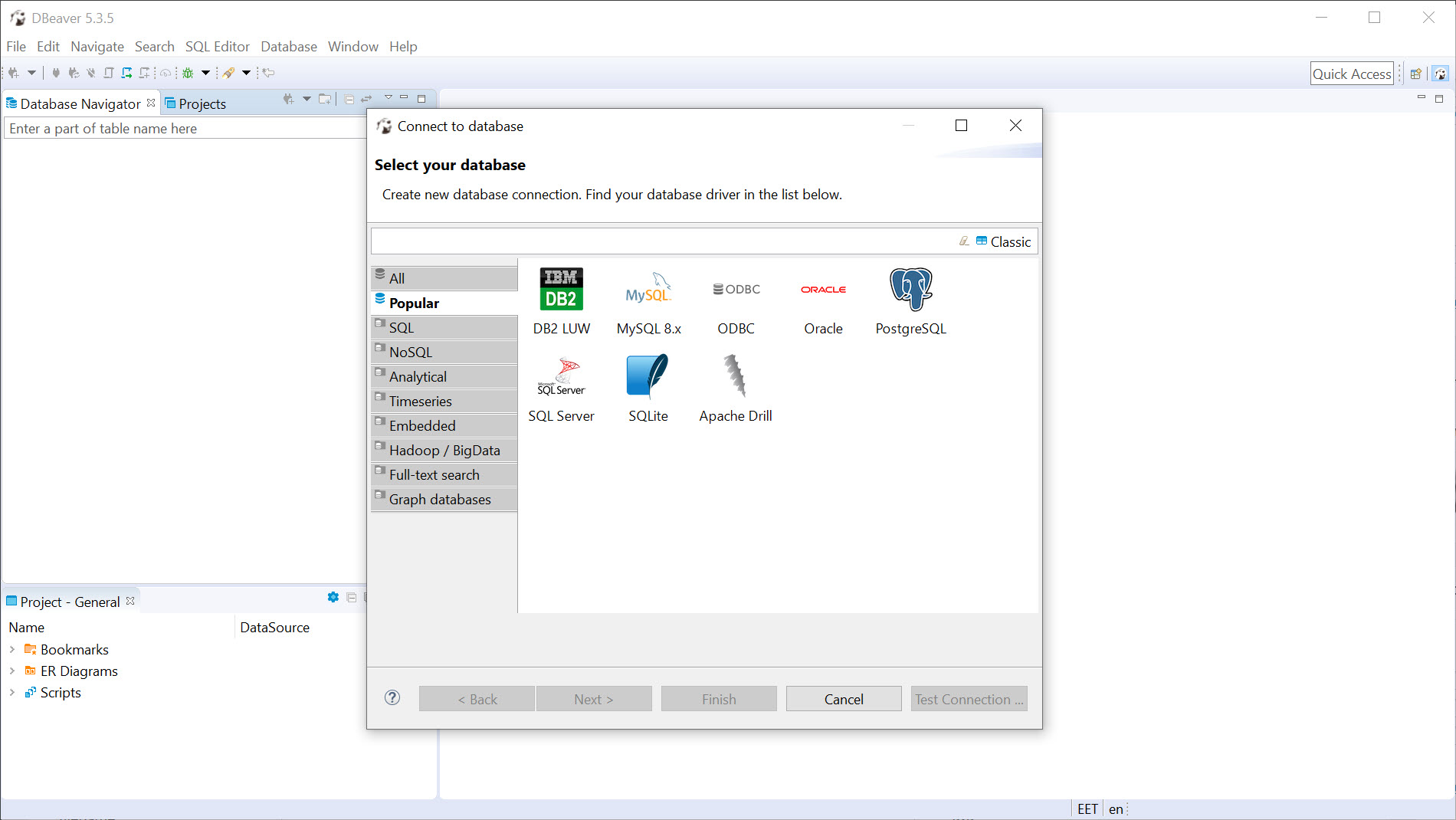
The connection experience sets the tone. Pick your database type from a long list, enter the address and credentials, and DBeaver fetches the required driver by itself on first contact, no hunting vendor sites for the right connector file. A few minutes after installation you can be browsing a MySQL server, a PostgreSQL instance, and a local file-based database in adjacent tabs, with the same shortcuts and the same grid behavior across all three.
It’s a deep tool, the kind where six months in you’re still finding features, and it’s earned its position as the default answer to “what should I use to look at this database.” The weight that comes with that depth is real too, and worth an honest look further down.
The SQL editor earns its keep
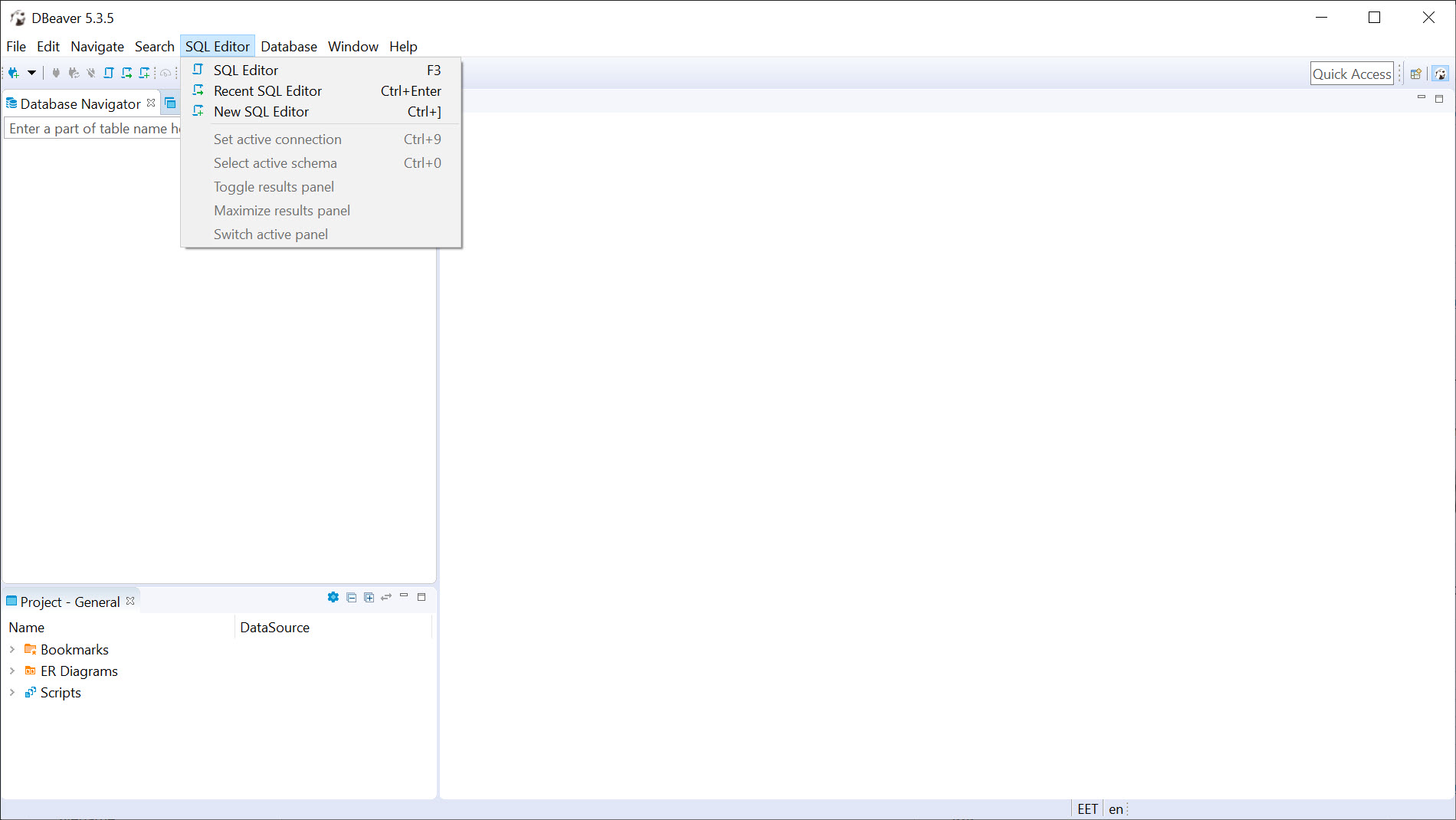
Query editors are where database tools win or lose your day, and this one wins. Autocomplete in DBeaver is context-aware, suggesting actual table and column names as you type, expanding as it learns the schema, and saving you the constant sidebar-checking that defines lesser editors. Syntax highlighting, formatting, and execution of a single statement or a whole script are all where your fingers expect them, and results land in grids below, one tab per result set.
The execution plan viewer deserves special mention for anyone whose queries have ever mysteriously crawled. Ask for the plan and the database’s own strategy for your query appears in readable form, which is how you discover the missing index or the accidental full-table scan that turned a lookup into a coffee break.
It’s the difference between guessing why a query is slow and knowing.
Data editing without writing UPDATE statements
The data grid is the feature non-developers fall in love with. Open a table and the rows appear in a spreadsheet-like view where filtering, sorting, and searching need no SQL at all. Double-click a cell, change the value, commit, and DBeaver writes the underlying statement for you. For the daily reality of fixing one wrong record or eyeballing yesterday’s data, this saves genuine time and removes a whole category of hand-typed mistakes.
Import and export are equally practical. Grids export to CSV and other formats in a couple of clicks, tables import from files with column mapping you control, and the data transfer feature moves tables between entirely different database systems, which quietly solves a task that used to mean writing migration scripts.
Add the ER diagrams that draw your schema’s relationships automatically, and the tool covers the visual, exploratory side of database work as well as the textual one.
The weight and the tiers
Honesty section. DBeaver is built on a heavyweight development platform, and it behaves like it. Memory appetite is substantial, startup is not instant, and very large result sets can make the interface labor. On a modern machine none of this ruins the experience, but on a modest laptop alongside a browser full of tabs, you’ll notice it. The interface density cuts both ways too, with power everywhere and a first-week learning curve that a simple web panel never asks of you.
The capability split is worth knowing before you commit workflows to it. The free edition covers relational databases thoroughly and is what most people mean when they recommend the tool. Support for NoSQL systems and various cloud-native databases lives in the paid tiers, so if your world includes document stores alongside relational tables, check the edition boundaries before assuming everything connects.
For teams whose priority is shared queries and collaboration rather than deep administration, a collaborative editor like PopSQL approaches the same work from a different angle.
Where it fits in a working setup
For local development, it pairs naturally with a stack like XAMPP, replacing the bundled web administration panel with something faster and far more capable. The comparison with phpMyAdmin is instructive in general. The web panel wins on zero installation and shared server access, while this tool wins on speed, breadth, editor quality, and everything involving more than one database system. Plenty of people sensibly run both, the panel for quick remote checks, the desktop client for real work.
The person who benefits most is anyone juggling multiple databases, developers across projects, analysts pulling from several sources, administrators inheriting a zoo of systems.
If your entire life is one small database on one server, the tool still works beautifully, but a lighter client would carry less overhead for the same job. Universality is the product, and it’s most valuable to people who actually need it.
Conclusion
DBeaver is the closest thing database work has to a universal remote, one client, one set of habits, nearly every system you’ll ever be handed. The editor, the grid, the diagrams, and the transfer tools cover the daily work of developers, analysts, and administrators with room to spare, and the automatic driver handling removes the classic first-hour frustration of the whole category.
It asks for decent hardware, a week of orientation, and attention to which capabilities live in which edition. Those are fair terms for what it returns. Anyone working across multiple databases will struggle to find a reason to use anything else, and anyone working with just one will at least never outgrow it.
Pros & Cons
- Connects to nearly every relational database through one consistent interface
- Downloads the right drivers automatically on first connection
- Context-aware autocomplete and execution plans make the SQL editor genuinely fast to work in
- Spreadsheet-style grid allows filtering and editing data without writing statements
- Data transfer moves tables between different database systems directly
- Heavy on memory, with sluggish moments on modest hardware and huge result sets
- Dense interface demands a real learning investment up front
- NoSQL and cloud-native database support sits outside the free edition
- Overkill for someone managing a single small database
Frequently asked questions
No. When you create a connection to a new database type, it offers to download the required driver itself, so the first connection needs internet access but none of the usual driver hunting.
Yes. The data grid works like a spreadsheet, with in-place cell editing, filtering, and sorting, and the tool generates the underlying statements when you commit changes.
The execution plan viewer shows exactly how the database intends to run your query, which exposes missing indexes and full-table scans, the two usual suspects behind mysterious slowness.
The free edition focuses on relational systems. Document stores and various cloud-native databases are supported in the paid tiers, so check the edition boundaries if those are part of your stack.
Yes, the data transfer feature moves tables and result sets directly between connections, even across different database types, handling the format differences that would otherwise require a migration script.


