

Proxifier
About Proxifier
Proxifier forces network traffic through proxy servers at the system level, which means it works on applications that have never heard of a proxy setting. Plenty of programs, games, trading terminals, database clients, chat apps, offer no proxy field at all and cheerfully ignore the system-wide setting.
This tool intercepts their connections before they leave the machine and reroutes them through SOCKS or HTTPS proxies according to rules you write, and the applications never learn it happened.
That transparency is the entire product. Nothing needs reconfiguring inside the target programs, no plugins, no launcher wrappers. Install, define a proxy, write a rule saying which traffic uses it, and the routing simply applies.
The second sentence anyone should hear about Proxifier is what it isn’t. A proxy client provides routing, not encryption, so privacy depends entirely on what kind of proxy sits on the other end. Paired with an encrypted tunnel it becomes a precision instrument. Pointed at a random open proxy, it’s a megaphone.
Rules that decide who goes where
The rule engine is the reason professionals pick this tool over simpler redirectors. Each rule matches applications, target hosts, and ports, and assigns an action, route through a specific proxy, connect directly, or block outright. Rules evaluate top to bottom, first match wins, which lets precise exceptions sit above broad defaults.
Concrete arrangements make it click. One browser routed through a proxy in another country while everything else stays direct. A single game sent through a tunnel for a stable route while its launcher and updater go direct at full speed. Every connection to one corporate subnet forced through the office proxy, all other traffic untouched.
A block rule that stops a chatty application from phoning home at all. Profiles bundle rule sets, so the office arrangement and the home arrangement swap with two clicks.
Chains, DNS, and the details that leak
Proxy chaining links several proxies in sequence, traffic entering the first and exiting the last, with each hop knowing only its neighbors. It costs speed with every link and exists for the minority who need it, but that minority has no substitute.
The DNS option matters to far more people. Name lookups normally escape to the local resolver even when traffic is proxied, quietly announcing every domain you visit to the local network.
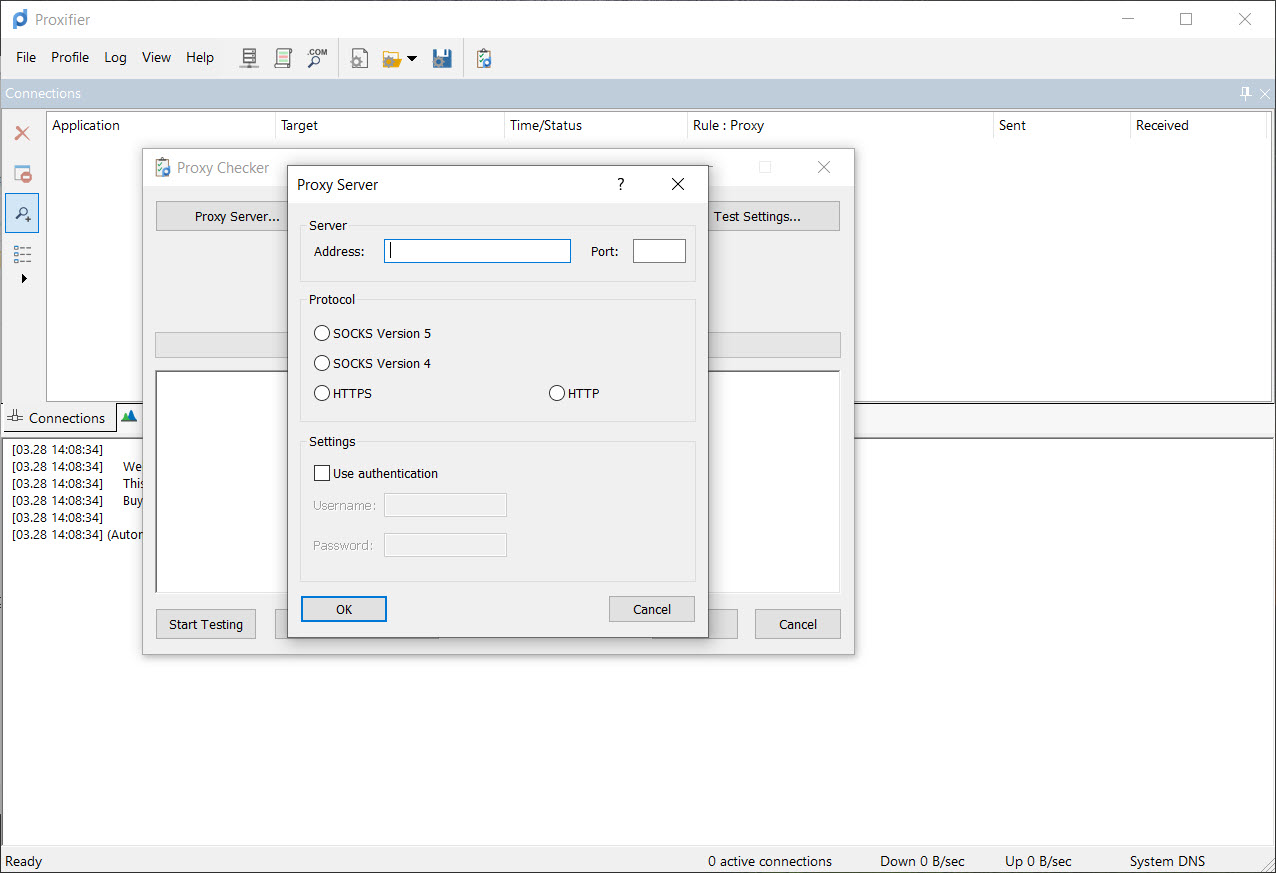
Proxifier can resolve names through the proxy instead, closing the classic leak, and the difference is invisible in use and decisive in effect. Authentication support covers the username-and-password proxies that corporate environments and paid providers issue, and both SOCKS versions plus HTTPS proxies are spoken natively.
Watching it work
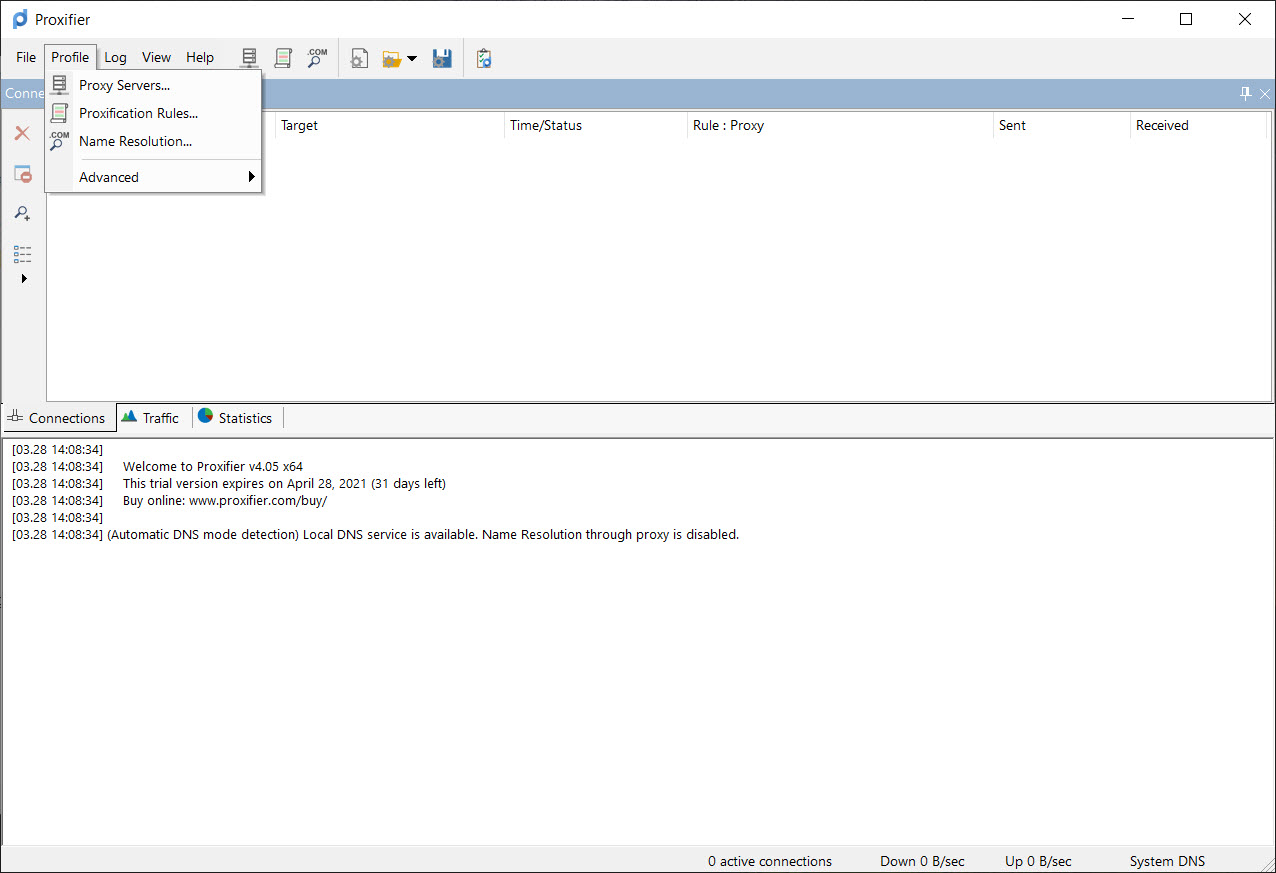
The main window doubles as a live wire view. Every managed connection appears with its application, target, proxy assignment, and transfer counters, so you watch rules catch traffic in real time, and misrouted connections stand out immediately. Traffic totals per application accumulate alongside, which answers the occasional side question of what exactly has been talking and how much.
The output log records connections and rule decisions, invaluable when a rule refuses to match, since the log shows the actual process name and target that arrived, which is usually subtly different from what the rule assumed.
For a second opinion from outside, a monitor like Sniffnet confirms at the adapter level that traffic really exits through the proxy address and nothing slips around it.
What it needs from you, and the usual companions
A proxy has to exist before this tool has anything to route through, and the classic companion is an SSH server you already have access to. PuTTY turns any such server into a local SOCKS proxy through its dynamic tunnel option, and pointing Proxifier at that tunnel gives selected applications an encrypted path with no other infrastructure.
A Shadowsocks server fills the same role where SSH isn’t available.
Worth separating from all of this is the debugging category. A tool like Fiddler is also a proxy, but for inspecting HTTP traffic during development, not for routing arbitrary applications, and people occasionally install one wanting the other. This tool routes, it doesn’t inspect payloads or modify requests.
The honest costs are modest but real. Rules operate on process names and addresses, so applications that spawn helper processes need broader rules than expected. And because interception happens at the network layer, the rare badly behaved security suite can quarrel with it, resolved in practice by exempting one from the other.
Conclusion
Proxifier belongs with people who need routing precision, admins forcing legacy software through corporate proxies, traders and testers placing one application in another location, and tunnel users who want exactly three programs encrypted and everything else fast and direct. The rule engine, the DNS handling, and the live view make it the professional’s version of a job usually done with duct tape.
Anyone wanting simple whole-machine privacy should buy a VPN and be done. For surgical, per-application control over where traffic goes, this has been the standard answer for a long time, and it still is.
Pros & Cons
- Routes applications with no proxy support of their own, transparently
- Rule engine matches apps, hosts, and ports with per-rule actions
- Remote DNS resolution closes the standard name-lookup leak
- Live connection view and logs show every rule decision as it happens
- Proxy chaining for multi-hop routing when it's truly needed
- Provides no encryption itself, only routing to whatever proxy you supply
- Requires access to a proxy or tunnel before it does anything
- Helper processes and updaters demand broader rules than expected
- Occasional conflicts with aggressive security software need manual exemptions
Frequently asked questions
No, it routes traffic to the proxy you specify. Encryption depends on the tunnel behind that proxy, which is why the SSH and encrypted-proxy pairings are the standard setups.
Yes, that's the core use. Write a rule matching the program's process name, assign the proxy, and leave the default rule on direct. Everything else stays untouched.
Check the log for the real process name making the connections, since launchers often hand work to helper processes with different names. Broaden the rule to include them.
Enable remote name resolution in the settings so lookups travel through the proxy. Without it, domain names resolve locally even while the traffic itself is proxied.
A VPN encrypts and routes the whole system by default. This tool selectively routes chosen applications through proxies you provide, with per-rule precision a VPN doesn't offer, and with no encryption of its own.


