

NbuExplorer
About NbuExplorer
NbuExplorer opens up the backup files that old Nokia phone software locked away and lets you reach inside them without owning the phone anymore. Those backups came in formats like NBU, NBF, NBB, and ARC, sealed containers that the original backup tools would only ever restore wholesale to another Nokia handset. This application cracks them open so you can browse the contents directly and pull out exactly what you need.
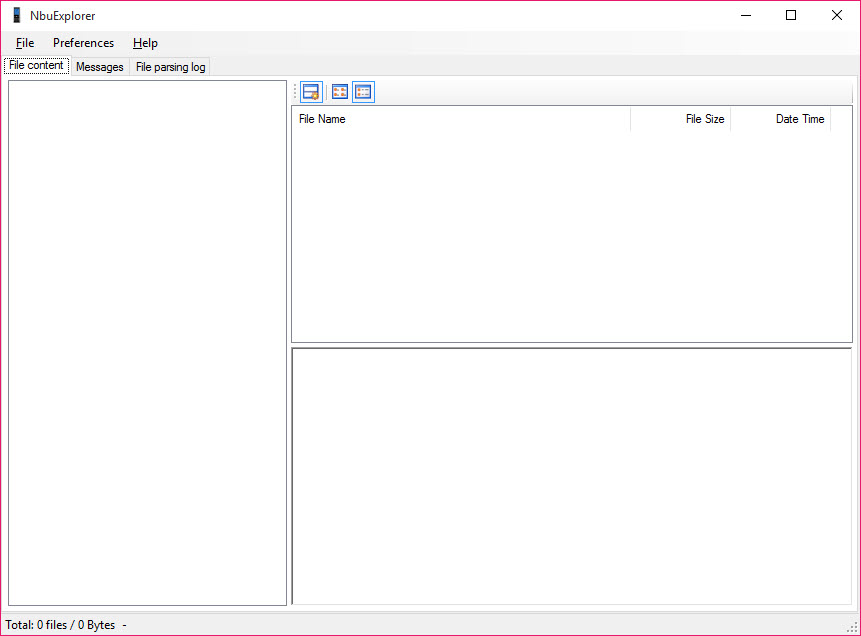
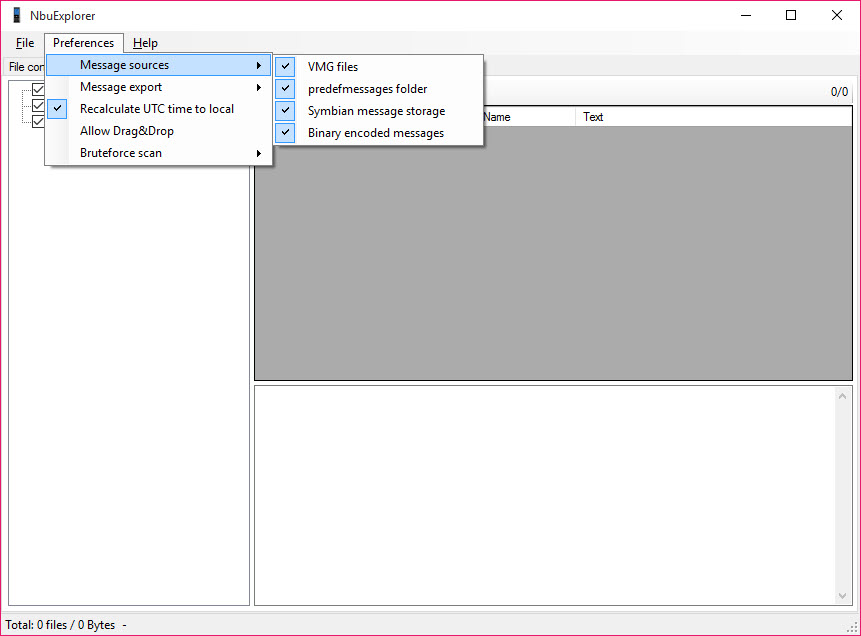
What you actually get is a file explorer built for one specific job. Point it at a backup file and it parses the container, then shows you a tree of everything stored inside. Contacts, text messages, calendar entries, photos, notes, and other media all sit there ready to be examined or saved out to your computer as ordinary files. No phone required, no full restore, no original software.
For anyone sitting on a forgotten backup from a phone that has long since died, that is the difference between data you can recover and data trapped in a format nothing else will read.
Reading formats nothing else will touch
The core trick is format support. The Nokia backup formats were proprietary, and once the matching desktop suites faded away, those files became digital dead weight for most people. NbuExplorer understands the internal structure of these containers and unpacks them, so a backup you made years ago is suddenly legible again.
It handles the common variants you are likely to have lying around, whether the backup came from the older PC Suite generation or the later Nokia Suite. If you have a file with one of those extensions and no idea how to get inside it, this is the tool that reads it when a generic archive opener like 7-Zip just throws up its hands.
The formats are not standard archives, so they need a parser that knows their layout, and that is precisely what this provides.
Extracting messages and contacts cleanly
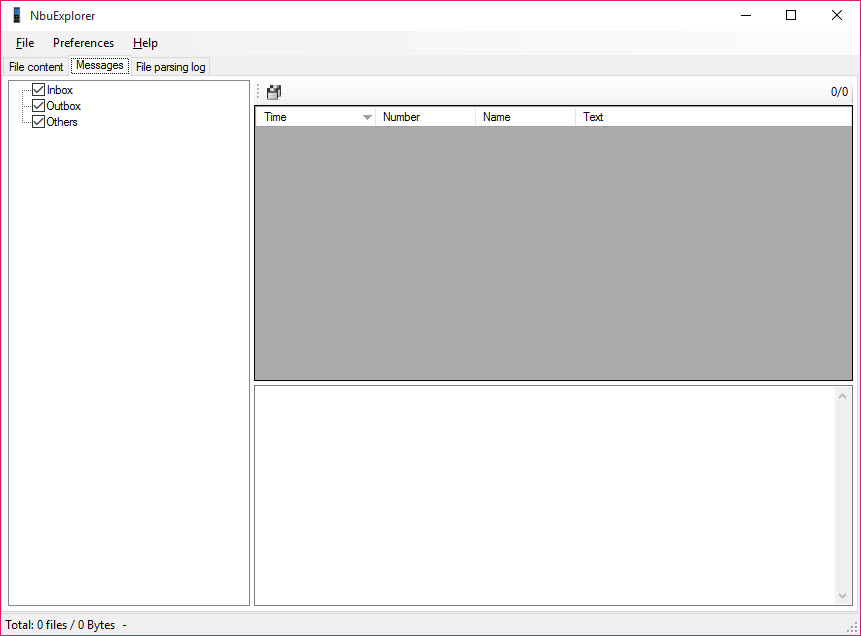
The part most people care about is the messages and contacts. NbuExplorer pulls SMS threads out of the backup and can export them, which matters if there is a conversation in there you want to keep. Contacts come out in usable form too, so you can move an old address book somewhere modern instead of retyping it by hand.
This is where the tool earns its place over simply trying to restore the backup to a phone. A restore is all-or-nothing and needs compatible hardware. Here you browse selectively and take only what you want.
If your aim is broader file recovery from a dead storage device rather than reading an intact backup, a tool like DiskDigger covers that different angle, but for an existing Nokia backup file, this is the direct route in.
Pulling out photos and media
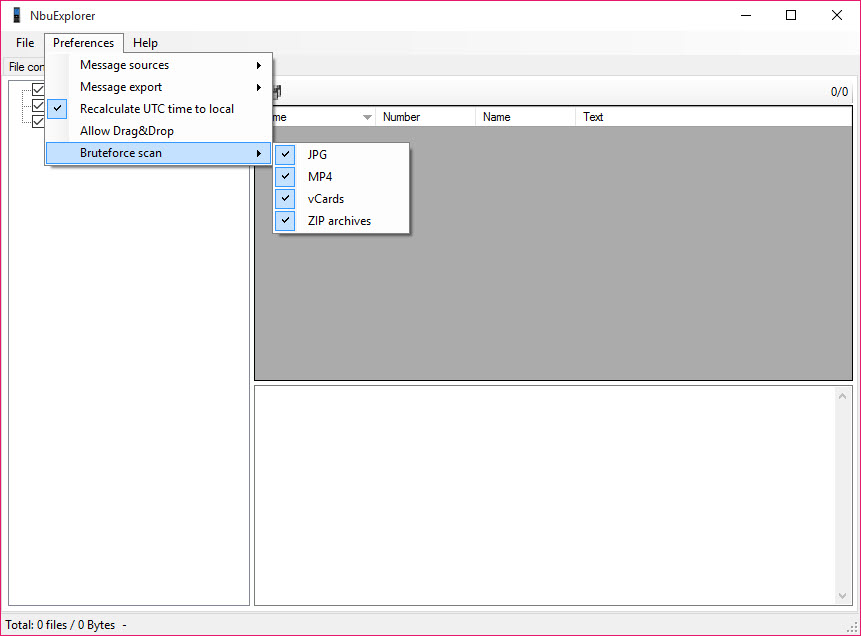
Old phones held photos, and those photos often ended up in the backup and nowhere else. The application extracts images and other media files from the container and lets you save them out as regular files you can open, copy, or move anywhere. For pictures that exist only inside an ancient backup, this is how you get them back into your photo library.
The interface keeps this simple. You navigate the tree, find the media folder inside the backup, and export. It is not glamorous, and it does not try to be. The value is entirely in the fact that the data comes out intact and in a form you can actually use.
A narrow tool with a clear purpose
It is worth being honest about scope. NbuExplorer does not sync phones, does not manage live devices, and does not convert between modern backup formats. It reads old Nokia backups and extracts their contents, full stop. If you need general phone-to-phone transfer or live device management, something like BitPIM aims at that territory instead.
But that narrowness is the point. When you have a specific problem, an unreadable Nokia backup with data you thought was gone, a tool that does only that job, and does it reliably, beats a sprawling suite that handles everything except the one format you are stuck with.
It runs without installation fuss and gets straight to parsing, which is exactly the behavior you want from a recovery utility you might use once and never again.
Conclusion
For anyone holding an old Nokia backup they assumed was unreadable, NbuExplorer is a quietly valuable rescue tool. It reaches into formats that almost nothing else will open, lays out the contents plainly, and lets you extract the messages, contacts, and photos that would otherwise stay sealed forever. The selective browsing approach beats a full restore, especially when the matching phone no longer exists.
It is a single-purpose utility with a purely practical interface, and most people who need it will use it once to rescue something specific and then move on. That is fine. When the alternative is losing the data entirely, a focused tool that does exactly this one job is worth far more than its plain appearance suggests.
Pros & Cons
- Reads proprietary Nokia backup formats including NBU, NBF, NBB, and ARC
- Browses backup contents in a tree without restoring to a phone
- Extracts SMS messages and contacts in usable, exportable form
- Pulls out photos and media as ordinary files you can save anywhere
- Selective extraction lets you take only what you need, not the whole backup
- Built solely for Nokia backups, useless for any other phone or format
- No live device management or phone-to-phone transfer
- Interface is purely functional with no polish
- Niche purpose means most people will use it once and not again
Frequently asked questions
It opens proprietary Nokia phone backup files, including the NBU, NBF, NBB, and ARC formats created by the old Nokia desktop backup tools. It parses the container and shows the contents in a browsable tree.
Yes. It pulls SMS threads out of the backup and lets you export them, so you can keep conversations from a phone you no longer have without restoring the whole backup.
It does. The application extracts images and other media from inside the backup and saves them as regular files you can open, copy, or move into a current photo library.
No. That is the main advantage. You work directly with the backup file on your computer, so the phone can be long gone and you can still read and extract its data.
No. It is built specifically around the Nokia backup formats and does not read backups from other manufacturers or modern phone systems.


