

Minimal Firewall
About Minimal Firewall
Minimal Firewall is a portable frontend for the built-in Windows Firewall. It does not replace the firewall, install kernel drivers, or hook into the Windows Filtering Platform. Instead, it talks to the system firewall through the standard NetFwTypeLib COM library, adds the missing pieces (outbound alerts, lockdown mode, audit logging), and gets out of the way.
The result is a tool that gives you the per-application control of a third-party firewall without expanding your attack surface or fighting your antivirus for kernel space.
The project is open source under AGPL-3.0 and was first released in 2025, so it is young and the version cadence reflects that. The design choices, though, are deliberate and worth understanding before you decide where it fits.
If you already trust the built-in firewall engine and just want a usable interface for it, this is closer to that goal than most alternatives.
A frontend that controls the built-in firewall, not a replacement
Most third-party firewall applications replace the built-in engine altogether. They install drivers, hook into the kernel-level Windows Filtering Platform, and route packets through their own decision logic. That is how simplewall and Fort Firewall work, and it is also where most of their compatibility problems come from.
WFP-based firewalls add a packet filter on top of the system one, and when those filters conflict with native rules, the resolution is not always obvious. Fort Firewall in particular requires you to turn off core isolation, which is a real concession to make for a desktop firewall.
Minimal Firewall takes the opposite approach. It uses NetFwTypeLib, the documented COM library Microsoft exposes for managing the existing firewall, and listens to Event ID 5157 in the Security event log to know when the firewall blocks something. No new packet filter. No kernel driver. No core isolation off.
Your antivirus stays happy, your boot security stays intact, and your existing firewall rules continue to function. The tool sits on top of the existing engine and exposes it.
Lockdown mode and the per-connection prompt
The default behavior of the built-in firewall is permissive on outbound traffic. Most applications get to talk to the internet unless something specific stops them. Minimal Firewall flips that. Enabling lockdown mode blocks all unknown outbound connections by default and pops a prompt the first time any application tries to reach the network. You allow, you block, or you tell it to remember the decision and create a permanent rule.
This is the same mental model that older firewalls (ZoneAlarm, Comodo, the early Kerio) made famous, and it is what most users actually want when they say they want a firewall. The implementation here is reasonable. Prompts arrive without obvious latency, decisions translate cleanly into firewall rules, and the rule list is readable and editable later.
Compared to a tool like TinyWall, which manages outbound rules manually but does not prompt for them as connections happen, this is where Minimal Firewall closes the gap.
Wildcard rules for apps that move around
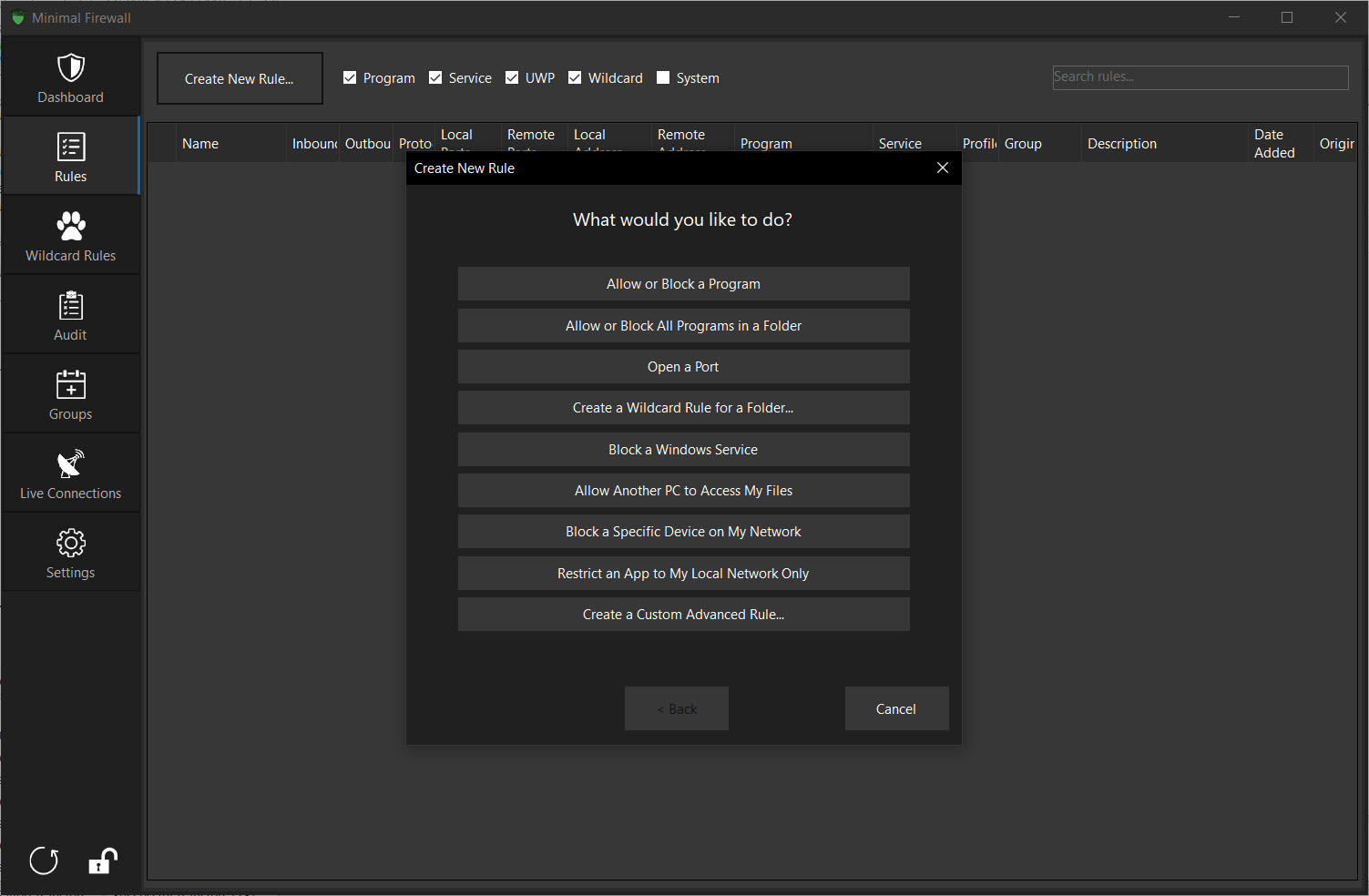
Browsers and other frequently-updated software change their executable paths between versions, and per-exe rules break the moment the path shifts. Minimal Firewall solves this with wildcard rules that match entire folders. You allow C:\Program Files\Mozilla Firefox\* once, and the rule keeps working when Firefox updates, even if the binary moves.
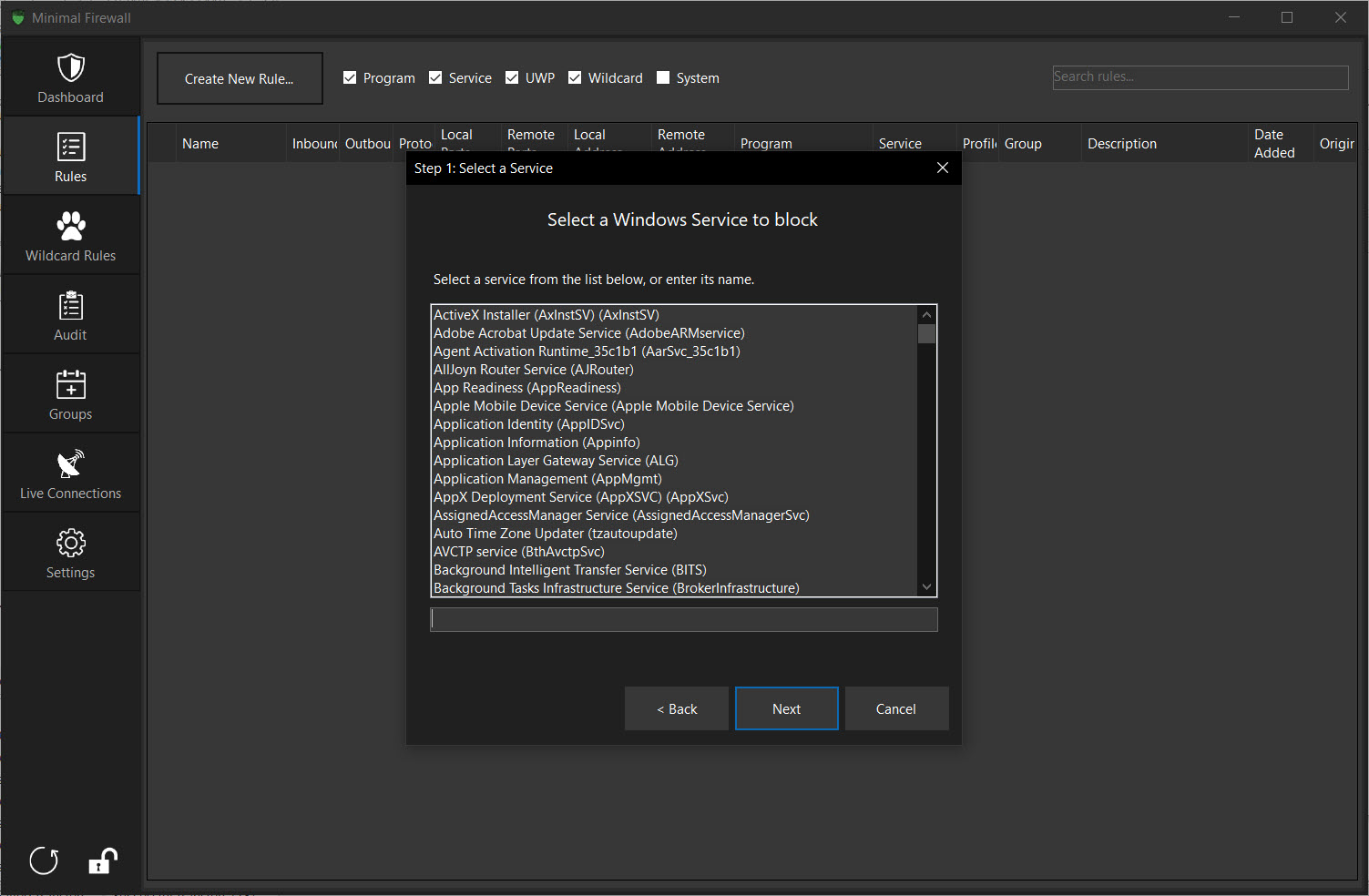
The same applies to portable applications that you copy around. UWP apps (the Microsoft Store ones) are also supported, which a lot of third-party firewalls handle badly because UWP rules live in a slightly different namespace. Service rules, for background system services, are managed separately. F
or a tool that calls itself minimal, the rule coverage is broader than the name suggests.
The audit feature and detecting rule changes
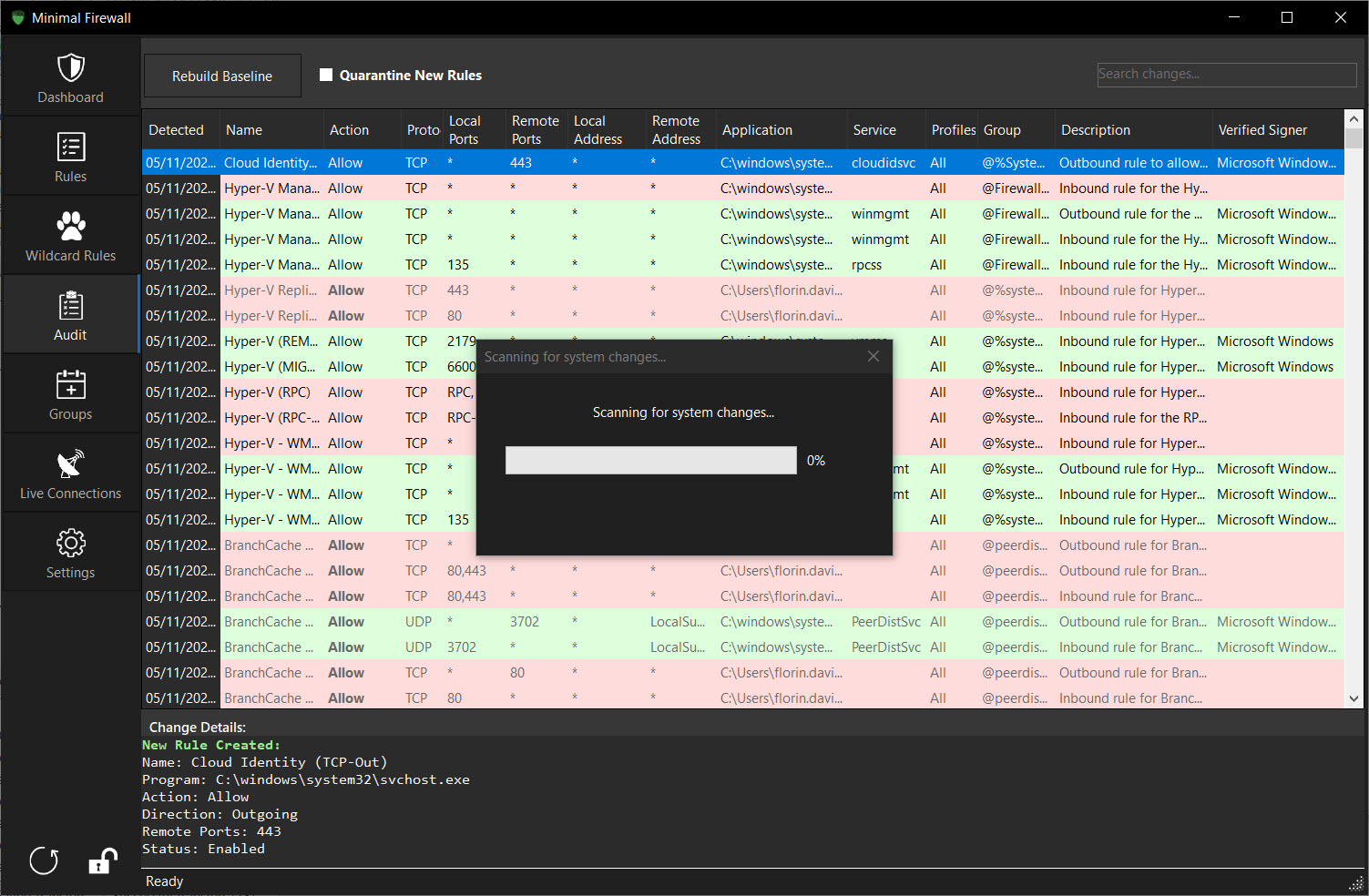
This is the part most reviewers miss. Minimal Firewall has an audit log that watches for new or modified rules in the Windows Firewall, including rules added by other processes. If a piece of software (or malware) quietly creates a rule to allow its own traffic, you see it. If group policy pushes a new rule, you see it. If your antivirus reconfigures something, you see it.
The Windows Firewall has always been hard to monitor in this way because the management console does not flag external changes. Pulling rule history out of the event log directly is technically possible but tedious. Having that surfaced in a normal UI is a real quality-of-life improvement, particularly if you care about understanding what is touching your system.
A process inspector like Process Hacker handles the running-process side. Minimal Firewall‘s audit covers the rule side.
Live traffic and active connections
There is a live view that lists current TCP connections along with the process IDs and the application paths behind them. It is not packet capture and does not pretend to be. The view is good enough to answer the question “which application is talking to that address right now,” which is most of what people open a connection viewer for.
For deeper packet inspection you still reach for Wireshark, and for application-level network usage statistics over time, dedicated tools cover the gap.
Minimal Firewall stays in scope. It tells you about connections and rule changes, and leaves protocol analysis to the tools built for it.
Where the design choices catch up with you
The frontend approach has real consequences worth flagging. Because all enforcement happens through the built-in firewall, anything the underlying engine cannot express, this tool cannot express either. Per-connection bandwidth limits are not part of the Windows Firewall and so they are not part of Minimal Firewall.
Time-of-day rules are limited. Application-level traffic statistics are not native here. If you wanted a firewall that also shaped traffic and built monthly usage graphs, you bought the wrong tool.
The project is also new. The first release is recent, and the development pace, while active, comes from a small team. Bugs will surface that older firewalls have already shaken out. The documentation is functional but thin, and there is no formal support channel beyond the project’s issue tracker. Anyone running this in a setting where reliability matters should treat it as a tool to evaluate carefully rather than deploy widely on the first day.
The UI is also worth a note. Tabs, lists, basic forms. Readable and functional, but anyone expecting a contemporary design language will be underwhelmed. The product is built for people who care about what the firewall is doing, not how it looks while doing it.
Conclusion
Minimal Firewall is for the user who already trusts the Windows Firewall engine, has been frustrated by its lack of outbound alerts and audit visibility, and does not want a third-party tool fighting their antivirus over kernel space. The decision to be a frontend rather than a replacement shapes everything else. The tool stays lean, plays well with other security software, and uninstalls without leaving driver leftovers behind.
The cost of this approach is that you live within what the underlying firewall supports. No bandwidth shaping. No application-level traffic graphs. No fancy heuristic blocking. If those features matter, a heavier tool is the right answer.
But if you wanted ZoneAlarm-style outbound prompts on top of the firewall that already ships with your system, with rules that are visible, exportable, and stored in the standard place, this fills that gap with discipline and without overreach.
Pros & Cons
- Acts as a frontend to the built-in Windows Firewall rather than replacing it
- Does not install kernel drivers or require disabling core isolation
- Lockdown mode and per-connection prompts cover outbound traffic properly
- Wildcard rules handle updating executables and portable apps gracefully
- Audit log detects changes to firewall rules made by other processes
- UWP and service support, not just classic executables
- Portable, no installation, settings stored under %LocalAppData%
- Open source under AGPL-3.0
- Cannot do anything the built-in firewall does not natively support (no bandwidth shaping, limited scheduling, no traffic graphs over time)
- UI is functional but visually plain
- Documentation is sparse and the project is small
- Young codebase, with rough edges still to be worked out
- No deep packet inspection or long-term traffic analytics
Frequently asked questions
It is a frontend that talks to the existing Windows Firewall through the documented COM API, rather than a replacement that installs its own kernel-level packet filter. The practical consequences are no driver conflicts, no need to disable core isolation, and a smaller overall attack surface.
No. Because it does not install kernel drivers and does not use the Windows Filtering Platform directly, all OS-level protections including core isolation can stay on while this tool runs.
This software is designed to coexist with other security products. It uses Microsoft's standard firewall management API and does not introduce its own filtering layer, so the kinds of conflicts you see with WFP-based firewalls do not apply here.
When enabled, the application blocks all outbound connections that do not have an explicit allow rule. When any program tries to reach the network, you get a prompt asking whether to allow, block, or remember the decision. Approved decisions become persistent rules in the underlying firewall.
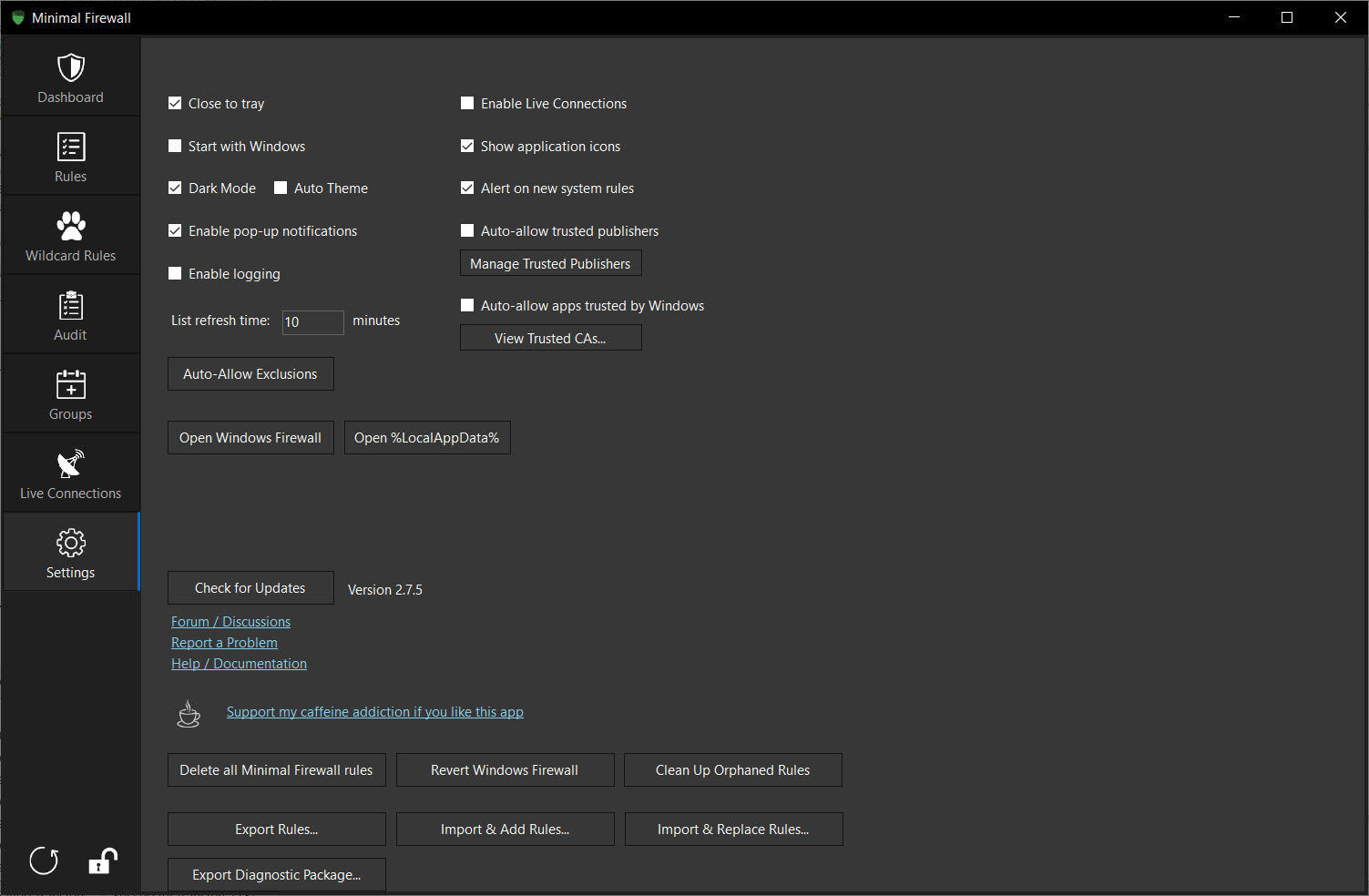
Delete the executable. To remove configuration files, delete the MinimalFirewall folder inside %LocalAppData%. The Settings tab has options to remove only app-created rules or revert the underlying firewall to its factory defaults if you want a fully clean slate.


