

Maxthon
About Maxthon
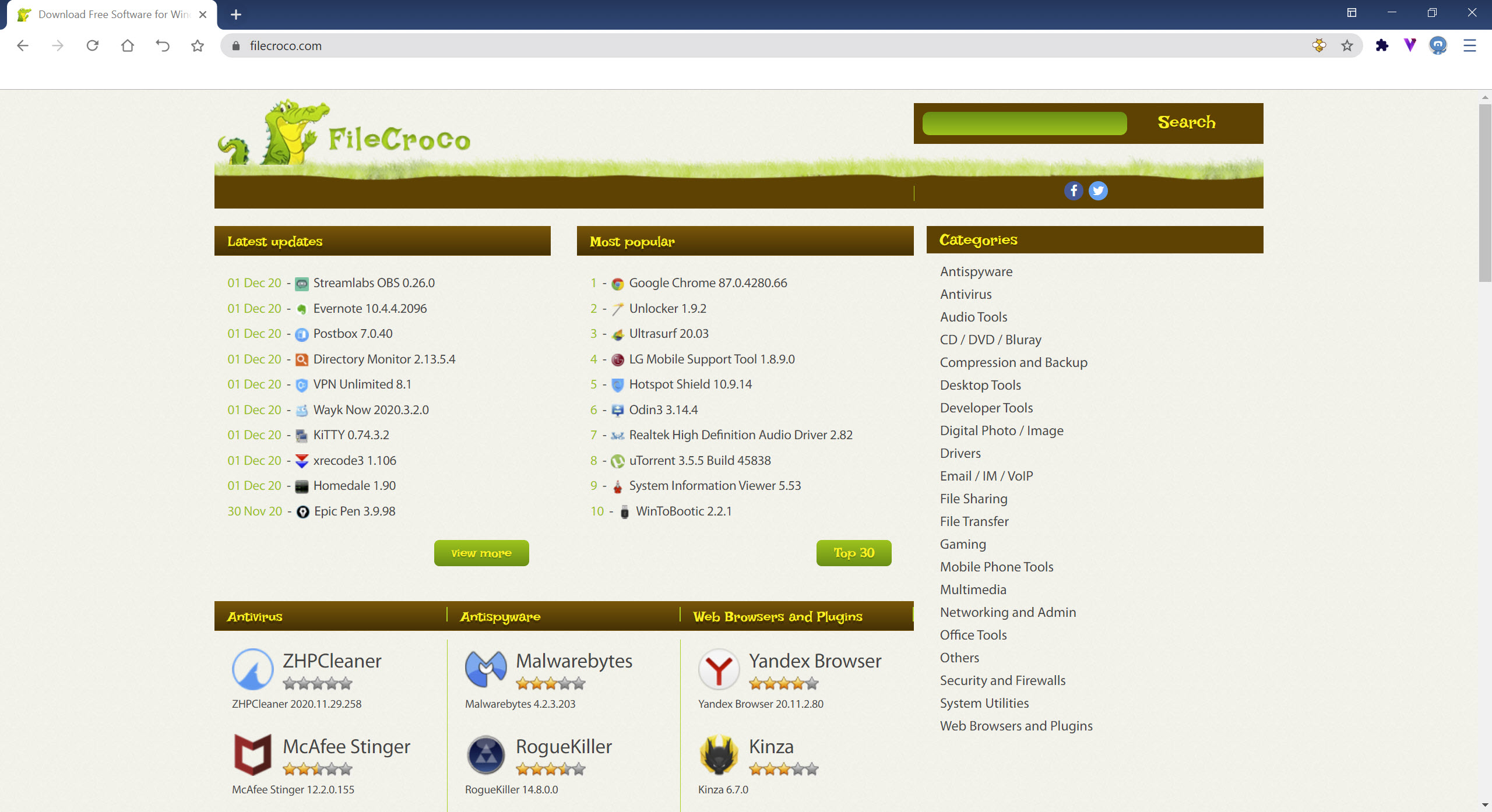
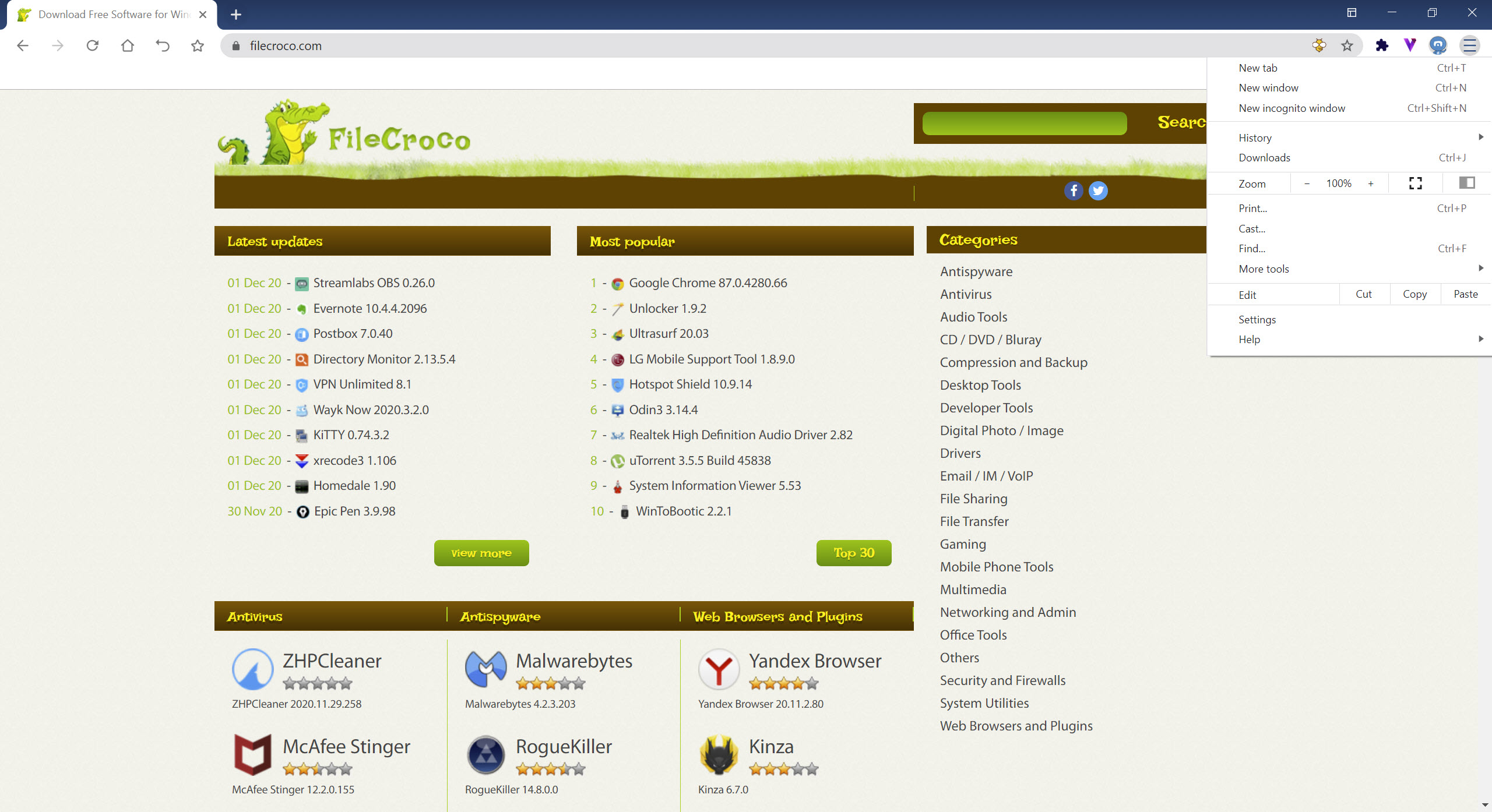
Maxthon is a multi-platform web browser designed to deliver a fast and flexible browsing experience while focusing on seamless data sync and smart cloud services. It combines popular browsing features with unique cloud functionality, making it easy to access your bookmarks, downloads, and personal data across devices.
With its dual-engine approach, it ensures web pages load quickly and accurately, adapting to both modern and older site standards.
Fast, Dual-Engine Performance
Maxthon uses both the WebKit and Trident rendering engines simultaneously. This dual-engine setup improves compatibility and speed, ensuring that pages display correctly regardless of the site’s age or complexity.
Switching between engines happens automatically in the background for the smoothest experience possible.
Web pages load promptly, and browsing remains responsive even on resource-intensive sites, making it an efficient choice for everyday use.
Cloud Sync and Cross-Device Access
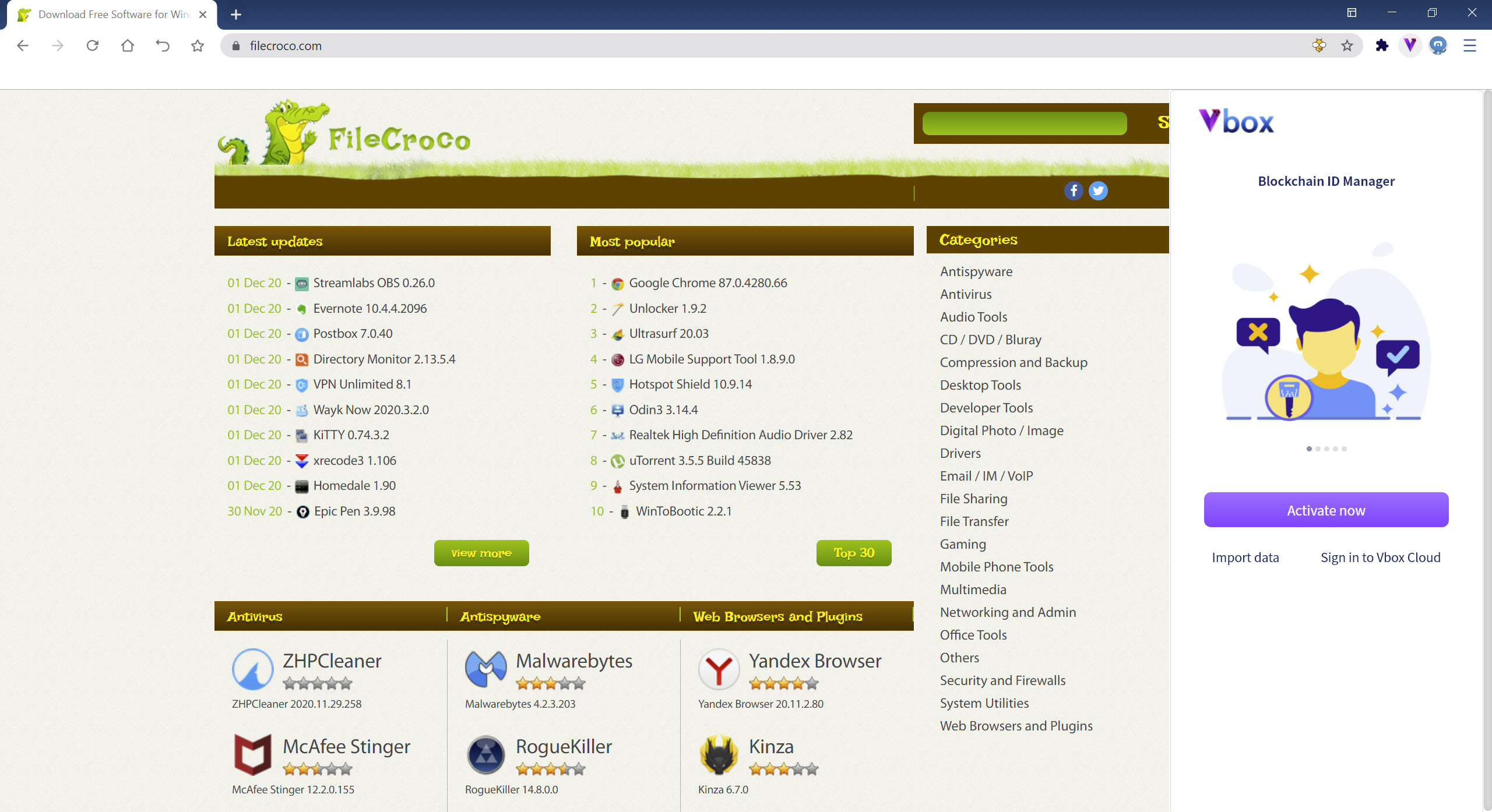
One of Maxthon‘s standout features is its cloud integration. Personal data like bookmarks, settings, passwords, and tabs can sync securely between computers, smartphones, and other supported devices. This means you can start browsing on your PC and pick up exactly where you left off on your phone or tablet.
Downloads are also saved to the cloud, freeing up local storage and ensuring files are easily retrievable from anywhere. Sharing content with friends via the Maxthon Cloud is quick and straightforward.
Secure Password Management and Extensions
The browser securely saves your passwords to make sign-ins faster while keeping your credentials private. Built-in security tools help prevent unauthorized access, similar to the trusted password managers found in other browsers.
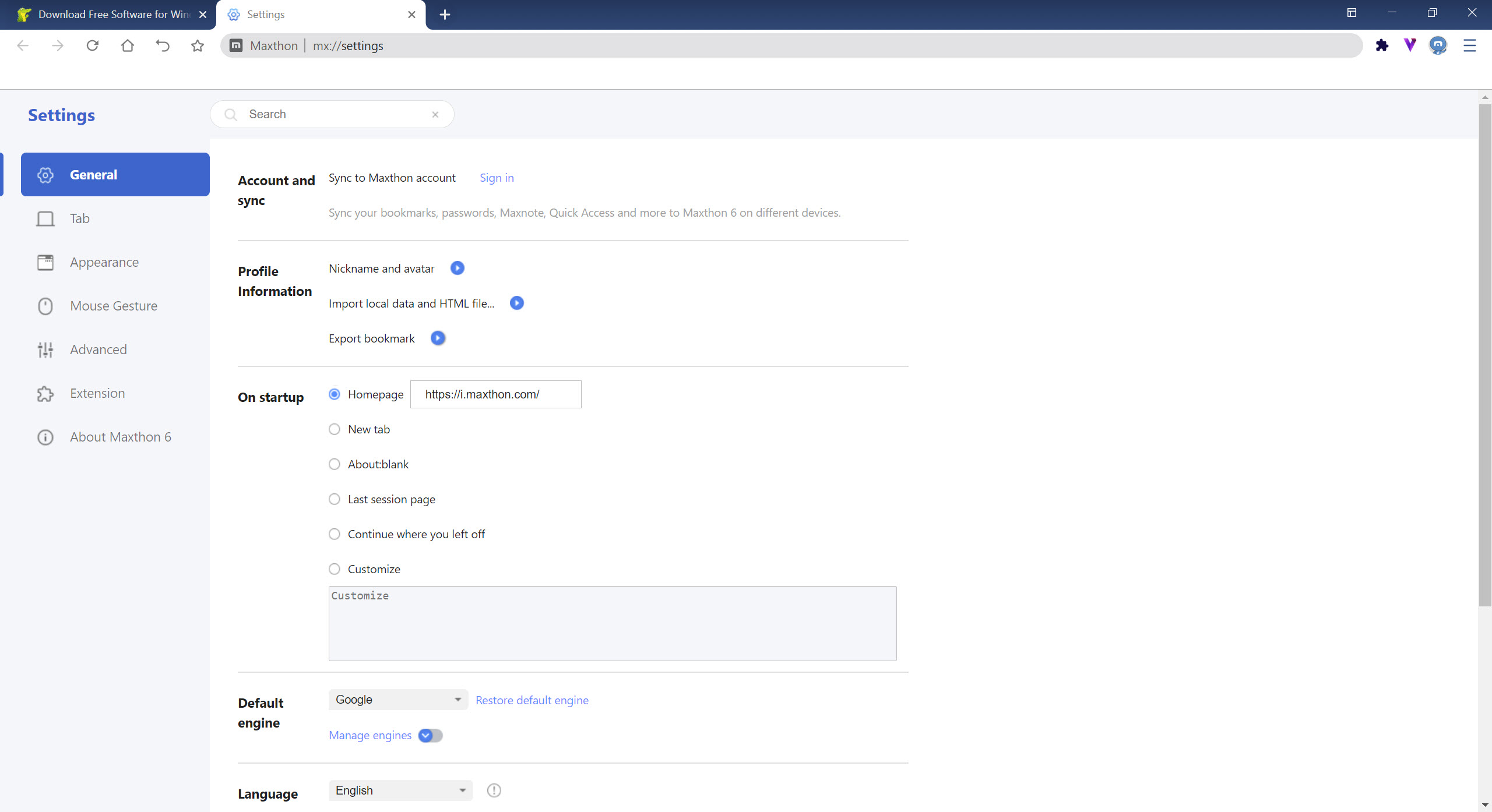
For customization, Maxthon supports a range of extensions. Users can install add-ons for entertainment, social media, news, productivity, and more, tailoring the browser to match personal preferences and habits.
Conclusion
Maxthon stands out as a smart, cloud-connected browser that makes syncing and sharing data between devices simple and efficient. With dual rendering engines, secure password management, and built-in cloud storage, it balances speed, compatibility, and convenience.
For users who want a smooth browsing experience and easy access to their data anywhere, Maxthon is a solid choice that bridges the gap between performance and cloud versatility.
Features & benefits
Pros & Cons
- Combines WebKit and Trident engines for fast, flexible page rendering
- Syncs personal data, bookmarks, and downloads across devices
- Cloud storage ensures downloads are always accessible
- Securely saves passwords and protects user credentials
- Supports extensions for entertainment, information, and social networking
- Less extension variety compared to mainstream browsers
- Occasional compatibility quirks on sites optimized for a single engine
- Cloud features require an account and stable internet for full functionality
Frequently asked questions
Yes, passwords are encrypted and stored safely within the browser.
Yes, it supports various extensions for news, media, social tools, and productivity.


