

Laby Client
About Laby Client
Laby Client is a modded client for Minecraft Java Edition that bundles the things players normally assemble by hand. A launcher that manages game versions and mod loaders, more than 190 built-in mods switched on with a click, and voice chat with positional audio.
On top sit a server-independent chat with parties, world sharing that lets friends join a single-player world, and a cosmetics system that dresses your character with animated items other users can see. One download replaces a folder of separately maintained mods.
It needs a legitimate Java Edition account and nothing else, and it is not an official part of the game. Players join ordinary multiplayer servers with it, and many large servers recognise the client and expose extra information and menus to its users.
That partnership angle, more than any single feature, is what separates it from a plain mod loader.
A launcher with instances for everything
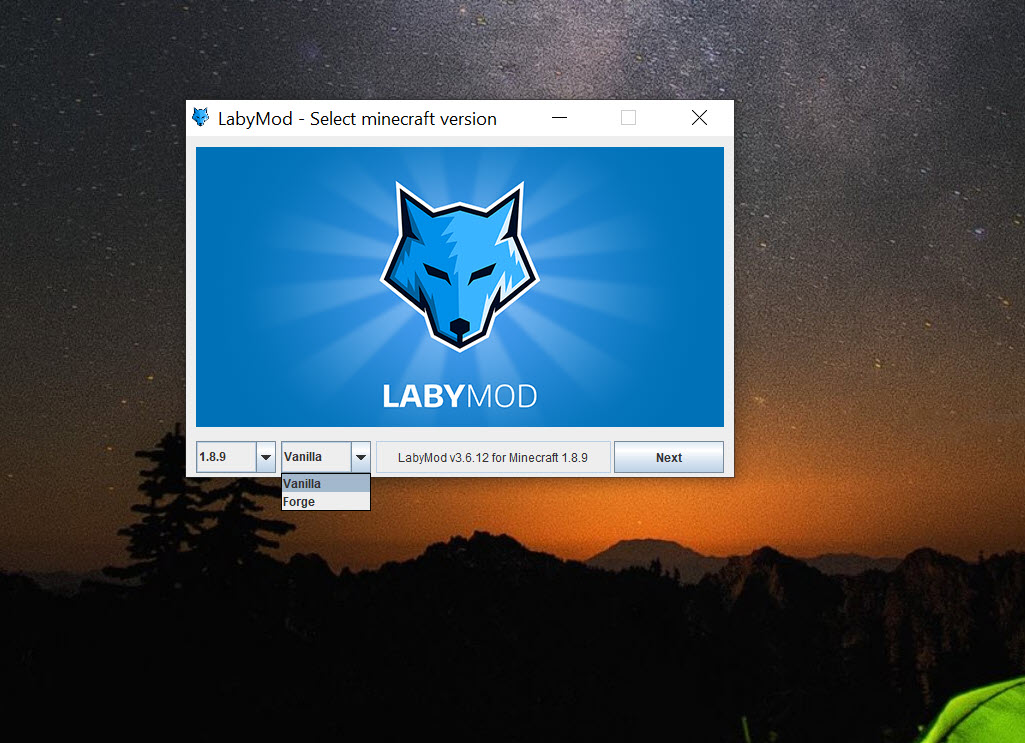
The Laby Launcher is the front door. It signs you in, picks a game version and downloads what is needed, and keeps separate instances for the client itself and for plain Vanilla, Fabric, Forge and Quilt setups. Each instance carries its own mods and configuration, so a heavily modded survival world and a competitive server profile do not interfere with each other.
Existing setups can be imported from other launchers, including MultiMC and its descendants, which spares anyone switching from rebuilding their instances.
Supported game versions run from the long-lived 1.8.9 that competitive servers still use through to current releases, and the client is updated for new game versions soon after they appear.
Built-in mods and the Commander
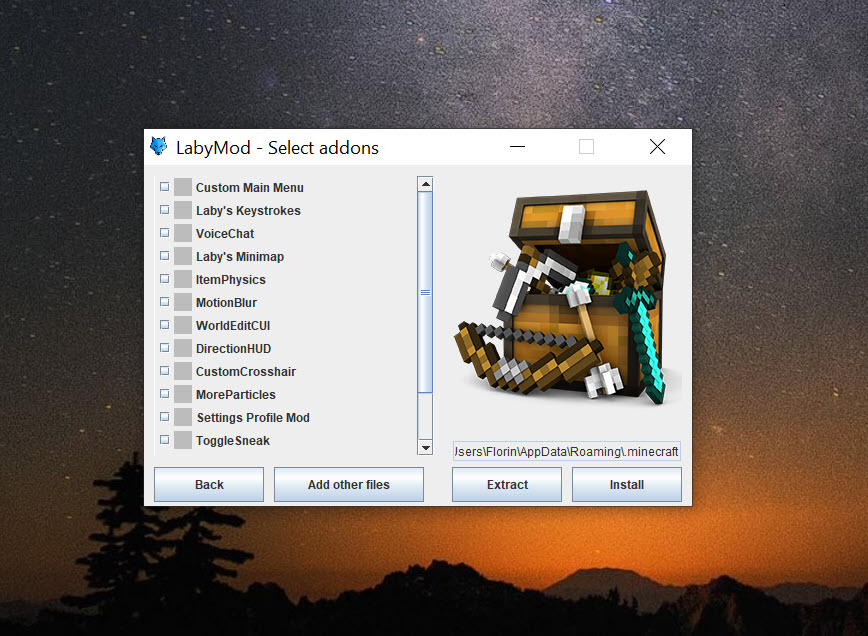
More than 190 mods ship inside Laby Client. They range from a minimap with waypoints and a cave mode to keystroke displays, an inventory mod and a zoom key. A classic PvP mode recreates the 1.8.9 combat feel, an AFK camera circles your character while you are away, and a dynamic FPS limiter drops the frame rate when the window loses focus.
Switching one on takes a click, updates arrive with the client, and nothing has to be matched against a game version by hand, which is where traditional mod management eats evenings.
Dozens of HUD widgets, for coordinates, armour status, potion timers and more, can be dragged to the exact screen position you want, so the information you glance at during a fight sits where your eyes already go. The Laby Commander opens a search box that reaches any setting or mod by typing its name, which beats digging through menus mid-game.
Forge and Fabric mods still work alongside, though two mods doing the same job, such as two voice chats, can collide, and the changelogs show fixes for exactly those conflicts.
Voice chat without a separate program
Voice chat in Laby Client is built in and works on any multiplayer server, with no plugin on the server side. It uses 3D positional audio, so a player standing to your left sounds like they are to your left. Proximity mode fades voices with distance, which turns a crowded lobby into natural overlapping conversation rather than one shouting match.
For groups who already live in a voice app, the integration is the attraction rather than the quality. Nobody has to juggle a second window or match channels to servers, and a friend who joins the same server is audible immediately.
Teams that need persistent channels, screen sharing and text history across games will still keep Discord open alongside.
Cosmetics, skins and 3D screenshots
Cosmetics are the visible signature of Laby Client. Capes and wings, pets and emotes attach to your character and animate, and every other player running the client sees them. A skin and cape library with a 3D preview lets you browse and upload designs, and emotes can be triggered mid-game for the obligatory victory dance.
The screenshot tool goes further than a flat image. It captures a 3D screenshot that can be rotated afterwards, with players in the shot tagged automatically, records short clips, and shares both through the client. Sprays let you stamp an image onto a wall for the players around you to see.
Cosmetics are the part of the platform tied to its online shop, so expect the interface to remind you of what is available.
Laby Chat and world sharing
Laby Chat in Laby Client works independently of whichever server you are on. Parties group friends across servers, and small minigames run inside the chat while you wait for a match. You can see which server a friend is playing on and join them from the list. World sharing goes a step further and lets friends join your single-player world directly, with no server to rent or configure. Partner servers add their own touches, from game mode statistics to custom menus, which appear automatically when you connect.
The interface itself switches between a new Laby theme and the classic blocky look, and a streamer mode hides details such as server addresses while you broadcast. The client claims a large performance gain over the unmodified game, which players confirm in broad strokes even if the headline figure varies by machine.
Dozens of settings cover chat filtering, crosshair design, weather display and more, all reachable from a settings menu inside the game.
What to keep in mind
Everything in Laby Client depends on the client keeping pace with the game. A new game release can leave some mods temporarily broken, and reports of crashes or high processor use appear in the changelogs alongside their fixes. A competitive player should wait a day or two after a major game update before relying on a tournament setup.
Players who want the unmodified experience will find the cosmetics and prompts intrusive. Server rules also occasionally restrict what client features are allowed, so check before joining a ranked match with a minimap enabled. For managing a plain collection of mods without the social layer, a simpler add-on manager keeps things minimal.
Conclusion
Laby Client suits multiplayer players who want built-in mods and voice chat, cosmetics and a party chat without maintaining a pile of separate mods, and anyone who plays on the partner servers that integrate with it. The launcher’s instance system also makes it a sensible home for other modded setups.
Its ties to new game releases and its visible shop make it less appealing to purists and to players on strict competitive servers. For the social, customised multiplayer experience it was built for, it remains the most complete package of its kind.
Pros & Cons
- Launcher with separate instances for the client, Vanilla, Fabric, Forge and Quilt
- More than 190 built-in mods and dozens of HUD widgets switched on with a click
- Built-in 3D voice chat with proximity audio on any server
- Laby Chat with parties, plus world sharing for single-player worlds
- Partner servers expose extra statistics and menus automatically
- Imports instances from other launchers
- New game releases can temporarily break some mods
- Cosmetics and shop prompts intrude on players who want a plain client
- Some servers restrict client features such as the minimap
Frequently asked questions
Yes, on any Java Edition multiplayer server. Partner servers add extra information and menus, and some servers restrict certain client features in competitive modes.
No. Voice chat with 3D positional and proximity audio is built in and works without any server-side plugin.
Yes. The launcher runs separate instances for Vanilla, Fabric, Forge and Quilt, and the client itself is compatible with most mods, though duplicate features can conflict.
Yes. World sharing opens your single-player world to friends from Laby Chat without renting or configuring a server.
From the 1.8.9 release still used by competitive servers through to current versions, with updates arriving shortly after each new game release.


