

LabelJoy
About LabelJoy
Printing labels sounds trivial until the sheet comes out with everything shifted two millimetres, the last row unprintable and a barcode that no scanner will read. LabelJoy is built around exactly those problems, designing labels with barcodes and variable data and printing them onto sheets and rolls accurately.
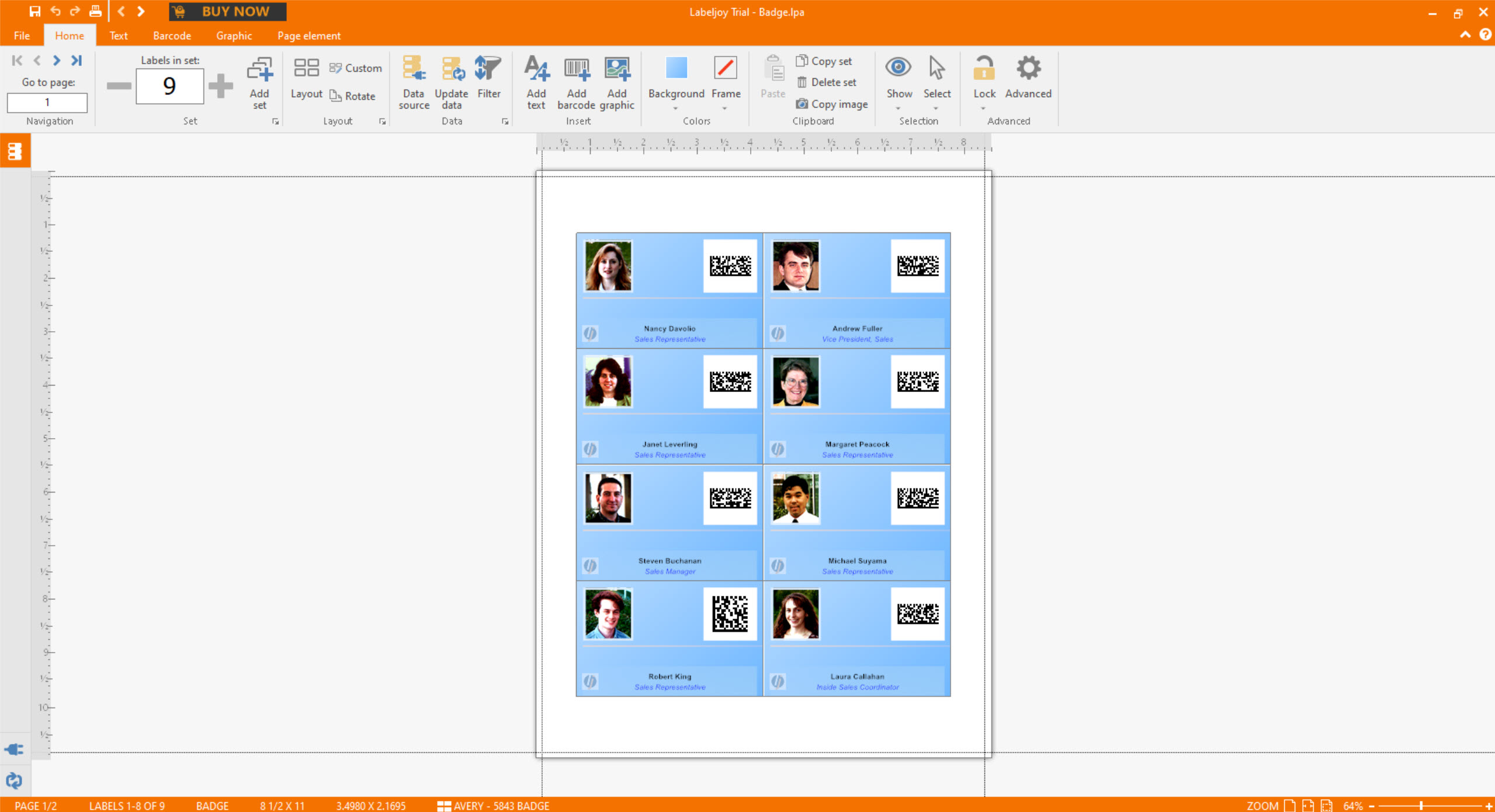
The LabelJoy design side is what you would expect, meaning text, images, shapes and effects placed on a label the size of the ones you actually have, with several thousand preset layouts matching the sheets sold by the common manufacturers.
The parts that matter are the barcodes, the data connection and the printing, in roughly that order.
Barcodes that scanners will actually read
LabelJoy generates two dozen barcode types, covering the linear codes on retail packaging, the ones used in logistics and the two-dimensional codes that hold more.
Generating a barcode is easy and generating one that scans is not the same thing. A code that is too small for the printer’s resolution, squeezed against the label edge without the blank margin scanners need, or printed on a texture that interferes with the contrast will fail at the till while looking fine on screen.
That is not a fault in the software, it is the nature of printed barcodes, and the sensible habit is printing one label and scanning it before printing a hundred. The software sizes codes correctly and it cannot know what printer, paper and scanner you are using.
Where the label is really a piece of artwork rather than a data field, a vector editor with precise dimensions and clean export draws the design, which this then places and prints.
Data from wherever it already lives
Labels rarely carry the same text twice, and the LabelJoy connection to external data is what makes a hundred different labels one job rather than a hundred.
Spreadsheets, databases, plain text files and address books all serve as sources, with fields from the data placed onto the label design so each label draws its own values. A product list becomes a sheet of price labels, an address list becomes a mailing, and a stock file becomes barcoded bin labels.
Serial numbering handles the case where there is no data file at all, generating sequential codes or numbers across a run.
The same idea done inside an office suite covers the simplest version, and a suite whose word processor handles address labels through mail merge manages plain text labels without a dedicated program.
The bottom row problem
Here is the failure everybody meets with label sheets, and LabelJoy documents it honestly rather than pretending it away.
Printers cannot print to the very bottom edge of a page, because the rollers that pull the paper through occupy that space. On an ordinary document that costs a margin nobody notices. On a label sheet it can make the last row of labels unprintable, and on a run drawing data from a file that means data silently missing from the output.
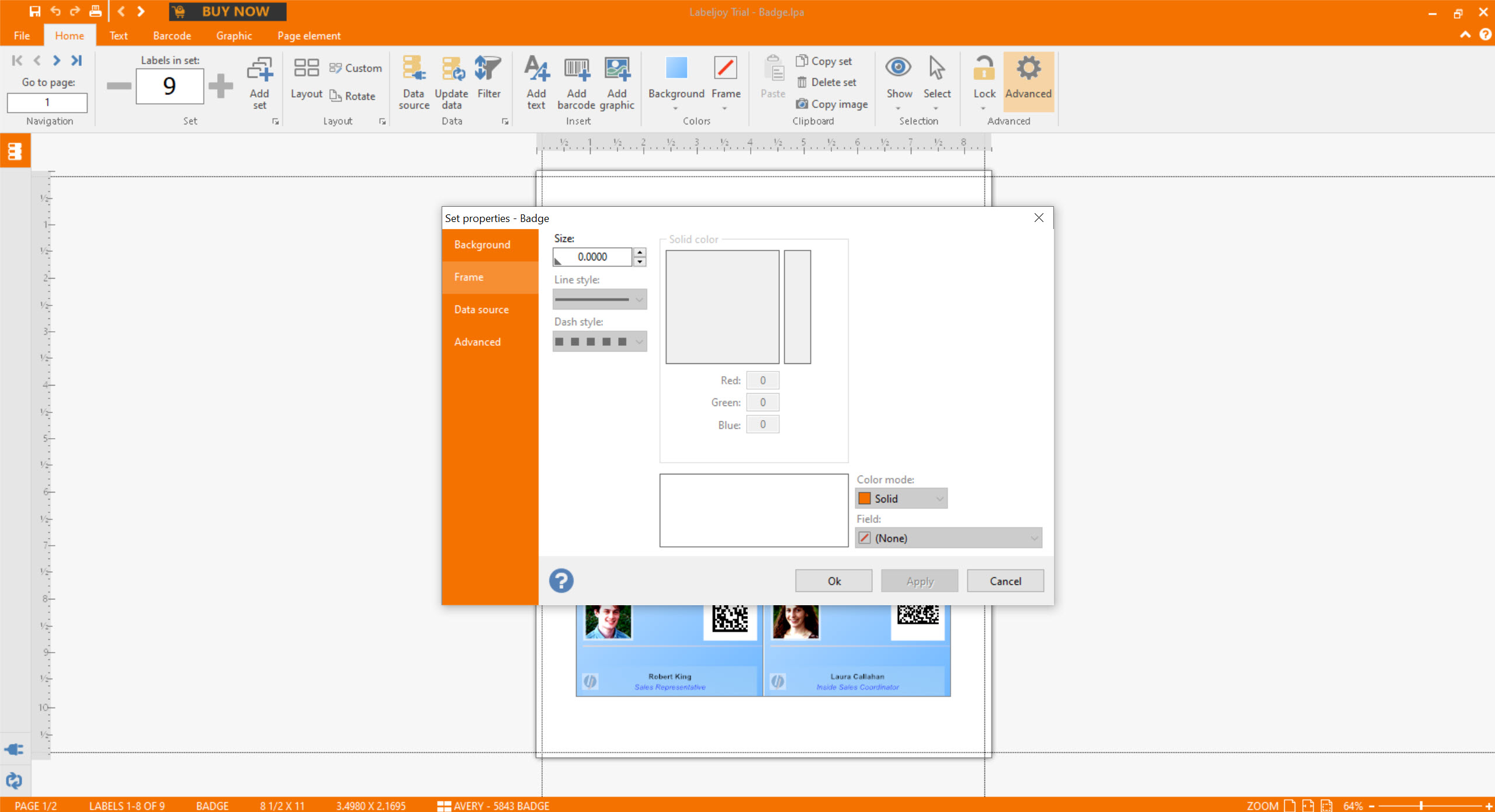
The layout shows the printer’s reported limit as a line, so you can see whether the last row falls inside or outside it before printing anything.
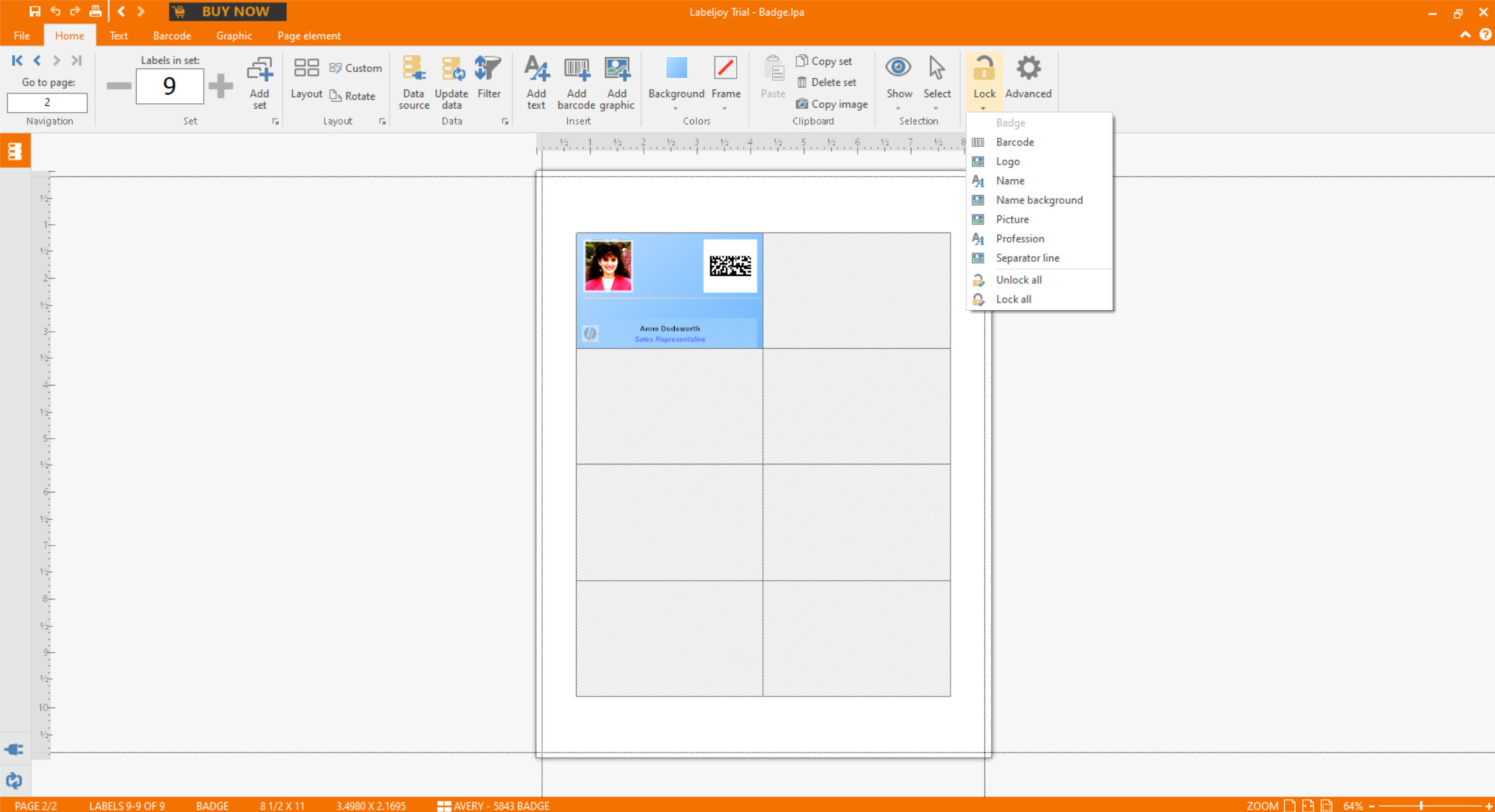
The related feature is choosing which label position to start from. A partly used sheet, with the first eight labels already peeled off, can be reloaded and printing begins at the ninth, which stops the waste that otherwise makes people throw away half-used sheets.
The free version watermarks in stages
The LabelJoy arrangement is unusual and needs understanding, because it is more usable than most trials and still not usable for real output.
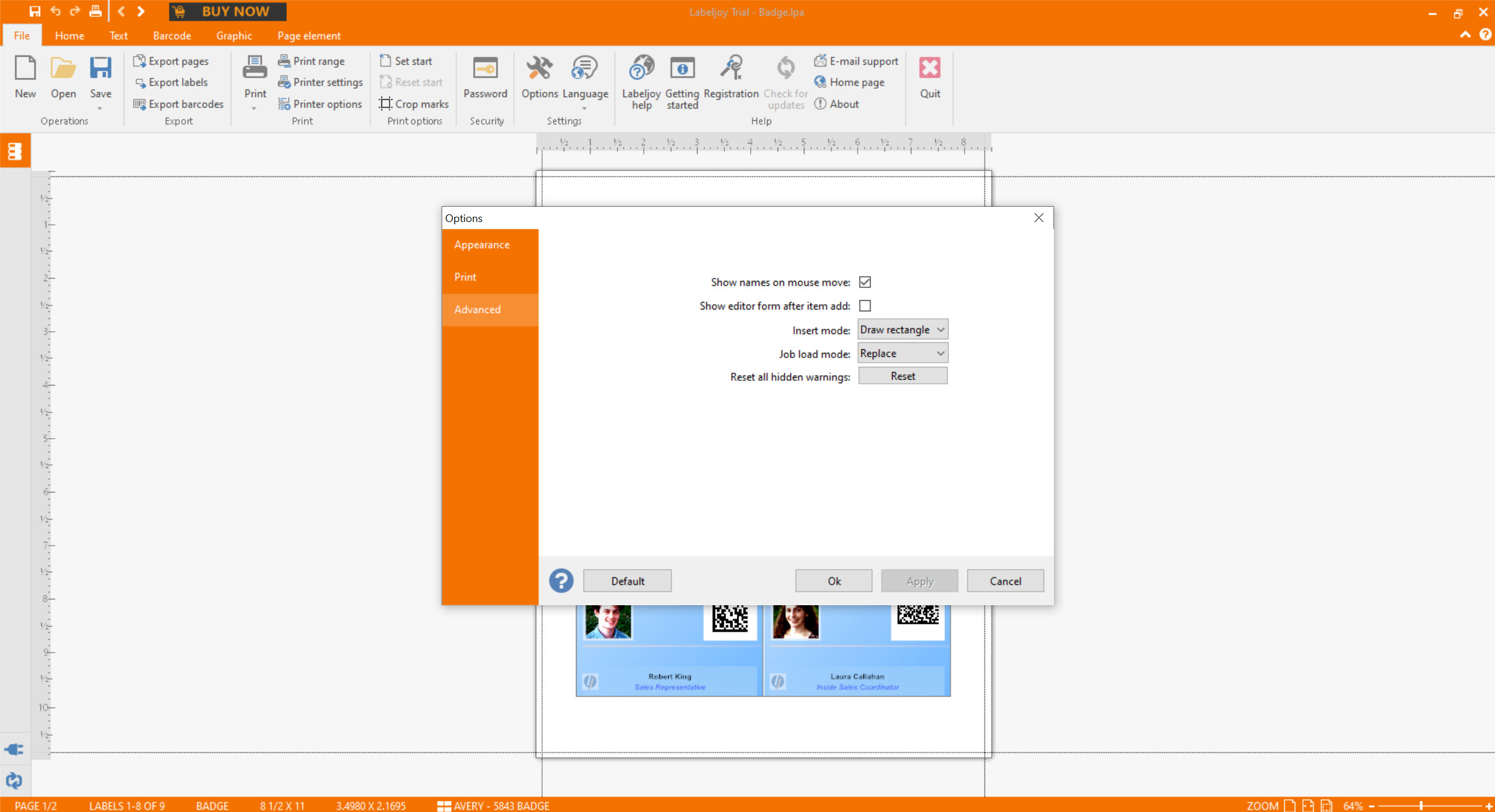
Everything works without paying. The first few hundred labels carry a small text on every other label, and everything printed after that carries a larger watermark across it.
So the free version is a genuine test rather than a demonstration, since you can design, connect data and print real sheets to see whether the alignment and barcodes behave. It is not a way to produce labels you would put on a product, which is the point at which paying becomes the question.
Exporting to image and document formats is limited in the same way, so a design made here and printed elsewhere carries the same marks.
Where it fits
LabelJoy suits small businesses labelling products, anybody producing mailings from a list, and anyone who needs barcodes on physical items without a dedicated barcode printer are the audience.
For industrial batch labelling tied to production records, Commander4j works at a different scale with traceability built in.
Conclusion
LabelJoy takes the two things that actually go wrong with label printing seriously, which are barcodes that fail to scan and sheets that print misaligned or lose their last row. Showing the printer’s real margin and starting from any position on a sheet are small features that save real money in wasted labels.
Use the free version as the test it is designed to be. Design the label, connect your data, print a sheet and scan a barcode, and you will know whether it does what you need before paying. Just do not expect that sheet to be usable, because the watermark is exactly where the price of the software sits.
Pros & Cons
- Two dozen barcode types, covering retail, logistics and two-dimensional codes
- Data from spreadsheets, databases, text files and address books
- Several thousand preset layouts matching common label sheets
- Shows the printer's unprintable margin before you waste a sheet
- Starts printing from any label position on a partly used sheet
- The free version tests everything, including real printing
- Free output is watermarked, so it demonstrates rather than produces
- Barcode scannability depends on printer, paper and size, which no software controls
- Reports of slowness and occasional hangs in reviews
- Paid for any real use, in a category with simpler free tools for plain labels
Frequently asked questions
Generated correctly, yes, and printed correctly is a separate question. Size, the blank margin around the code and the printer's resolution all decide it, so print one label and scan it before printing a run.
Because printers cannot reach the bottom edge of the page, where the rollers sit. The layout shows that limit as a line, and if the last row falls below it that row is unprintable on that printer regardless of software.
Yes, by setting which label position to start from. The first sheet begins at the position you choose and subsequent sheets print fully, which stops half-used sheets going in the bin.
Nothing in the design, data connection or printing. The output carries a small text on every other label at first and a larger watermark after a few hundred, so it tests everything and produces nothing you would put on a product.
Yes, along with databases, text files and address books. Fields from the source are placed on the design and each label draws its own values, which is how a list becomes a sheet of different labels.


