

Hearthstone Deck Tracker
 (3 votes, average: 5.00 out of 5)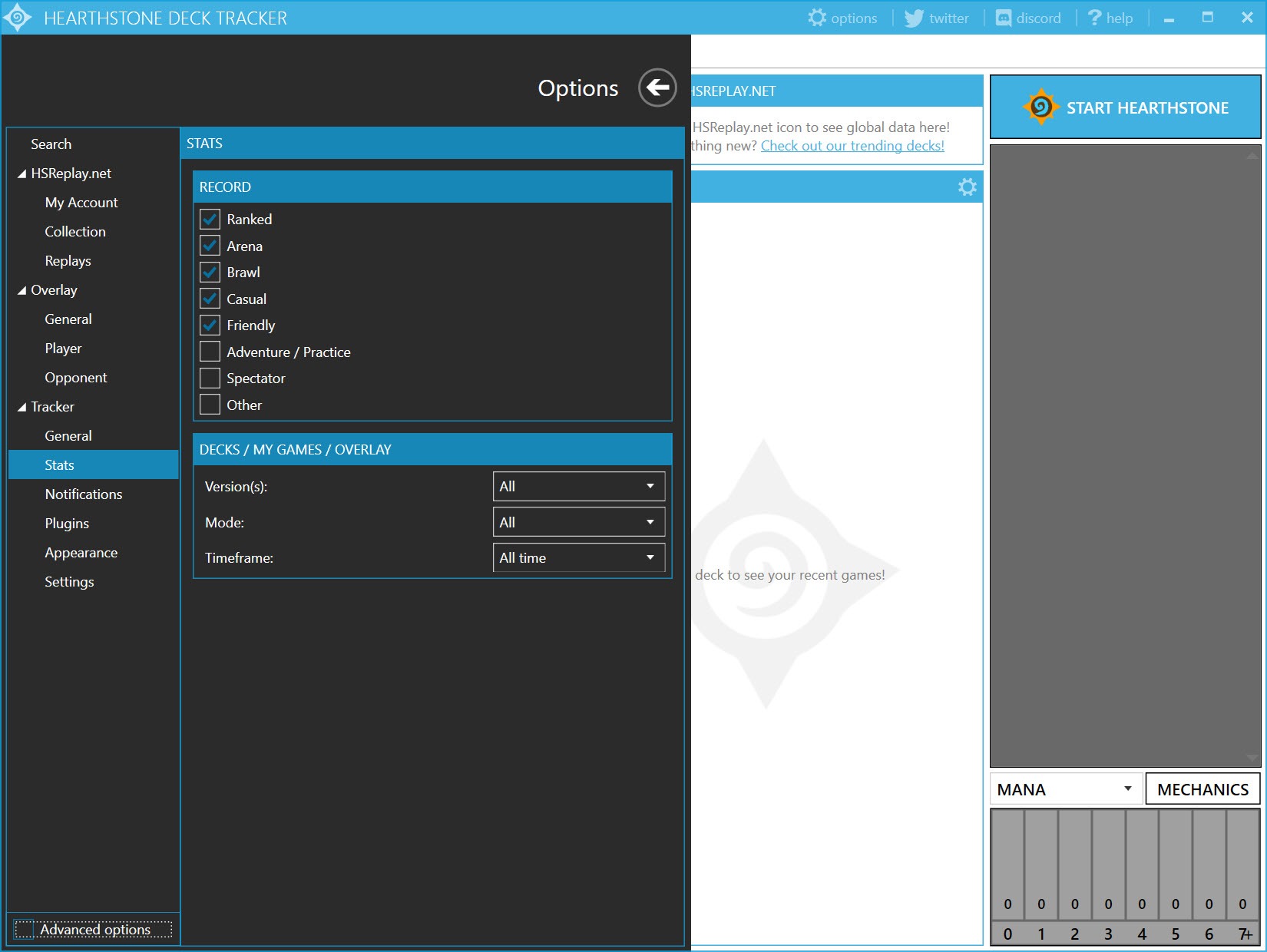
About Hearthstone Deck Tracker
Anyone who has climbed the Hearthstone ranked ladder past a certain point knows the feeling. You are six cards deep into a grind, you cannot remember whether your opponent already played both copies of their board clear, and you definitely cannot recall how many cards are left in your own deck. Hearthstone Deck Tracker exists to take that mental bookkeeping off your shoulders.
It watches the game’s log files in real time and paints two slim overlays onto the screen, one showing exactly what is still sitting in your library and one estimating what your opponent is holding.
The whole thing reads Hearthstone’s own output rather than touching the game memory, which is why it has lasted as long as it has without breaking ban rules. Hearthstone Deck Tracker does not automate a single click or read anything you could not work out yourself with a notepad and perfect memory. It just does the counting faster, and it does a lot of quiet statistical work on the side that most players never bother to dig into.
How the overlay reads your game
The core trick is simple and worth understanding before you trust it. Hearthstone Deck Tracker parses the Power.log file the client writes during every match. Every card draw, mulligan swap, and minion played gets logged, and the tracker turns that stream into the running list you see pinned to the left of your deck.
Your own overlay is exact. It knows your decklist because you imported it, so the count of remaining cards is never a guess. The opponent overlay is the interesting one. It starts empty and fills in as they play, then layers card-prediction on top. If your opponent is on a known meta archetype, the tracker will tentatively show the cards that list usually runs, greyed out until confirmed. Handy, occasionally misleading if someone is piloting a homebrew, and you learn to read the difference fast.
There is a deck-position guess too, the little numbers next to cards that estimate how likely a specific card is to be drawn next based on shuffle effects and known draws. It is not magic and it gets confused by some shuffle interactions, but for tutoring newer players on what to play around, it earns its spot on screen.
Stats that actually change how you play
Past the live overlay sits the part that quietly makes you better. Every game gets recorded with the deck used, the class faced, the result, turn count, and coin. Over a few hundred matches that turns into a genuine matchup spreadsheet. You can see that your aggro list is a coin flip against control warrior but a 70% favorite into anything slower, which is the kind of cold data that talks you out of a deck you are emotionally attached to.
The arena side deserves its own mention. Hearthstone Deck Tracker logs every arena run, tracks your average win count, and lets you tag drafts so you can spot which classes you actually win with versus which ones you keep drafting out of habit. If you grind arena, that history is more useful than any external tier list because it is your own results.
The replay viewer is a nice extra. Finished games can be saved and stepped through turn by turn, which is the closest thing to reviewing your own footage without recording your screen. Streamers who want to capture gameplay separately still reach for tools like Fraps, but for pure decision review the built-in replay covers it.
Importing decks and the plugin ecosystem
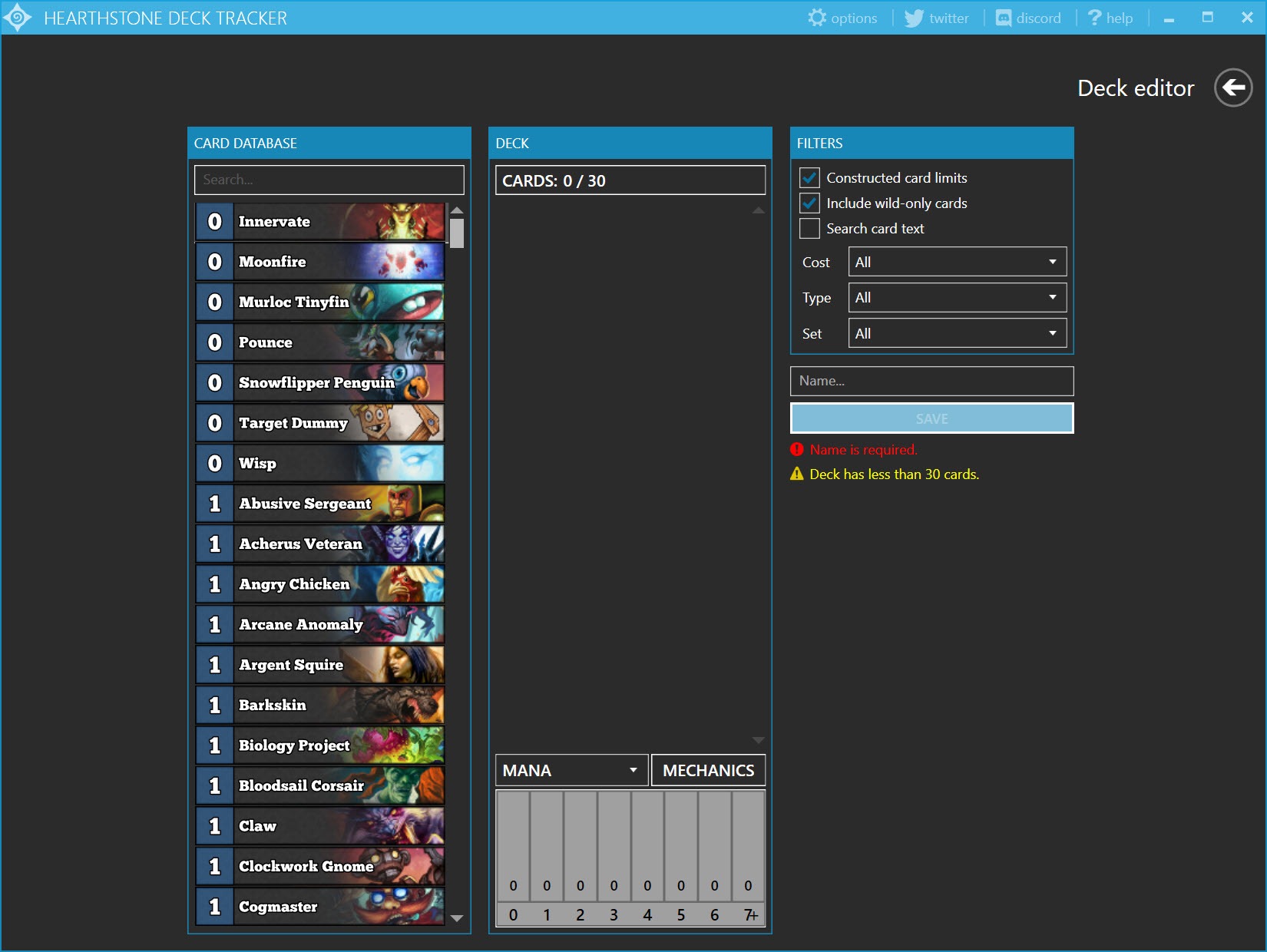
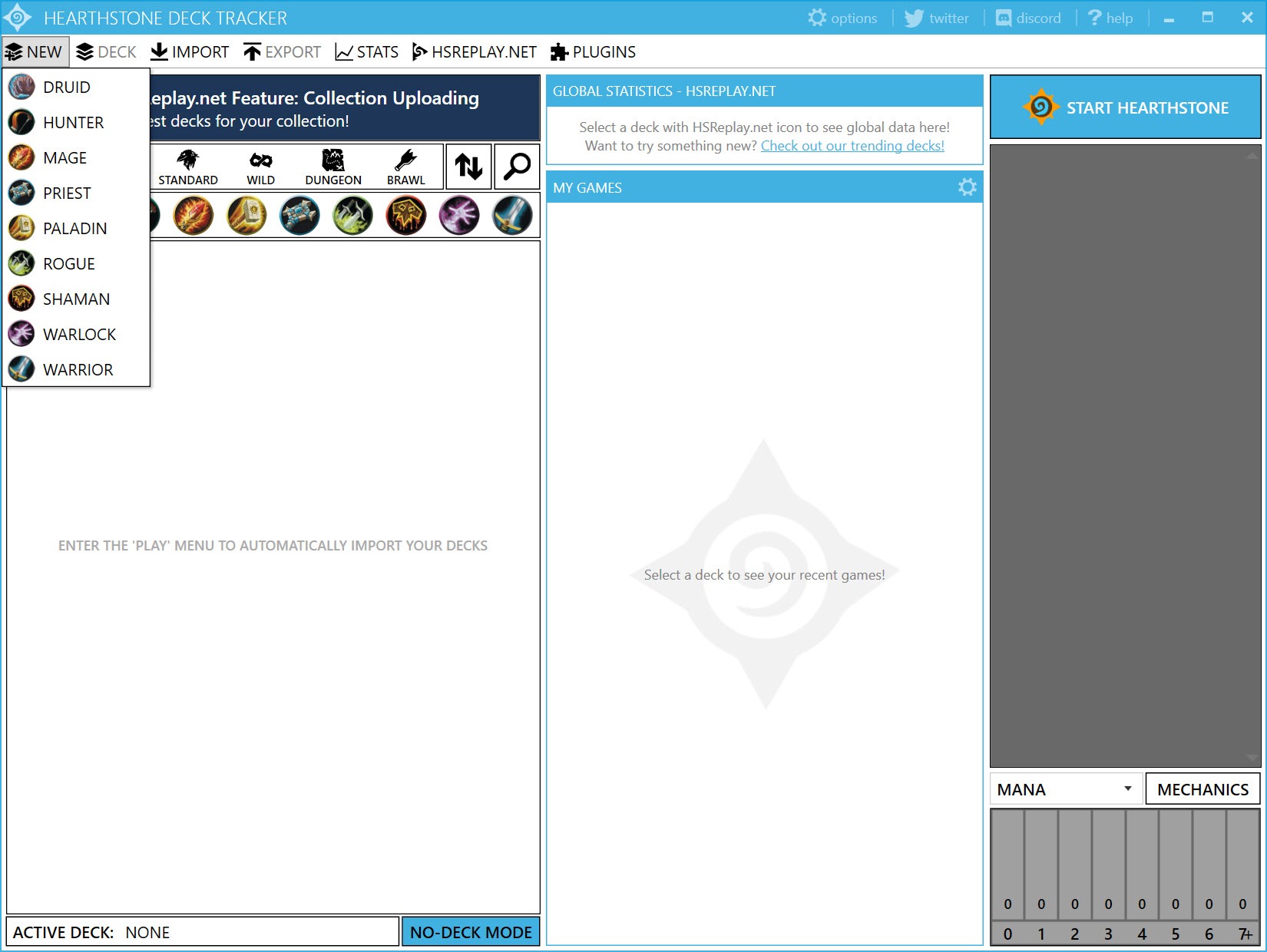
Getting a deck into the tracker is painless. You can paste a deckcode straight from the game’s copy function, import from your collection, or pull lists off the popular deck sites. The screenshot-import feature even reads a decklist from an image, which sounds gimmicky until you need to copy a list off a stream.
Where it gets genuinely deep is plugins. The tracker exposes a plugin API, and the community has filled it out. There are add-ons that overlay Battlegrounds minion tiers and lobby leaderboards, ones that track your collection’s dust value, win-rate trackers that pull live meta data, and assorted quality-of-life tweaks. Installing them is a matter of dropping a file into a folder and toggling it on. Battlegrounds players in particular get a lot of mileage here, since the base tracker handles constructed best and leans on plugins to flesh out the auto-battler mode.
If your setup already involves a stack of gaming utilities, the tracker slots in alongside things like Razer Cortex for performance and a Battle.net launcher shortcut without stepping on anything.
It runs as a lightweight background process and hooks the game window, so the overhead is negligible even on modest hardware.
Streaming and capture friendliness
A big slice of the userbase streams, and the tracker was clearly built with that in mind. The overlays can be set to capture cleanly in broadcasting software, and there is a streaming mode that adds a small delay or hides your own card list so snipers in chat cannot read your hand. You can position and resize every panel independently, scale the fonts, and pick which stats show on stream versus stay private.
For the chat side of a stream, viewers often run a separate Twitch chat client rather than the laggy web version, and the tracker plays nicely next to it. There is also tight integration with community overlays through the plugin system, so a streamer can show live deck odds to an audience without manual updating.
If you tinker with Discord plugins and overlays for your community already, the same comfort with modular add-ons carries straight over.
The rough edges
It is not flawless. After a big Hearthstone patch the tracker frequently needs an update before it reads the new log format correctly, and there is usually a day or two of card-detection bugs while the community catches up. The overlay can occasionally drift out of alignment if you alt-tab or change resolution mid-session, fixable with a quick reset but annoying mid-ladder.
The interface around the stats and settings is dense and a little dated. Powerful, yes, but you will spend time hunting through tabs to find the toggle you want. And the opponent card-prediction, useful as it is, can plant a wrong card in your head if you take it as gospel against an off-meta player.
Conclusion
If you take Hearthstone even semi-seriously, Hearthstone Deck Tracker changes how the game feels. The exact card count alone removes a layer of stress, and the matchup data underneath turns vague hunches into something you can act on. Ladder grinders, arena specialists, and anyone who streams will get the most out of it, since those are the players who benefit from history and clean overlays rather than a one-off casual session.
It asks for a little patience around patch days and a tolerance for a busy interface, and the opponent prediction wants to be read with judgment rather than blind faith. Accept those and you have a companion that quietly handles the math so you can spend your attention on the decisions that actually win games.
Pros & Cons
- The own-deck counter is exact and removes all guesswork about what you can still draw
- Detailed matchup and arena statistics build into a personal database that genuinely improves decisions
- Open plugin system covers Battlegrounds, collection tracking, and live meta data
- Streamer-focused features like hand-hiding and clean overlay capture are built in, not bolted on
- Multiple import methods including deckcode paste and screenshot reading
- Replay viewer lets you review games turn by turn without recording software
- Often needs an update and a short bug-fix window after major game patches
- The settings and stats interface feels cluttered and takes time to learn
- Overlay can lose alignment after alt-tabbing or resolution changes
- Opponent card-prediction occasionally misleads against unconventional decks
- Battlegrounds support leans heavily on plugins rather than core features
Frequently asked questions
It reads the log files the game writes during each match and turns that data into live overlays, one tracking your remaining cards exactly and one estimating your opponent's hand based on what they have played.
After installing it, you import a decklist by pasting a deckcode or pulling it from your collection, then launch Hearthstone and the overlays attach to the game window automatically.
The tracker only reads the game's own log output and does not modify the game or automate any action, which is why it has long been tolerated by the community. Blizzard's stance can change, so the responsibility ultimately sits with you.
Yes. It logs every arena run, tracks your average wins, and lets you tag drafts so you can review which classes actually win for you over time.
Yes. The application supports a plugin API, and you install community add-ons by placing the plugin file in the right folder and enabling it in the settings menu.
The tool checks for new releases on launch and prompts you to update, which matters most right after a Hearthstone patch changes the log format and card detection needs a fresh build.


