

Amolto Call Recorder
About Amolto Call Recorder
Today, the digital world’s need for applications such as Skype or Teams is unprecedented. When you need to connect with your family, friends, or coworkers, you need to hear from them constantly.
And when you don’t want to miss important information that you might get from these calls, you might even want to record them and listen back to them later on.
Unfortunately, Skype itself doesn’t offer that option. However, the good news is that you can use an application like Amolto Call Recorder, which will help you record all your Skype calls or only the selected calls and ensure you don’t miss anything.
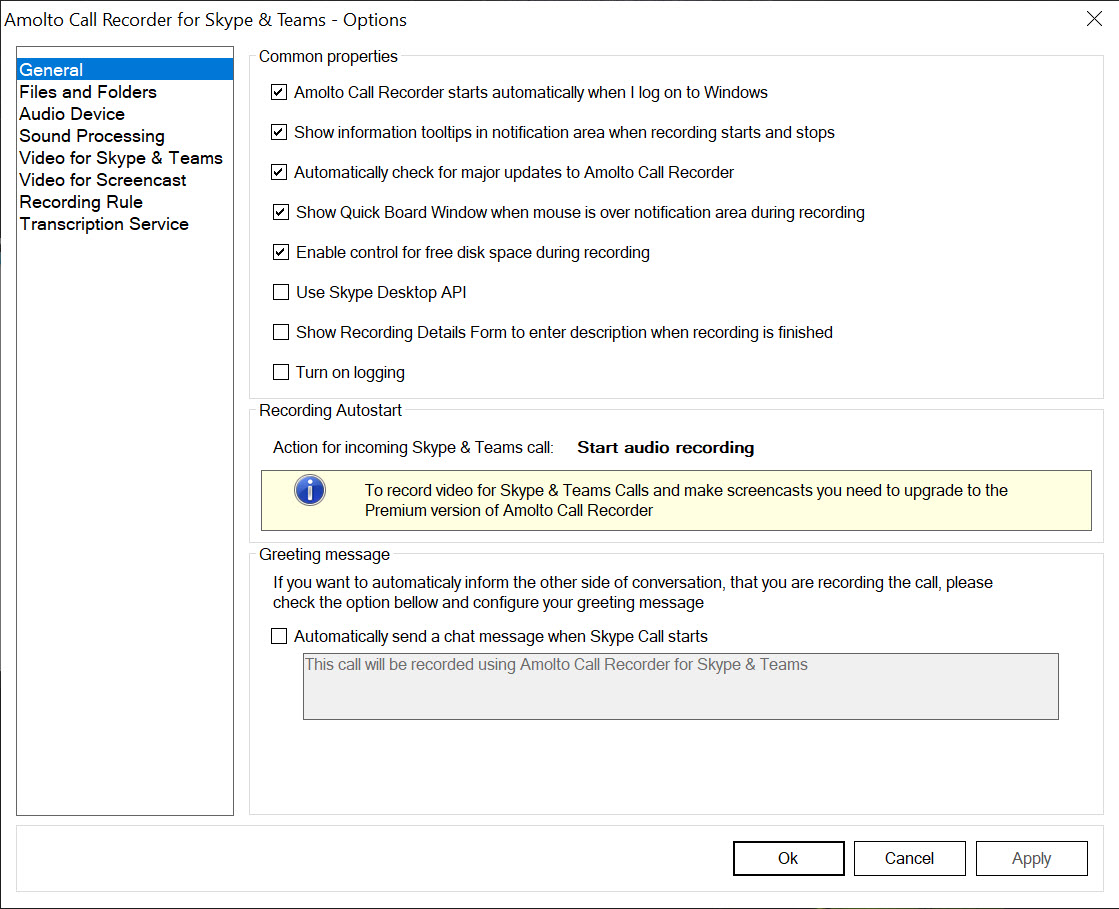
With this app, you’ll also be able to save your calls to the MP3 format and customize them so that you can use them later on.
Easy to Use and Record
You don’t need any special knowledge or installing additional software to install this application. The application will install in just a few minutes. And the good news is that Amolto is incredibly easy to use, as it has a user-friendly interface and quite a simplistic system for recording your calls.
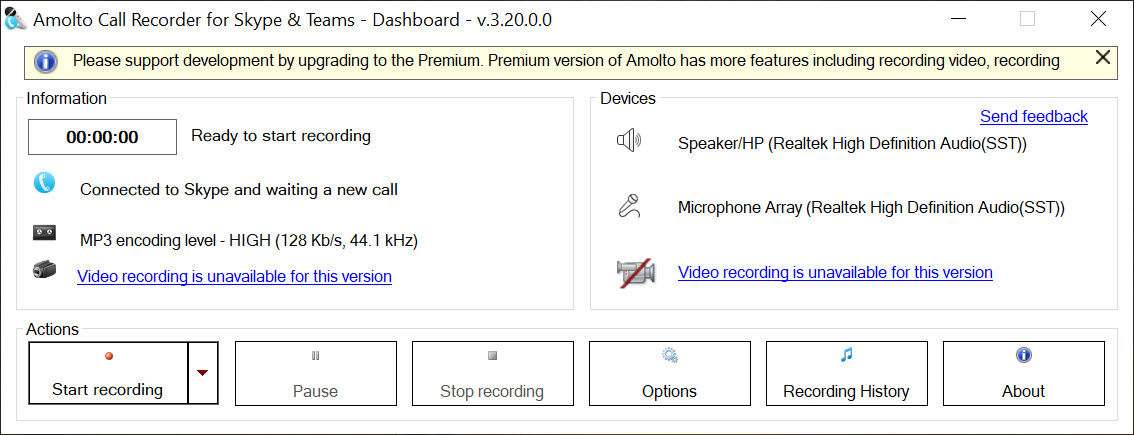
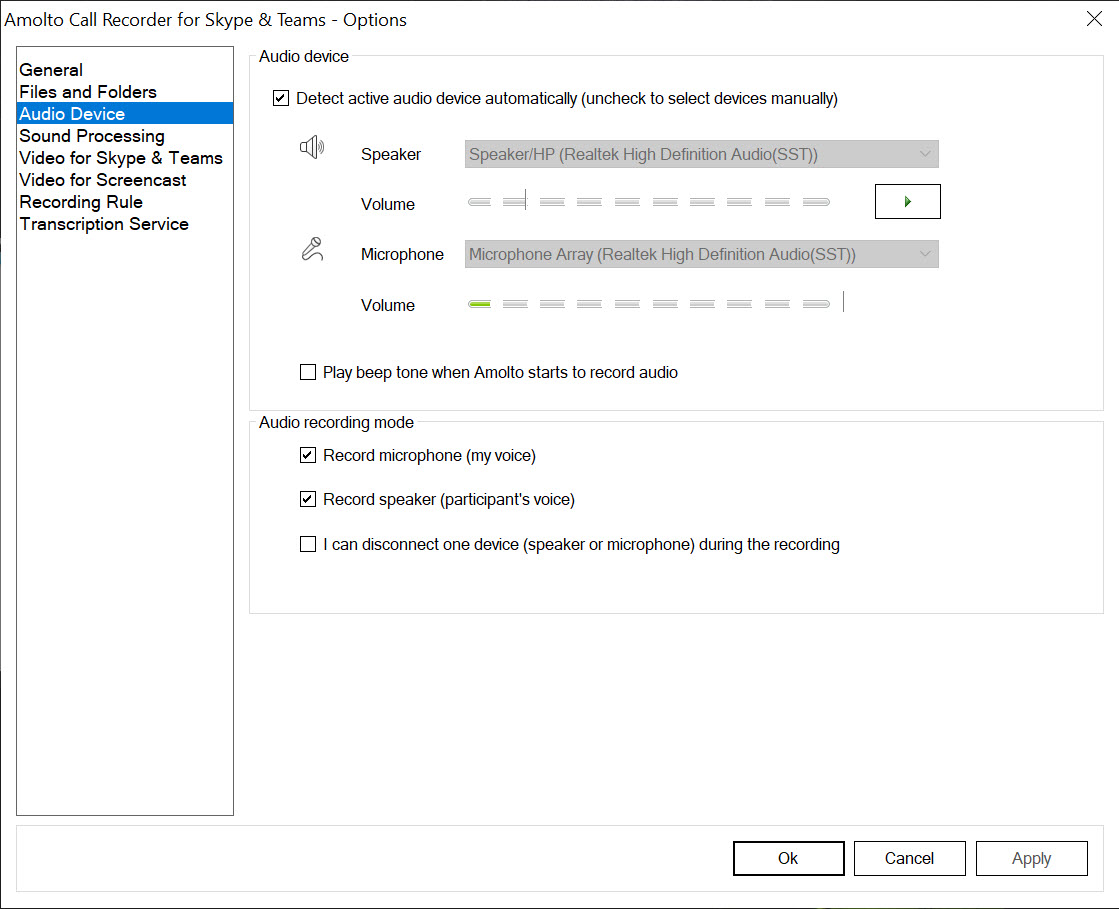
In the main section of this tool, you’ll find all of the information about your microphone and headphones and whether they are active or not.
When you want to start your Skype calls, you need to ensure this app is running and that you’re using your microphone and headphone settings to a high level to get and record high-quality calls.
Then you can save the calls to the MP3 format easily, which can be used on various devices, including your phone, computer, and other devices.
You can also customize the details of each recording, such as adding dedicated tags, creating titles, artists, albums, and the year of creation. You have all the freedom you need.
Organize and Find Your Calls
And when you record and save calls to the MP3 format, you’ll create a nice little library of calls to keep your calls organized and ensure you don’t miss a call.
The good news is that this library is organized, as you can manage your calls based on various parameters and filters.
You can view them by name, but you can also see other important information about each call, such as the duration, time, date, and further details. You can also see each call’s start time and audio size, allowing you to organize your calls.
Conclusion
Amolto Call Recorder helps you record and save your Skype and Teams calls to the MP3 format so that you can use them later on and even customize them.
The app is easy to use and install and requires no special technical knowledge.


